

Description
The Infinite Spread Button is a special block that, when right-clicked while holding any block, causes that block to spread outward infinitely like sculk—replacing air, water, and lava as it goes and producing sculk-like sounds and particles. Right-click the button with a different block to switch the spreading block, and right-click with an empty hand or break the button to stop the spread. Server operators can run the /spreadfaster command to switch the button into fast mode (24 blocks per tick), which increases the speed of both active and future spreads until the server is restarted.
Mod Wiki
Infinite Spread Button
Quickstart
- Craft or obtain the Infinite Spread Button.
- Place it in an open area. The button faces away from you when placed.
- Hold any placeable block and right-click the button.
- The held block is consumed in Survival, and the spread begins above the button.
- To change the spreading block, hold a different block and right-click the button again.
- Right-click with an empty hand to stop the spread. Breaking the button also stops it.
The spread replaces blocks in its path, so test it in an area where destroying terrain is acceptable.
Overview
The Infinite Spread Button causes a selected block to expand outward through the world in all six directions, similar to sculk spreading. It replaces air, water, lava, and other ordinary blocks as it travels.
Spreading produces sculk-like particles and sounds. The process continues indefinitely while there is an available path, and keeps checking for new openings if the spread temporarily runs out of room.
What It Adds
- Infinite Spread Button block
- Block spreading in all six directions
- Support for spreading any placeable block
- Sculk-like spread particles and sounds
- A server-wide fast-spread command for operators
The button’s own structure and bedrock cannot be replaced by the spread.
How To Use
Starting a spread
Hold a block in your main hand and right-click the button. The block begins spreading from the space above the button.
In Survival, one copy of the held block is consumed when the spread starts. Creative players do not lose the held block.
Changing the spreading block
While a spread is active, right-click the button with a different block. The previous spread stops and the new block begins spreading from the button.
Blocks placed by the previous spread remain in the world.
Stopping a spread
Right-click the button with an empty hand to stop its active spread. Breaking the button also stops the spread and removes the button structure.
Crafting And Obtaining
Craft the Infinite Spread Button with sculk, sculk catalysts, and a warped button:


The button is also available in the Redstone section of the Creative inventory.
Abilities And Mechanics
- Spreading proceeds through air, water, lava, and other replaceable terrain.
- Blocks in the spreading path are deleted and replaced without dropping their normal items.
- The spread does not replace the button structure or bedrock.
- The default spread places up to 3 blocks every 4 ticks.
- Spread effects include sculk-like charge particles and ambient sculk sounds.
- Each button controls its own active spread.
Fast mode
Server operators can run:
/spreadfaster
Fast mode places up to 24 blocks per tick and applies to both active and future spreads. It remains enabled until the server restarts.
Progression And Strategy
- Place the button above or near the area you want to transform, then use a block that matches your intended design.
- Start with a small test area because the spread destroys blocks in its path.
- Use empty-hand right-clicking to stop the spread before it reaches protected builds.
- Bedrock provides a permanent boundary, while the button structure is also preserved.
- Use
/spreadfasterfor large-scale terrain transformation when the server operator permits it.
How to install
This Java mod can be used on Windows and Mac PCs with the CreativeMode Launcher or any Minecraft launcher of your choice.

1. Download and install the new CreativeMode Launcher
2. Click to play on the top of the screen.
3. That's it — launches instantly. No complicated setup required.
Want to use on a different launcher? Download mod and manually install.
Players also liked
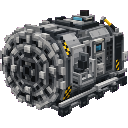
Andesite Tunnel Bore


The Andesite Tunnel Bore is a rideable multiblock mining vehicle modeled after a subway tunnel-boring machine, complete with a large circular cutterhead, steel ring, shield, industrial panels, venting and hazard striping. Right-click the main block to mount (camera switches to th…

Diamond Beginner Kit


The Starter Kits mod adds a simple /kits command that opens a 6×9 GUI offering four one-time starter packs: Iron, Gold, Diamond, and Netherite. Left-click an ingot, gem, or scrap icon to instantly receive a full set of matching tools and armor (plus bonus diamonds for the Diamond…
Boss Progression Checklist

Boss Progression Checklist is a persistent, world-global boss journal that tracks confirmed boss-bar entities (vanilla Wither and Ender Dragon always included; modded bosses appear if listed in the config or actually spawn with a boss event) and orders them by max health, with th…
Ender Mailer
 anon

create a minecraft item that has the following description: 'An item that lets the player transport their items to anywhere in the world. By holding the items that they want to transport in their offhand and right clicking the item in their main hand to transport the items in the…
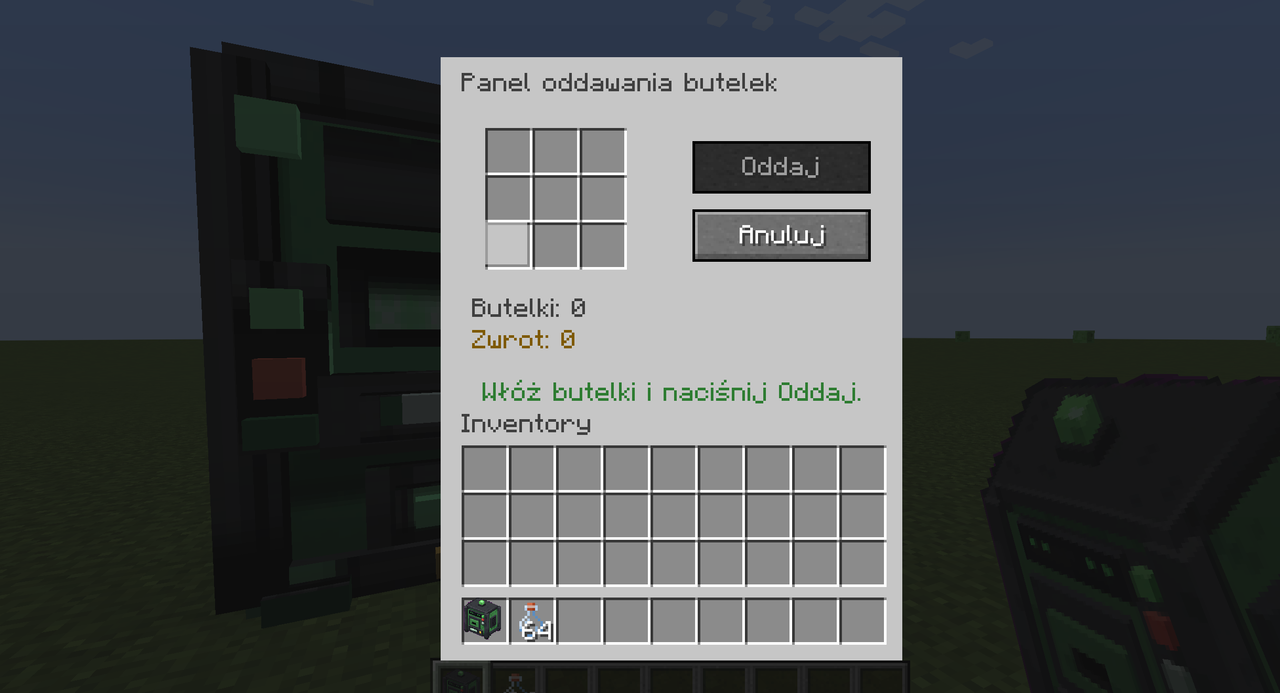
Butelkomat System

Wrzuć butelki do 3x3 panelu i zamieniaj na złote samorodki, teraz z widocznymi kratkami.
This mod is licensed under the CreativeMode Mods License.