
Description
Save and name multiple locations, then teleport to them whenever you need to, also set your respawn point with one handy device.
Mod Wiki
Home Box
Quickstart
- Obtain a Home Box by crafting it at a crafting table or by finding it in the Creative inventory.
- Hold the item in either hand and use it. You do not need to place it as a block.
- Choose Save Position, enter a name such as
Base, and confirm. - Use the Home Box again and choose Teleport to Location to return to a saved position.
- To make your current position your respawn point, choose Set Respawn and enter a name.
Overview
Home Box is a personal location-management device. It lets you save named positions, teleport between them, delete them, and set your current position as your Minecraft respawn point.
Saved positions include their dimension, so you can use the device to travel between locations in different dimensions.
What It Adds
- Save Position — Records your current coordinates and dimension under a name.
- Teleport to Location — Opens a list of your saved positions and teleports you to the selected one.
- Delete Position — Removes a saved position after confirmation.
- Set Respawn — Saves your current position under a name and sets it as your respawn point.
- Personal storage — Your saved locations are associated with your player.
How To Use
Open the Home Box
Hold the Home Box in your main hand or off-hand and use it.
When you have no saved locations, the menu shows:
- Save Position
- Set Respawn
After saving at least one location, the menu also shows:
- Teleport to Location
- Delete Position
Save a Position
- Open the Home Box.
- Select Save Position.
- Enter a location name in the Location name field.
- Confirm the form.
The current position and dimension are saved under that name. A location name cannot be empty.
Saving another position with the same name, regardless of capitalization, replaces the previous position with your current one.
Teleport to a Location
- Open the Home Box.
- Select Teleport to Location.
- Choose a location from the Saved locations dropdown.
- Confirm the selection.
You are teleported to the saved coordinates in that location's dimension.
Set Your Respawn Point
- Open the Home Box.
- Select Set Respawn.
- Enter a name.
- Confirm the form.
This both saves the current position as a named location and sets it as your Minecraft respawn point.
Delete a Position
- Open the Home Box.
- Select Delete Position.
- Choose a saved location.
- Select Yes to confirm.
The selected location is removed from your saved-location list. Select No or cancel the confirmation to keep it.
Crafting And Obtaining
Craft the Home Box at a crafting table:



You can also obtain it from the Creative inventory by searching for Home Box.
Abilities And Mechanics
- The Home Box is an item and does not need to be placed.
- It can be used from either hand.
- Each saved location has a custom name, coordinates, and dimension.
- Teleportation uses the saved position exactly.
- Set Respawn records a normal saved location in addition to changing your respawn point.
- The item is limited to one per inventory slot.
Progression And Strategy
- Save a central base first so you always have a reliable return point.
- Create separate names for important destinations such as
Mine,Village,Nether, orStronghold. - Set your respawn point before long expeditions.
- Resave an existing name when you want that destination to follow a relocated base.
- Delete temporary exploration locations to keep the teleport dropdown easy to navigate.
How to install
Download the mod and follow the step-by-step installation guide.
Players also liked
Crimson Apple Switch

Place an apple on the Crimson Apple Switch to trigger a redstone signal.
Netherite Worldbreaker


Mine massive 10x10x10 areas with the Netherite Worldbreaker!
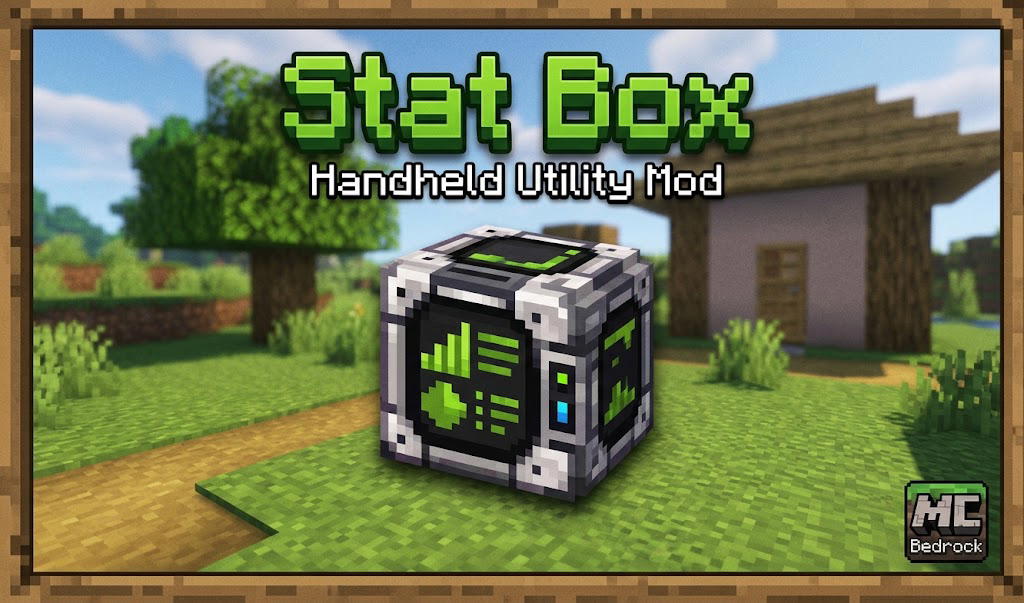
Stat Box


Stat Box adds a craftable, handheld tech reader to Minecraft Bedrock that tracks and displays your detailed world and player stats in a clean, categorized interface. There are many stats you can view and many of them do not show on screen until you actually have information to ad…
More weapons

Unleash rune staffs, swift daggers, and deadly scythes, now with fresh textures from wood to netherite
Exploding Ironfin Sheep


Unleash a finned iron sheep that can erase entire biomes in one explosive blast.
This mod is licensed under the CreativeMode Mods License.