

Description
Carry the Gamemode Switcher—use /give to instantly swap between all four game modes.
Mod Wiki
Gamemode Switcher
Quickstart
- Get the item with
/give @s com_gamemode_switcher_qybrllla:gamemode_switcher. - Hold it in your hand and use it (right-click / trigger the "use item" action) to open the Gamemode Switcher menu.
- Pick a game mode from the dropdown and confirm — you're instantly switched.
- Alternatively, type cm (or !cm) in chat at any time to open the same menu, even without holding the item.
Overview
Gamemode Switcher is a single special item that lets you change your game mode on the fly, without needing to leave the world or dig through settings menus. It presents a simple menu listing all four game modes and swaps you into whichever one you choose.
What It Adds
- Gamemode Switcher — a unique, glinting hand-held item that opens a game mode selection menu when used.
- A chat shortcut (
cmor!cm) that opens the same menu from anywhere, anytime — no item required. - An in-game custom command (
/cm) that also opens the menu, including while you're in Spectator mode, where normal item use isn't possible.
How To Use
- Using the item: Hold the Gamemode Switcher and use it like a tool (right-click/use action). A menu pops up with a dropdown showing your current mode already selected.
- Using chat: Type
cmor!cmas a chat message to instantly bring up the menu — this works even if you don't have the item. - Using the command: Run
/cmto open the menu. This is especially handy in Spectator mode, since you can't hold or use items there. - Choosing a mode: In the menu, pick from Survival, Creative, Adventure, or Spectator, then confirm. You'll see a chat message confirming the switch.
The item has a short reuse delay (about one second) between uses, and it doesn't take damage or wear out — it's meant to be a permanent tool in your inventory.
Crafting And Obtaining
There is no crafting recipe for the Gamemode Switcher. Obtain it using the give command:
/give @s com_gamemode_switcher_qybrllla:gamemode_switcher
It only takes up one inventory slot at a time (it doesn't stack), and it cannot be destroyed while in Creative mode by digging through blocks with it — it's meant to be carried, not consumed.
Abilities And Mechanics
- Opens a menu-based game mode switcher covering all four vanilla modes: Survival, Creative, Adventure, and Spectator.
- The menu remembers your current mode and highlights it by default when opened.
- Works both as a physical item and as a chat/command trigger, so you always have a way to switch modes even if the item is lost or you're stuck in Spectator.
- Switching is immediate — there's no confirmation delay beyond closing the menu.
Progression And Strategy
Keep the Gamemode Switcher in your hotbar or inventory as a convenience tool for creative building sessions, testing, or quickly hopping into Spectator to scout an area before returning to Survival or Creative. Since it never breaks and only has a short cooldown, you can rely on it as your go-to way to change modes without needing operator commands typed manually.
How to install
Download the mod and follow the step-by-step installation guide.
Players also liked
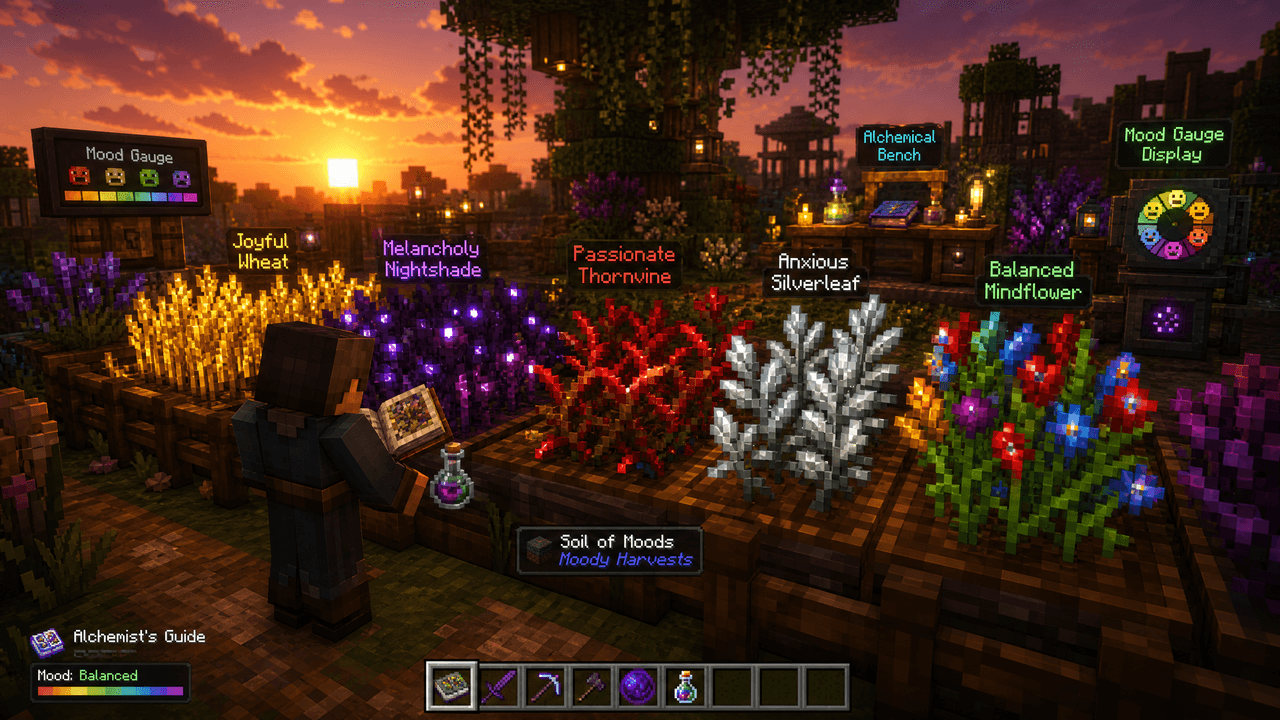
Moody Harvests


Moody Harvests adds an emotion-driven farming loop around five mood crops — Joyful Wheat, Melancholy Nightshade, Passionate Thornvine, Anxious Silverleaf, and Balanced Mindflower — which you plant on crafted Soil of Moods and monitor with the Mood Gauge and Mood Table as they slo…





Emerald Emporium V1


Emerald Emporium adds a craftable merchant block that offers eight rotating daily deals across multiple rarity tiers — place and open the shop to browse OFFers, add items to your private per-player cart, and buy with emeralds; purchased items go into a per-player shipping queue w…

Ascendant Golden Apple

Feedback: (I want to be clear up-front, this isn't meant to bash the devs. Consider it feedback. I can't really use Discord so I'll leave my thoughts here.) I understand this is a new site and AI tool, and I expect there to be quirks. Still, I've noticed something odd: when I'm v…
This mod is licensed under the CreativeMode Mods License.