

Description
Wield the Tesla Cannon and craft Fusion Cells to unleash yellow lightning through up to 20 foes.
Mod Wiki
Fusion Stormcaster
Quickstart
- Craft a Tesla Cannon and a stack of Fusion Cells (recipes below).
- Keep at least one Fusion Cell in your inventory — each shot consumes one.
- Hold the Tesla Cannon and use it (right-click) while aiming at a hostile mob.
- Watch a bolt of yellow lightning strike your target and arc onward to nearby enemies — up to 20 total in one shot.
Overview
Fusion Stormcaster adds a single powerful ranged weapon, the Tesla Cannon, powered by a crafted ammunition item called the Fusion Cell. Fire the cannon at a foe to unleash a chaining lightning bolt that leaps between nearby enemies, letting a single shot devastate a whole group of mobs.
What It Adds
| Item | Description |
|---|---|
| Tesla Cannon | A durable ranged weapon that fires chaining lightning bolts. Found in the Combat creative tab. |
| Fusion Cell | Consumable ammunition required to fire the Tesla Cannon. Found in the Combat creative tab. |
Crafting And Obtaining
Fusion Cell — crafted from copper ingots, glowstone dust, and redstone:



Tesla Cannon — crafted from gold ingots, a lightning rod, redstone blocks, a blaze rod, and an iron block:



Both recipes are known automatically as soon as you pick up their key ingredients (redstone for the Fusion Cell) or simply by joining the world (for the Tesla Cannon), so they'll show up in your recipe book right away.
Abilities And Mechanics
- Firing: Right-click (use item) while holding the Tesla Cannon to fire. This requires one Fusion Cell in your inventory, which is consumed automatically. (Creative players with instant-build do not need Fusion Cells.)
- Range: The cannon targets the nearest valid hostile entity within about 24 blocks along your line of sight.
- Chain lightning: Once the bolt strikes its first target, it automatically arcs to additional nearby enemies within roughly 7 blocks of each other, chaining through up to 20 total targets in a single shot.
- Damage falloff: The initial target takes the heaviest hit, with each subsequent chained target taking progressively less damage as the bolt weakens down the chain.
- Cooldown: The cannon has a short cooldown between shots, so it can't be fired instantly back-to-back.
- Durability: The Tesla Cannon has limited durability and loses a small amount each time it's fired, so keep spares or be ready to repair/enchant it — it can be enchanted for durability, unbreaking-style protection, and combat effectiveness like other weapons, and can also take the Vanishing Curse.
- Visuals and sound: Firing draws a lightning-colored beam effect between you and each struck target, accompanied by a thunderous impact sound.
Progression And Strategy
- Stock up on Fusion Cells before heading into combat — each shot costs one, and you can't fire without one (unless in Creative mode).
- Use the Tesla Cannon against groups of mobs — spawners, raids, or crowded caves — where its chaining lightning can strike many enemies from a single shot.
- Aim at the closest or most dangerous enemy first, since the chain effect radiates outward from whichever mob you hit first.
- Manage the cannon's cooldown and durability during extended fights; pair it with melee weapons for follow-up damage between shots.
How to install
This Java mod can be used on Windows and Mac PCs with the CreativeMode Launcher or any Minecraft launcher of your choice.

1. Download and install the new CreativeMode Launcher

2. Click to play on the top of the screen.
3. That's it — launches instantly. No complicated setup required.
Want to use on a different launcher? Download mod and manually install.
Players also liked
Not Enough Challenge


NotEnoughChallenge/ ├── 🎯 Goal │ └── Competitive challenge framework with server-side lobbies and synced settings. │ ├── ⚡ Classic Speedrun │ ├── 🐉 Race to defeat the Ender Dragon. │ ├── 👤 Solo or 👥 team. │ └── 🌪️ Optional Chaos Mode with random maluses. │ ├── 🎲 Spe…
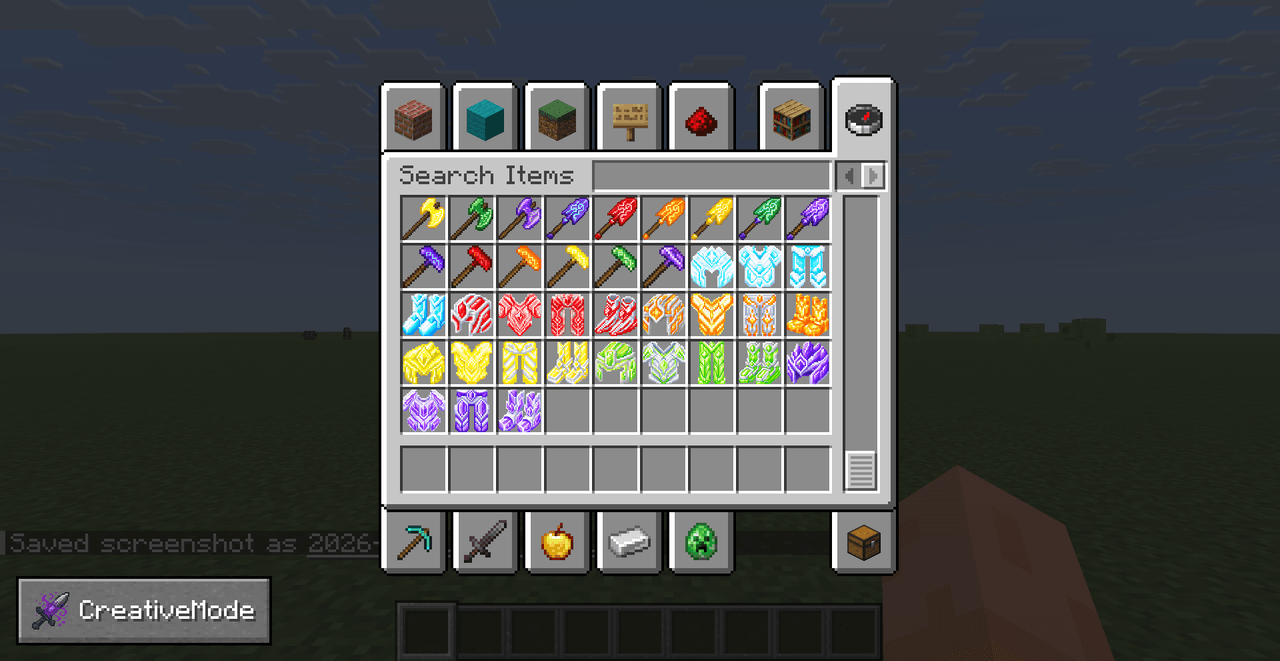
Masterwork Tools


Masterwork Tools overhauls harvesting by adding Enchanted Ore in caves and deepslate that drops Enchanted Crystals you can dye into red, orange, yellow, green, and purple variants to craft matching enchanted tools and armor or use as repair material, while preserving enchanted be…
Aria

Aria è un demone umanoide che ti aiuterà con buff, attacchi e varie attività
Curtained Bed


Turn bedtime into a cozy retreat with a curtained bed built for peaceful Minecraft nights.

Crimson Beacon Armor

Don the Crimson Beacon Armor to gain twenty extra hearts and soar through survival.
This mod is licensed under the CreativeMode Mods License.