

Description
its seems normal but later you notice blocks that you have never seen before and foot prints after 5 day it finally shows it self make eye contact with it it comes after you until you die
Mod Wiki
Fifth Day Stalker
Quickstart
- In Creative mode, search for Fifth Day Stalker Spawn Egg and use it to summon the mob.
- If commands are enabled, you can summon it with
/summon com_fifth_day_stalker_byjo5vpj:myenderman. - Its arrival sets the world to night and begins a five-stage countdown. Prepare shelter, food, weapons, and a way to see in the dark.
- Craft or obtain the Flashlight, select it, and use it to gain Night Vision for 30 seconds.
- Watch the stalker and the ground beneath it. Crying obsidian appears below it at each countdown milestone.
- Avoid looking directly at its face unless you are ready to fight. Wearing a carved pumpkin prevents its look-at trigger.
Overview
Fifth Day Stalker adds a hostile, enderman-like monster that begins a quiet countdown when it spawns. It remains calm during the early stages, but after the fifth stage it reveals its aggressive behavior and pursues players more directly.
The stalker is a dangerous melee enemy with 40 health, a 64-block tracking range, and the ability to teleport. It can appear naturally in dark monster areas on Easy, Normal, or Hard difficulty.
What It Adds
Fifth Day Stalker
- Health: 40 points, or 20 hearts
- Attack damage: 7 points
- Attack type: Melee
- Tracking range: Up to 64 blocks
- Movement: Can climb and move over normal terrain
- Teleportation: Can teleport randomly and toward targets
- Water: Avoids water and takes damage while touching it
- Lava: Takes heavy damage from lava
- Experience: Drops 5 experience when killed by a player
- Drops: Ender pearls, ink sacs, and occasional obsidian
Flashlight
The Flashlight is a handheld night-vision item. Using it:
- Grants Night Vision for 30 seconds
- Hides effect particles
- Plays a short activation sound
- Can be used again after its brief cooldown
The Flashlight improves visibility but does not place a light source or illuminate blocks.
How To Use
Starting the countdown
The countdown begins whenever a Fifth Day Stalker spawns, including when it is created with a spawn egg or summon command. The world is immediately set to night.
The countdown advances through five stages. Each stage lasts 1,200 game ticks, normally about 60 seconds. At the end of each stage, the block directly beneath the stalker is replaced with crying obsidian.
At the fifth milestone, the stalker enters its angry state and begins pursuing targets more directly.
Using the Flashlight
Hold the Flashlight and use it with the normal item-use control:
- Keyboard and mouse: Right-click
- Touch or controller: Use the item button
Activate it before entering dark areas or when the stalker is nearby. Its Night Vision effect lasts 30 seconds, so reactivate it as needed.
Looking at the stalker
The stalker can notice a player who looks at it from within 64 blocks. The look-at trigger activates after roughly a quarter of a second and does not activate through a carved pumpkin.
A pumpkin can help you observe the stalker safely, but it does not make the mob harmless. It can still detect and attack players through its normal targeting behavior.
Crafting And Obtaining
Fifth Day Stalker
You can obtain the stalker by:
- Using the Fifth Day Stalker Spawn Egg in Creative mode
- Running
/summon com_fifth_day_stalker_byjo5vpj:myendermanwith commands enabled - Finding it through natural hostile-mob spawning
Flashlight
The Flashlight is craftable at a crafting table. Use the crafting-table recipe book to view and craft it once its recipe is available.
In Creative mode, it is listed in the Equipment category. With commands enabled, it can also be obtained with /give @s com_fifth_day_stalker_byjo5vpj:flashlight.
Natural spawning
The stalker spawns in groups of one on Easy, Normal, and Hard difficulty.
| Location | Spawn conditions |
|---|---|
| Overworld | On the surface or underground in monster biomes, at light level 0–7 |
| Nether | Underground in biomes with Nether and enderman-spawning characteristics, at light level 0–7 |
| Warped Forest | Underground at light level 0–7 |
| The End | On the surface |
Weather can affect the effective brightness requirement in areas that use the light-level rule.
Abilities And Mechanics
Teleportation
The stalker can teleport around its surroundings and may teleport closer to a target. Do not assume that a wall, pit, or short distance will keep it contained.
It can despawn when taken too far away, like a distance-based hostile mob.
Combat behavior
Before the final countdown stage, the stalker can still attack players if it acquires a target or is provoked. After the fifth stage, it switches to its angry behavior and follows targets with greater priority.
Its melee attacks deal 7 damage, so keep distance whenever possible. Water and lava can damage it, but its teleportation makes relying on terrain alone unsafe.
Countdown markers
Crying obsidian placed beneath the stalker marks the completion of each stage. These blocks let you track its progress and identify the location where it has been waiting.
Drops
Player kills provide the following possible rewards:
- Ender pearls: 0–2
- Ink sacs: Usually 1–2
- Obsidian: An occasional alternative reward of 1–2 blocks
Looting can increase the number of ender pearls and ink sacs and slightly improve the chance of receiving obsidian.
Progression And Strategy
- Build a secure shelter before summoning the stalker or approaching its spawn area.
- Keep the Flashlight ready so darkness does not hide the mob or its teleport destination.
- Use a carved pumpkin when scouting or watching the countdown.
- Mark the crying obsidian milestones so you know how far the countdown has progressed.
- Keep food, armor, and a weapon available before the fifth stage.
- Fight from a distance when possible, and avoid standing near water or lava yourself.
- Do not rely on a single enclosure: the stalker can teleport and track players from far away.
- If you want to end the encounter early, defeat it before the final reveal.
How to install
Download the mod and follow the step-by-step installation guide.
Players also liked
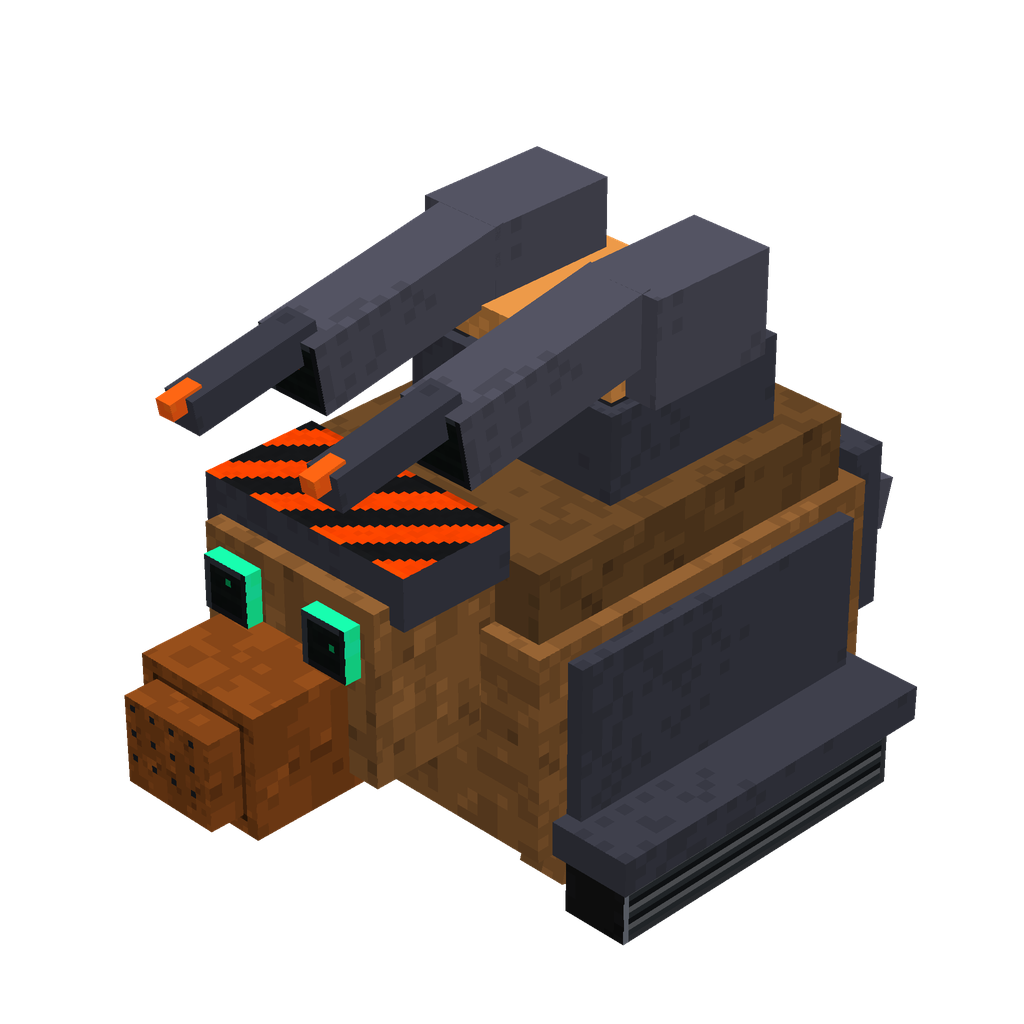
Nightfire Sniffer Tank


Ride a cannon-toting Sniffer tank and blast through the night with powerful vision.


Dead Parrot


The only reason this parrot was standing for the cover image was that it had been nailed to it's perch... but in all reality it is an ex-parrot. Bereft of life, it's gone to meet it's maker... place this decoration wherever you like and hear a certain angry customer go on about t…
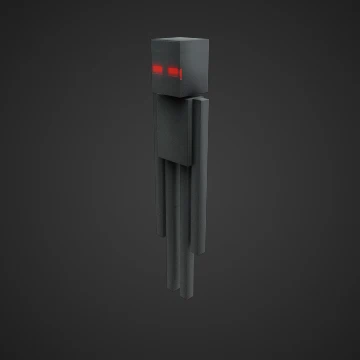
Crimson Gaze Enderman


A lanky, obsidian-black entity that towers over most creatures of the realm, the Crimson Gaze Enderman stands as a nightmarish evolution of the standard Enderman. Its elongated limbs move with an unsettling grace as it teleports across the landscape. What distinguishes this horri…

The Brandenburg Gate
Rebuild Berlin's iconic Brandenburg Gate and bring a historic landmark to life.
This mod is licensed under the CreativeMode Mods License.