

Description
Cool End Structure
Mod Wiki
Ender Spire
Quickstart
- Get the Structure Wand from the Creative inventory’s Tools & Utilities tab, or use
/give @s ender-spire-6wkav3ab:structure_wand. - Find a roomy area and aim at a surface where you want the build to start.
- Right-click to throw the wand’s projectile. When it hits, the ender_spire structure is placed beside the struck block, facing the direction you were looking when you threw it. The wand has a 3-second cooldown.
In single-player, you can also run /structure build ender_spire to build the preset at full size where you’re standing.
Overview
Ender Spire lets you place its included End-themed spire structure in the world. The wand is the quickest way to try it; there’s no crafting or progression required to use it.
What It Adds
- Structure Wand: Throws a projectile that places the preset structure on impact.
- Ender Spire: The included structure, available under the name
ender_spire.
How To Use
- Aim at a block face in an open area. The structure starts in the space just beyond the block you hit, so leave room for the build.
- Your facing direction when you throw determines the structure’s orientation.
- The wand can also place the structure when its projectile hits an entity.
- The
/structurecommands are client-side. In single-player, use/structure listto see available structures and/structure build ender_spireto place one where you’re standing. On a build command, you can add a target size from 16 to 256; smaller values scale the structure down, while larger values won’t make it exceed full size.
Crafting And Obtaining
The Structure Wand is available in the Creative inventory’s Tools & Utilities tab. No recipe shortcode is available for this mod.
Progression And Strategy
There are no unlocks to work through. Try the wand in a clear area first, then use the single-player build command if you want to place the preset at a smaller size.
How to install
This Java mod can be used on Windows and Mac PCs with the CreativeMode Launcher or any Minecraft launcher of your choice.

1. Download and install the new CreativeMode Launcher

2. Click to play on the top of the screen.
3. That's it — launches instantly. No complicated setup required.
Want to use on a different launcher? Download mod and manually install.
Players also liked
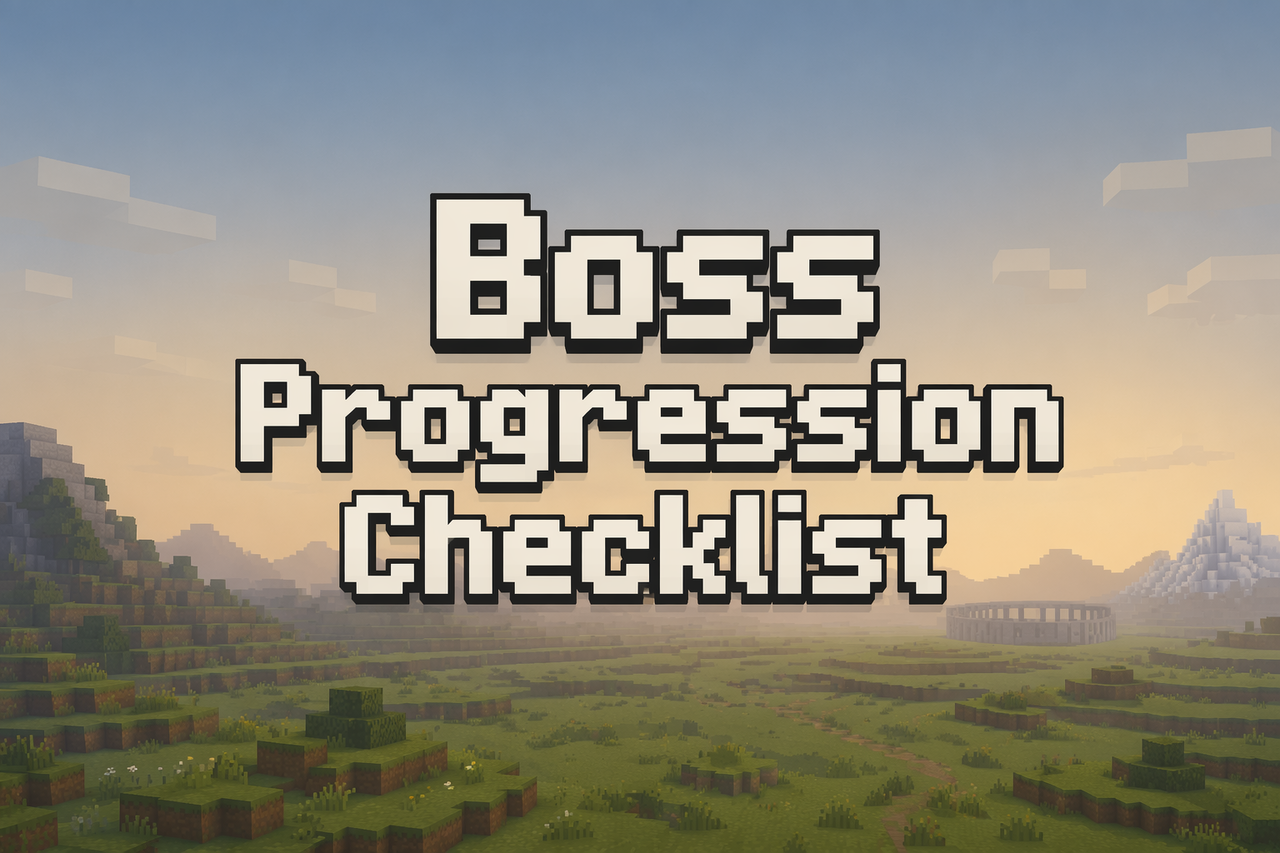
Boss Progression Checklist

Boss Progression Checklist is a persistent, world-global boss journal that tracks confirmed boss-bar entities (vanilla Wither and Ender Dragon always included; modded bosses appear if listed in the config or actually spawn with a boss event) and orders them by max health, with th…
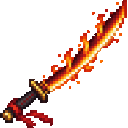
Crimson Flame Katana

Wield a magma-edged katana and unleash fiery bursts that briefly ignite nearby foes.

Sea Scepter


The Sea Scepter is a magical tool that lets you reshape water levels in a vast 750-block radius around you. Shift + right-click to toggle between Lifting Mode (fills air blocks above water to raise the level) and Lowering Mode (removes water blocks with air above to lower it), th…
Blazeforge Peaks


Adds the Blazeforge Peaks, a new volcanic mountain-top biome that generates on warm, dry inland mountain peaks in the Overworld with rivers of lava, magma blocks, netherrack, blackstone, and a crater-style lava lake rimmed with magma. Blazes and piglins now naturally spawn on the…
Mapmark Waypoints


Adds simple waypoint creation and deletion that integrates directly with vanilla filled maps: use /waypoint <name> to create a named waypoint at your current location and it will be written as a map marker onto any filled maps you are carrying (including offhand), and use /dwaypo…
This mod is licensed under the CreativeMode Mods License.