

Description
Terraform landscapes with powerful tools for mining, farming, tree-felling, and carving canals.
Mod Wiki
Earthshaper Toolkit
Quickstart
- Open the Creative inventory and search for Earthshaper Core, then craft or obtain one.
- Use the core to make the toolkit’s specialized tools:
- Earthshaper 3x3 Pickaxe: left-click a block to break a 3×3×3 area.
- Earthshaper 7x5 Shovel: left-click a block to break a broad 7×5 panel.
- Earthshaper Tree Axe: left-click any log to fell connected logs.
- Earthshaper 9x9 Hoe: right-click soil to prepare a large farmland area.
- River Canalizer: right-click a block to lay a 9×3 strip of water.
- Use the mining tools in your main hand. The pickaxe, shovel, and tree axe activate when you attack a block.
- Aim carefully before using the hoe or canalizer: their areas are centered on the block you right-click.
Overview
Earthshaper Toolkit provides large-area tools for reshaping terrain. Mine wide sections, clear connected trees, prepare fields, and cut straight water channels without placing or breaking every block individually.
The tools are single-stack items with high durability, while the Earthshaper Core is the crafting component used to make them.
What It Adds
| Item | Main use | Durability |
|---|---|---|
| Earthshaper Core | Crafting component | — |
| Earthshaper 3x3 Pickaxe | Breaks a 3×3×3 cube | 1,024 |
| Earthshaper 7x5 Shovel | Breaks a 7×5 panel | 768 |
| Earthshaper Tree Axe | Breaks connected log blocks | 768 |
| Earthshaper 9x9 Hoe | Converts eligible soil into farmland | 768 |
| River Canalizer | Creates a 9×3 water channel | 512 |
How To Use
Earthshaper 3x3 Pickaxe
Attack a block with the pickaxe in your main hand. It breaks the clicked block and the surrounding blocks in a 3×3×3 cube, centered on the target.
Use it for:
- Opening large tunnels
- Clearing stone and underground rooms
- Excavating compact areas
- Removing terrain quickly
Earthshaper 7x5 Shovel
Attack a block with the shovel. It breaks a 7×5 panel centered on the target. The panel’s orientation follows the face you attack.
Use it for:
- Flattening hillsides
- Digging broad trenches
- Clearing dirt, sand, gravel, and other terrain
- Shaping large vertical cuts
Earthshaper Tree Axe
Attack a log block with the Tree Axe. The axe follows directly connected log blocks and breaks them together, up to 512 logs from one use.
Leaves are not included, so clear them separately if needed. The axe only starts its tree-felling action when you target a log.
Earthshaper 9x9 Hoe
Right-click a block with the hoe to till a 9×9 area at the clicked block’s level.
A block is converted to farmland when:
- It is dirt, a grass block, coarse dirt, rooted dirt, podzol, or mycelium.
- The space directly above it is air.
This makes the hoe useful for preparing large crop fields in one action. Each successful use consumes one point of durability, regardless of how many blocks are tilled.
River Canalizer
Right-click a block with the River Canalizer to place water in a 9-block-long, 3-block-wide channel.
- Right-click a side face to align the channel with that direction.
- Right-click a top or bottom face to align it with your horizontal facing direction.
- The channel is centered on the clicked block and extends four blocks in each direction.
- Blocks in the channel are replaced with water, except bedrock and end portal blocks.
Use it to connect lakes, drain or fill planned waterways, and create irrigation channels.
Crafting And Obtaining
Earthshaper Core
Craft an Earthshaper Core from two amethyst shards, a copper ingot, and prismarine crystals.



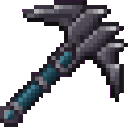
Earthshaper 3x3 Pickaxe
Craft the pickaxe with three diamonds and one Earthshaper Core.

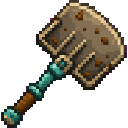
Earthshaper 7x5 Shovel
Craft the shovel with three iron ingots and one Earthshaper Core.

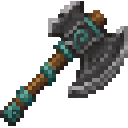
Earthshaper Tree Axe
Craft the Tree Axe with two diamonds and one Earthshaper Core.
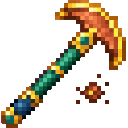
Earthshaper 9x9 Hoe
Craft the hoe with two gold ingots and one Earthshaper Core.

River Canalizer
Craft the River Canalizer with two water buckets and one Earthshaper Core.

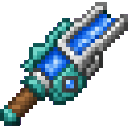
Abilities And Mechanics
- The pickaxe, shovel, and Tree Axe activate only when used from the main hand.
- Mining tools affect multiple blocks but consume durability for every block they successfully break.
- The Tree Axe searches through directly adjacent logs and stops after 512 logs.
- The hoe changes only supported soil with an air block above it.
- The canalizer places water in a fixed 9×3 footprint and consumes one durability point per successful use.
- Mining tools do not break bedrock, end portals, end gateways, or command blocks, including repeating and chain command blocks.
- The canalizer does not replace bedrock or end portal blocks.
- Tools do not stack and can be repaired or replaced by crafting another one.
Progression And Strategy
- Gather amethyst, copper, and prismarine crystals to make your first Earthshaper Core.
- Start with the shovel for broad surface clearing or the pickaxe for excavation.
- Make the Tree Axe when clearing a wooded building site.
- Prepare fields with the hoe after leveling the land.
- Use the River Canalizer after planning the route of a waterway, since it replaces blocks across its entire footprint.
- Leave extra tools available for large projects so you do not run out of durability halfway through excavation or landscaping.
How to install
This Java mod can be used on Windows and Mac PCs with the CreativeMode Launcher or any Minecraft launcher of your choice.

1. Download and install the new CreativeMode Launcher

2. Click to play on the top of the screen.

3. That's it — launches instantly. No complicated setup required.
Want to use on a different launcher? Download mod and manually install.
Players also liked
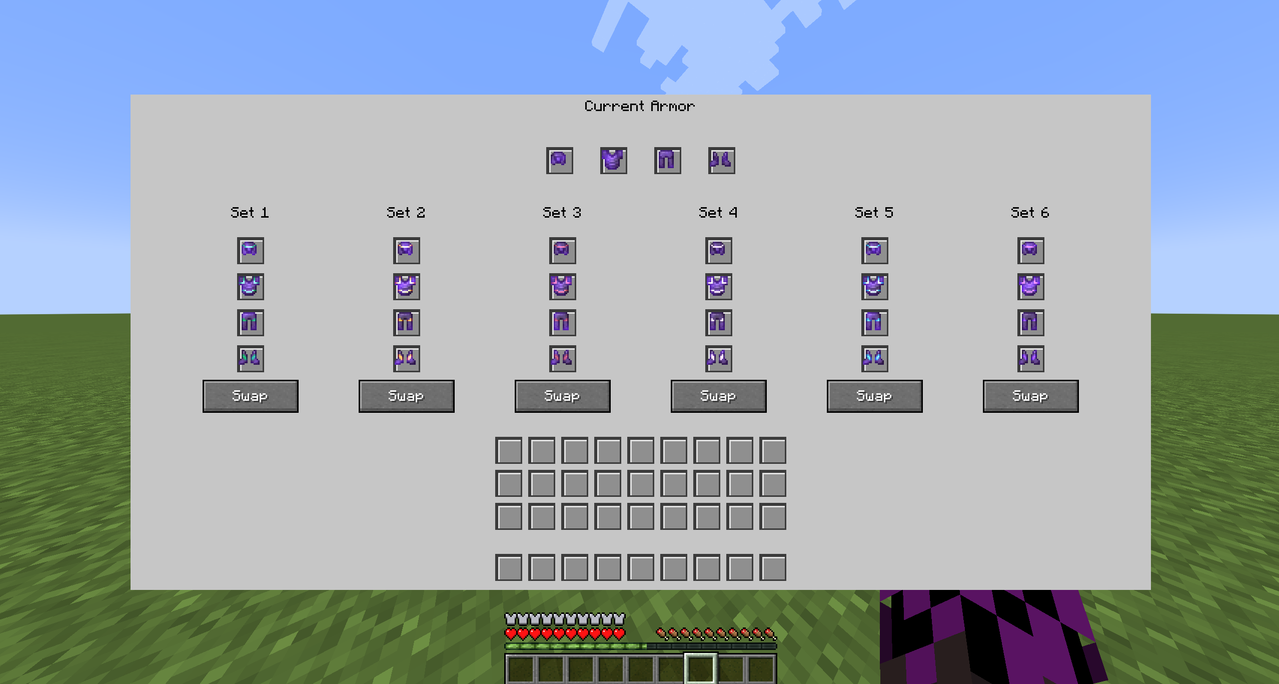
Armor Swap Menu


Roomy armor menu with slots to swap and organize six full sets instantly.

Hotbar Timekeeper


The Hotbar Timekeeper is a mystical watch that displays the current in-game time above your hotbar when held in either hand. Simply hold the item in your main hand or offhand to see a live time display showing the hour, minute, and time of day (Morning, Afternoon, Evening, or Nig…


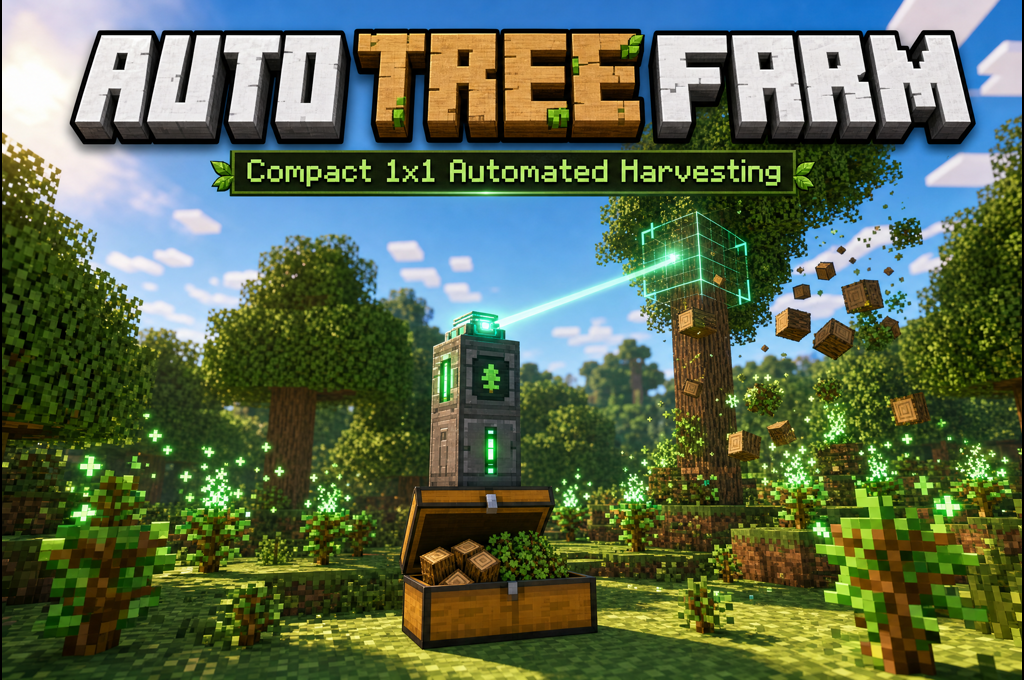
Auto Tree Farm


Auto Tree Farm: compact tower auto-harvests and stores logs—now safe and compatible with older worlds
Barbed Wire Web


The Barbed Wire Web is a dangerous trap block that combines the slowing properties of cobwebs with harmful barbed wire. When placed, it slows down any entity that walks through it while dealing half a heart of damage every second they remain in contact with it. Simply place the b…
This mod is licensed under the CreativeMode Mods License.