
Description
This Java mod can be used on Windows and Mac PCs with the CreativeMode Launcher or any Minecraft launcher of your choice.

1. Download and install the new CreativeMode Launcher

2. Click to play on the top of the screen.
3. That's it — launches instantly. No complicated setup required.
Want to use on a different launcher? Download mod and manually install.



Not a Real Block adds a single invisible full-cube support block you craft from a 3x3 grid of glass; in your inventory it appears as a bright green item and now displays the name "Not a Real Block" in menus. When placed it renders invisible while still behaving like a normal soli…



The Ore Scanner is a handheld tool designed to help you effortlessly locate valuable resources nearby. With a simple right-click, it opens an intuitive interface where you can initiate a scan to search a wide surrounding area for ores. Scan results are displayed in a clean, colo…
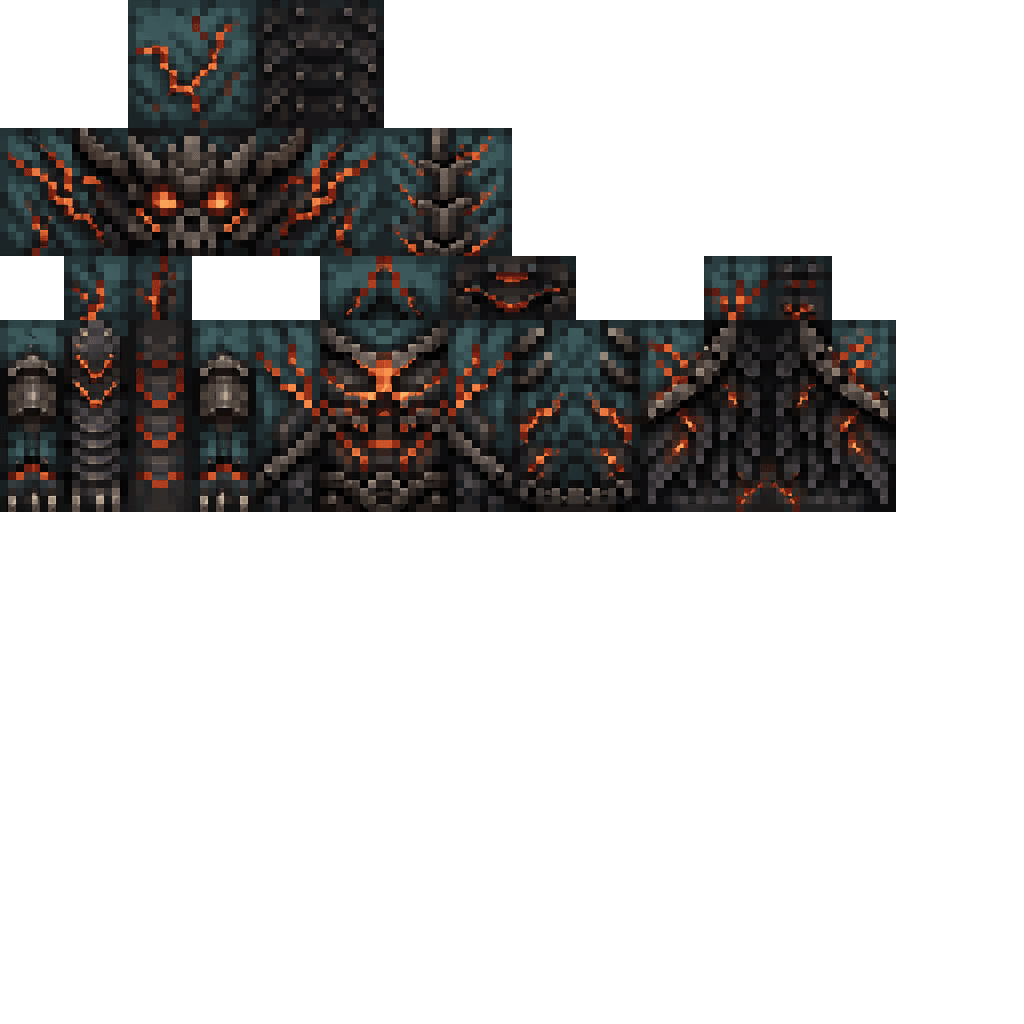


Enter Hygron rifts to be pulled into the Hygron Core — a sprawling raid stronghold of themed sections (corrupted courtyards, labs, cathedrals, factories, mirror halls, sky bridges and a final castle) where you fight patrols, ambushes, minibosses and cinematic bosses to unlock pro…


The Scissors of Cutting let you capture and reuse whole cuboid or single row/column regions: right‑click once to mark the first corner and again on a new block to mark the second, then right‑click the air to Cut (or do nothing to leave it in copy memory) and then right‑click any…
This mod is licensed under the CreativeMode Mods License.