

Description
Utiliza las gemas del infinito y elimina a la mitad de la población(está en desarrollo y se seguirá actualizando)
Mod Wiki
Cosmic Stone Gauntlet
Quickstart
- Obtain the Cosmic Stone Gauntlet from the Creative inventory or craft it at a crafting table.
- Hold the gauntlet and use it to open the Guantelete Cósmico menu.
- Select one of the six Infinity Stone powers. The selected stone’s particles and color appear while you hold the gauntlet.
- Use the selected power immediately, or hit a mob when the power requires a target:
- Space teleports you where you are looking.
- Mind controls the mob you hit.
- Reality opens a terrain and building menu.
- Power fires a purple energy ray.
- Time opens a time and weather menu.
- Soul captures or exchanges souls.
- Open the menu again and choose CHASQUEAR LOS DEDOS to perform the snap.
The menu uses Spanish labels: Espacio, Mente, Realidad, Poder, Tiempo, and Alma.
Overview
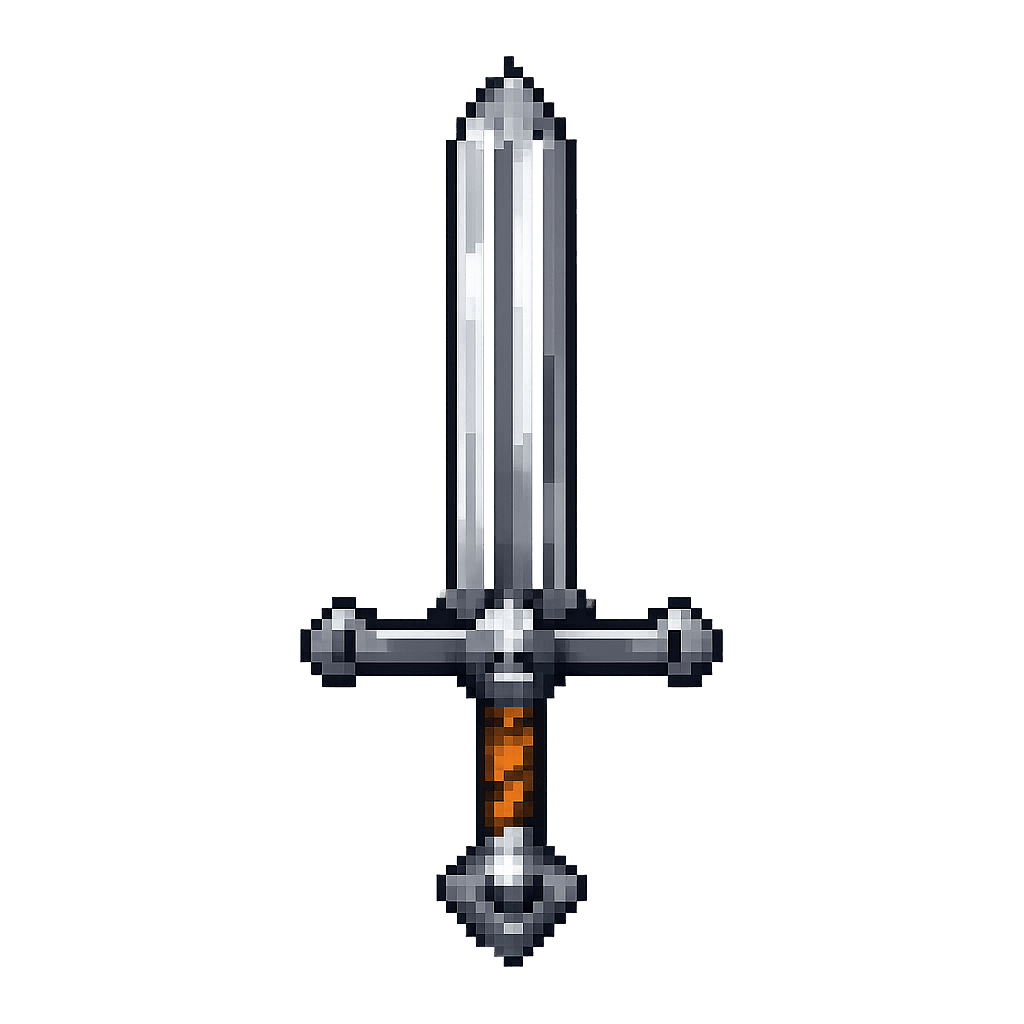
Cosmic Stone Gauntlet is a powerful sword containing all six Infinity Stone abilities. It combines combat, teleportation, terrain editing, mob control, world control, and a temporary snap effect.
The gauntlet is a single integrated item; the stones are selected through its menu rather than equipped separately.
What It Adds
- Cosmic Stone Gauntlet
- Epic rarity and enchanted glint
- 19 attack damage
- 5,000 durability
- Maximum stack size of 1
- Can be enchanted as a sword
- Can be equipped in the off-hand
- Can be repaired with netherite ingots
- Infinity Gauntlet Display
- A decorative, oversized 3×3×3 gauntlet display
- Faces the direction in which it is placed
How To Use
Opening the Gauntlet Menu
Hold the Cosmic Stone Gauntlet and use it. Select a stone from the menu to make it active. A matching aura appears around the player while the gauntlet is held.
Most stones activate as soon as they are selected. Mind and Soul are target-based and wait for you to hit a mob.
When a stone is active, hitting a mob with the gauntlet uses the active power on or near that target. Use the gauntlet again to switch stones.
Performing the Snap
Choose CHASQUEAR LOS DEDOS from the gauntlet menu.
The first snap:
- Affects living, non-player entities in the Overworld, Nether, and End
- Has a 50% chance to eliminate each eligible entity
- Eliminates up to 64 entities
- Records their locations, types, and name tags so they can be restored
- Does not eliminate players
After the snap, use the snap option again to restore the entities eliminated by that snap. Restored entities return to their recorded locations.
The first snap has a 60-second cooldown. The snap also has a short activation lock to prevent repeated triggers from the same interaction.
Abilities And Mechanics
| Stone | Menu label | Ability |
|---|---|---|
| Space | Espacio | Teleports you toward the point you are looking at, up to about 16 blocks away. The gauntlet searches downward for a two-block-high landing space with a solid floor. |
| Mind | Mente | Controls the mob you hit for up to 60 seconds. It follows you, protects you, and attacks nearby living entities. Hit the controlled mob again to release it. |
| Reality | Realidad | Opens options to transform terrain, create a house, or remove a nearby house-sized area. |
| Power | Poder | Fires a purple ray toward where you are looking. It damages non-player entities near the impact point. |
| Time | Tiempo | Opens options for time, weather, and slowing nearby mobs. |
| Soul | Alma | Freezes a mob, returns its soul, or exchanges the bodies of two mobs. |
Space Stone
Aim at a destination and activate Space. The gauntlet attempts to place you up to 16 blocks away, searching a short distance downward for a safe landing position.
Space has a cooldown of about 4 seconds.
Mind Stone
Select Mind, then hit a living mob. The mob becomes controlled and receives temporary protection. It follows you and damages nearby living entities while it is under your control.
Mind control lasts up to 60 seconds. Hit the same mob again with Mind active to release it. Mind has a short cooldown when used on a target.
Reality Stone
Select Reality to open its menu. The options are:
- Convert to grass — creates a 7×7 terrain patch with dirt below and grass on top.
- Convert to sand — creates a 7×7 sand patch two blocks deep.
- Create oak house — builds a small hollow oak house.
- Create birch house — builds a small hollow birch house.
- Remove nearby house — clears a 5×5×5 area where you are looking.
Reality changes real blocks in the world and can overwrite existing terrain or structures. Its abilities have a cooldown of about 5 seconds.
Power Stone
Select Power to fire a purple ray toward your aim point. You can also hit a mob with Power active to direct the attack toward that mob.
The impact damages non-player entities within approximately 3 blocks for 12 magic damage. Power has a cooldown of about 5 seconds.
Time Stone
Select Time to open the Time menu. It can:
- Set the world to day
- Set sunrise
- Set sunset
- Set night
- Clear the weather
- Start rain
- Start a thunderstorm
- Slow nearby mobs
The slowing option affects nearby living mobs for about 10 seconds, applying severe Slowness and Weakness. Time has a cooldown of about 3 seconds.
Soul Stone
Select Soul, then hit a living mob to capture its soul. The mob becomes almost completely immobilized for about 30 seconds and cannot effectively fight back.
Open the Soul menu again to:
- Return soul — restores the captured mob and removes the soul effects.
- Select target / exchange — prepare to exchange the captured soul with another mob.
While a soul is captured, hit another living mob with Soul active to exchange their bodies. The two mob types are recreated at each other’s recorded locations, and their name tags are preserved. Both mobs must be in the same dimension for an exchange to work.
Soul has a short cooldown when used on a target.
Crafting And Obtaining
Cosmic Stone Gauntlet
Craft the gauntlet at a crafting table using diamond, amethyst, lapis lazuli, redstone, quartz, emerald, gold, and iron.



The gauntlet is a sword, so it can be enchanted with sword-compatible enchantments. A netherite ingot can be used to repair it.
Infinity Gauntlet Display
Craft the decorative display placer at a crafting table with one ender pearl, one ender eye, and one stick.



Place it in an open area. It assembles a large 3×3×3 Infinity Gauntlet Display facing the placement direction. The display is decorative and does not grant or activate the gauntlet’s powers.
Progression And Strategy
- Try Space first for fast movement and safe repositioning.
- Use Reality to create arenas, shelters, or test platforms before experimenting with the stronger abilities.
- Use Mind to turn a hostile mob into a temporary guardian.
- Use Soul to immobilize dangerous mobs before capturing or exchanging them.
- Use Power against groups of non-player entities, keeping the impact area in mind.
- Use Time’s weather controls to set up battles, while its slowing effect is useful for controlling crowds.
- Perform the snap in an area with many mobs when you want to see its full effect. Use it again when you are ready to restore the entities it removed.
- Keep the gauntlet repaired with netherite ingots so its combat durability does not run out during extended testing.
How to install
Download the mod and follow the step-by-step installation guide.
Players also liked


Earth and water bending (water element is kinda broken)


adds a staff that has 4 working water and earth abilities not much else to say here other then you should totally use it.

This mod is licensed under the CreativeMode Mods License.