

Description
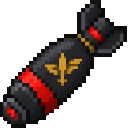
Set off grenades, C4, airstrikes, and nuclear bombs with traveling shockwaves, mushroom clouds, and devastating craters.
Mod Wiki
Blastwave Arsenal
Quickstart
- Craft a basic explosive: is the Grenade Charge, and is C4. Use a charge from your hotbar to place it in a clear test area.
- For remote detonation, craft the Remote Detonator. The Detonate / Cosmic Sword key is F by default; check the Blastwave Arsenal controls category for the current binding.
- To try an airstrike, craft and place an Airstrike Marker. Give the blast plenty of room: explosions can send out traveling shockwaves and leave large craters.
- For a bigger test, craft the Nuclear Bomb. Nuclear weapons can produce mushroom clouds and major terrain damage.
Overview
Blastwave Arsenal is an explosive and weapons sandbox. It ranges from basic charges and targeted strikes to nuclear and cosmic-scale bombs, alongside weapons, armor, vehicles, and special abilities.
Test destructive items somewhere you can afford to damage. The mod’s largest blasts can reshape the surrounding terrain.
What It Adds
| Group | Examples |
|---|---|
| Charges and strikes | Grenade Charge, C4 Charge, Airstrike Marker, Orbital Strike, Rocket Missile |
| Nuclear weapons | Nuclear Bomb, Thermonuclear Bomb, Tsar Bomba, Tsar Bomba 2.0, Tsar Bomba V3, Chelyabinsk Nuclear Plant Bomb |
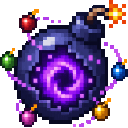
| Other bombs | Shock Wave, Tornado, Hurricane, Meteor, Comet, Moon, Solar Flare, Black Hole, Death Star, Supernova, Galaxy Impact, End of the World |
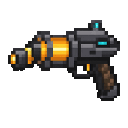
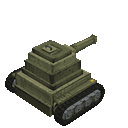
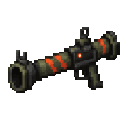
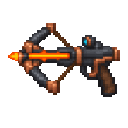
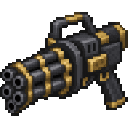
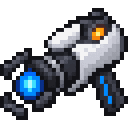
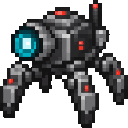
| Weapons and vehicles | Ignition Crossbow, Giant Fireball RPG, Minigun, TNT Cannon, Blastwave Gun, Blastwave Tank, Airplane Bomber |
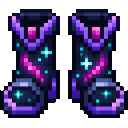
| Equipment and extras | Titanium, Blastguard, Cosmic, and Rainbow gear; portal and dimension items; Astro Invasion Beacon |
How To Use
- Placeable charges: Select a charge and use it to place it. Some bombs have their own effects or controls, so check the item name and the Blastwave Arsenal controls category.
- Remote detonation: F is the default Detonate / Cosmic Sword key. Use it for a locked bomb; keep clear when triggering explosives.
- Air and orbital actions: B is the default Drop Bomber Bomb / Orbital Beam key.
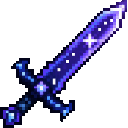
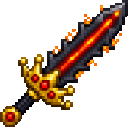
- Bomb King Sword actions: H triggers its Fireball Volley and J its Quake. A Crushing Slam action is also listed in the controls.
- Tsar Bomba V3: N is the default key to drop it on a target.
- Target handling: G grabs or controls a target and T throws it; neither action requires an item.
You can review or rebind these keys in the Blastwave Arsenal section of Controls.
Crafting And Obtaining
Start with the basic charges and support items:
- Grenade Charge:
- C4 Charge:
- Remote Detonator:
- Airstrike Marker:
- Shock Wave Bomb:
The nuclear recipes form an escalating crafting path:
- Craft a Nuclear Bomb:
- Upgrade to a Thermonuclear Bomb:
- Craft the Tsar Bomba:
- Continue to Tsar Bomba 2.0 and Tsar Bomba V3:
Other recipes include the Chelyabinsk Nuclear Plant Bomb, Orbital Strike, and Meteor Bomb.
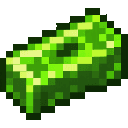
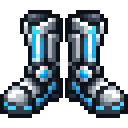
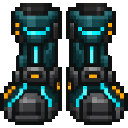
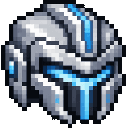
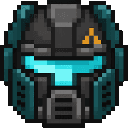
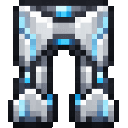
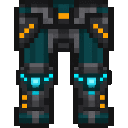
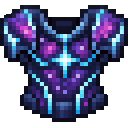
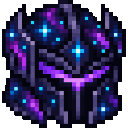
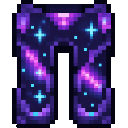
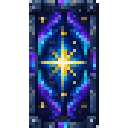
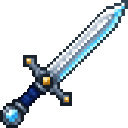
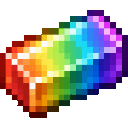
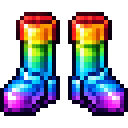
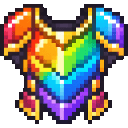
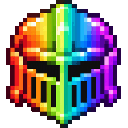
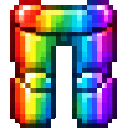
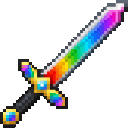
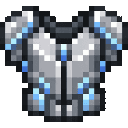
Titanium armor is crafted from diamonds. Blastguard armor uses uranium with its corresponding titanium armor piece; for example, craft the Blastguard Chestplate. The mod also has Cosmic and Rainbow armor, weapons, and shields.
Abilities And Mechanics
Explosions are the main attraction: the mod description highlights traveling shockwaves, mushroom clouds, and devastating craters. Effects vary across the arsenal, so try unfamiliar bombs in an open area and watch their impact from a safe distance.
Bombs span conventional, nuclear, weather-themed, and cosmic-themed variants. Names include Tornado and Hurricane Bombs, Black Hole and Death Star Bombs, and Solar System and Earth Globe Bombs. The mod also includes portal frames and dimension keys, plus an Astro Invasion Beacon.
Progression And Strategy
Begin with a Grenade Charge or C4 in a controlled test area, then try the Airstrike Marker and remote detonation. Move up through the Nuclear Bomb crafting chain as you gather its ingredients.
Save the largest weapons for open terrain. Before using a strike or a bomb with a dedicated keybind, check the Blastwave Arsenal controls and make sure you know which action you are triggering.
Recipes


































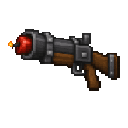
How to install
This Java mod can be used on Windows and Mac PCs with the CreativeMode Launcher or any Minecraft launcher of your choice.

1. Download and install the new CreativeMode Launcher
2. Click to play on the top of the screen.
3. That's it — launches instantly. No complicated setup required.
Want to use on a different launcher? Download mod and manually install.
Players also liked
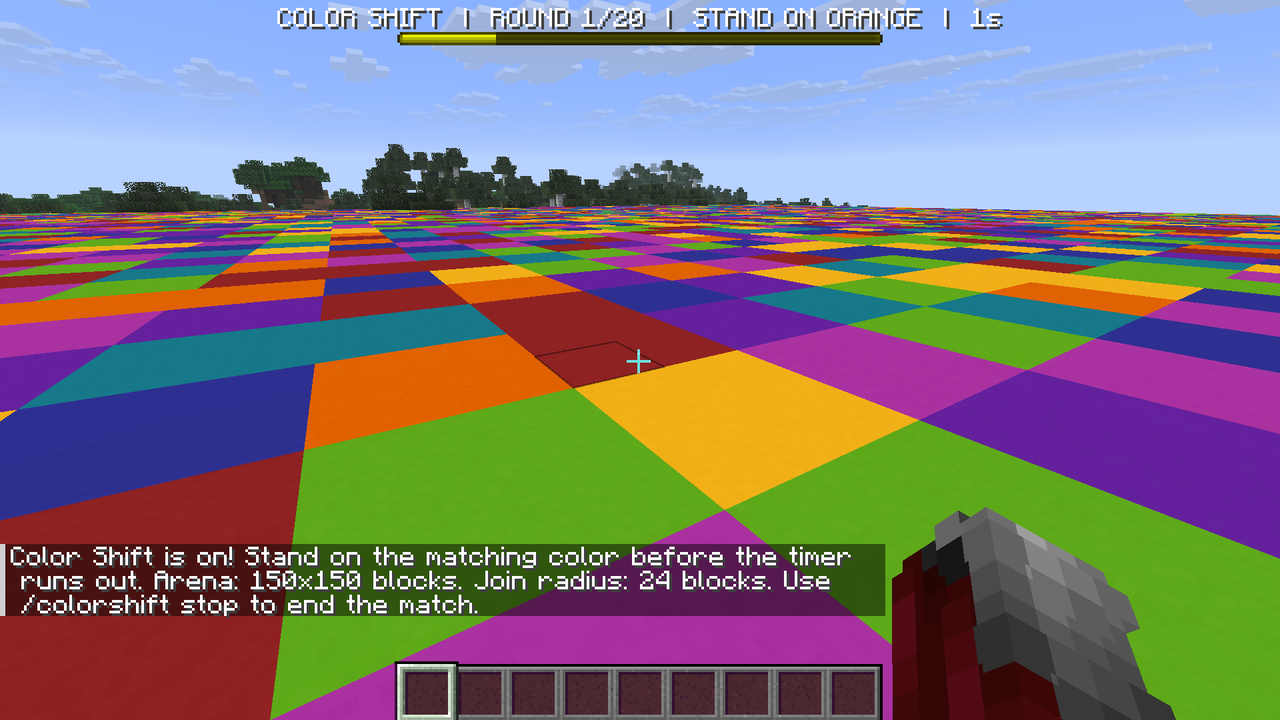
Color Shift Arena

Match the arena’s changing color before time runs out, or get eliminated—the last player standing wins!
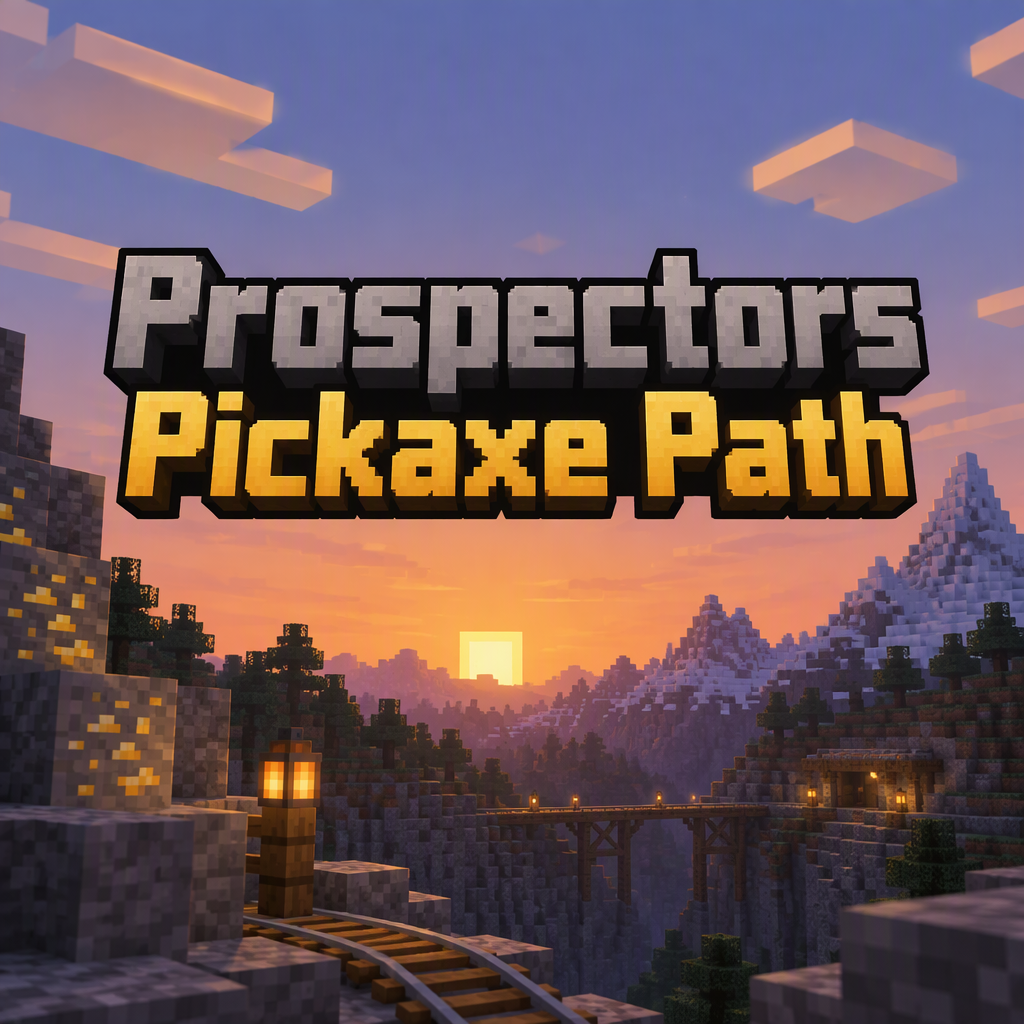
Prospectors Pickaxe Path


Follow your Prospector’s Guide through ten unique pickaxes, mining with powerful abilities and forging late-game tools.
Explosive Crossbow


The Explosive Crossbow fires devastating explosive projectiles that detonate on impact with any target. Right-click to launch an explosive arrow that creates a powerful explosion upon hitting mobs, players, or blocks, destroying terrain in the blast radius. The weapon has 326 dur…
Knijkincraft

Survive a battered ashland through chemistry, massive smelting, medieval weapons, and dangerous discoveries.

This mod is licensed under the CreativeMode Mods License.