

Description
Smart central storage that auto-sorts, recalls, smelts—and drops placeable furnaces and upgrades when mined.
Mod Wiki
Automated Item Sorter
Quickstart
- Craft a Central Storage Chest – this is your main storage hub. See .
- Craft a Filter Antenna and place it next to any regular chest to turn that chest into a filtered storage node. See .
- Craft an Auto Furnace to smelt items automatically while pulling fuel and smeltables from nearby filtered chests. See .
- Throw items into a hopper feeding your Central Storage Chest, or drop items near a filtered chest — matching items get sorted automatically.
- Right-click the Central Storage Chest to open its interface and use the search bar to recall items scattered across your storage network back into the chest.
- Upgrade your Auto Furnace with copper, iron, or gold to speed up smelting. See , , .
Overview
Automated Item Sorter turns tedious storage management into a hands-off system. At its heart is the Central Storage Chest, a large storage block that automatically distributes items into connected filtered chests and can recall scattered items back to itself on demand. Around it you can build a small network of Filter Antennas that turn ordinary chests into smart, filtered storage nodes, and Auto Furnaces that smelt materials automatically using fuel and ingredients pulled from that network.
What It Adds
| Item/Block | Purpose |
|---|---|
| Central Storage Chest | Large storage hub; automatically sorts incoming items into filtered chests and can recall items from the network |
| Filter Antenna | Attaches to a chest to filter which items that chest accepts, and to feed matching items into the network |
| Auto Furnace | A furnace that runs continuously, pulling fuel and smeltable items from nearby filtered chests and pushing finished output back out |
| Copper Auto Furnace | Upgraded Auto Furnace that smelts faster |
| Iron Auto Furnace | Further upgraded Auto Furnace, smelts even faster |
| Gold Auto Furnace | Top-tier Auto Furnace upgrade, fastest smelting speed |
How To Use
Central Storage Chest
- Place it like a normal chest. Right-click to open its large inventory.
- Use the built-in search bar inside the interface to look up and recall items. While you're actively typing in the search bar, the chest pauses automatically sorting items away so you can find and grab what you need.
- Items placed into hoppers feeding the chest, or matching items detected nearby, are automatically distributed to connected filtered chests based on their filters.
Filter Antenna
- Place an antenna against the side of any regular chest. Right-click the antenna to open its filter interface.
- Drop template items (or block items) into the filter slots to define what that chest will accept. For example, placing an Oak Log template lets the chest accept oak-family blocks like oak planks, stairs, and trapdoors, not just other kinds of logs.
- If no filters are set, the antenna's chest accepts everything.
- Antennas insert items into their attached chest but never expose their own filter slots to hoppers or other automation — only the adjacent chest's contents are accessible externally.
Auto Furnace
- Place it like a normal furnace. It smelts using standard fuel and smeltable items.
- Every few ticks, it automatically pulls valid fuel and smeltable items from nearby filtered chests, and pushes any finished output back into them.
- Upgrading it (see Crafting And Obtaining) increases smelting speed significantly without changing how you interact with it.
- All Auto Furnace variants can be mined with a pickaxe and drop as placeable blocks, so you can relocate or upgrade your smelting setup freely.
Crafting And Obtaining
- Central Storage Chest:
- Auto Furnace:
- Copper Auto Furnace (upgrade):
- Iron Auto Furnace (upgrade):
- Gold Auto Furnace (upgrade):
- Filter Antenna:
Each Auto Furnace upgrade is crafted by surrounding the previous furnace tier with the matching metal block, progressing from a base Auto Furnace, to Copper, to Iron, and finally to Gold for the fastest smelting speed.
Abilities And Mechanics
- Auto-sorting: The Central Storage Chest and filtered chests continuously redirect matching items into the correct storage based on antenna filters, keeping your storage organized without manual sorting.
- Recall search: Typing in the Central Storage Chest's search field temporarily pauses automatic sorting so you can safely retrieve items without them being whisked away to another chest mid-search.
- Family filtering: Filter Antenna templates recognize related items (like all oak-family blocks) rather than requiring an exact item match for every variant, making it easier to set up broad sorting categories.
- Auto-smelting network: Auto Furnaces pull both fuel and smeltable ingredients automatically from nearby filtered storage and deposit finished goods back out, running unattended as long as their supply chests are stocked.
- Speed upgrades: Copper, Iron, and Gold Auto Furnace tiers process extra smelting cycles per tick, cooking items progressively faster the further you upgrade.
- Block drops: Auto Furnaces (all tiers) and the Central Storage Chest drop as intact, replaceable blocks when broken with a pickaxe, so you can move or reorganize your automated setup at any time.
Progression And Strategy
Start with a single Central Storage Chest and a couple of Filter Antennas on ordinary chests to build a basic auto-sorting stockpile. Add an Auto Furnace nearby, filtered chests supplying fuel (like coal) and ore, to get hands-free smelting. As your resource income grows, invest smelted copper, iron, and gold into upgrading your furnace through its tiers for dramatically faster processing, letting your storage network keep pace with larger builds and automation projects.
How to install
This Java mod can be used on Windows and Mac PCs with the CreativeMode Launcher or any Minecraft launcher of your choice.

1. Download and install the new CreativeMode Launcher

2. Click to play on the top of the screen.
3. That's it — launches instantly. No complicated setup required.
Want to use on a different launcher? Download mod and manually install.
Players also liked

Chaos Flare Sword


The Chaos Flare Sword is a fire forged blade crackling with raw chaos energy—left-click to unleash blazing flame arcs and spark trails that slow enemies, with a 35% chance to launch foes into the air instead of dealing extra damage. Sneak (hold Shift) while wielding the sword to…
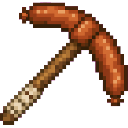
Fortune Sausage Pickaxe


The Fortune Sausage Pickaxe is a powerful diamond-tier pickaxe that mines a 5x5 area of blocks in a single swing. The mining plane automatically adjusts to match the direction you're looking, so breaking a wall mines a 5x5 section of that wall, while looking down mines a 5x5 patc…

Mapmark Waypoints


Adds simple waypoint creation and deletion that integrates directly with vanilla filled maps: use /waypoint <name> to create a named waypoint at your current location and it will be written as a map marker onto any filled maps you are carrying (including offhand), and use /dwaypo…
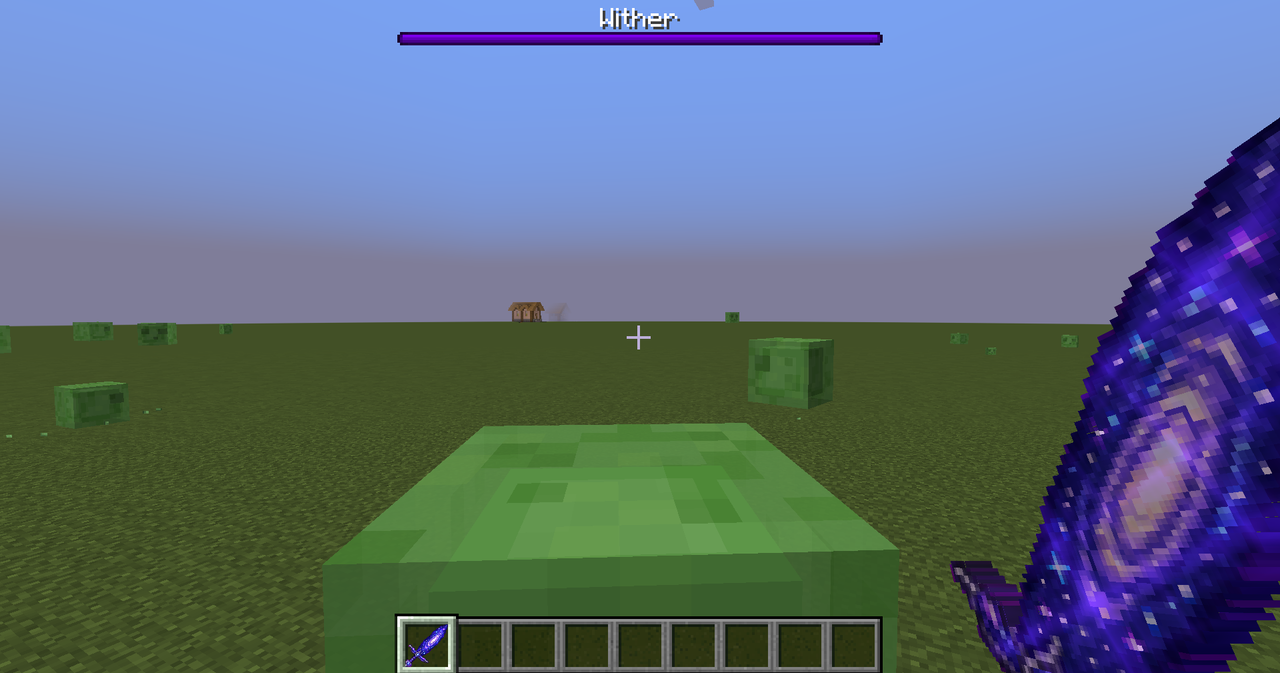
Andromana Galaxy Sword
 anon

The Andromana Galaxy Sword is a devastating cosmic weapon forged from the stars of the Andromeda Galaxy itself. Built upon netherite-tier stats, it deals an additional 15 damage and boasts a slightly faster attack speed than a standard sword, making it one of the most powerful bl…

D20


This mod adds a throwable D20 die. Right-click to throw with a 2-second cooldown, On hit, it rolls 1–20 (displayed in chat with particles): 1 is a Critical Fail (0 damage), 2–19 deal damage equal to the roll with a small knockback that scales with the natural roll, and a natural…
This mod is licensed under the CreativeMode Mods License.