
Description
Transform into Aphmau cats with unique skins and night vision.
Mod Wiki
Aphmau Cat Morphs
Quickstart
- Make sure cheats or command access are enabled.
- Run
/catmorph listto see the available Aphmau cats. - Choose a cat with one of these commands:
/catmorph aphmau/catmorph katelyn/catmorph zane/catmorph ein/catmorph noi/catmorph aaron
- Move around and explore at night. Your player is hidden and presented as the selected cat, with night vision active.
- Run
/catmorph offto return to your normal player appearance.
You can also use /catmorph members to list online server members, then morph into one with /catmorph player <member>.
Overview
Aphmau Cat Morphs lets you transform your in-game appearance into one of six Aphmau-themed cats. Each cat has its own skin, and cat morphs provide night vision for exploring dark areas.
The morph is a visual transformation: you still control your player normally while the cat presentation follows your position and direction.
What It Adds
Aphmau cat morphs
The available cat skins are:
- Aphmau
- Katelyn
- Zane
- Ein
- Noi
- Aaron
Player morphs
You can also display the 3D skin of any online server member. This uses that member’s current player skin and is separate from the Aphmau cat skins.
How To Use
View available cats
/catmorph list
This displays all six Aphmau cat choices.
Select a cat
Use the cat’s name as the command argument:
/catmorph <cat>
For example:
/catmorph zane
The command names are case-insensitive.
Morph into an online member
First, view the online members:
/catmorph members
Then select a member:
/catmorph player <member>
For example:
/catmorph player Alex
/catmorph member <member> is also supported.
The selected member must currently be online. If the name is not available, use /catmorph members to check the exact list.
Clear your morph
/catmorph off
This restores your normal player appearance and removes the active cat presentation.
View command help
/catmorph
Running the command without an option shows the main cat choices and explains how to use player morphs.
Abilities And Mechanics
Cat appearance
While an Aphmau cat morph is active:
- Your normal player is hidden.
- A cat with the selected skin appears in your place.
- The cat follows your position and facing direction.
- The cat is a visual morph presentation rather than a separate creature you control.
- You can continue using your player’s normal movement and controls.
The displayed cat is protected from damage and does not act independently.
Night vision
Aphmau cat morphs grant night vision, making caves, nighttime areas, and other dark locations easier to see.
Player-skin appearance
A player morph displays the selected online member’s 3D player skin. It does not use one of the six cat skins.
The target member needs to be online for their skin to be selected and displayed. Player morphs do not use the cat presentation.
Persistence
Your selected morph is saved with the world, so it can remain selected after leaving and rejoining the world or after a server restart. To stop using it, run /catmorph off.
Progression And Strategy
There is no crafting or item-based progression. The mod’s content is available immediately through commands.
- Use
/catmorph listwhen choosing a cat skin. - Try different cats in different environments to compare their appearances.
- Use the night vision from a cat morph when exploring caves or traveling after dark.
- Use
/catmorph membersbefore selecting a player morph so you can choose from currently online members. - Switch back with
/catmorph offwhenever you need your normal player appearance.
How to install
This Java mod can be used on Windows and Mac PCs with the CreativeMode Launcher or any Minecraft launcher of your choice.

1. Download and install the new CreativeMode Launcher

2. Click to play on the top of the screen.
3. That's it — launches instantly. No complicated setup required.
Want to use on a different launcher? Download mod and manually install.
Players also liked
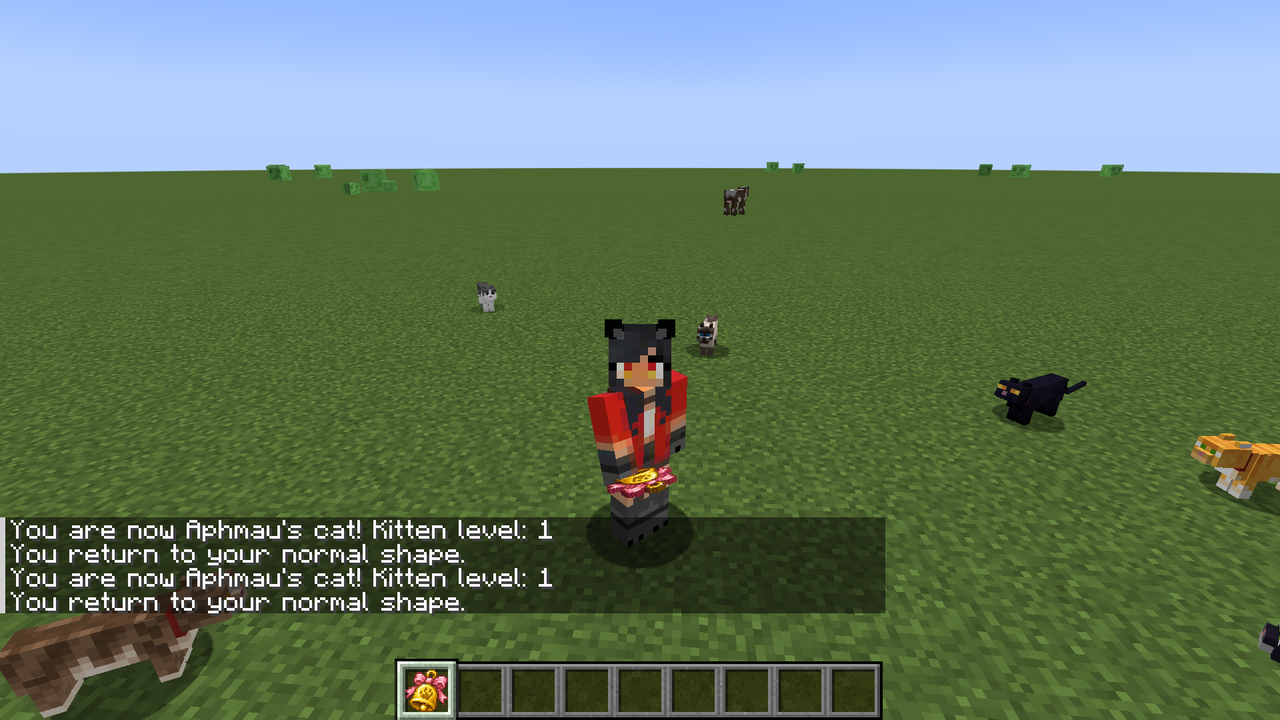
Kitten Morph


Transform into a kitten, level up your abilities, and explore Minecraft with a charming feline form.
Vanishing Wooden Executioner


The Vanishing Wooden Executioner is a mysterious sword that automatically appears in your inventory when your health is at or below 50% and will instantly one‑shot any mob while present; it disappears if your health rises above 70% (it remains hidden/non‑usable between 50–70%), p…
Skeleton Summoner


The Skeleton Summoner is a mystical artifact that lets you command a squad of four fully armored skeleton archers. Right-click to summon them wearing Netherite helmets, Iron chestplates, Diamond leggings and Iron boots, each wielding a bow enchanted with Power V and Flame I—they…
Diamond Phaseblade

The Diamond Phaseblade is an overpowered, unbreakable melee weapon that, while held in your main hand, continuously grants Regeneration II, Resistance II, and Strength V, removes harmful effects like poison/wither/slowness, and on hit deals the game’s maximum supported extra dama…
Kromut


Meet Kromut, a fiery and energetic companion who appears as a floating character dressed in a sleek black suit decorated with vibrant red and yellow flame patterns, complete with a white shirt, tie, and a bright yellow smiley face head crowned with glowing fiery hair. This helpfu…
This mod is licensed under the CreativeMode Mods License.