

Description
Use the Account Forge to conquer a fictional captcha challenge, right inside Minecraft.
Mod Wiki
Account Forge
Quickstart
- Obtain an Account Forge by crafting it or finding it in the Functional Blocks creative inventory.
- Hold it in either hand.
- Use it with the Use Item control (right-click by default).
- The fictional local captcha simulation completes immediately, and you receive the message: “Account Forge: local captcha simulation complete. No online account was created.”
- Wait about 2 seconds before using it again.
The Account Forge is not placed as a block. It is a single-use-at-a-time utility item with a maximum stack size of 1.
Overview
Account Forge provides a fictional captcha challenge simulation inside Minecraft. It runs locally in your world and does not create, connect to, or manage online accounts.
What It Adds
- Account Forge — a hand-held utility device that completes the local captcha simulation when used.
- A crafting recipe for obtaining the device.
- A cooldown between uses to prevent immediate repeated activation.
How To Use
Hold the Account Forge and activate it with the Use Item control. The simulation completes instantly and displays a confirmation message in chat.
The item has a 40-tick cooldown, which is approximately 2 seconds. You can use it again when the cooldown ends.
Crafting And Obtaining
The recipe becomes available after joining a world. Craft the Account Forge using 4 iron ingots, 2 glass panes, 2 redstone, and 1 book:


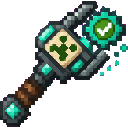
In Creative mode, the item is available in the Functional Blocks creative inventory.
Abilities And Mechanics
- Runs a fictional captcha simulation locally.
- Completes immediately when activated.
- Does not create an online account.
- Can be activated from either hand.
- Cannot be stacked beyond one item.
- Applies a short cooldown after each use.
Progression And Strategy
Account Forge has no progression tree or upgrades. Keep one in your inventory when you want to trigger the simulation, and use the brief cooldown to pace repeated activations.
How to install
This Java mod can be used on Windows and Mac PCs with the CreativeMode Launcher or any Minecraft launcher of your choice.

1. Download and install the new CreativeMode Launcher

2. Click to play on the top of the screen.

3. That's it — launches instantly. No complicated setup required.
Want to use on a different launcher? Download mod and manually install.
Players also liked
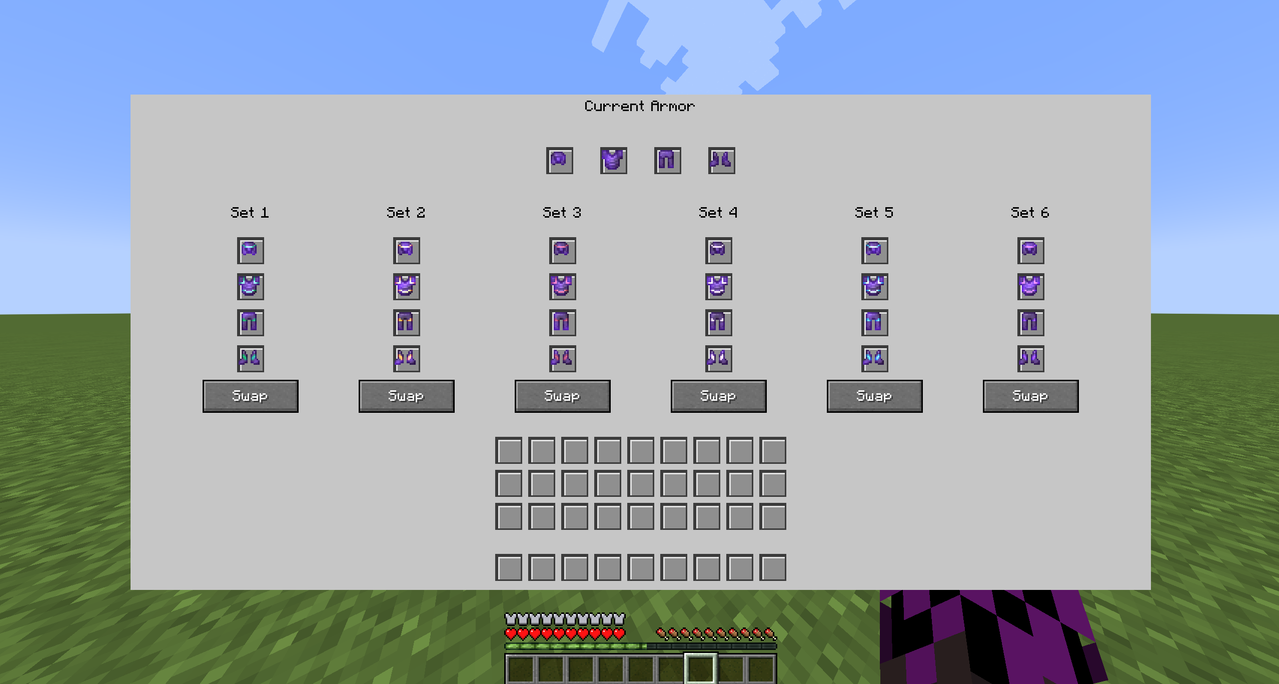
Armor Swap Menu


Roomy armor menu with slots to swap and organize six full sets instantly.
Gravity Wand


Wield the power of the Gravity Wand! Guide and hurl mobs with a single wand!
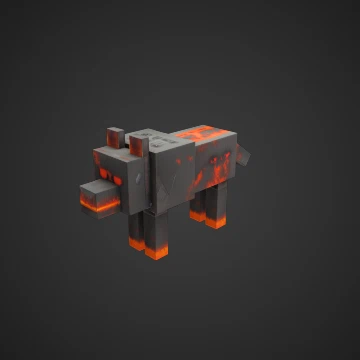
Demonic Hound


The Demonic Hound is a massive, hellish wolf that prowls the Nether’s fiery landscapes, its smoky black fur and burning red eyes glowing ominously. This relentless predator stalks both players and hoglins, setting its prey ablaze with savage attacks. As it moves, it carves trails…
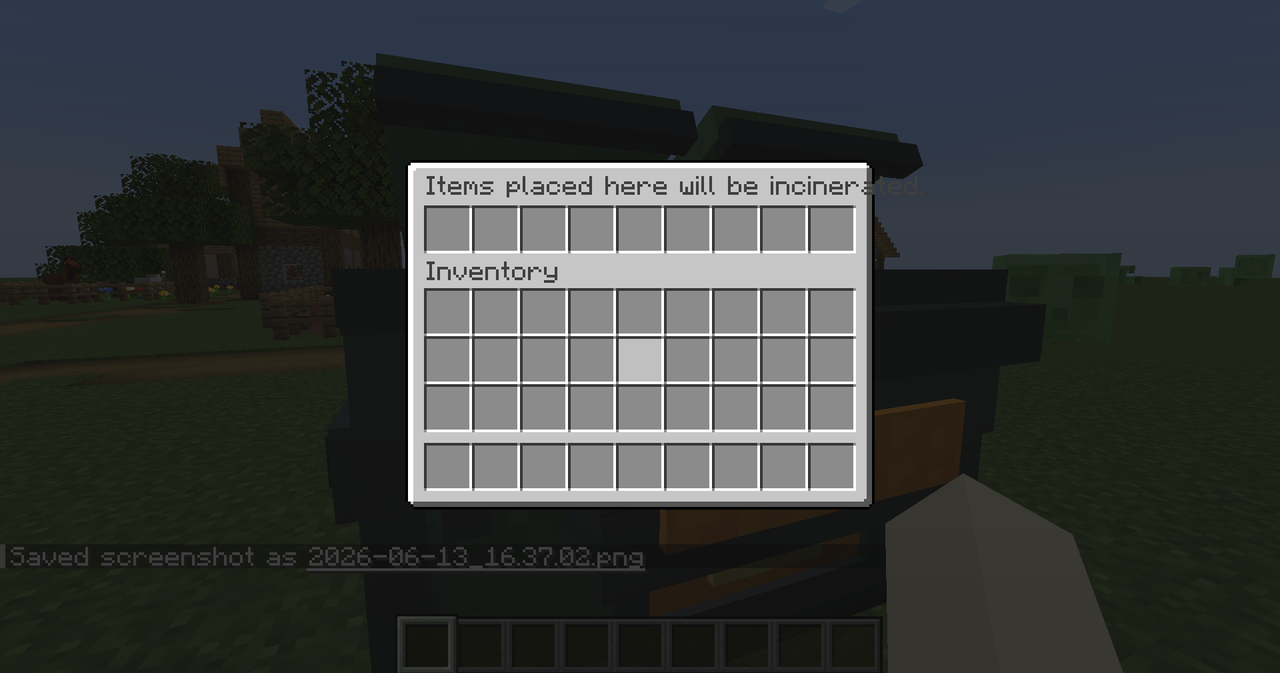
Dumpster Incinerator

The Dumpster Incinerator is a placeable structure that permanently destroys unwanted items: right-click the incinerator while holding any item to instantly incinerate the entire stack, and right-click with a shulker box or bundle to empty and destroy its contents while leaving th…
Endless Mastery


Endless Mastery replaces the vanilla Creative stub with a persistent, open-ended mastery progression that tracks XP and levels for nearly every action—mining, using items, eating, movement, sprinting, jumping, combat and more—granting immediate, permanent attribute modifiers to t…
This mod is licensed under the CreativeMode Mods License.