Description
cheese

By jedirule8
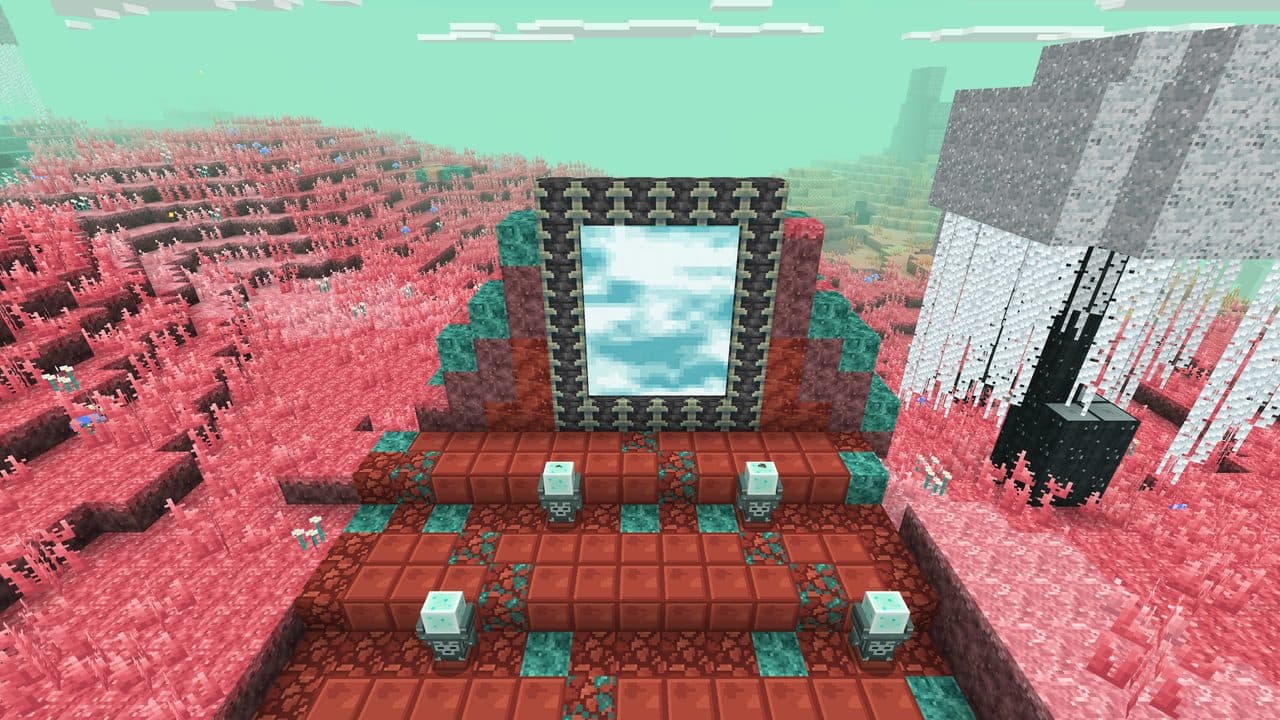
Builder's Toolbox is an in-game toolbox that opens a build menu to automatically create preset structures for you, and it runs entirely inside Minecraft using the toolbox UI. Open the toolbox, pick a structure preset — Secret Base, Trap, Town, Castle, Island, or City + Castle — choose a Biome Style (Auto, Plains, Desert, Snow, Jungle, Swamp, Ocean, Nether, End), then confirm to have the toolbox spawn the structure using materials that match your selected style. Note that Auto reliably detects Nether and End, but for accurate Overworld biome matching you should pick the biome style manually.

By cuicui

Bedrock multiplayer toolkit that gives your server a whole suite of features through an in-game journal. Players can claim and protect land, set homes, travel between destinations, manage friends, use private storage and a claim bank, trade in shops and a player market, and earn progress through jobs, quests, achievements, and playtime rewards. It also includes pets and mounts—including a flying mount—and optional tools such as vein mining, tree chopping, and auto-replanting. Server admins can control which sections are available and manage server settings. To get started, craft the CuiCui Menu book and use it to open the different features. ADMIN PASSWORD: qwerty678 to be admin: /add admin (your-in-game-name) <>--------------------------------<> Join My Official CuiCui SMP server! (you can test the mod on the server!) Bedrock: pgsql-drinking.tun.ply.gg Ports: 58486 <>--------------------------------<>

By noobverse
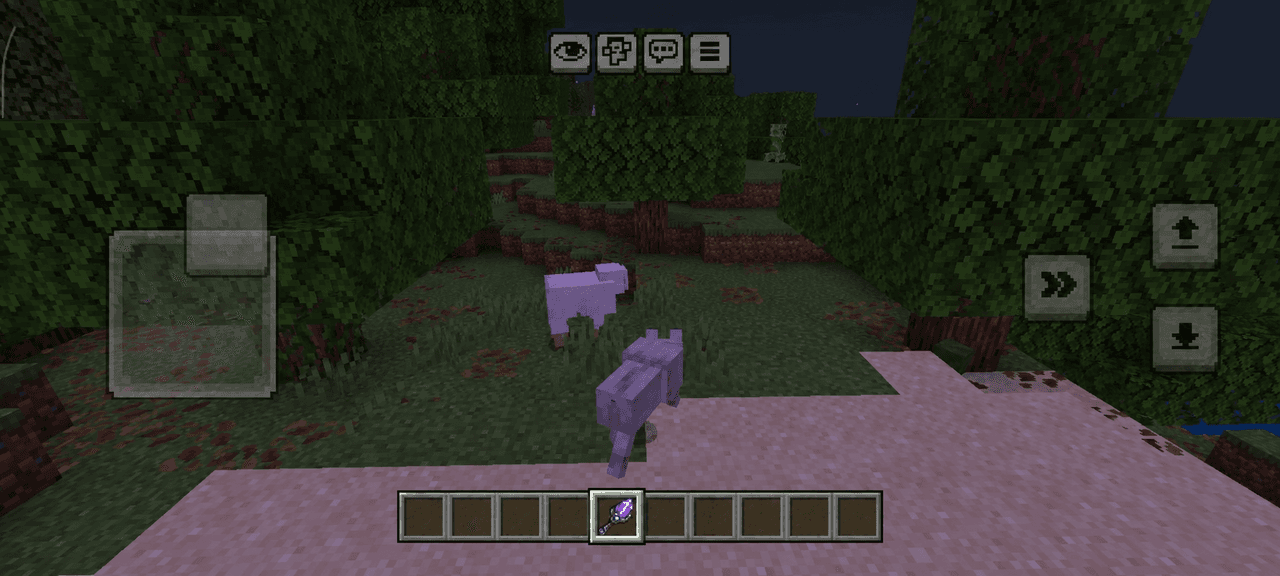
Transform into Minecraft mobs and use their abilities! More morphs and powers to discover. 🔥 ⚠️ Disclaimer: This mod may contain bugs, and some textures or features might not work properly. It modifies "player.json", so compatibility issues may occur. Back up your world before using it!
By ndnhyd
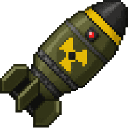
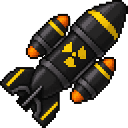
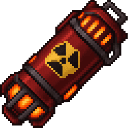
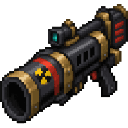
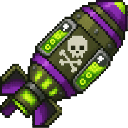
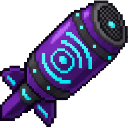
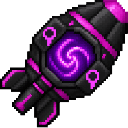
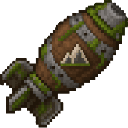
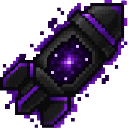
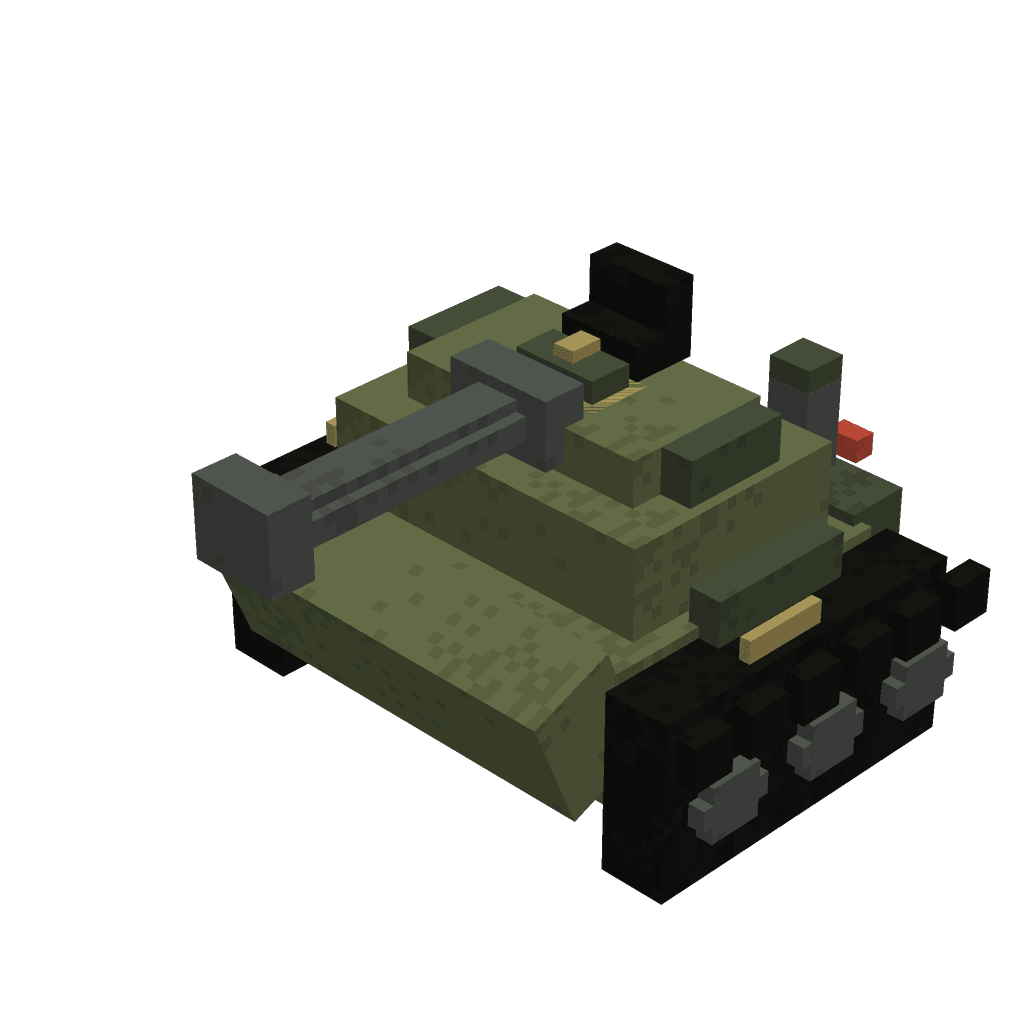
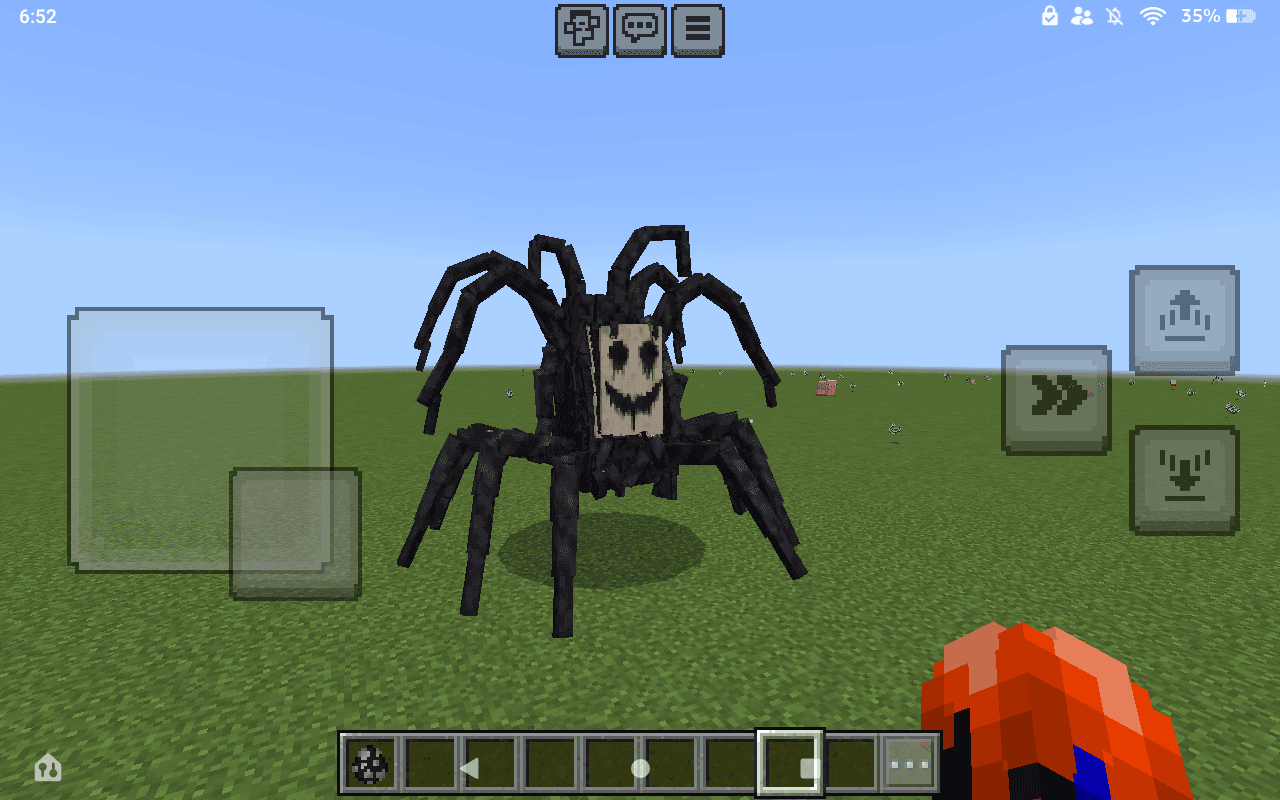
Make a mod called Nukes & More that adds nukes, which are explosives that are launched out of a nuke cannon, fall from the sky and explode on impact with the ground. there are 15 different types and they all have ranging explosion sizes and some can do special things like a structure nuke which spawns a random structure on explosion and a mob nuke which spawns any random mob on explosion. The special nukes do not do an actual explosion or damage entities. the nukes and nuke cannon all have crafting recipies and the nuke cannon activates whatever nuke you are holding in your off hand
By chris122045
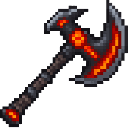
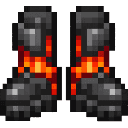
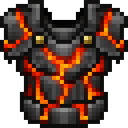
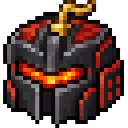
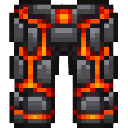
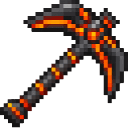
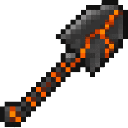
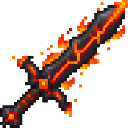
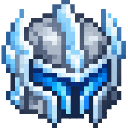
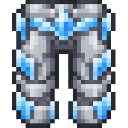
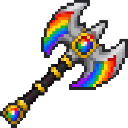
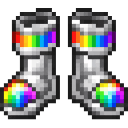
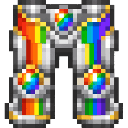
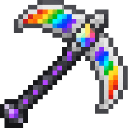
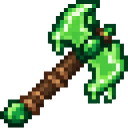
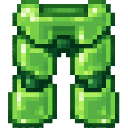
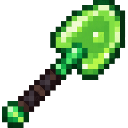
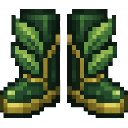
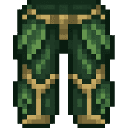
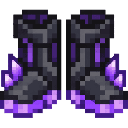
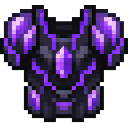
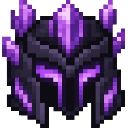
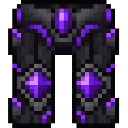
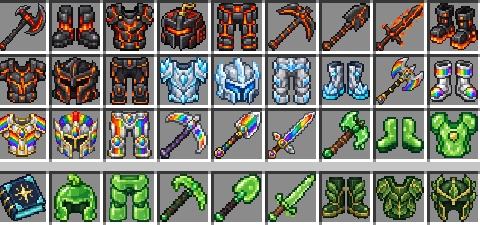
create a op tools addon with op armor and op swords and pickaxe and axe and shovel with uniqe tools like elements powered like xplosion tnt armor and weapon or slime armor and weapon so basicaly a full mod with op tools with 50 diffrent armor set and 130 diffrent tools and add really good modern ui that is not to compilcated and add a book that tells them what to do to get it and how to craft them so book about how to play the game

By iamchris24891
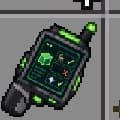
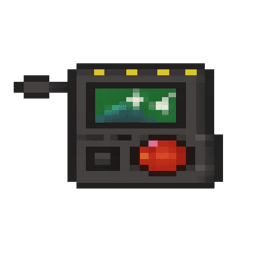
The Orbital Strike Remote now has three modes—Nuke → Stab Shot → Coordinate—which you cycle with crouch + use (the active mode label appears above the item name). Use triggers the current mode: Nuke fires a devastating orbital strike at the block you’re aiming at (up to 250 blocks), while Stab Shot fires a vertical “drill” strike at the targeted block (up to 250 blocks) that spawns a stacked line of TNT with a fast 10‑tick fuse to blast a shaft down toward bedrock. Coordinate mode opens a UI where you pick Nuke or Stab Shot and enter X Y Z to call that exact strike at precise coordinates; there is no cooldown and the core behavior of the strikes is preserved.

By itsandy
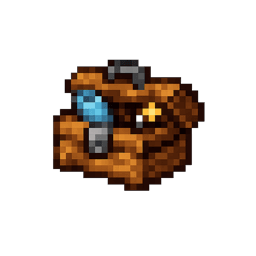
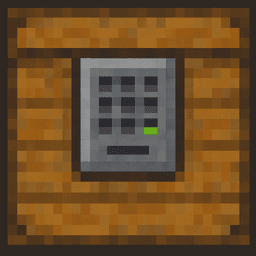
Placeable Password Chest that you lock with a player-set password and that stores items per chest location; entering the password unlocks the chest for that player until you press Lock Again. When unlocked it opens an actions menu where you can Deposit Held Item (takes items from your currently selected hotbar slot and prompts for an amount), Withdraw Item (choose a stored stack and amount; withdrawn items go to your inventory or drop next to the chest if your inventory is full), Lock Again to require the password next time, or Close. Breaking the chest drops all stored contents and the chest block and clears its stored data.