
Description
Shoot linked portals, see through them, and step between distant places.
Mod Wiki
Portal Gun
Quickstart
Craft a Portal Gun at a crafting table, then hold it and aim at a block face. Use the item to place your first portal; sneak or crouch while using it to place the second. Aim at a surface you can reach, then walk through either portal to emerge at the other.
Overview
The Portal Gun creates a personal pair of linked, glowing portals. They can be placed on block faces in different locations, and crossing one transports you to the other. Each player manages their own pair.
What It Adds
- Portal Gun: A single, non-stackable item for placing portals.
- Two linked portals: A blue first portal and an orange second portal.
- Portal views: Look toward a portal from nearby to see a stylized live view of its destination.
How To Use
- Aim at a block face and use the Portal Gun to place the blue portal. It can hit blocks up to 96 blocks away.
- Sneak or crouch and use the gun again to place the orange portal.
- Move fully through either opening to travel to the other. Passage works in both directions.
Using the gun again replaces the portal of the same color. A portal must have a partner for its view and transport to work. The view appears when you are nearby and looking toward the portal from its front.
Crafting And Obtaining
Craft the Portal Gun at a crafting table with 3 iron ingots, 2 ender pearls, and 1 redstone:


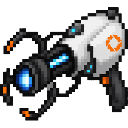
Abilities And Mechanics
Portals attach to the face of the block you target, including walls, floors, and ceilings. The linked pair can be placed in different locations, including different dimensions. Crossing through one brings you out just beyond the other portal.
The view through a portal is a compact, stylized rendering of the destination rather than a full-resolution camera image.
Progression And Strategy
Try placing portals on safe, open surfaces first. Set one near your starting point and the other at a distant destination to create a quick route; make sure there is room to step out at both ends.
How to install
Download the mod and follow the step-by-step installation guide.
Players also liked
Pocket Shrink Ray


Shrink to bug size, slip through tiny gaps, and build secret hideaways anywhere.
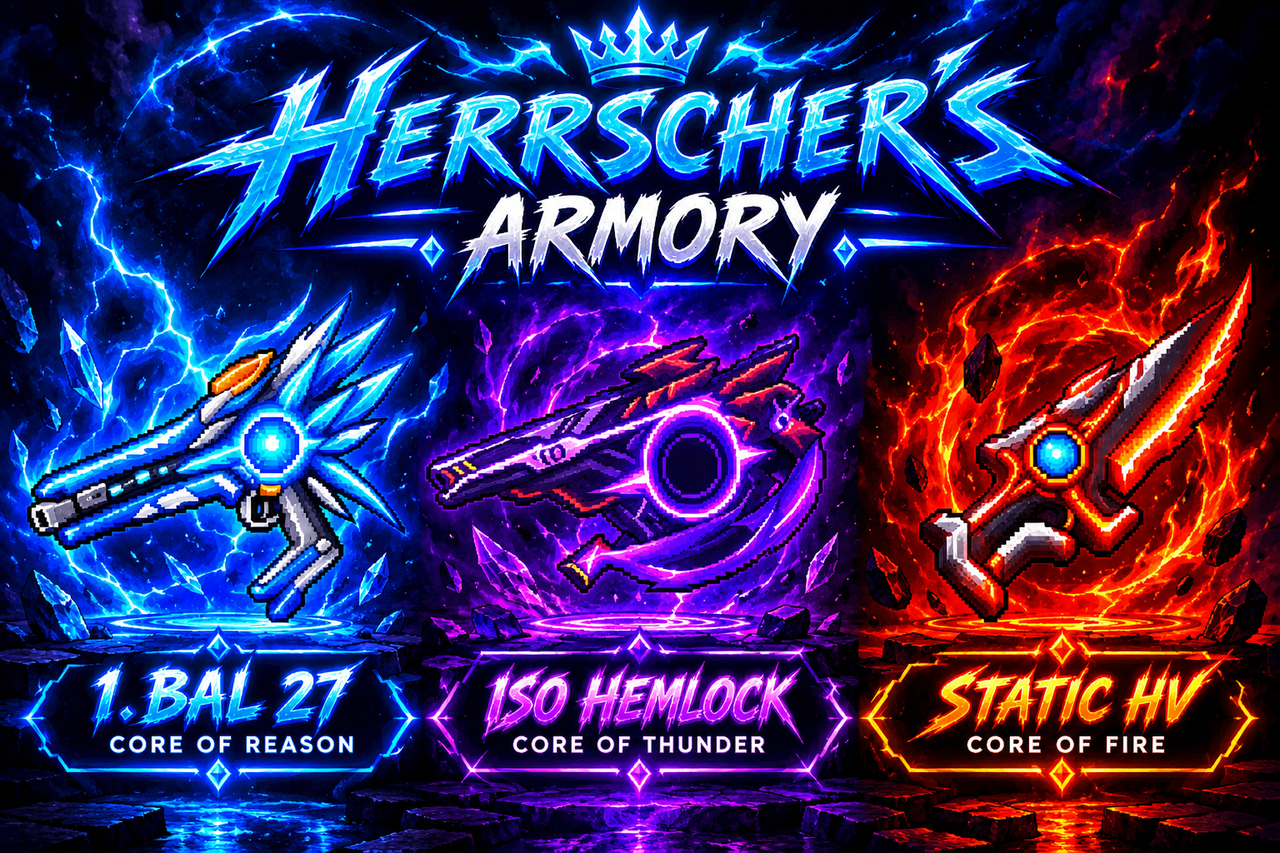
HERRSCHER'S ARMORY

Craft Mythic Cards to upgrade your rifle, unleash ten-heart shots, and unlock powerful effects.
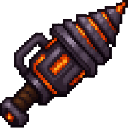
Netherite Smelt Drill


Mine nine blocks at once and smelt ores instantly with a powerful Netherite drill.
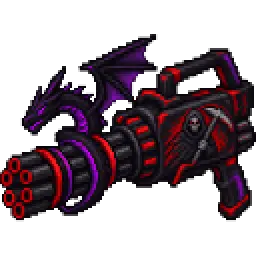
Dragon Reaper Minigun

Wield a dragon-wreathed minigun with poison rounds, summoned allies, and devastating shots.
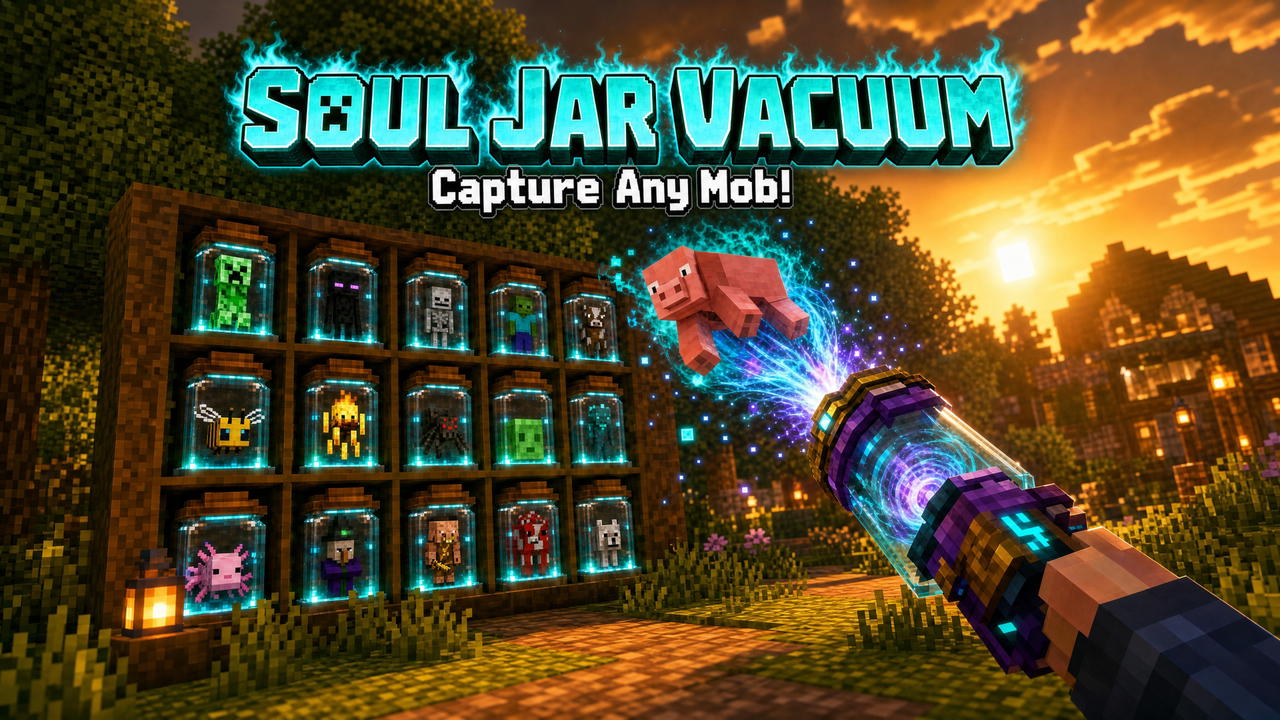
Soul Jar Vacuum (Capture Mobs)

Catch mobs in jars boi. Seriously. Release them when ya want, or store them on shelves like a creepy mob hunter. Or... make soul stews or even soul arrows that release the captured mob when your designated soul arrow makes impact at a target. Yours truly, Ballblaster. The soul st…
This mod is licensed under the CreativeMode Mods License.