

Description
Shrink to bug size, slip through tiny gaps, and build secret hideaways anywhere.
Mod Wiki
Pocket Shrink Ray
Quickstart
In Survival, craft the Pocket Shrink Ray at a crafting table:



In Creative, look for it in the Equipment category. Hold it, crouch, and use it to shrink to 0.25 scale. Crouch and use it again to return to 1.0 scale. Try moving through narrow openings or making a small hidden hideaway.
Overview
The Pocket Shrink Ray is a handheld item that toggles your character between normal size and a bug-sized scale. You need to be crouching when you use it; using it without crouching has no effect.
How To Use
- Hold the Pocket Shrink Ray in your hand.
- Crouch and use the item to shrink.
- Crouch and use it again to restore your scale to 1.0.
Crafting And Obtaining
Craft it at a crafting table using five iron ingots, one spyglass, and one redstone. The recipe is shown above.
How to install
Download the mod and follow the step-by-step installation guide.
Players also liked

Portal Gun


Shoot linked portals, see through them, and step between distant places.
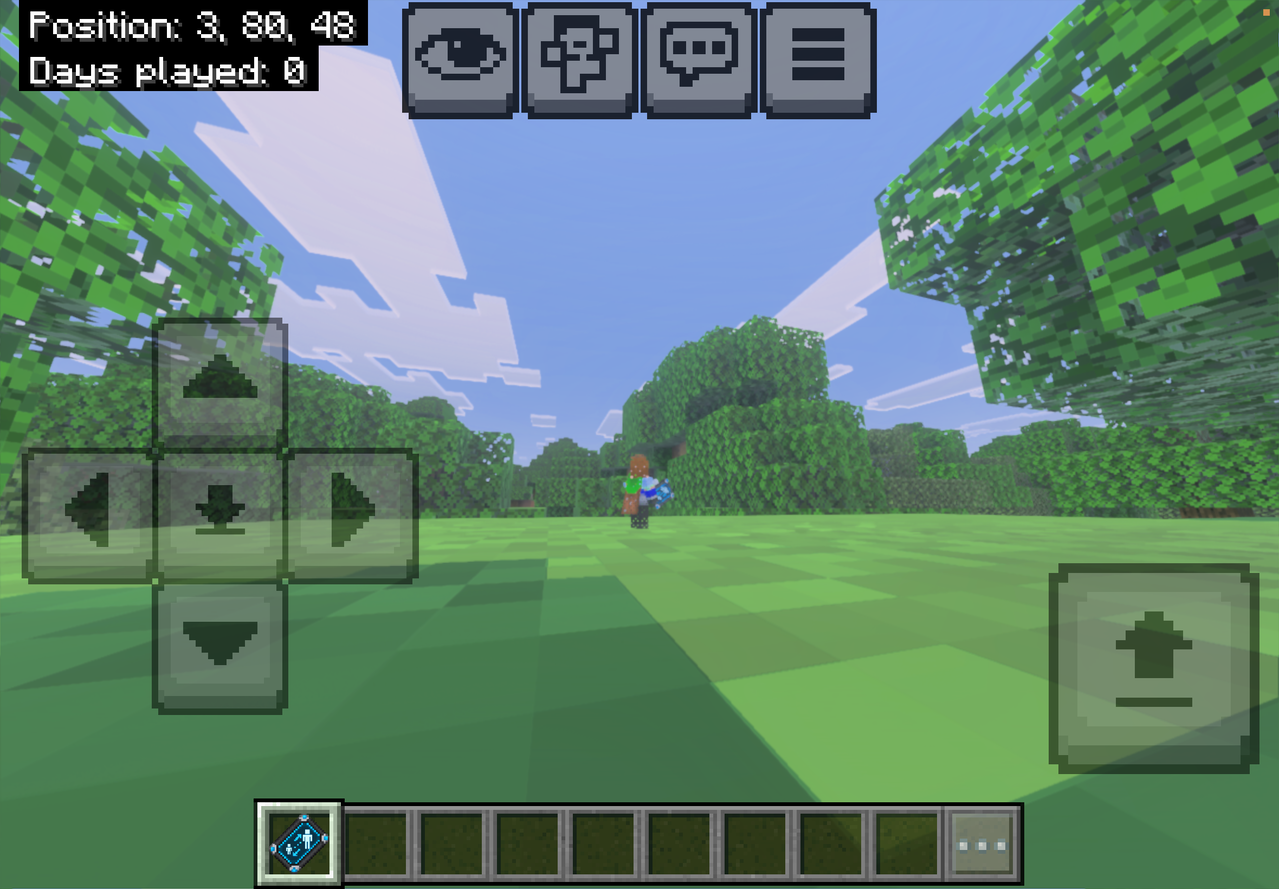

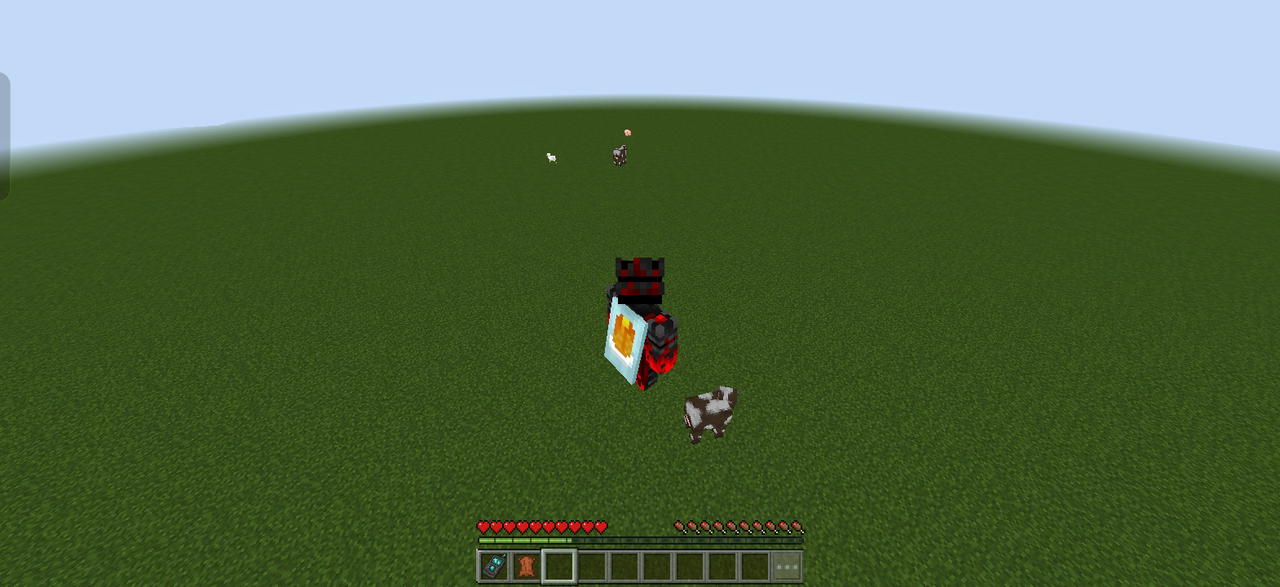
Tiny Titan Hide And Seek


Minecraft but you change your size you can become extremely small and become extremely big and you can also control you width but your speed remains same like playing hide and seekk with friends
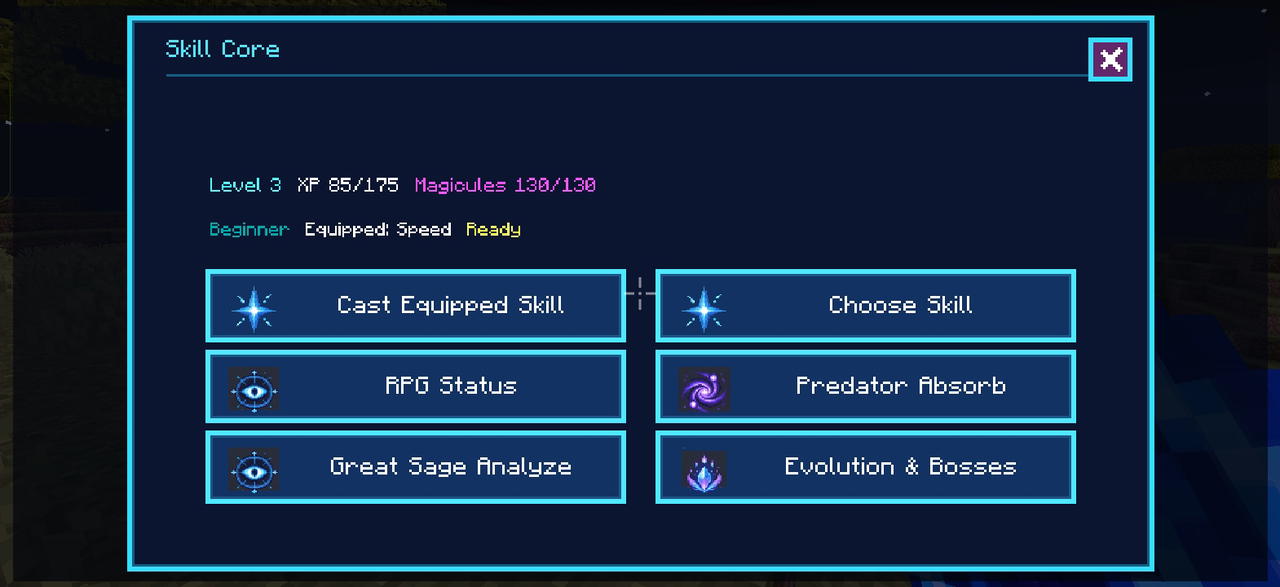
Rimuru Tempest Skill System


Hey guy this is my first mode that is related with anime. please try this for me and suggest changes and updates I can try for that

Hide And Seek

Shrink down to sneak through tiny spaces or grow into a towering titan in a thrilling game of hide-and-seek! Change your height and width while keeping your speed the same, and outsmart your friends with the perfect hiding spot.
This mod is licensed under the CreativeMode Mods License.