
Description
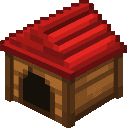
Adds a roomy 2x2x2 wooden Dog House with a red roof (craftable or in the Creative inventory) that you can rotate when placing so the wide doorway faces the direction you want; the doorway is now big enough for a wolf to fit fully inside. Right-click the empty house to have it search for and store one of your own nearby tamed wolves (one wolf per house), and right-click an occupied house to release that wolf in front of the house; you can interact with any part of the multiblock and it will route to the house’s state. The house remembers which wolf is stored across saves and breaking any part will remove the whole structure while safely releasing the wolf instead of trapping it.
Mod Wiki
Wolf Den Dog House
Quickstart
- Craft a Dog House using oak planks and red wool, or grab one from the Functional blocks section of the Creative inventory.
- Place it anywhere — the doorway faces toward you by default, but you can orient it any direction while placing.
- Tame a wolf and bring it within 8 blocks of the Dog House.
- Right-click the Dog House to send your wolf inside. A message confirms it has settled in.
- Right-click the occupied house at any time to release your wolf in front of the door.


Overview
Wolf Den Dog House adds a decorative, functional 2×2×2 wooden Dog House with a red roof that acts as a cozy shelter for your tamed wolves. The house is a full multiblock structure — all eight blocks that make it up behave as one unit. You can store one wolf at a time, release it on demand, and trust that the house will keep track of your wolf even after you save and reload the world.
What It Adds
| Item / Block | Description |
|---|---|
| Dog House | A placeable 2×2×2 multiblock structure. Wooden walls, red wool roof, and a wide front doorway sized for a wolf. |
How To Use
Storing a Wolf
Right-click any part of the Dog House while it is empty. The house searches for the nearest tamed wolf that belongs to you within 8 blocks. If one is found, it is stored inside and hidden from the world. You will see the message "Your wolf curled up inside the dog house." If no eligible wolf is nearby, you will be told "No tamed wolf of yours is close enough to enter."
Releasing a Wolf
Right-click any part of an occupied Dog House. Your wolf reappears in front of the doorway. You will see "Your wolf left the dog house."
Interacting From Any Block
Because the Dog House is a multiblock, you can right-click any of its eight blocks — front, back, top, bottom, or sides — and the interaction will work as if you clicked the main block. There is no specific "correct" face to target.
Breaking the House
Breaking any single block of the Dog House removes the entire structure and drops one Dog House item. If a wolf is stored inside, it is safely released before the structure disappears — it will never be lost or trapped.
Crafting And Obtaining
Craft the Dog House at a crafting table with oak planks and a piece of red wool:
The Dog House is also available directly from the Functional tab in the Creative inventory.
Abilities And Mechanics
- Rotation on placement — The doorway faces the direction you are looking when you place the block, so you can orient it to match your build.
- One wolf per house — Each Dog House holds exactly one tamed wolf at a time.
- Persistence across saves — The stored wolf's identity is saved with the house. Logging out and back in does not lose the wolf.
- Multiblock routing — All eight blocks of the structure share the same state. Any right-click interaction is routed to the main block automatically.
- Safe destruction — Removing any part of the structure always releases the wolf first, preventing it from being permanently trapped.
Progression And Strategy
- Build a kennel row by placing multiple Dog Houses side by side and storing a different wolf in each one, giving each wolf its own named shelter.
- Rotate each house so the doorways all face the same direction for a tidy, uniform look.
- Use the Dog House to keep wolves safely tucked away in a base while you go adventuring, then release them when you need a companion.
- Because breaking any part of the house releases the wolf, you can freely relocate a Dog House — break it, pick it up, and rebuild it — without worrying about losing your wolf.
How to install
This Java mod can be used on Windows and Mac PCs with the CreativeMode Launcher or any Minecraft launcher of your choice.

1. Download and install the new CreativeMode Launcher

2. Click to play on the top of the screen.
3. That's it — launches instantly. No complicated setup required.
Want to use on a different launcher? Download mod and manually install.
Players also liked

Tidebound Net


The Fishing Net is a 2x2x2 multiblock structure that automatically catches fish when placed near water. Every 5 seconds, it has a 40% chance to reel in a Cod, Salmon, Tropical Fish, or Pufferfish, complete with splash particles and sounds. Right-clicking any part of the net displ…
Aria


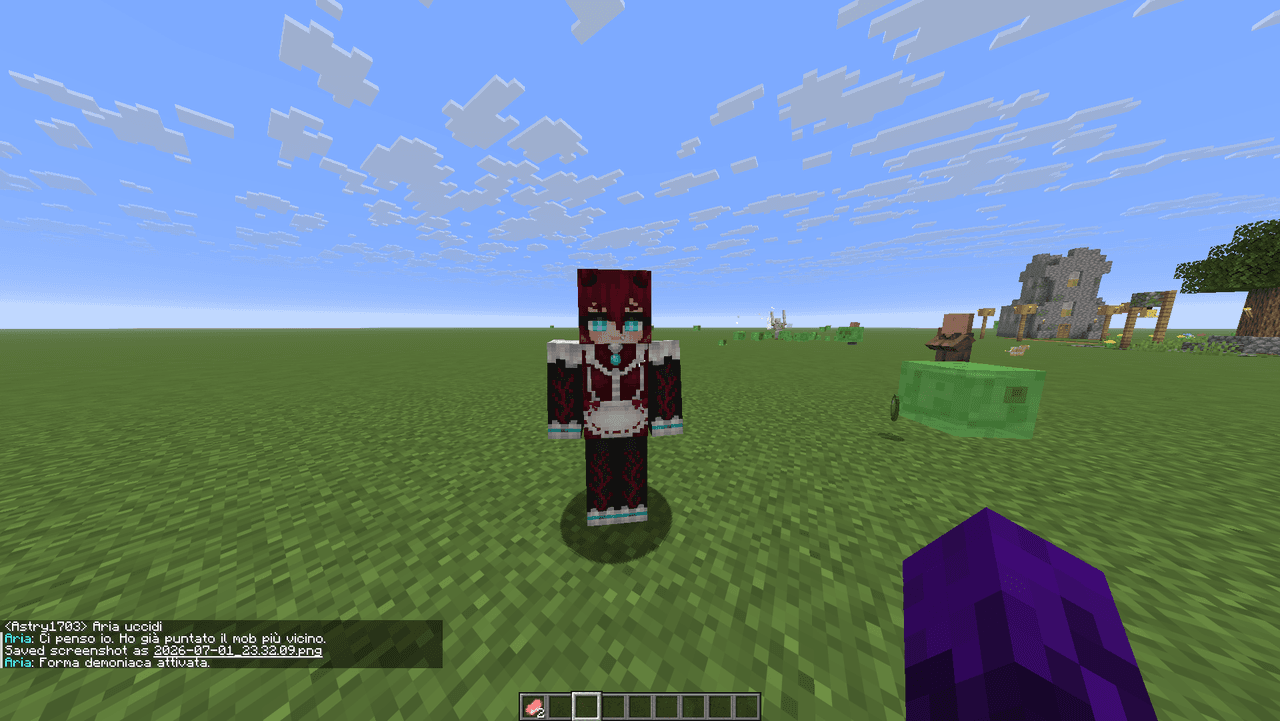
Aria è un demone umanoide che ti aiuterà con buff, attacchi e varie attività

Void Bin
The Void Bin is now a single-block (1x1x1) placeable trash can that permanently destroys any items placed on or inside it with no way to recover them. Dropped items that land on the block are automatically voided every quarter second with a satisfying destruction sound and swirli…
Nuclear Lucky Block


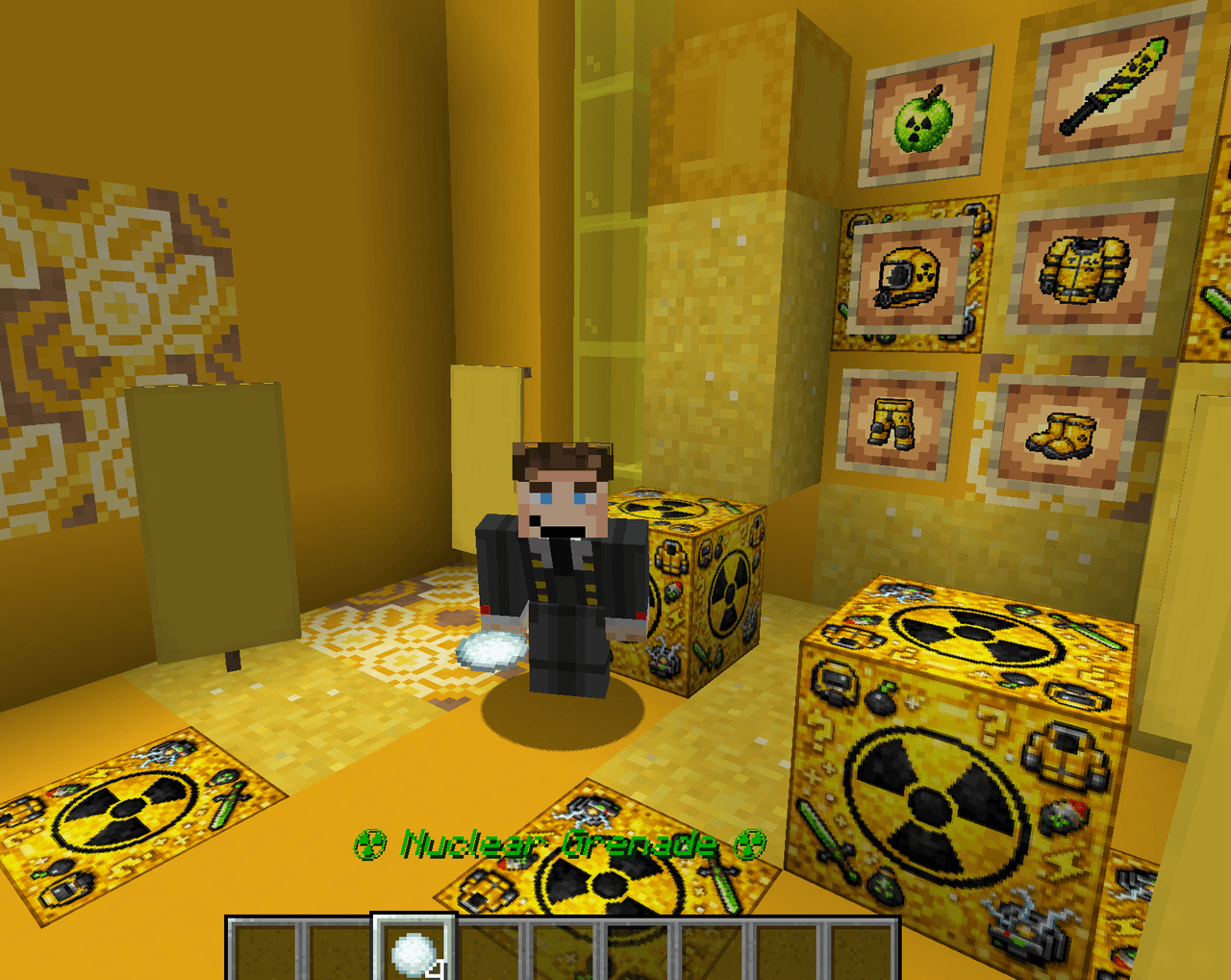
Break a Nuclear Lucky Block and uncover deadly reactors, hostile scientists, and bonus Lucky Blocks.
Acacia Mane Ravager


The Acacia Mane Ravager is a fierce, lion-like quadruped with a distinctive mane that's slightly smaller and more agile than a standard ravager; when attacked it retaliates by leaping in a powerful pounce to close the distance and strike its target. It now appears more commonly a…
This mod is licensed under the CreativeMode Mods License.