

Description
The Void Collapse Staff is a powerful, single-use weapon that, when right-clicked, summons a permanent black hole at your location that pulls in nearby entities and destroys blocks while growing stronger as it absorbs matter, dealing massive damage to anything drawn into its core. Once used the staff is consumed and the effect cannot be undone, so choose your activation point carefully to avoid unintended terrain or entity loss. This release improves startup stability on low-memory systems and includes a troubleshooting note on adjusting launcher RAM or Windows virtual memory if Minecraft fails to start.
Mod Wiki
Void Collapse Staff
Quickstart
- Craft the Void Collapse Staff using the recipe below, or find it in the Combat creative tab.
- Hold the staff and right-click to consume it and summon a permanent Black Hole at your position.
- Back away fast — the Black Hole immediately begins pulling in nearby entities and destroying blocks. It cannot be stopped or removed.


⚠️ The staff is destroyed on use and the Black Hole is permanent. Place yourself carefully before activating — anything in range, including terrain, will be affected.
Overview
The Void Collapse Staff is a single-use, high-stakes weapon. One right-click summons an indestructible, self-growing Black Hole that pulls in everything around it. The more matter it absorbs, the larger and more powerful it becomes — there is no off switch.
What It Adds
| Content | Type | Description |
|---|---|---|
| Void Collapse Staff | Item (tool/staff) | Single-use item that deploys a Black Hole |
| Black Hole | Entity | Permanent gravity well that grows as it consumes |
How To Use
- Right-click with the Void Collapse Staff in hand to activate it. The staff vanishes and a Black Hole spawns roughly one block above your feet.
- A distinctive sound plays on activation.
- The staff has an enchanted glint, stacks to 1, and is found in the Combat creative tab.
Abilities And Mechanics
Black Hole Behaviour
- Pull radius starts at 8 blocks and scales with size. Nearby entities are continuously dragged toward the core.
- Absorption: Any entity that reaches the core is absorbed.
- Living entities take 1,000 damage (effectively instant death).
- Non-living entities are simply discarded.
- Growth: The Black Hole grows each time it absorbs matter.
- +0.5 size per living entity absorbed.
- +0.05 size per block destroyed.
- Maximum size: 20 (starting size: 1).
- Block destruction: Surrounding blocks within the pull zone are broken and consumed as the Black Hole grows.
- Invulnerable: The Black Hole cannot be damaged or destroyed by any means.
- Particles: Reverse portal, portal, and smoke particles emanate from the core, scaling with size.
Key Numbers
| Stat | Value |
|---|---|
| Starting size | 1 |
| Max size | 20 |
| Base pull radius | 8 blocks |
| Damage at core | 1,000 HP |
| Growth per living entity | +0.5 |
| Growth per block | +0.05 |
Crafting And Obtaining
Craft the Void Collapse Staff at a crafting table:
The staff can also be found directly in the Combat tab of the creative inventory.
Progression And Strategy
- Choose your activation point wisely. Once placed, the Black Hole expands indefinitely. Activating it in a confined space — a base, a dungeon, near valuable builds — will cause irreversible destruction.
- The Black Hole grows strongest in mob-dense areas. Spawner rooms, large farms, or boss arenas will cause it to rapidly expand to maximum size.
- Because it is permanent, consider using it as a last resort weapon or a deliberate world-altering event rather than routine combat.
- Move away immediately after activating. The pull begins at once and the player is not immune.
Troubleshooting
Minecraft crashes on startup with a memory error (e.g., "The paging file is too small" or "failed to map 2147483648 bytes"):
This means your system cannot allocate enough memory for Java to run Minecraft. Try one or both of the following fixes:
- Reduce allocated RAM in your launcher. Open your launcher's profile/installation settings and lower the maximum JVM memory (the
-Xmxvalue) — for example, set it to2Ginstead of4Gor higher. - Increase your Windows virtual memory (paging file). Go to System Properties → Advanced → Performance Settings → Advanced → Virtual Memory, uncheck "Automatically manage", and set a larger custom size (e.g., Initial: 4096 MB, Maximum: 8192 MB), then restart your PC.
How to install
This Java mod can be used on Windows and Mac PCs with the CreativeMode Launcher or any Minecraft launcher of your choice.

1. Download and install the new CreativeMode Launcher

2. Click to play on the top of the screen.
3. That's it — launches instantly. No complicated setup required.
Want to use on a different launcher? Download mod and manually install.
Players also liked
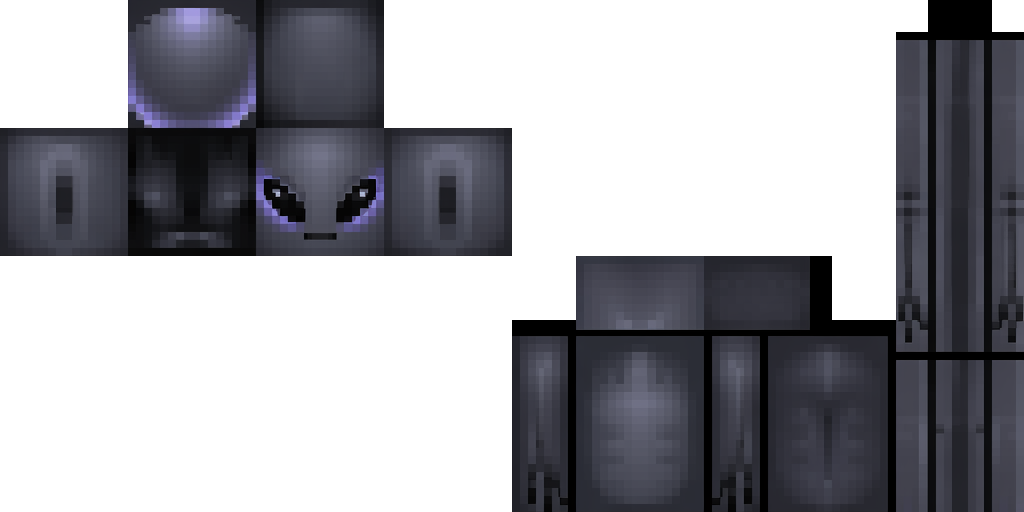
The Grey


This mod adds The Grey, a peaceful extraterrestrial visitor inspired by classic alien encounters. This tall, slender creature hovers eerily above the ground and wanders the Overworld both day and night, observing players with quiet curiosity and offering mysterious trades like En…

Chrono Freeze Clock
The Chrono Freeze Clock is a grand multiblock structure that gives you full control over time and the world around you. Right-click any part of the clock to open a menu where you can instantly jump to Dawn, Noon, Dusk, or Midnight with a single button press. The menu also feature…
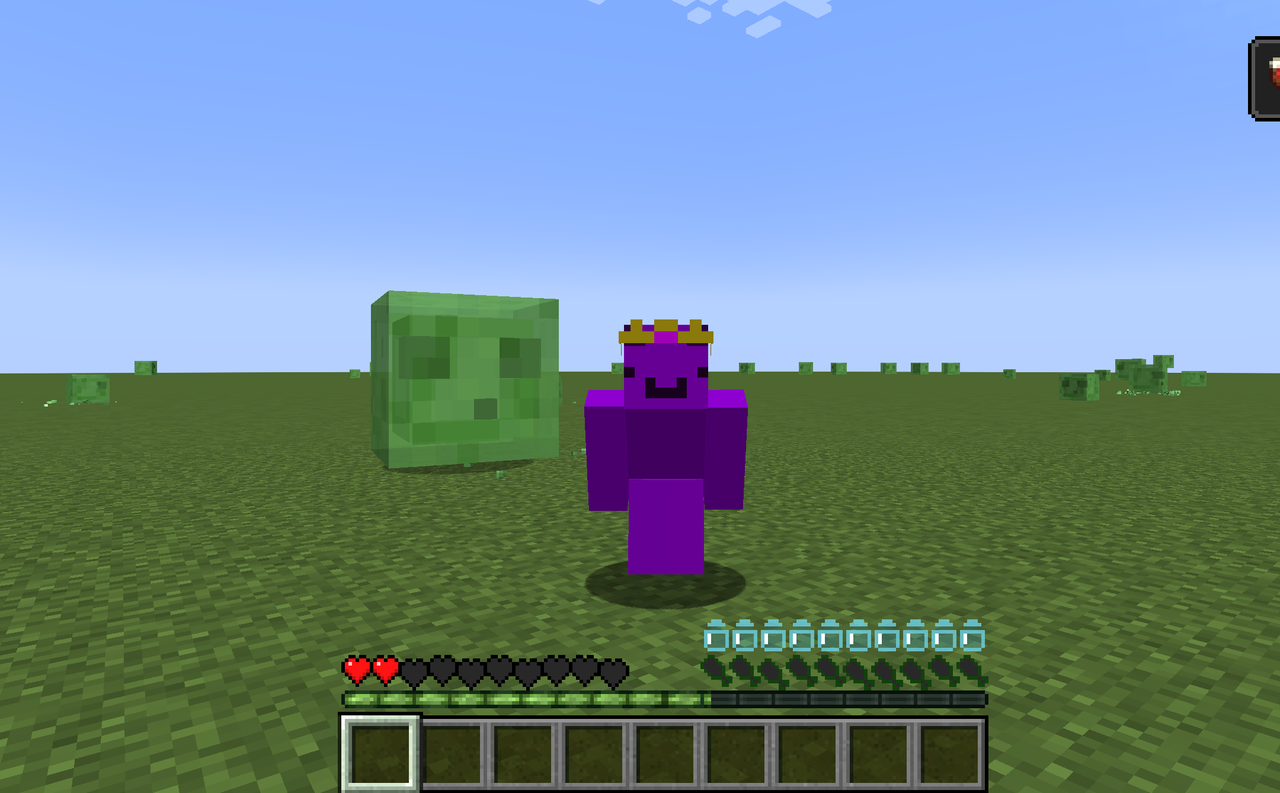
Thirst Bar


Adds a 0–20 thirst system displayed as ten small water-bottle icons above your hunger bar that drains using the same exhaustion rules as hunger. Drink any potion or water bottle to refill thirst: plain water bottles restore 10 points (half), while other potions restore 6 points,…
War Forge Creator


The War Forge Creator is a powerful item that lets you orchestrate epic battles between Villagers and Pillagers — right-click to open its GUI, place capture points at your current location, start massive fights (up to 100v100), and reset wars as needed; soldiers spawn at valid su…

Ghost Device


The Ghost Device renders you completely invisible to players and mobs, mutes your sounds, and prevents hostile mobs from targeting you—right-click to toggle Ghost Mode on or off. While active, armor and held items are hidden from other players and mobs but remain visible to you w…
This mod is licensed under the CreativeMode Mods License.