

Description
Twist, turn, and solve your own Rubik's Cube in Minecraft!
Mod Wiki
Twistlock Cube
Quickstart
- Open the Creative inventory and search for Twistlock Cube (Handheld), or craft one from the recipes below.
- Hold the cube and use it once to turn the currently selected layer.
- Sprint + use to cycle through the six selectable layers: Top, Bottom, Front, Back, Left, and Right.
- Sneak + use to scramble the cube again.
- Keep turning layers until the cube returns to its solved state. A solved cube announces its move count.
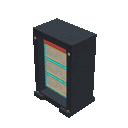
- For a physical puzzle station, craft a display placer, place it on the ground, and interact with any part of the resulting display.
For timed solves, place a Competition Timer Pad and a Speedcubing Records Board. Use the timer pad to start, solve a mixed cube, then use the pad again to stop and submit your time.
Overview
Twistlock Cube adds interactive cube puzzles to Minecraft. Handheld cubes can be solved anywhere, while display versions create decorative, multi-block puzzle stations in the world.
Every cube tracks its own turns. Normal use rotates the selected layer one step, and four turns return that layer to its original alignment. A cube is solved when all six layers are back in their starting positions.
What It Adds
Handheld puzzles
- Twistlock Cube (Handheld) — the standard handheld puzzle.
- Neon Speedcube (Handheld) — a bright speedcubing variant.
- Mega Speedcube (Handheld) — a larger, more challenging variant.
- GAN Cube (Handheld)
- MoYu Cube (Handheld)
- Huanmeng Cube (Handheld)
- Twistlock Cube (3D Handheld)
- 4D Hypercube (Handheld)
- 5D Hypercube (Handheld)
All handheld puzzles use the same basic controls. The larger and hypercube variants begin with more extensive scrambles.
Placeable displays and equipment
- Twistlock Cube Display
- Neon Speedcube Display
- Mega Speedcube Display
- GAN Cube Display
- MoYu Cube Display
- Huanmeng Cube Display
- Competition Timer Pad
- Speedcubing Records Board
How To Use
Handheld cubes
Hold any handheld cube and use it.
| Action | Result |
|---|---|
| Use | Turn the selected layer |
| Sprint + use | Select the next layer |
| Sneak + use | Scramble the cube again |
The action bar identifies the selected layer and reports turns, scrambles, and solves. Each cube variant has a separate puzzle state for each player.
Display cubes
Craft and place a display placer on a suitable open area. The placer builds the complete display automatically. Display cubes are interactive, so use any part of the display to operate the puzzle.
The display versions use the same controls as handheld cubes:
- Use to turn the selected layer.
- Sprint + use to select another layer.
- Sneak + use to mix the puzzle again.
Displays keep their own puzzle state in the world, making them useful for shared puzzle rooms, exhibitions, and multiplayer challenges.
Competition Timer Pad
- Use the pad to start the timer.
- Interact with a mixed handheld or placed cube. This connects that puzzle to your run.
- Solve the cube.
- Use the timer pad again to stop the clock.
A time is recorded only when the connected cube is solved. Stopping the timer before connecting a cube or before solving it does not create a record.
Speedcubing Records Board
Use the board to open the fastest-solves list. The board shows up to ten recorded runs, including the player name, time, and cube variant. New records also appear on the fastest-solves sidebar.
Crafting And Obtaining
All recipes are crafted at a crafting table. The recipe viewer shows the complete ingredient layout.
Handheld cubes
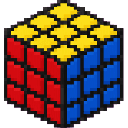
Twistlock Cube (Handheld)


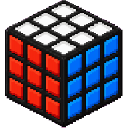
Neon Speedcube (Handheld)


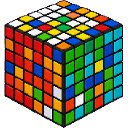
Mega Speedcube (Handheld)


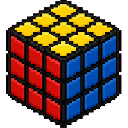
GAN Cube (Handheld)
MoYu Cube (Handheld)


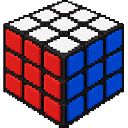
Huanmeng Cube (Handheld)

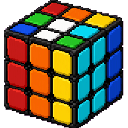
Twistlock Cube (3D Handheld)
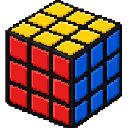
4D Hypercube (Handheld)

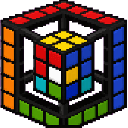
5D Hypercube (Handheld)


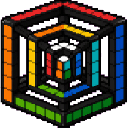
Cube displays
Twistlock Cube Display


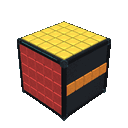
Neon Speedcube Display

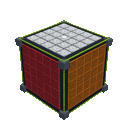
Mega Speedcube Display

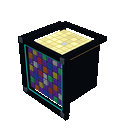
GAN Cube Display


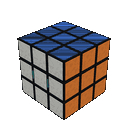
MoYu Cube Display
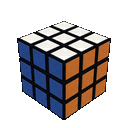
Huanmeng Cube Display
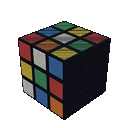
Timer and records equipment
Competition Timer Pad


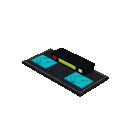
Speedcubing Records Board

Abilities And Mechanics
- Each use rotates the selected layer by one quarter-turn.
- Sprinting cycles through six layers in order.
- Sneaking immediately generates a fresh scramble and resets the move count.
- A layer returns to its original orientation after four turns in the same direction.
- Solving triggers a completion message and sound effect.
- Handheld cubes are tracked separately by variant and player.
- Placed displays retain their own puzzle state, so multiple displays can be used independently.
- Timer runs use the cube you first interact with after starting the timer.
- Only completed solves can be submitted to the records list.
Progression And Strategy
Start with the standard Twistlock Cube (Handheld) to learn layer selection and quarter-turn timing. Practice selecting each layer with sprint + use before attempting a timed run.
For a reliable practice loop:
- Use sneak + use to generate a scramble.
- Note the selected layer shown in the action bar.
- Turn layers with normal use.
- Cycle layers whenever you need to work on another face.
- Watch for the solved notification rather than stopping after a single layer appears aligned.
Build a display room with several cube variants to practice different scramble lengths. Use the timer pad only after you can solve consistently, then check the records board to compare your best times with other players.
How to install
Download the mod and follow the step-by-step installation guide.
Players also liked

Hollow Purple\Purple Nuke


use the positive and negative applications of Gojo's infinity to Unleash a powerful burst of purple energy that erases everything in its path.

Emberlight Greatsword

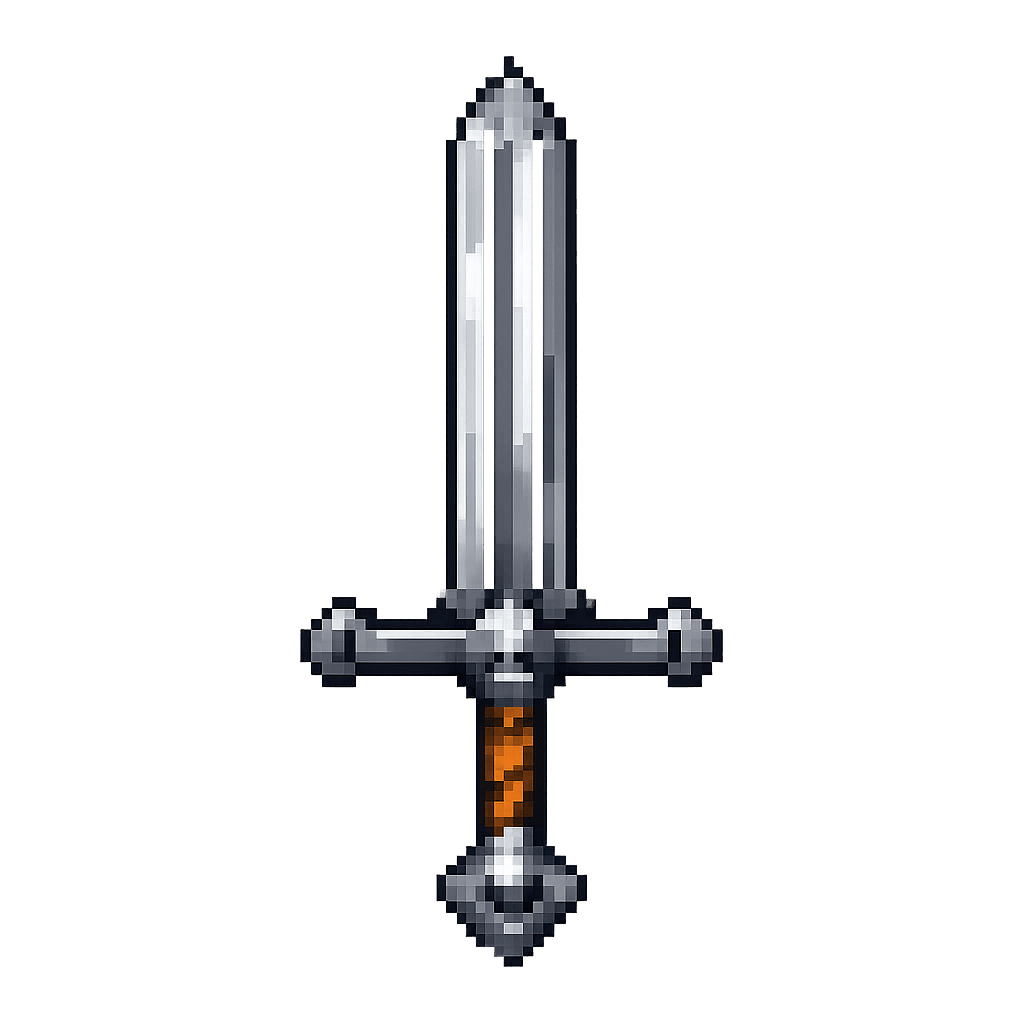
Wield a blazing greatsword and unleash fiery energy slashes upon your foes.


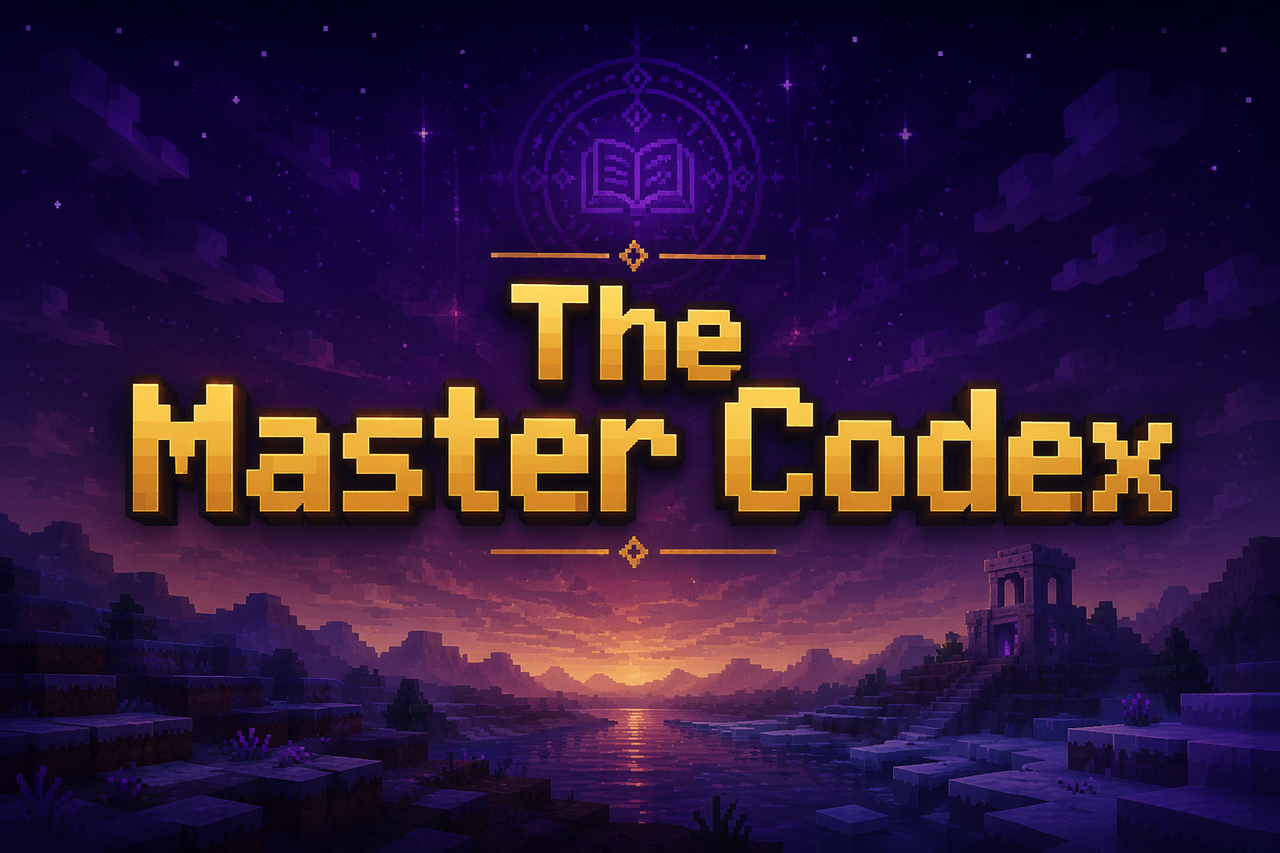
The Master Codex


The Master Codex is your all‑in‑one utility book for Bedrock, built to keep your hands on the controller and your eyes in‑game instead of buried in commands. It wraps teleport tools, HUD overlays, build helpers, and world management into one clean menu that remembers your setting…

This mod is licensed under the CreativeMode Mods License.