
Description
The Master Codex is your all‑in‑one utility book for Bedrock, built to keep your hands on the controller and your eyes in‑game instead of buried in commands. It wraps teleport tools, HUD overlays, build helpers, and world management into one clean menu that remembers your settings per‑player, so every session feels like you’re loading up your own personal dev toolkit. Quick feature list: A toggle for; On‑screen compass On‑screen coordinates and On‑screen chunk border distance Quick display On‑screen numeric player stats (health, hunger, XP, armor) Teleport to saved locations Teleport to your last death Teleport directly to XYZ Save and name waypoints Visual chunk‑border indicator Create ticking areas from the book Manage existing ticking areas Adjustable walk speed modes Mark Position 1 and Position 2 for builds Auto‑generated Fill / Clone / Clear / Outline commands In‑book block picker for Fill/Setblock Save and load named structures Summon entities at your marked spots
Mod Wiki
The Master Codex
Quickstart
- Gather books, diamonds, and an ender pearl, then craft the Codex at a crafting table:


- Hold the Codex and use (right-click / tap) it to open the main menu.
- The menu presents six categories: Navigation, HUD Toggles, World Tools, Player Tools, Construction, and Close.
- Start with HUD Toggles to turn on live coordinates and a compass heading so you can always see where you are, then explore Navigation to save your first location.
Overview
The Master Codex is a single magical book that replaces a whole suite of external tools. Use it to teleport, manage named waypoints, monitor your stats, build with auto-generated commands, and keep a live HUD overlay — all from one in-game menu. Your settings and saved data persist across play sessions. The Codex works in both Survival and Creative mode.
What It Adds
| Item | Description |
|---|---|
| The Master Codex | A non-stackable magical book. Using it opens a multi-category menu covering navigation, HUD, world tools, player tools, and construction utilities. |
How To Use
Hold the Codex and use it to open the main menu, then select a category. Every sub-menu has a Back button to return to the main menu.
Navigation
- Save Location — give the current spot a name and store it. Saved locations include your dimension.
- Teleport to Saved Location — pick any saved location and teleport to it instantly.
- Teleport by XYZ — enter exact X Y Z coordinates to jump to any position.
- Return to Last Death — teleport back to where you last died. The Codex records your death coordinates automatically whenever you are killed.
HUD Toggles
Three toggles control persistent overlays displayed in the action-bar area in a fixed stacked order so they never overlap the vanilla HUD:
| Toggle | What it shows |
|---|---|
| Compass | Cardinal direction and degree heading (e.g. NE 45°) |
| Coordinates | Live XYZ position, updated continuously |
| Chunk Borders | Distance to the nearest chunk edge in X and Z; end-rod particles appear when you stand on a chunk border |
Each button clearly shows its current ON / OFF state. Toggles are saved per player and survive world reloads.
World Tools
- Create and manage ticking areas to keep regions loaded.
- Any other world-level commands and utilities accessible from the menu.
Player Tools
Displays a live read-out of your current health, hunger, XP, and armor values.
Includes a Walk Speed cycle button that steps through these modes in order:
| Mode | Effect |
|---|---|
| Normal | Default walking speed |
| Fast | Moderately increased speed |
| Sprint | Maximum boosted speed |
| Reset to Default | Returns speed to the vanilla default |
Construction
A powerful suite for block-placement automation:
- Mark Position 1 / Position 2 — record two corners of a region at your current location.
- Auto-generate commands from your marked positions:
- Fill — fill the region with a chosen block
- Clear — fill the region with air
- Clone — clone the region to a target
- Outline — build a hollow shell of a chosen block
- Setblock — place a single block at a mark
- Block selection uses a scrollable list covering a wide range of vanilla blocks (stone, logs, wool, concrete, glass, ores, redstone components, and more).
- Save / Load Named Structures — store a set of positions under a name and reload them later.
- Summon Entities at Marks — spawn any entity at a marked position.
- Create Ticking Areas — register a named ticking area directly from your marks.
Crafting And Obtaining
The Codex is crafted at a crafting table. It is non-stackable, so each player needs their own copy. The recipe unlocks automatically once you have books, diamonds, and an ender pearl in your inventory.
Abilities And Mechanics
- Session persistence — all saved locations, HUD states, speed settings, and construction data are stored per-player and survive logging out or reloading the world.
- Death tracking — the Codex silently records your coordinates each time you die, so the Return to Last Death option is always ready without any setup.
- HUD ordering — overlays always render Compass → Coordinates → Chunk Borders from top to bottom, preventing overlap with health, hunger, and hotbar elements.
- Chunk border particles — when the Chunk Borders toggle is on and you walk onto a chunk boundary (edge block), end-rod particles appear at your feet as a visual indicator.
- Command generation — Construction tools build and execute
/fill,/clone,/setblock, and related commands automatically based on your marks, saving you from typing long coordinate strings manually.
Progression And Strategy
- Early game: Craft the Codex as soon as you have five books, two diamonds, and an ender pearl. The navigation and HUD tools are immediately useful for any playstyle.
- Mid game: Use Save Location to bookmark your base, a woodland mansion, a stronghold, and any other key site so you can teleport freely between them.
- Building: Mark two corners of any planned structure, then use the Construction menu to fill foundations, clear terrain, or outline walls in seconds instead of placing blocks by hand.
- Survival safety: Enable the Coordinates HUD and keep Return to Last Death in mind before exploring dangerous areas — if you die, you can recover your items quickly.
- Speed cycling: The walk-speed cycle is useful for scouting large areas quickly in Survival; remember to hit Reset to Default when you need normal movement for platforming or combat.
How to install
Download the mod and follow the step-by-step installation guide.
Players also liked
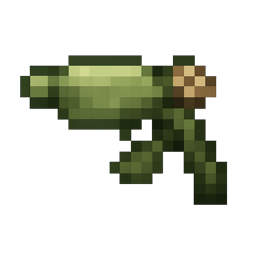
Pea shooter


A unique botanical weapon that rapidly fires seed projectiles. When used, it launches small seeds that arc through the air dealing light damage to targets. Each seed deals 1 heart of damage with a rapid-fire rate. Crafted from wheat seeds arranged in a vertical column. Perfect f…
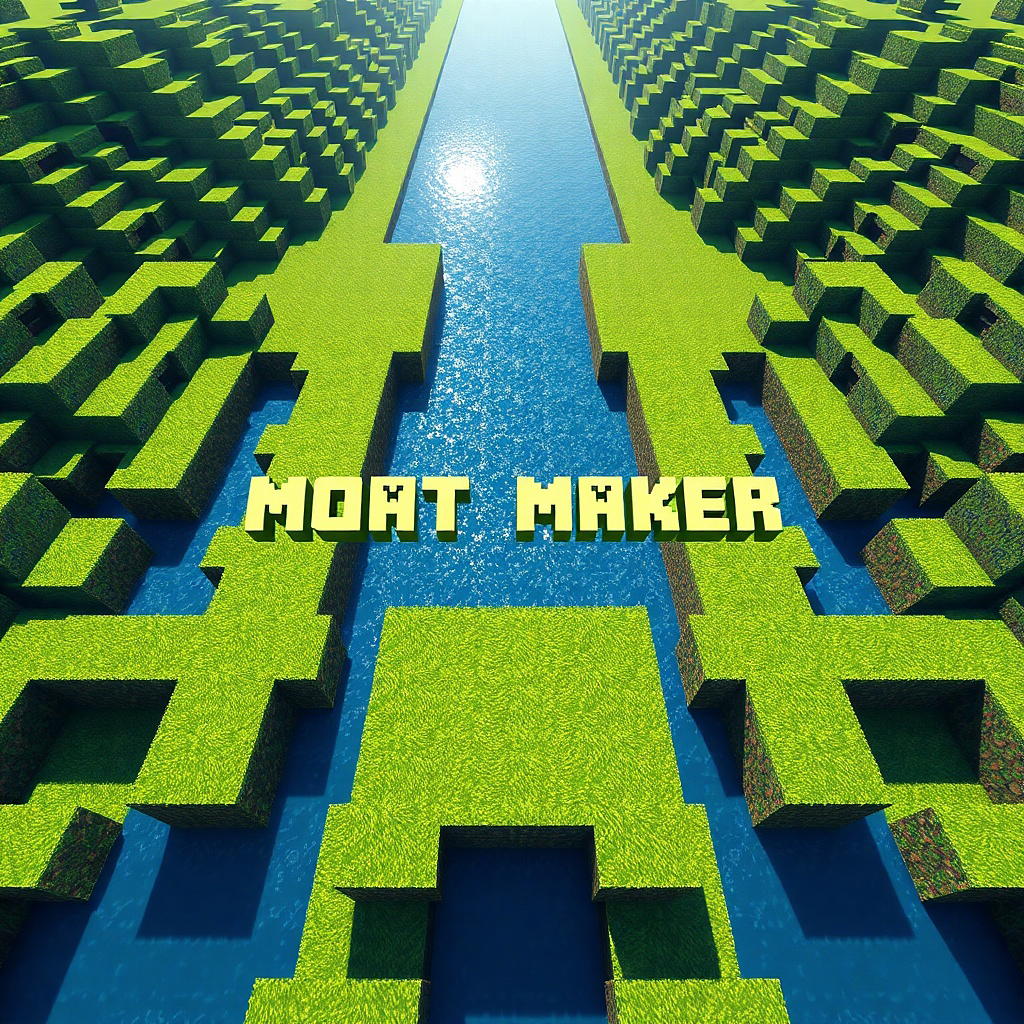
Moat Maker


Carve perfect moats with flat or V-cut bottoms and customizable lip and floor blocks. Make moats filled with water or lava, and with the floor options of soul sand and magma blocks, you can use them for defense too! Just place block A, then place block B, click use on block B, s…
Mega Power Block

Place the Mega Power Block to unlock cars, chairs, commands, and features from every Minecraft mode.



This mod is licensed under the CreativeMode Mods License.