

Description
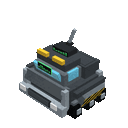
Chase storms in the TIV2 Tornado Interceptor Rover with realistic controls, speed, and storm-chasing style.
Mod Wiki
Tornado Interceptor Rover
Quickstart
- Obtain the Tornado Interceptor Rover from the Functional Blocks creative inventory, or craft it with the recipe below.
- Place it on the ground. The rover assembles itself from its main block and component parts.
- Right-click any part of the assembled rover to enter it. The rover structure converts into a drivable vehicle.
- Use the normal movement controls to drive:
- W: Drive forward at maximum speed.
- S: Reverse.
- A/D: Move left or right.
- Sprint: Dismount after the brief mounting delay.
- Chase storms or take the rover on a high-speed test run. While driving, watch the speed, heading, and altitude display at the top of the screen.


Overview
The Tornado Interceptor Rover is a drivable TIV2-style storm-chasing vehicle. It is represented in the world by a large assembled rover structure, then becomes a vehicle when activated.
The rover is designed for ground travel with direct arcade-style controls, quick movement, and a built-in driving HUD. Entering it automatically switches the camera to third-person view so you can see the rover while driving.
What It Adds
- A craftable Tornado Interceptor Rover item.
- An automatically assembled rover structure with multiple component parts.
- A rideable ground vehicle.
- Direct forward, reverse, and sideways movement.
- A driving HUD showing:
- SPD: Current speed in MPH.
- HDG: Current heading in degrees.
- ALT: Current world altitude.
- Automatic rider visibility and camera handling while driving.
How To Use
Place the Rover
Hold the Tornado Interceptor Rover and place it like a block. Placing the main block automatically creates the rover’s other component parts around it, using the orientation determined by placement.
The item does not stack, so each rover occupies its own inventory slot.
Enter the Rover
Right-click any visible part of the assembled rover. You do not need to interact with a specific seat or cockpit.
The rover structure is removed from the world as it becomes a vehicle, and the player who activated it immediately takes control.
Drive
The rover follows your normal movement input and your viewing direction.
| Control | Function |
|---|---|
| W | Move forward quickly |
| S | Move backward |
| A | Move left |
| D | Move right |
| Sprint | Leave the rover |
Forward travel is faster than reversing or sideways movement. The rover is a ground vehicle, so it remains affected by gravity and settles back onto the ground after becoming airborne.
Dismount
Use the Sprint key to leave the rover. A short mounting grace period prevents an accidental sprint input immediately after entering from ejecting you.
The rover remains parked in the world after you leave it and can be entered again by right-clicking it.
While riding, your player model is hidden and the camera switches to third-person back view. Your previous camera setting is restored when you dismount.
Crafting And Obtaining
The rover can be obtained from the Functional Blocks creative inventory or crafted using:
- Iron blocks
- Pointed dripstone
- Glass panes
- A minecart
- A redstone block
Abilities And Mechanics
Automatic Assembly
Placing the main rover item creates the complete displayed rover from its component parts. The parts share the same orientation and form one usable rover structure.
Breaking any component dismantles the connected rover structure.
Vehicle Conversion
Right-clicking a rover component converts the assembled structure into a rideable vehicle. This lets you move the rover without manually breaking and rebuilding its parts.
Driving HUD
The HUD is visible only while riding and provides live driving information:
- Speed is shown in miles per hour.
- Heading displays the rover’s rotation from 0° to 360°.
- Altitude displays the rover’s current world height.
Damage Recovery
If the vehicle is damaged, it ejects its passengers, drops a Tornado Interceptor Rover item, and disappears. Pick up the dropped item to place a replacement rover.
Progression And Strategy
The rover has no upgrade path or separate progression system. Your main preparation is gathering the crafting ingredients and choosing a clear area for deployment.
For the best driving experience:
- Place the rover in an open area with room to assemble.
- Use third-person view to judge the rover’s position and movement.
- Keep the HUD visible when monitoring speed and heading.
- Use forward travel for long-distance pursuit.
- Use reverse and sideways movement for positioning near a storm or navigating tight spaces.
- Break and replace the assembled structure if you want to move the rover’s starting location.
How to install
This Java mod can be used on Windows and Mac PCs with the CreativeMode Launcher or any Minecraft launcher of your choice.

1. Download and install the new CreativeMode Launcher

2. Click to play on the top of the screen.
3. That's it — launches instantly. No complicated setup required.
Want to use on a different launcher? Download mod and manually install.
Players also liked
Cake Sea Hound


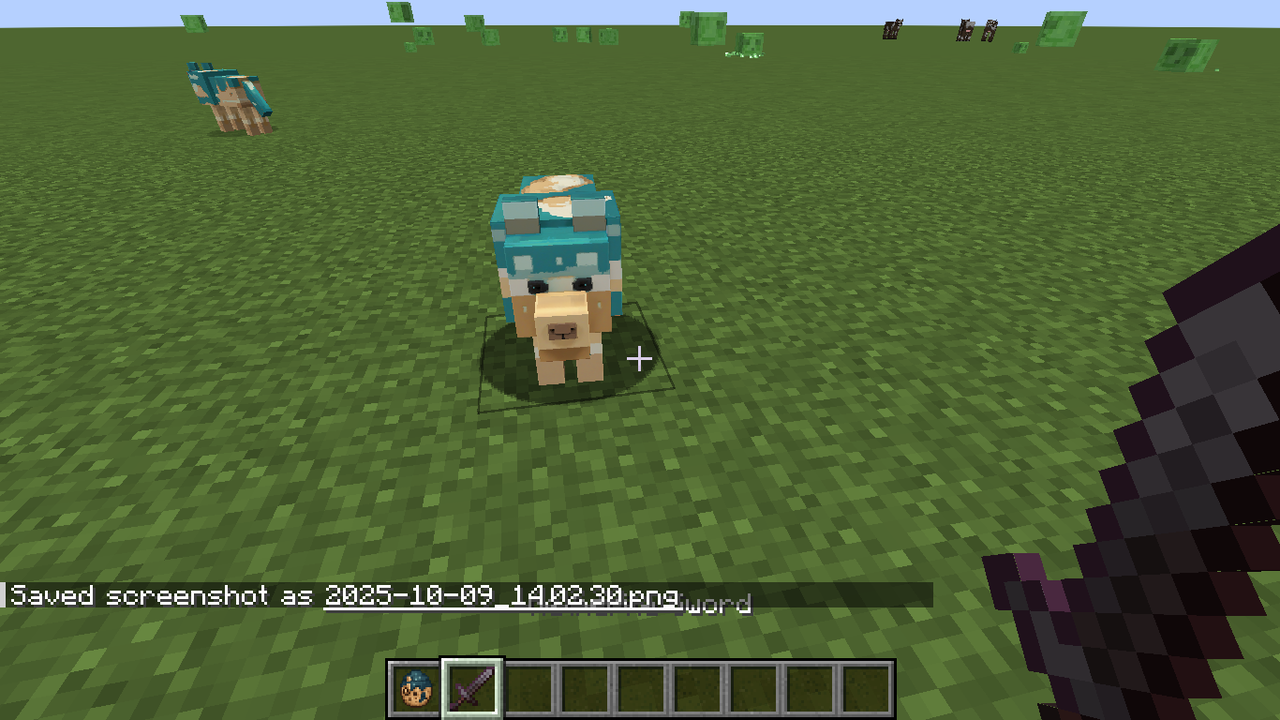
The Cake Sea Hound is a friendly, wolf-like creature with a bouncy jelly-tail that follows players around with curious behavior. This mysterious mob can breathe underwater and swim effectively due to its sea creature origins, while maintaining its classic wolf appearance and bark…

Reality Shard


The Reality Shard is a glowing crystalline fragment that bends the very laws of Minecraft when held. Right-click to randomly transform all blocks within a 10-block radius into completely different materials, turning stone into sponge, water into lava, or trees into diamond blocks…
Armor Swap Menu


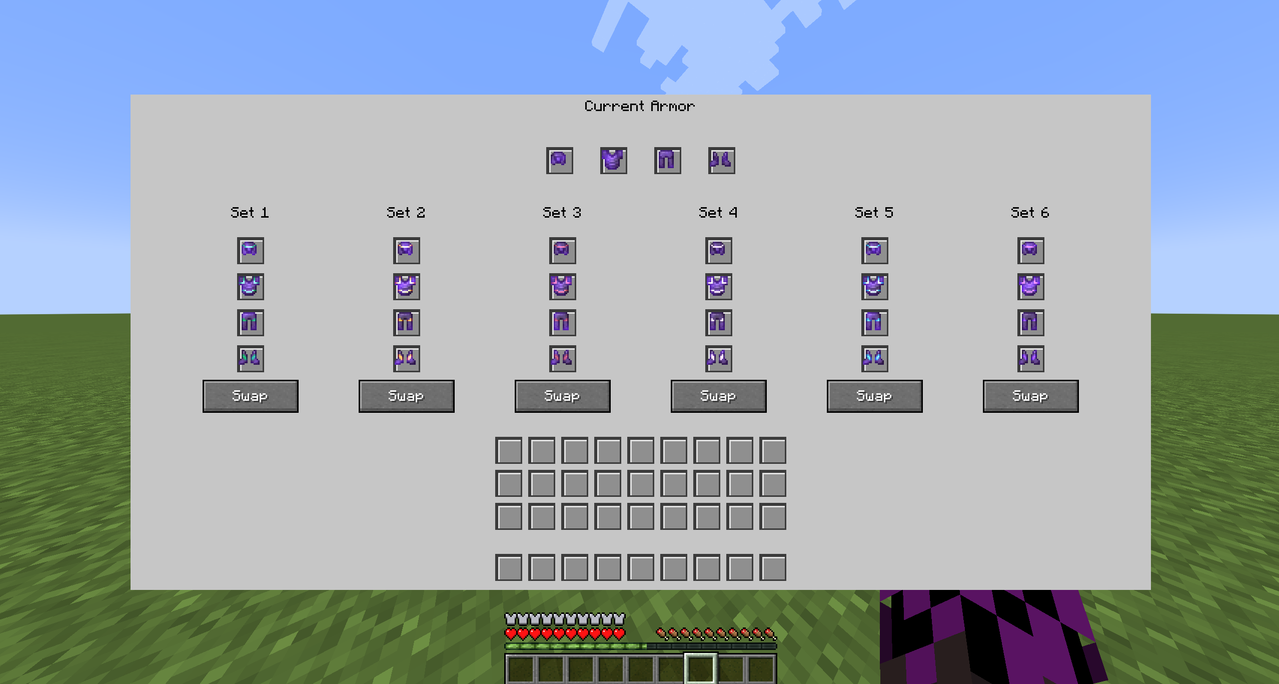
Roomy armor menu with slots to swap and organize six full sets instantly.

Ember Fortune Pickaxe

The Ember Fortune Pickaxe is a netherite-tier mining tool that combines netherite-level speed and durability with automatic Fortune III and auto-smelt—so ores like iron drop ingots with increased yields and ancient debris auto-smelts into 1–4 netherite scrap. Auto-smelted drops n…

Super Saiyan Feast


This mod adds permanent transformation unlocks earned by eating Super Saiyan feast items and a Transformation Chamber (press B) that lets you pick and activate any unlocked form, granting flight, unique particles and sounds, an aura, and form-specific powers while displaying a bl…
This mod is licensed under the CreativeMode Mods License.