



Description
Meet a robot companion powered by ChatGPT.
Mod Wiki
Thinking Tinbot
Quickstart
- Craft the Thinking Tinbot at a crafting table:
- Hold the Thinking Tinbot in your hand and use it on a suitable block such as grass, dirt, stone, cobblestone, or deepslate.
- A companion named Thinking Tinbot appears in front of you. Walk around and watch it follow you.
- Keep it nearby while exploring. If it falls far behind, it returns to your location.
In Creative mode, you can also obtain the item with:
/give @s com_thinking_tinbot_pqxixylg:my_sword
Overview
Thinking Tinbot adds a robot-themed companion to your world. The Tinbot appears as a small flying companion with the name Thinking Tinbot above it and stays near the player who summoned it.
The companion follows its owner in the same dimension. It moves toward you when it is more than a few blocks away and is brought back near you if it gets too far away.
What It Adds
- Thinking Tinbot — a unique companion item and summonable companion.
- A crafting recipe using common adventure materials plus an Ender Eye.
- Owner-following behavior across the Overworld, Nether, and End.
How To Use
Summoning the Tinbot
Hold the Thinking Tinbot and use it on one of these blocks:
- Grass
- Dirt
- Coarse dirt
- Podzol
- Mycelium
- Stone
- Cobblestone
- Deepslate
- Grass block
The Tinbot appears about one and a half blocks in front of you and slightly above your position.
Traveling With Your Companion
The Tinbot follows the player who summoned it:
- At close range, it remains nearby.
- When it moves more than roughly three blocks away, it drifts toward you.
- If it becomes extremely far away, it teleports near you.
- It follows only while you and the Tinbot are in the same dimension.
You can take it with you while exploring different dimensions. The Tinbot does not provide a visible chat interface or additional controls; its main function is serving as a named flying companion.
Crafting And Obtaining
Craft the item at a crafting table with .
The recipe requires:
- Iron ingots
- Redstone
- An Ender Eye
- A stick
The Thinking Tinbot does not stack, so each item occupies its own inventory slot.
Abilities And Mechanics
- The summoned companion is named Thinking Tinbot.
- It floats near its owner.
- It automatically moves closer when separated.
- It can teleport back when the distance becomes very large.
- Its follow behavior works in the Overworld, Nether, and End.
- Each summoned Tinbot is associated with the player who used the item.
Progression And Strategy
Craft the Tinbot after obtaining an Ender Eye and some redstone. It is especially useful as a visible traveling companion during mining trips, base tours, and long-distance exploration.
Summon it in an open area so it has room to appear and move. If you are traveling through a dangerous location, keep an eye on its position and avoid leaving it behind during dimension changes.
How to install
Download the mod and follow the step-by-step installation guide.
Players also liked



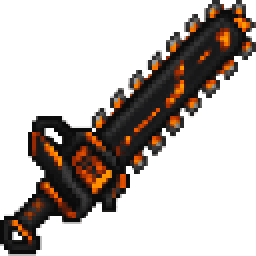
Black Ember Chainsaw Blade


Wield the Black Ember Chainsaw Blade and carve through anything in your path.
Inferno Circleblade


Wield a flaming sword and unleash devastating circles of fire upon your enemies.

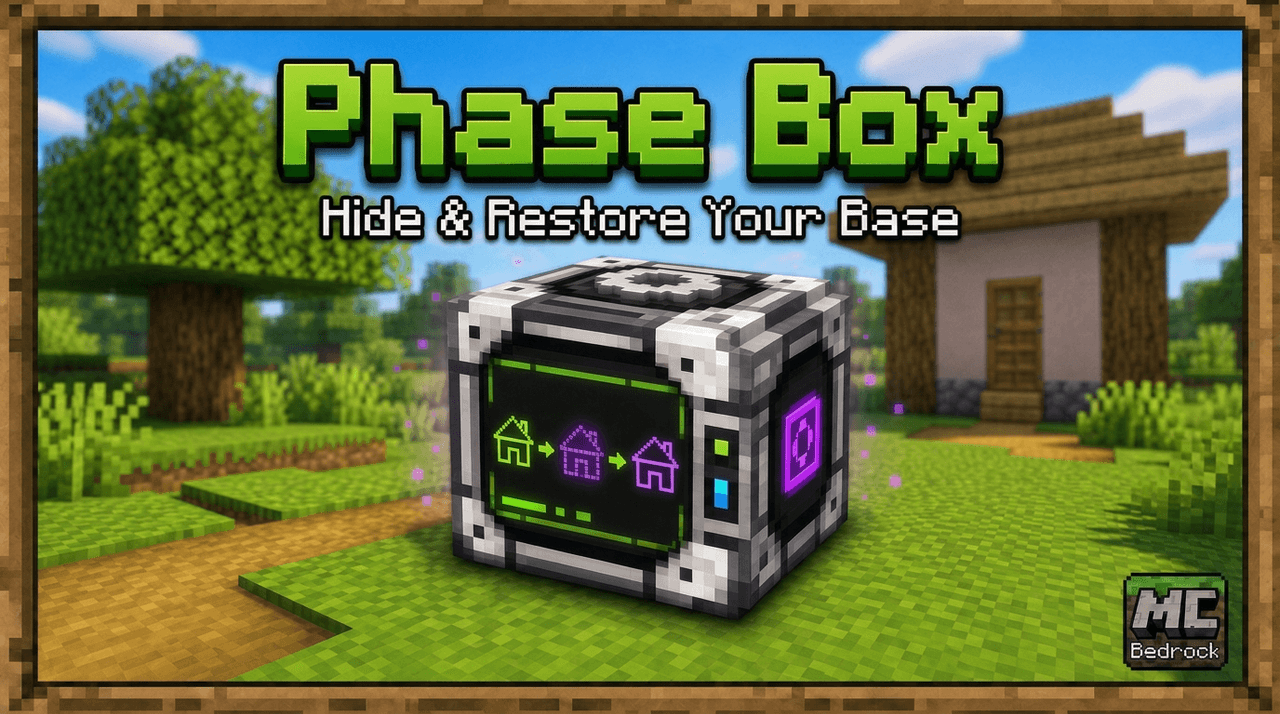
Phase Box


Keep your home safe while you aren't in it. Just use the Phase Box outside one corner bottom block, then the block on the opposite corner (at the same level), and finally above your house/base, and submit. From then on until you remove the mod or pick a new place, the selected ar…
This mod is licensed under the CreativeMode Mods License.