

Description
Take to the skies in a rideable B-17 bomber and rain bombs on the battlefield.
Mod Wiki
Sky Fortress Bomber
Quickstart
- Gather an Elytra, TNT, iron ingots, and redstone.
- Craft the Sky Fortress Bomber at a crafting table:


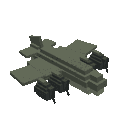
- Hold the Sky Fortress Bomber item and use it to place the bomber.
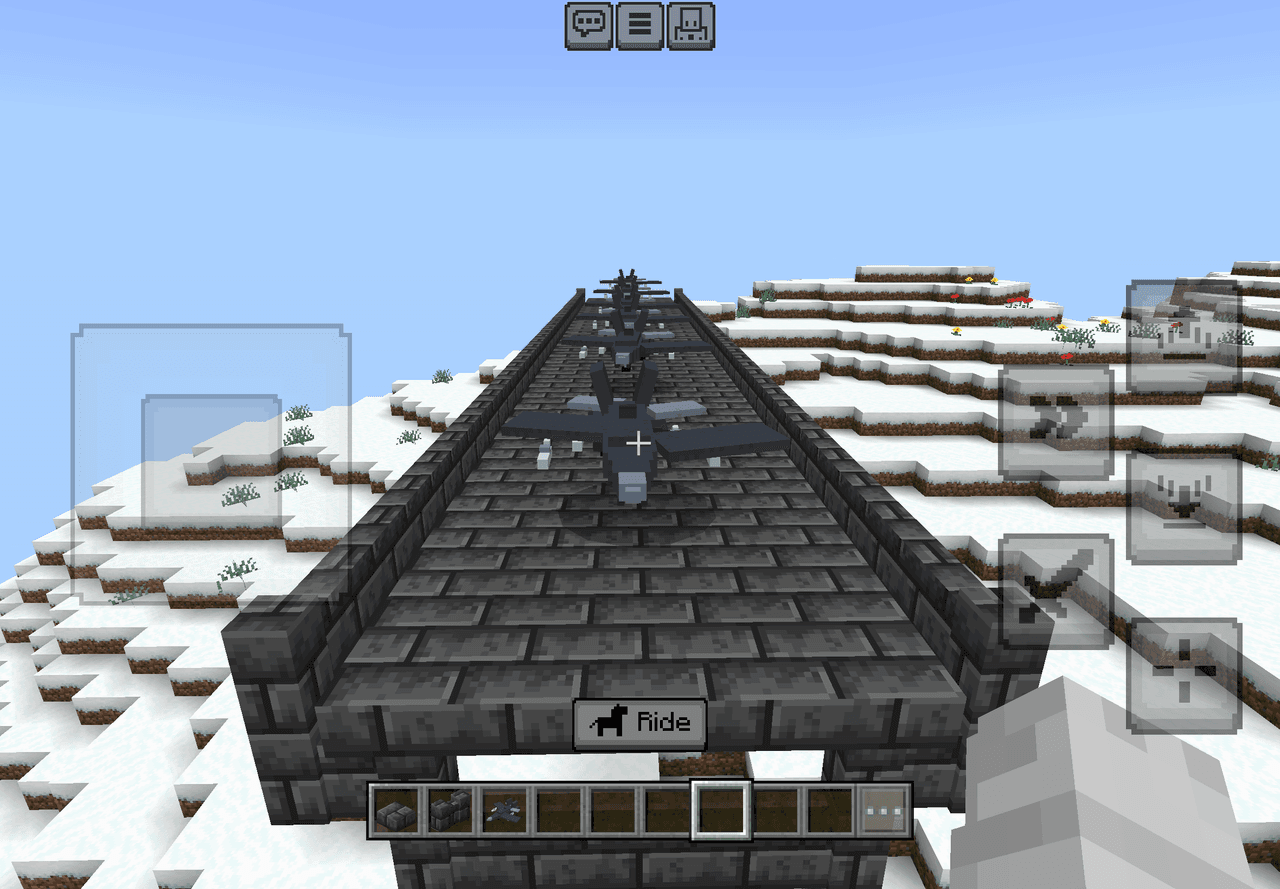
- Interact with the bomber to mount it. It has one seat, so only one player can fly it at a time.
- Steer through the air using your normal movement controls.
- Aim in the direction you want to bomb, then tap/use the action control or press Jump while mounted to drop a TNT bomb.
- Use your normal vehicle dismount control when you are ready to land.
Overview
Sky Fortress Bomber adds a rideable B-17 bomber for aerial travel and bombing runs. The bomber flies freely without gravity and launches TNT bombs in the direction you are looking.
What It Adds
- Sky Fortress Bomber placer item
- Rideable B-17-style aircraft
- One pilot seat
- Free-flight movement
- TNT bomb release
- Third-person vehicle camera while flying
- Bomber health of 40
How To Use
Placing the Bomber
Hold the Sky Fortress Bomber item and use it on a suitable location. The aircraft appears in front of you and can then be mounted.
The bomber can also be obtained from the Creative inventory under the items category.
Flying
Interact with the placed bomber to take the pilot seat. Once mounted:
- Use standard movement controls to fly and steer.
- Look in the direction you want the bomber to travel or release bombs.
- The aircraft can fly over land and water.
- Reverse movement is slower than forward movement.
- The bomber is not affected by normal gravity, so it stays airborne while you pilot it.
Dropping Bombs
While riding, use the primary action by tapping/using the action control or pressing Jump. The bomber launches a TNT bomb from the direction you are facing.
Bombs:
- Travel forward from the bomber.
- Follow TNT’s normal fuse and explosion behavior.
- Can be released repeatedly, with a short delay between drops.
- Are best aimed by looking slightly ahead of your target while flying over it.
Dismounting
Use your normal Bedrock vehicle dismount control to leave the pilot seat. The bomber has only one seat and remains available for later flights.
Crafting And Obtaining
The bomber is crafted at a crafting table using an Elytra, TNT, iron ingots, and redstone.
The recipe produces one Sky Fortress Bomber item. In Creative mode, you can select the item directly from the inventory instead of crafting it.
Abilities And Mechanics
| Feature | Details |
|---|---|
| Seating | One player can ride as the pilot |
| Flight | Free aerial movement with no normal gravity |
| Bombs | Launches TNT in the direction of the pilot’s view |
| Bomb delay | Bomb releases have a short cooldown of about 2 seconds |
| Health | 40 health |
| Water travel | Can fly over water |
| Camera | Uses a wide third-person view while piloting |
Progression And Strategy
- Craft the bomber early when you want a fast way to scout large areas from above.
- Practice dropping bombs over open terrain before using it near valuable builds.
- Lead moving targets by looking ahead of them rather than directly at them.
- Release bombs while approaching a target so the TNT has time to travel and fall.
- Keep spare TNT, iron, redstone, and an Elytra available if you plan to create additional bombers.
- Land away from your target area so explosions do not damage the place where you want to keep the aircraft.
Recipes
How to install
Download the mod and follow the step-by-step installation guide.
Players also liked







This mod is licensed under the CreativeMode Mods License.