

Description
Survive the ticking clock: eat, hunt, and earn advancements to keep your seconds alive.
Mod Wiki
Seconds Of Survival
Quickstart
- Join a world in Survival or Adventure. Your countdown starts automatically at 100 seconds; you don’t need to hold or use the mod’s item.
- Watch the on-screen messages to track your remaining time.
- Eat food for 600 seconds, defeat a mob for 60 seconds, or complete an advancement for 1,000 seconds.
Overview
This mod turns survival into a race against a ticking countdown. Time decreases once per second, and running out of seconds kills you. Keep the timer going by eating, hunting, and earning advancements.
What It Adds
- A survival countdown that starts at 100 seconds.
- Time bonuses for eating food, defeating mobs, and completing advancements.
- The Seconds Of Survival item, which can be crafted but does not start or change the countdown when used.
How To Use
The countdown runs automatically for players who are not in Creative or Spectator mode. An on-screen message reports your remaining seconds each second. Bonus messages tell you when you gain time; if the timer reaches zero, a message warns that your seconds have run out before you die.
Crafting And Obtaining
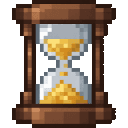
The item’s recipe unlocks when you join a world. Craft one Seconds Of Survival item with a clock, cooked beef, and gold ingots:


Abilities And Mechanics
| Action | Time gained |
|---|---|
| Eat food | 600 seconds |
| Defeat a non-player mob | 60 seconds |
| Complete an advancement | 1,000 seconds |
Progression And Strategy
Prioritize food early to build a large time reserve. Hunt mobs and work toward advancements for additional boosts. Your countdown continues regardless of whether you craft or carry the item.
How to install
This Java mod can be used on Windows and Mac PCs with the CreativeMode Launcher or any Minecraft launcher of your choice.

1. Download and install the new CreativeMode Launcher

2. Click to play on the top of the screen.

3. That's it — launches instantly. No complicated setup required.
Want to use on a different launcher? Download mod and manually install.
Players also liked
The Hard Nope Button


Craft Hard Nope Buttons and remotes to control redstone, block unwanted signals, and keep favorite locations loaded across dimensions in Minecraft 1.20.1.
Mob Carrier


The Mob Carrier lets you capture and relocate multiple mobs, storing them in grouped stacks by type (for example, Goat x4) so you can carry many of the same mob at once; sneak (hold Left Shift) and right-click a mob to capture it—non-sneak interactions are passed through, but sne…
Cinematic Replay Recorder


Record your sessions and play them back with actors that preserve each player’s exact skin, model, overlays and natural movement — just record as usual and open your replay from the in-game browser to watch, scrub and export sessions. The system is built for stability and scale:…
Phantom Snapshot


Capture the creatures of Minecraft with a Magical Camera: craft it (or find it in the mod creative tab), then right-click any living mob to store that mob inside a new Captured Photograph item and remove the mob from the world. Each Photograph is named after the captured mob and…
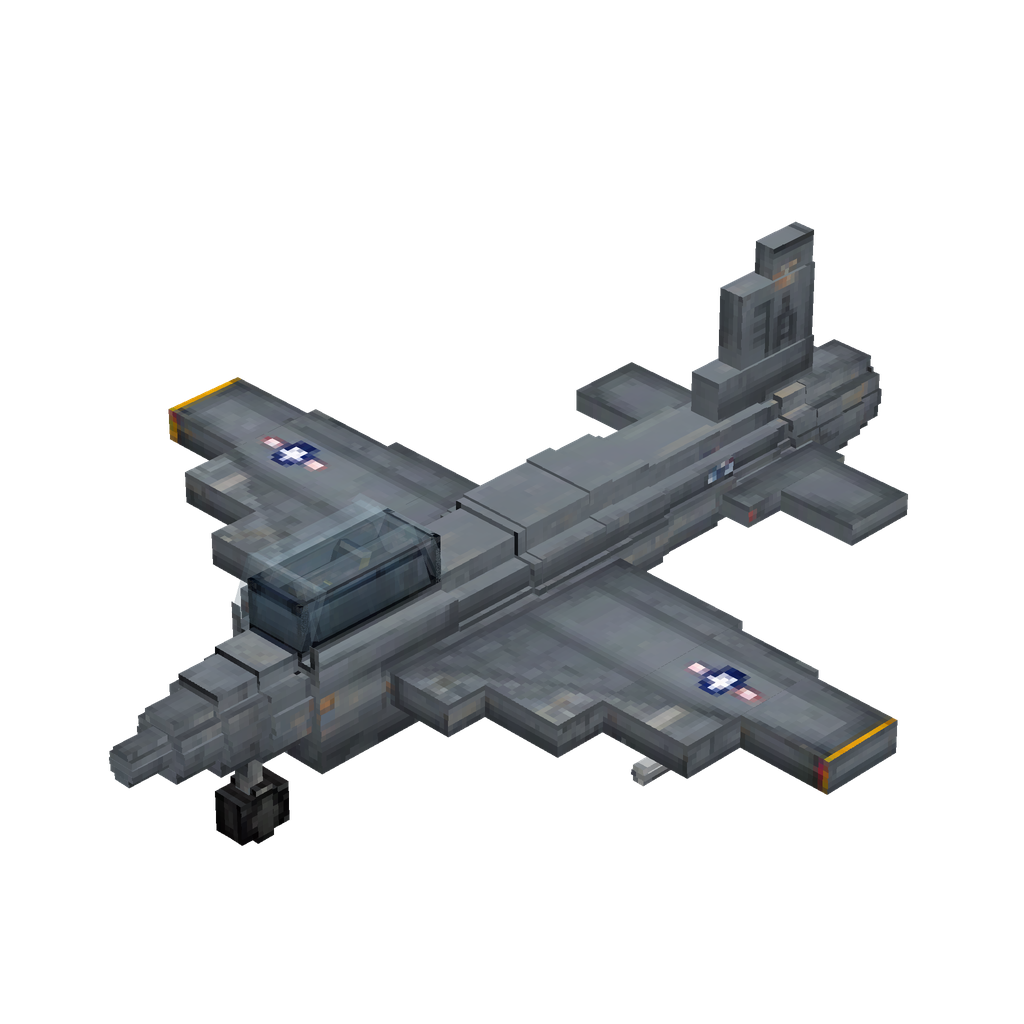
Rocketwing Fighter Jet
 anon
Take to the skies in a high-speed fighter jet, unleashing cannon fire and explosive missiles on your targets.
This mod is licensed under the CreativeMode Mods License.