

Description
¡Reaparece en tu cápsula de clonación con la salud y el hambre al máximo!
Mod Wiki
Proyecto Fenix De Rick Y Morty Rvswwox3
Quickstart
- Craft the capsule placer:
- Place it where you have room for a capsule about 3 blocks wide and 3 blocks tall. The full structure is placed automatically.
- Interact with any part of the capsule. This sets your respawn point there and opens its configuration menu.
- To bring items back when you respawn, choose “Guardar inventario actual” (“Save current inventory”). Choose “Borrar carga guardada” to remove the saved loadout.
Overview
The capsule is a respawn point that restores your health and hunger to their maximum when you respawn there. You can also save your hotbar and inventory as a loadout to restore on respawn.
What It Adds
- A craftable item that places a complete cloning capsule.
- A capsule respawn point with full health and hunger on respawn.
- An optional saved inventory loadout.
- A capsule that can activate for two respawns before it disintegrates and clears its respawn point.
How To Use
Interact with the capsule to set it as your respawn point and open the menu. You can also interact with the capsule’s mannequin, if present, to open the same menu.
The menu’s “Guardar inventario actual” option saves your current hotbar and inventory for future respawns at that capsule. Saving again replaces the previous loadout. “Borrar carga guardada” removes it.
Crafting And Obtaining
Craft the capsule placer at a crafting table with glass, iron ingots, redstone, and an ender pearl:
Use the resulting item to place the capsule.
Abilities And Mechanics
- Interacting with a capsule sets your respawn point and opens its menu.
- On respawn at the capsule, your health and hunger are filled. If you saved a loadout, it is restored to your inventory.
- Each capsule supports two respawns in total. After the second, it disintegrates and your respawn point is cleared; place and activate another capsule to use this feature again.
Progression And Strategy
Set your respawn point and save a useful loadout before heading into danger. Remember that each capsule only supports two respawns, so prepare a replacement if you expect to need another return.
How to install
Download the mod and follow the step-by-step installation guide.
Players also liked
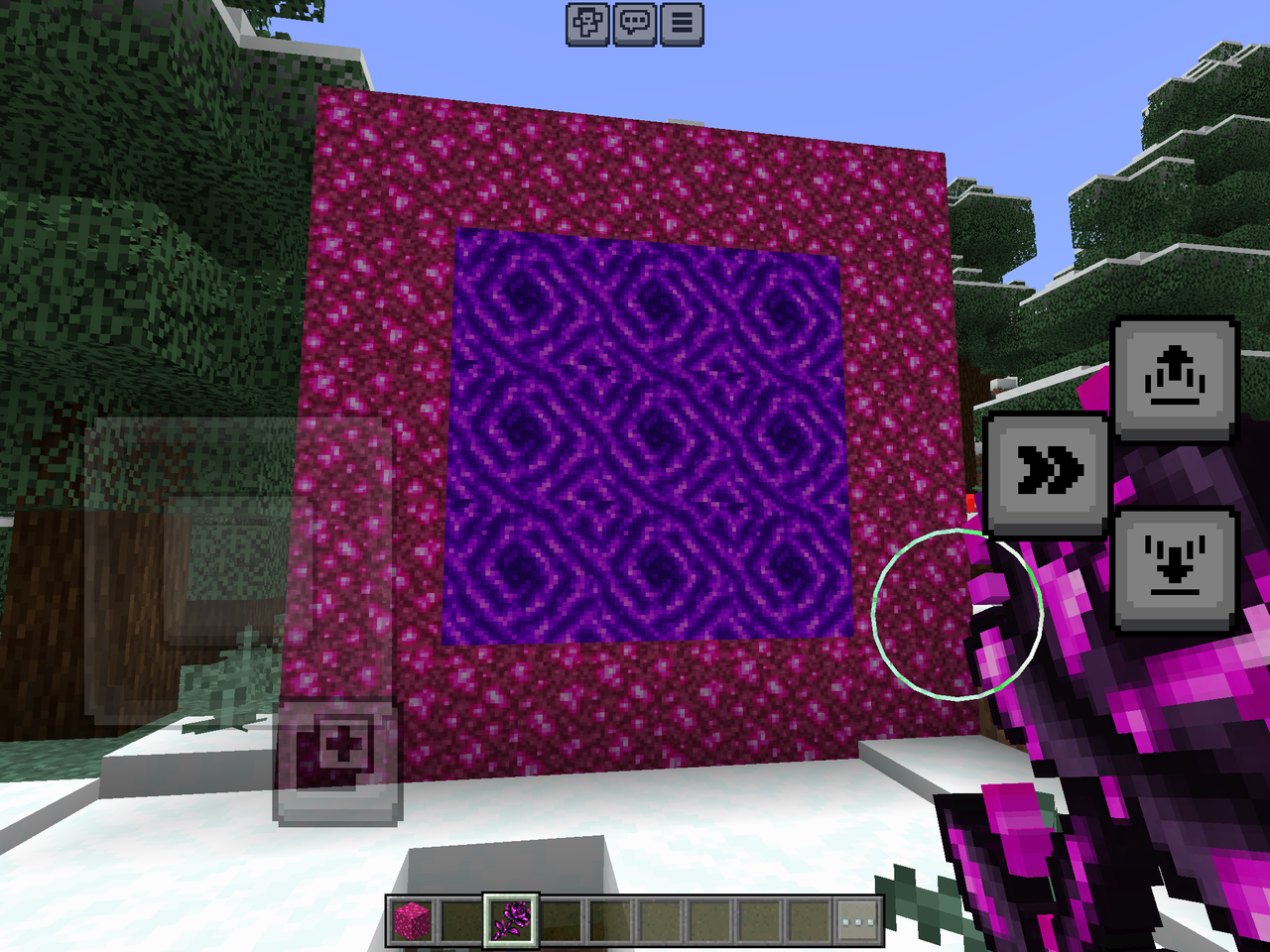
Forgotten Giantlands


The portal to the dimension is a 5 by 5 upright square that you light with a wither rose made of Glitchstone, which is like a pink version of glowstone that occurs in clumps of 9 to 27 blocks across all dimensions. the dimension is called the Forgotten lands, where there are isla…
Gnomeguard Guild


a gnomes addon I want gnomes to build, mine, fight, craft and defend your base you can find them Naturally and you can craft one. 0.0000000001 can chance of finding a naturally spawning gnome. and if your give it a tool you will get a menu to choose what job they get the job to…
MobFilter

Take control of your surroundings with MobFilter! Place the protective field generator, select an area from 30×30 up to 120×120 blocks, and decide exactly which mobs are allowed inside. Choose from villagers, animals, hostile mobs, specific mob types, or no mobs at all. Activate…
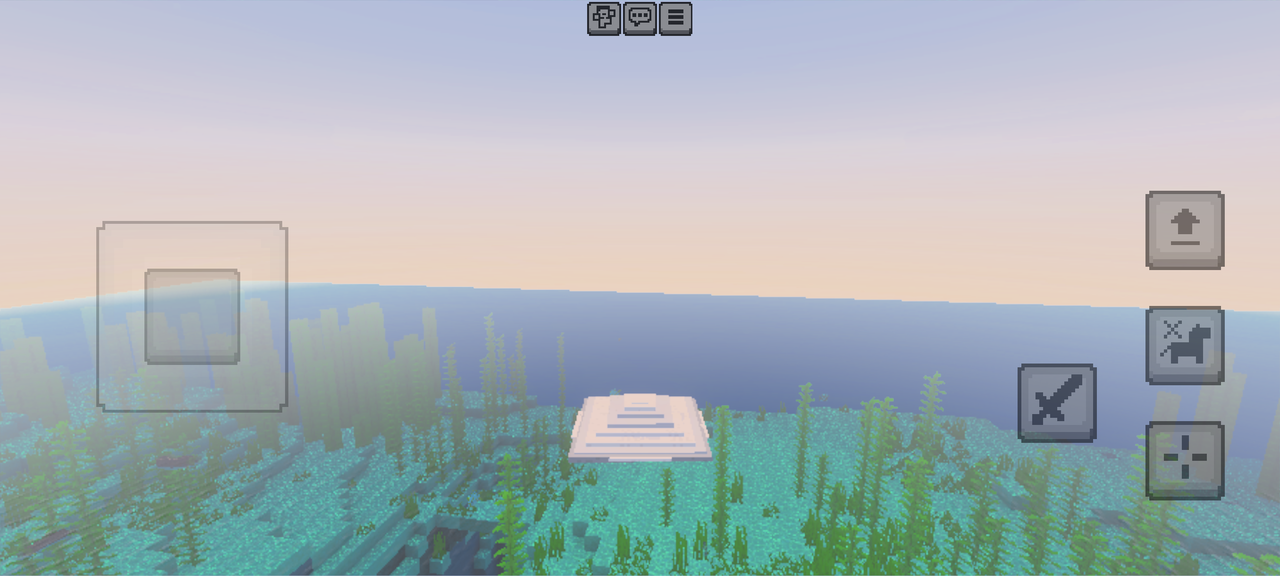
Quantum Shell Skimmer


Quantum Shell Skimmer: a placeable, rideable circular silver hovercraft. Replaces walking with true hover-flight that follows your look direction (look up to ascend, look down to descend) while remaining horizontally stabilized. Features a continuously spinning outer shell with l…
This mod is licensed under the CreativeMode Mods License.