

Description
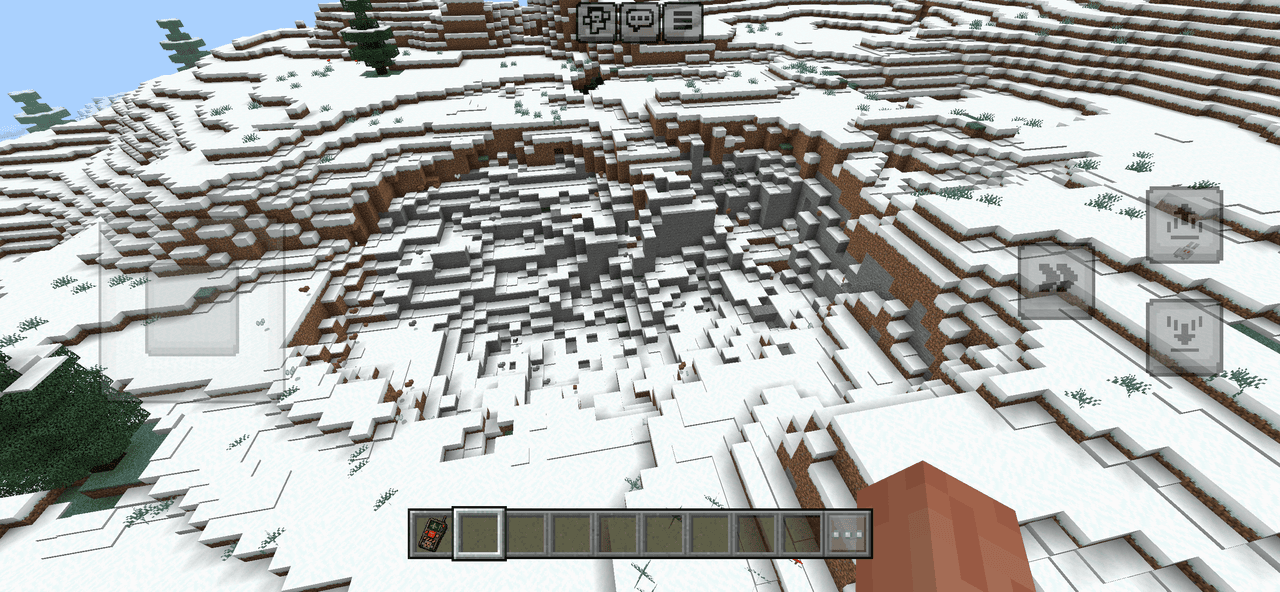
Call down a strike that brings a bombardment, carving a colossal crater, and leaving the world burning.
Mod Wiki
Orbital Strike Cannon For Bedrock
Quickstart
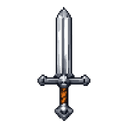
- Obtain the Orbital Strike Remote by crafting it at a crafting table:


You can also use the following command in Creative or with sufficient permissions:
/give @s com_orbital_strike_cannon_for_bedrock_uerbq2un:my_sword
-
Equip the remote and look at a block or location within 250 blocks.
-
Use the remote to activate its current strike mode. The default mode is Nuke.
-
For a safer test, switch to Stab Shot before firing. Sneak while using the remote to cycle modes:
Nuke → Stab Shot → Coordinate → Nuke
-
Check the first line of the item name to see the active mode. Test strikes far from buildings, bases, and anything you want to keep.
Overview
The Orbital Strike Remote calls down destructive TNT bombardments at a target point. Strikes can:
- Blast away large areas of terrain
- Carve deep impact craters
- Send follow-up explosions around the impact
- Set surrounding terrain on fire
- Ignite nearby non-player entities
- Produce warning sounds and explosion effects
The remote is rare, cannot be stacked, and is equipped like a handheld weapon.
What It Adds
| Mode | Targeting | Main effect |
|---|---|---|
| Nuke | Aim at a location and use | A large orbital bombardment with a wide crater and several delayed aftermath waves |
| Stab Shot | Aim at a location and use | A concentrated vertical strike that drills downward before forming a deep crater |
| Coordinate | Enter coordinates in a form | Fire either a Nuke or Stab Shot at exact X, Y, and Z coordinates |
How To Use
Selecting a Mode
Hold the Orbital Strike Remote and sneak while using it. Each sneak-use cycles to the next mode:
- Nuke
- Stab Shot
- Coordinate
The active mode is displayed above Orbital Strike Remote in the item name.
Direct Targeting
In Nuke or Stab Shot mode:
- Aim at a block or location.
- Use the remote.
- The strike is placed at the first non-air block along your line of sight, up to 250 blocks away.
The impact point is placed immediately above the block you are aiming at. If no block is found, the remote uses a point along your line of sight at the maximum range.
Coordinate Targeting
In Coordinate mode, use the remote to open the targeting form. Choose:
- Nuke or Stab Shot
- X coordinate
- Y coordinate
- Z coordinate
Submit valid coordinates to fire the selected strike immediately.
Abilities And Mechanics
Nuke
A Nuke begins with a warning sequence lasting about three seconds. Sounds and particles appear above the target before the payload arrives.
The main bombardment:
- Drops TNT from high above the target
- Covers rings reaching approximately 42 blocks from the center
- Clears a large impact basin
- Can form a crater up to approximately 55 blocks deep
- Sends three delayed secondary waves around the impact
- Spreads fire around the blast zone
- Ignites nearby non-player entities
The area remains dangerous after the initial explosion because the secondary bombardment and fire effects occur later.
Stab Shot
Stab Shot is a more concentrated strike. It sends quick-fusing TNT down a central shaft and several nearby offsets, drilling toward the bottom of the world or bedrock.
After the initial shaft attack, it:
- Creates a deep impact crater with an approximate 24-block radius
- Sends additional explosions around the crater
- Spreads fire in an area reaching roughly 30 blocks from the impact center
- May ignite nearby non-player entities
Use Stab Shot for a focused excavation or a deep vertical blast rather than a wide-area bombardment.
Delayed Aftermath
Both strike types continue after the first explosions. Follow-up waves arrive in stages, placing additional TNT and igniting areas around the main crater.
Do not approach the target immediately after the first blast.
Safety
The remote modifies the terrain directly and can destroy structures, landscapes, and underground areas. Keep players, pets, valuable items, and important builds well away from the target. Fire can remain around the impact area, and non-player entities caught near the strike can be set ablaze.
Crafting And Obtaining
The Orbital Strike Remote is crafted at a crafting table using the recipe shown in the Quickstart section.
It can also be obtained with:
/give @s com_orbital_strike_cannon_for_bedrock_uerbq2un:my_sword
The remote is a single-item stack and is not automatically granted when you enter the world or respawn.
Progression And Strategy
- Start with Stab Shot in an isolated area to learn the targeting behavior.
- Use Nuke only where a very large crater and wide destruction are acceptable.
- Use Coordinate mode when targeting a distant location, a quarry site, or a precise underground position.
- Aim at the surface block directly beneath the desired impact point.
- Mark your target before using the remote, especially when working near the maximum 250-block aim distance.
- Wait through the warning and aftermath sequence before inspecting the crater.
- Keep multiple remote users from targeting the same area at once; overlapping explosions can extend the destruction far beyond the original impact.
How to install
Download the mod and follow the step-by-step installation guide.
Players also liked

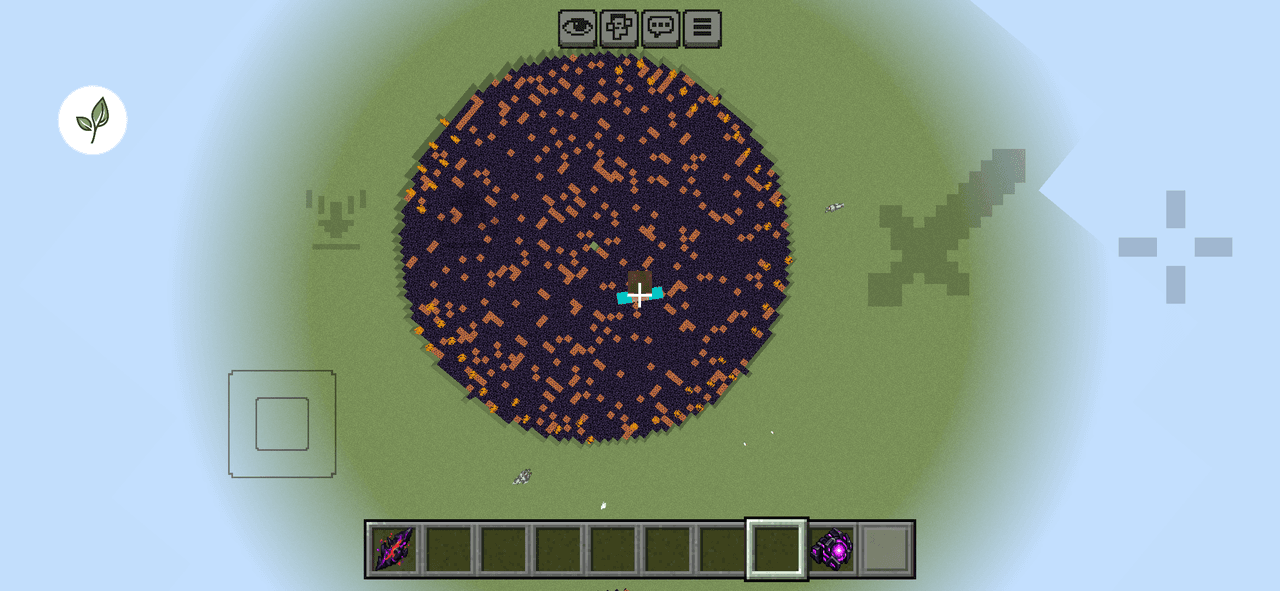
Worldbreaker Cataclysm


Create a fictional apocalyptic superweapon for Minecraft Bedrock. The weapon must trigger a highly cinematic world-destruction event when activated.The activation must feel like a scripted boss/event sequence rather than a normal explosion. Include a multi-stage sequence: weapon…


Huge Laser Cannon


The Huge Laser Cannon is a devastating weapon that fires concentrated energy beams capable of obliterating anything in its path. When activated, it launches powerful TNT projectiles in rapid succession without requiring any reload or ammunition. This weapon harnesses advanced red…
This mod is licensed under the CreativeMode Mods License.