
Description
Not a Real Block adds a single invisible full-cube support block you craft from a 3x3 grid of glass; in your inventory it appears as a bright green item and now displays the name "Not a Real Block" in menus. When placed it renders invisible while still behaving like a normal solid block—vanilla ladders can attach to its sides and rails can be placed on top—ideal for hidden supports, concealed ladder shafts, and stealth rail tracks. Right-clicking a placed Not a Real Block with a stick turns it into a bright invisible light source at maximum light level, playing a small sound and showing brief action-bar feedback; it can be placed or broken like any other block in survival or creative.
Mod Wiki
Not a Real Block
Quickstart
- Open a crafting table and fill all 9 slots with Glass to craft one Not a Real Block.
- Place it anywhere — it will be completely invisible in the world, but acts as a solid full cube.
- To turn it into a hidden light source, right-click it while holding a Stick. It will emit maximum brightness with no visible trace.



Overview
Not a Real Block adds a single special block that is completely invisible once placed. It looks and behaves like a normal solid cube — mobs and players collide with it, ladders can attach to its sides, and rails can sit on top — but it cannot be seen. In your inventory it appears as a bright green icon so you can always find it. It is the perfect tool for hidden structures, secret passages, concealed ladder shafts, and stealth rail lines.
What It Adds
| Block | Appearance In World | Appearance In Inventory |
|---|---|---|
| Not a Real Block | Fully invisible | Bright green item icon |
- Solid full cube — blocks movement, supports attachments
- Ladder support — vanilla ladders attach to its sides normally
- Rail support — rails can be placed on top
- Light mode — can be upgraded to emit maximum light level (15) while remaining invisible
How To Use
Placing and Breaking
Place and break Not a Real Block exactly like any other block in both Survival and Creative mode. It drops itself when broken (unless destroyed by an explosion by chance). It makes glass sounds when placed or broken.
Activating the Light
Right-click a placed Not a Real Block while holding a Stick to turn it into a bright light source. When activated:
- The block emits light level 15 — the same as a torch or glowstone — while staying completely invisible.
- A chime sound plays at the block's position.
- A brief message appears in your action bar confirming the change.
If the block is already lit and you right-click it with a Stick again, the action bar will tell you it is already giving off bright light. The lit state is permanent until the block is broken.
Crafting And Obtaining
Craft Not a Real Block at a crafting table by filling the entire 3×3 grid with Glass. One block is produced per craft.
Not a Real Block can also be found in the Functional creative inventory tab.
Abilities And Mechanics
| Property | Value |
|---|---|
| Hardness | 0.3 (same as glass) |
| Sound | Glass |
| Light (default) | 0 |
| Light (after stick activation) | 15 (maximum) |
| Piston behaviour | Normal (can be pushed) |
| Ladder attachment | ✅ Supported |
| Rail placement on top | ✅ Supported |
- The block is completely invisible in the world in both its unlit and lit states.
- Its solid collision box means players, mobs, and items interact with it physically despite seeing nothing there.
Progression And Strategy
- Hidden scaffolding — use Not a Real Block to prop up floating builds without visible supports.
- Concealed ladder shafts — line a vertical tunnel with Not a Real Block and attach ladders to climb invisibly through walls or floors.
- Stealth rail lines — lay rails on top of Not a Real Block to create floating, seemingly unsupported track.
- Secret lighting — activate blocks with a Stick in dark rooms or corridors to light an area with no visible light source, perfect for atmospheric builds or hidden bases.
- Because the block sounds like glass when broken, concealed constructions are not completely silent — keep this in mind in multiplayer.
How to install
This Java mod can be used on Windows and Mac PCs with the CreativeMode Launcher or any Minecraft launcher of your choice.

1. Download and install the new CreativeMode Launcher

2. Click to play on the top of the screen.
3. That's it — launches instantly. No complicated setup required.
Want to use on a different launcher? Download mod and manually install.
Players also liked
The Virus Mod


Enter Hygron rifts to be pulled into the Hygron Core — a sprawling raid stronghold of themed sections (corrupted courtyards, labs, cathedrals, factories, mirror halls, sky bridges and a final castle) where you fight patrols, ambushes, minibosses and cinematic bosses to unlock pro…
The valley civilization {horror}


Explore the Pool Rooms, Backrooms, and an impossible resort—then find the door home.
Fire Alarm Speaker


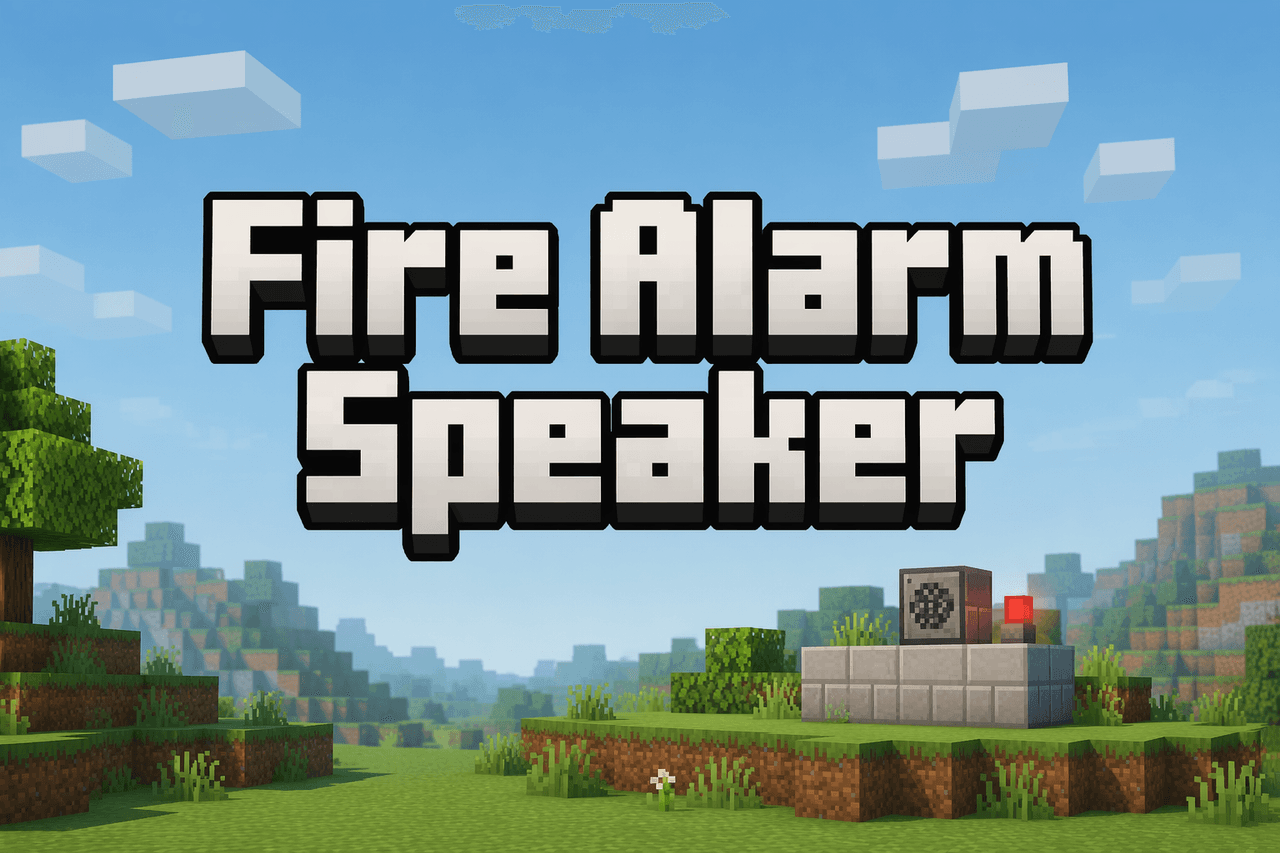
Adds a craftable Fire Alarm Speaker block (recipe uses redstone, iron ingots, and a note block) that you can place from the Redstone creative tab and mine with a pickaxe. The speaker continuously scans a 15-block radius for regular fire, soul fire, and lit campfires; when it dete…
Super Duper Stuff Menu


Press Shift+M to open the Super Duper Stuff Menu — a sleek item browser that hides vanilla items and creates alphabetically sorted tabs for each installed mod while still offering smart categories like Building Blocks, Cool Weapons, Tasty Treats, Wacky Mobs, and Magical Stuff; cl…

Simple Steam Power


Steam Power layers full steampunk energy into survival: collect water and fuel to run boilers, build copper pipe networks and Filling Stations to fill Steam Tanks and Portable Steam Tanks that power machines, vehicles, pistons and wearable gear, and hook into a pneumatic-style it…
This mod is licensed under the CreativeMode Mods License.