

Description
a mod where every mob addon supported has a chat button above teheir head, you can chat with them powered with lots of ai models, like gpt 5, gpt 3.5, gemini flash, claude opus, etc. there is a mechanic if u talj good to them and/or ask them to be friends a heart will appear green and it will stop attacking, there are 3 slots, and alsoif u talk bad to them they will be fire and attack you even if they are normally neautral.
Mod Wiki
Mob Whisperer
Quickstart
- Find or spawn a living mob, including a supported addon creature.
- Walk up to it and interact. You do not need an item or an API key. A Mob Whisperer chat screen opens, and nearby mobs display a
[ TALK ]marker above their names. - Type a greeting, question, plan, or roleplay message. Choose one of your three conversation slots and a text model, then select Send whisper.
- To make a pact, use a clear request such as “be my friend”, “make peace”, or “do not attack me.” A green heart appears above the mob when it accepts.
- Avoid direct insults and threats. Phrases such as “I hate you,” “shut up,” “go die,” or “I will attack you” can make the mob angry.
- For movement and protection orders, use a Whispering Quill or open the nearby-mob menu and choose Command Console.
The Whispering Quill is optional, but it provides a convenient menu for nearby mobs:



Use the crafted quill to open the Mob Whisperer menu. It lists nearby mobs, the Command Console, and AI connection settings.
Overview
Mob Whisperer lets you communicate with living mobs through an in-game text conversation. Mobs can have a player-specific relationship with you:
- Neutral — the mob is available for conversation.
- Friend — shown with a green heart and friendly behavior toward you.
- Angry — shown with a red flame and retaliatory behavior toward you.
Each player has three saved conversation slots. A slot records a mob, its relationship, its selected text model, and any standing command assigned to it.
What It Adds
Mob conversation
Interact directly with a living mob to open its chat screen. You can:
- Greet the mob.
- Ask questions.
- Discuss danger, terrain, or plans.
- Roleplay freely.
- Ask for peace or friendship.
- Select a text-model profile for the reply.
The mob sends an immediate in-world text response. The conversation box is for talking only; it does not issue standing movement or combat commands.
Relationship markers
Mob Whisperer displays the current relationship above a mob:
| Marker | Meaning |
|---|---|
[ TALK ] | Neutral and available to talk |
♥ FRIEND | A friendship pact is active |
🔥 ANGRY | The mob is hostile toward you |
Friend mobs also display heart particles periodically.
Three conversation slots
Use the Conversation slot selector when sending a whisper.
- An existing mob normally reopens its saved slot.
- You can move a conversation to another slot.
- Choosing an occupied slot replaces that saved conversation.
- A full set of slots does not prevent you from talking; select which slot to replace.
Relationships are stored per player. A mob can be friendly toward you while remaining hostile or neutral toward other players.
How To Use
Talk to a mob
- Approach a living mob.
- Interact with it.
- Enter text in Message to send.
- Choose a conversation slot.
- Choose a text AI model.
- Select Send whisper.
You can also use a Whispering Quill to select one of up to 12 nearby mobs from the Mob Whisperer menu. The nearby-mob menu searches within approximately 14 blocks.
Ask for friendship
Friendship requires a clear peace or friendship request. Try one of these:
Be my friendLet's be friendsMake peace with meDo not attack meWe are friendsTruce
A successful pact produces a green heart above the mob. The mob stops pursuing or attacking you, and the pact continues while you interact with it normally.
Ordinary conversation does not automatically create a pact. Ask directly when you want friendship.
Repair an angry relationship
If a mob becomes angry, ask clearly for peace or forgiveness. For example:
Forgive meMake peaceStop attacking meBe my friend
Do not combine a peace request with a direct threat or insult.
Avoid hostile speech
Direct abuse or threats can make a mob angry. An angry mob may retaliate even if that type of mob is normally neutral. While the angry relationship is active, stay alert when you are nearby.
Crafting And Obtaining
Whispering Quill
The Whispering Quill is an equipment item used to open the Mob Whisperer menu for nearby mobs. It is not required for direct interaction, and it does not require an API key.
Craft it at a crafting table:
You can also obtain the Whispering Quill from the Creative inventory.
Abilities And Mechanics
Text-model profiles
Choose a profile when sending a whisper:
| Profile | Style |
|---|---|
| GPT-5 • Insight | Insightful |
| GPT-4.1 • Precise | Precise |
| o3 • Reasoning | Reasoning-focused |
| GPT-3.5 • Friendly | Friendly |
| Gemini Flash • Quick | Quick responses |
| Claude Opus • Thoughtful | Thoughtful |
| Claude Sonnet • Warm | Warm |
| Llama • Open | Open-ended |
| Mistral • Direct | Direct |
| Grok • Bold | Bold |
| DeepSeek • Analytical | Analytical |
| Whisper Local • Offline | Offline replies |
The built-in responder works immediately without a key. The AI connection menu lets you save a provider key for a selected profile, but saving a key is optional and does not stop the world from using its built-in in-world response.
Command Console
The Command Console is separate from the conversation screen. Open it from the Whispering Quill menu, select a nearby mob, and browse the available orders.
The console contains 100,100 distinct command combinations. You can browse them 10 at a time or enter an exact command ID from 0 through 100099.
Each order combines:
- An action family.
- A target description.
- A radius from 4 to 48 blocks.
- A command variation.
Available action families include:
| Action | Typical behavior |
|---|---|
| Follow | Move with you |
| Hold position | Stay at the current command anchor |
| Come here | Move toward you |
| Rest | Remain at its position |
| Guard | Hold position and protect you |
| Retaliate | Respond when you are attacked |
| Patrol | Move around its assigned area |
| Scout | Move through an assigned area |
| Escort | Travel with you |
| Rally | Move toward you and regroup |
| Clear standing order | Remove the mob's current command |
Follow, Come here, Escort, and Rally move the mob toward you without teleporting it. Patrol and Scout use the mob's saved position and selected radius as their operating area.
Guard and Retaliate protect the owner who issued the order. If another living entity attacks you within the order's range, the assigned mob can retaliate. A guarded mob does not damage its owner.
A command is saved in the mob's conversation slot and remains visible in the Mob Whisperer action bar. The action bar also shows each slot's relationship and command.
Commands are not chat messages
Typing follow, guard, or attack into the whisper box does not issue a standing order. Use Command Console for reliable commands. This keeps ordinary conversation, questions, and stories from changing a mob's behavior unexpectedly.
Progression And Strategy
- Start with a neutral mob and test greetings, questions, and plans before making a pact.
- Use an explicit friendship request when you want a dependable peaceful relationship.
- Keep your most useful mobs in separate slots so each can retain its own model and command.
- Give a friend a Follow, Escort, or Rally order when traveling.
- Use Guard near a base, mine entrance, or dangerous area.
- Use Rest or Hold position to keep a mob from following you.
- Use Patrol or Scout with a larger radius for area coverage.
- If a mob becomes angry, stop threatening it and make a clear peace request.
- Use the Whispering Quill when several mobs are nearby or when you need to open the Command Console without interacting with a specific mob.
How to install
Download the mod and follow the step-by-step installation guide.
Players also liked

Chunkshift Roulette


make a mod that makes whenever you walk into a new chunk every block in the chunk turns into a random block from any of the games files but the block changing does not affect end portal frames




Skybound Wings

A new end-game upgrade for the Elytras. This chespiece will both protect you, and grant you creative-like flight. Features include: Ability to fly upwards, hover in a set altitude, crouch mid-air to place blocks without interacting with chests and other interactible blocks, pass…

Limitless Enchantments


Change enchantment level limit to go up to level 20 and make it where you can add restricted enchantment together like Fortune and silk touch. Make a enchanted book from level 1 thru 20 that when used in anvil make enchanted books and enchantment on items same level as book. Show…
Swap Box

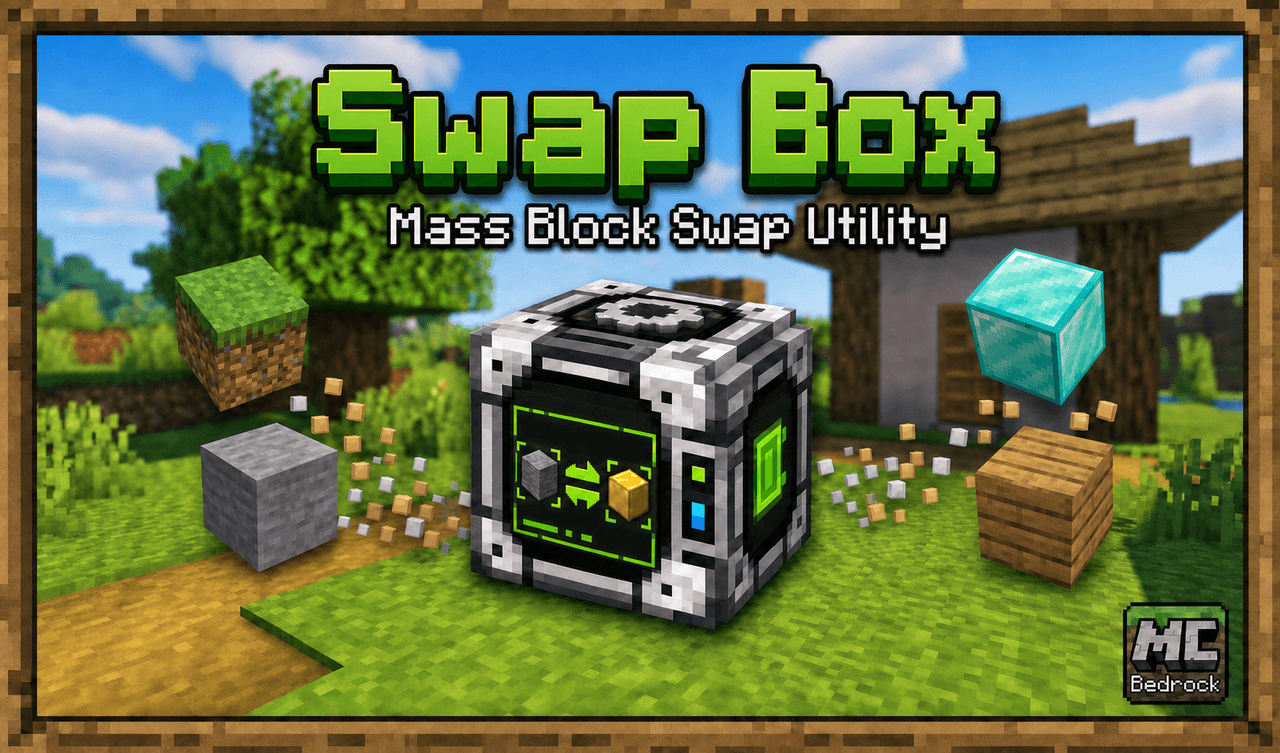
Done building your house and don't like the blocks you used for the flooring? Swap them out. Don't like the walls, swap them out. Want diamond trees with pink leaves instead of the ones you have? Swap them out. Simply pick the target block category, the target block, the replacem…
This mod is licensed under the CreativeMode Mods License.