

Description
Chainable Minecarts turns vanilla minecarts into linked, directed trains: when you place carts near each other while you're nearby they automatically couple into leader-and-follower trains, followers are gently pulled to maintain a train-like gap, and links break if carts are removed or get too far apart so you can extend a train by adding carts to the ends. An action-bar HUD shows your active nearby links and gives quick guidance for building and managing trains, with no commands or extra setup required. Instead of particle effects, linked carts now show an actual physical connection made from temporary vanilla chain blocks placed only in air, refreshed as carts move and cleaned up when links break or no players are present so the chains look real without leaving blocks behind.
Mod Wiki
Linked Minecarts
Quickstart
- Install the
.mcaddonand apply both the Behavior Pack and Resource Pack to your world. - Lay some rail and place two or more vanilla minecarts close together on it while you are standing nearby.
- The carts automatically couple — a visible chain appears between them and your action bar confirms the link.
- Push or power the lead cart; the follower cart is pulled along behind it, keeping a train-like gap.
Overview
Linked Minecarts transforms vanilla minecarts into proper linked trains. Carts that are placed near each other while a player is present will automatically couple into a leader-and-follower pair. No commands, special items, or extra setup are needed — just place carts close together on rail and the mod does the rest.
What It Adds
- Automatic coupling — minecarts placed close together near a player link up instantly.
- Train physics — follower carts are gently pulled toward their leader to maintain a realistic spacing gap.
- Visible chain connections — a physical chain made from vanilla chain blocks appears in the air between linked carts, refreshes as the train moves, and disappears cleanly when the link breaks or no players are nearby.
- Action-bar HUD — while you are near linked carts, your action bar shows how many chain links are active and reminds you how to extend the train.
How To Use
Building a Train
- Place a minecart on rail — this becomes the leader.
- Place additional minecarts close to it (or to any cart already in the chain) while you are nearby. Each new cart couples to the nearest linked cart as a follower.
- Keep adding carts to either end to grow the train as long as you like.
Moving the Train
Drive, push, or power the leader cart with powered rails as you normally would. Follower carts are pulled automatically to keep pace; you do not need to power every cart individually.
Breaking Links
A link breaks automatically when:
- A cart is removed (broken or picked up).
- Two linked carts drift too far apart.
Once a link breaks, the chain blocks between those carts disappear. You can re-link carts simply by placing them close together again near a player.
Abilities And Mechanics
| Mechanic | Details |
|---|---|
| Coupling range | Carts couple automatically when placed close together while a player is nearby |
| Follower pull | Followers are gently accelerated toward their leader to close the gap |
| Chain display | Vanilla chain blocks are placed in air between carts; refreshed each tick as carts move |
| Chain cleanup | Chain blocks are removed when links break or when no players are present |
| Link removal | Removing any cart in the chain immediately clears its link |
Progression And Strategy
- Start small — link two carts first to get a feel for how the pull mechanic behaves on your rail layout.
- Use powered rails on the leader — a single boost to the front cart will carry the whole train because followers are pulled along.
- Extend from either end — you can add new carts to the front or back of an existing train; just place them close to any cart already in the chain while you are standing nearby.
- Watch the HUD — the action bar tells you exactly how many links are active near you, so you always know the state of your train at a glance.
- Tidy uncoupling — simply break a cart to split the train at that point; chain blocks clean themselves up with no leftover blocks in the world.
How to install
Download the mod and follow the step-by-step installation guide.
Players also liked
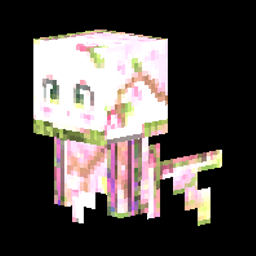
Cherry Wisp


Imagine a fairy that got lost on the way to a Disney movie and decided to squat in your Cherry Grove instead. It hovers a couple blocks off the ground, glowing around like, “Look at me, I contribute nothing but vibes,” and honestly, same. This thing shows up only in Cherry Grove…


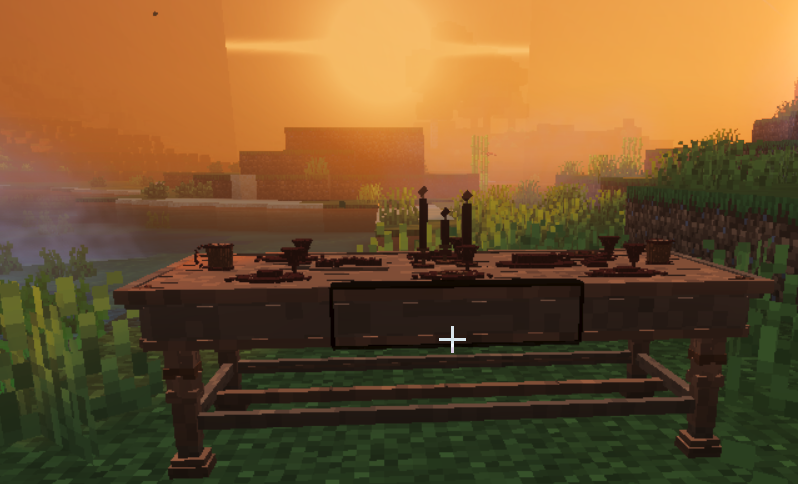
Feast your eyes: Feast Table

This is a super cool feast table for a banquet hall! I could not get all the textures to load onto the tabletop items without extraordinarily lag, so this will have to do. Enjoy folks! This is my 7/10 Furniture piece from my portfolio for the creativemode community!
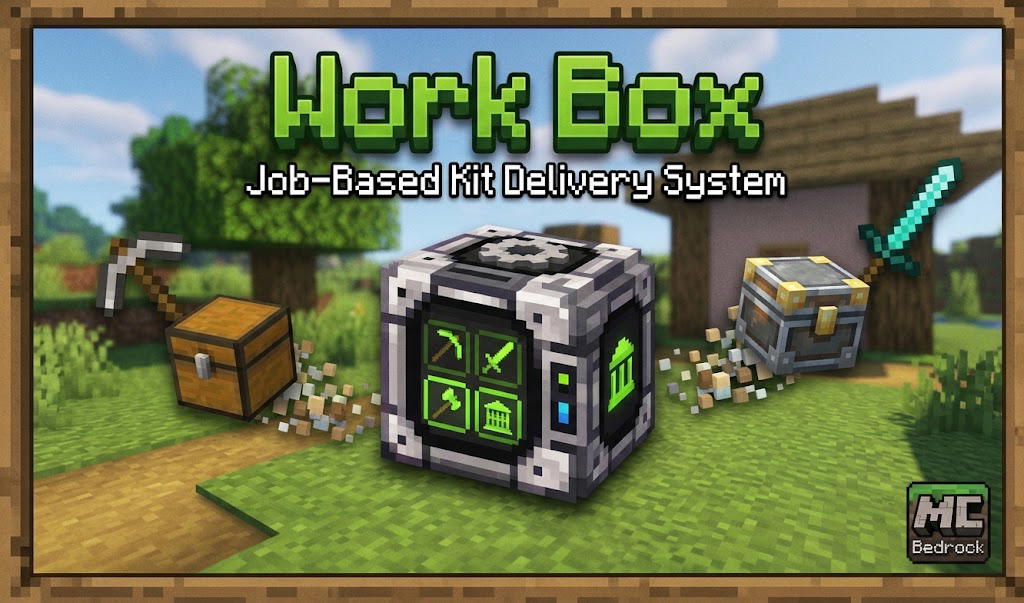
Work Box
Work Box is a job-based kit delivery mod for Minecraft Bedrock that allows players to instantly request specialized equipment sets delivered right in front of them ranging from plain, to good, to best.
Shop, Auction, enchant shop.

Shop And Auction House adds a player-driven economy you access with /shop (a visual shop) and /ah (Auction House); the shop’s six tabs — Building Blocks, Food & Farming, Mob Droppings, Special & Rare, Resources & Redstone, and Tools & Armor — show buy and sell prices (most prices…
This mod is licensed under the CreativeMode Mods License.