

Description
Grow endless orchards of edible fruits, berries, and veggies you can harvest anytime.
Mod Wiki
Harvest Horizon
Quickstart
- Craft a Garden Bed and place it on the ground — this is where you plant crops.
- Craft a Watering Can and keep it filled to speed up crop growth.
- Get seed packets (crafted, found, or bought from a Fruit Merchant), plant them on a Garden Bed, and wait for them to grow.
- Harvest by interacting with the fully grown plant to collect fruit, berries, or vegetables.
- Craft a Copper Sprinkler or Iron Sprinkler and place it near your beds to automatically water nearby crops.
- Tame or befriend a Garden Bot to have it collect harvested produce for you automatically.
Overview
Harvest Horizon turns farming into a self-sustaining orchard-and-garden system. Instead of relying only on vanilla crops, you plant a wide variety of fruits, berries, and vegetables on special Garden Beds, water them by hand or with sprinklers, and harvest them repeatedly once they mature. A helpful flying Garden Bot can gather your produce, and a villager-like Fruit Merchant can be found in villages to trade with.
What It Adds
Blocks
- Garden Bed – the soil plot used to grow all crops. Multiple beds placed together can expand into larger growing areas.
- Copper Sprinkler / Iron Sprinkler – automatic watering devices for nearby garden beds.
- Fruiting Orchard Plant, Berry Bush, Vegetable Crop – the growth-stage plant models shown on garden beds depending on what's planted.
Items
- Watering Can – a hand tool used to water crops directly, boosting growth.
- Seed Packets – one for each crop, used to plant on a Garden Bed:
- Mango, Peach, Orange, Cherry, Banana, Strawberry, Blueberry, Lettuce, Bell Pepper, Corn, Onion, Watermelon
- Water Lettuce, Cubeberry, Stone Fruit, Maple Blossom Tree, Candy Apple Tree
- Harvested Produce – the edible results of growing crops, including Mango, Peach, Orange, Cherry, Banana, Strawberry, Blueberry, Lettuce, Bell Pepper, Corn, Onion, Watermelon, Water Lettuce, Cubeberry, Stone Fruit, Maple Fruit, and Candy Apple. Many of these restore hunger when eaten.
Entities
- Garden Bot – a friendly flying helper that can be tamed/owned, follows you, and automatically picks up and delivers items (including your harvested crops) to you or to a noteblock station.
- Fruit Merchant – a villager-like trader found around villages that you can interact with directly to trade.
How To Use
- Planting: Place a Garden Bed, then use a seed packet on it to plant that crop. Different crops display as orchard plants, berry bushes, or vegetable crops depending on type.
- Growing: Crops grow over time on their own. Watering with a Watering Can or standing near an active sprinkler speeds up growth.
- Harvesting: Once fully grown, interact with the plant to harvest it. Many crops can be harvested repeatedly without needing to be replanted, letting you build a permanent, renewable garden.
- Watering Can: Equip it in your hand and use it on crops or refill it at water sources; it has limited durability before it wears out.
- Sprinklers: Place a Copper or Iron Sprinkler near your garden beds to automatically water surrounding crops without manual effort. The Iron Sprinkler is a sturdier, likely longer-lasting/upgraded version.
- Garden Bot: Spawn or obtain one, then interact with it to give or take items. It will follow its owner, pick up dropped items, and can deliver items to you or to a nearby noteblock.
- Fruit Merchant: Visit villages to find this trader and interact with them to trade for goods.
Crafting And Obtaining
Craft the following at a crafting table:
- Garden Bed:
- Watering Can:
- Copper Sprinkler:
- Iron Sprinkler:
Seed packets for each crop can be found, purchased from Fruit Merchants, or obtained as starting supplies to begin your garden.
Abilities And Mechanics
- Endless Harvesting: Grown crops can be picked again and again, giving a steady, renewable food supply rather than a one-time harvest.
- Growth Speed: Watering (by can or sprinkler) reduces the time crops take to mature, making active gardening more efficient than leaving crops untouched.
- Expanding Beds: Placing garden beds adjacent to each other allows the growing area to expand, letting you build larger connected orchards and gardens.
- Automated Collection: Garden Bots roam and pick up items, then bring them back to their owner or a noteblock delivery point, reducing manual harvesting work.
Progression And Strategy
- Start small with a single Garden Bed and basic seed packets, then expand your garden by placing more beds side by side.
- Invest in a Watering Can early, then upgrade to a Copper or Iron Sprinkler for hands-free, continuous watering as your garden grows.
- Tame a Garden Bot once your garden produces steadily, so you can focus on planting while it handles collection.
- Visit villages to find Fruit Merchants for extra seed packets or trades to diversify your orchard with less common produce like Cubeberry, Stone Fruit, Maple Fruit, and Candy Apple.
- Build multiple sprinkler-covered garden clusters to create a fully automated, self-sustaining food farm.
How to install
Download the mod and follow the step-by-step installation guide.
Players also liked
Carved Box Bed


Carved bed luxury with real vanilla sleep, safe spawn points, and atomic multiblock placement.

Grand Walnut Dresser
My 2nd of 10 furniture pieces I am releasing for the creativemode community. Hope you enjoy!
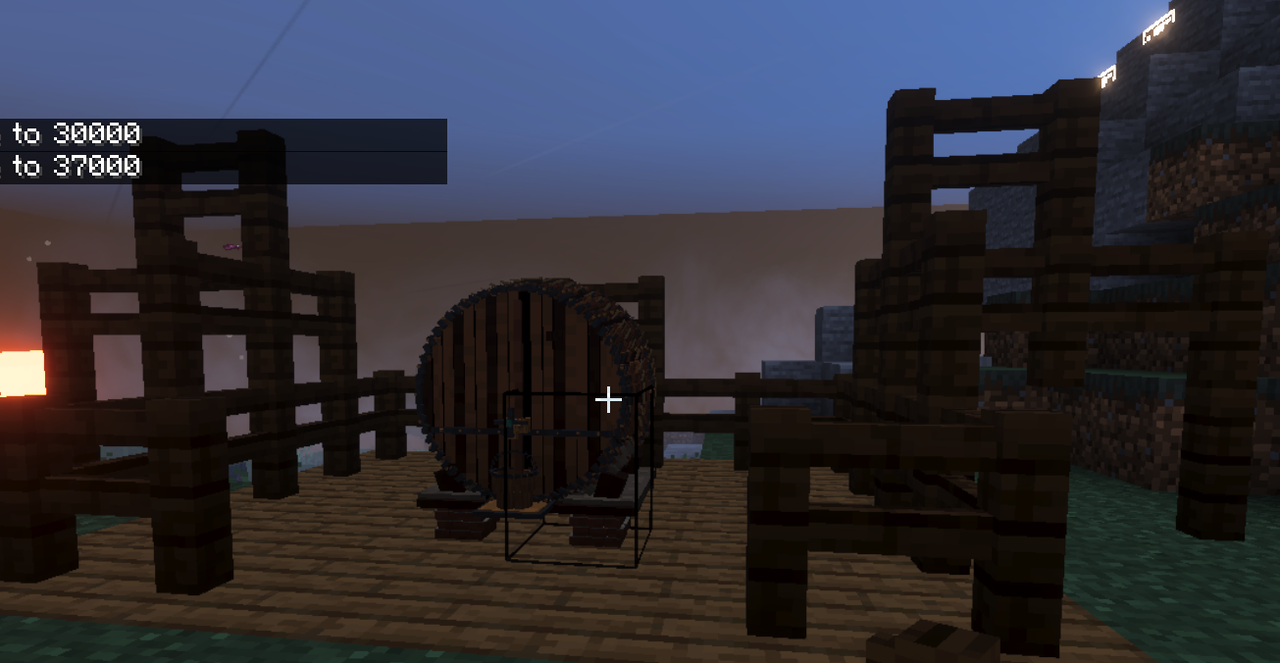
Oak Wine Barrel
A finely crafted oak cask, rendered like a wine master. The 9th of 10 furniture assets in my portfolio I am sharing with the community. :)
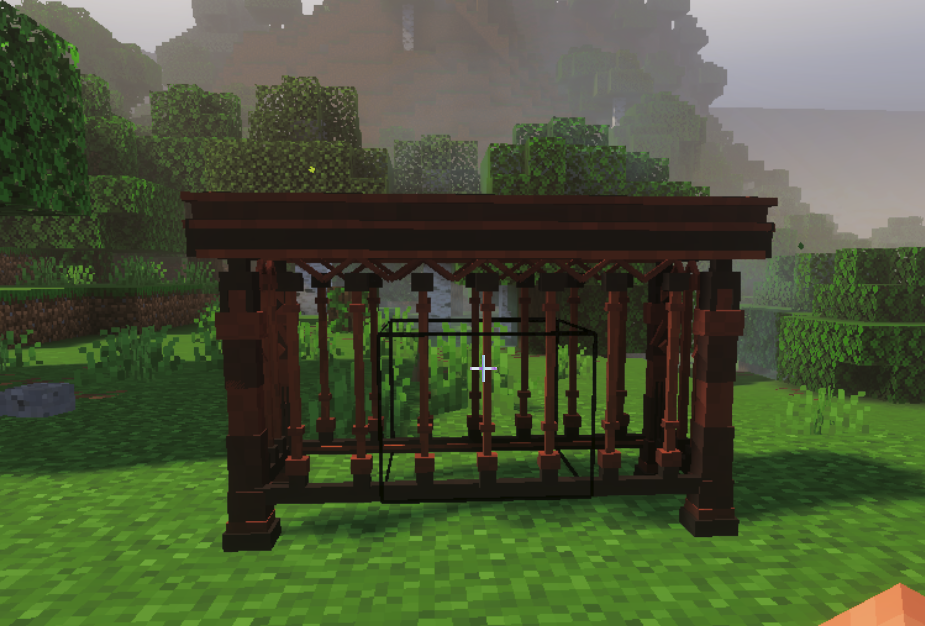
Ornate Walnut Table
Bring finely crafted walnut furniture into your world. My 6/10 furniture piece from my portfolio I am sharing here on creativemode. :) Enjoy friends!
This mod is licensed under the CreativeMode Mods License.