

Description
Reusable totem protects your pet, recharging every 20 seconds and turning its name green. --Steps to use my mod :)-- (Only in V.3) 1.Find a pet and tame it. 2.Give it a name using a name tag. 3.Use the totem on your pet, and its name will turn green, that indicates that it is protected. 4.If your pet dies, the totem will activate and protect your pet from death. 5.After the totem is used, you will have to wait for a 20-second cooldown for your pet's name to turn green again, indicating that it is protected once more.
Mod Wiki
Guardian Pet Totem
Quickstart
- Craft a Guardian Pet Totem using the recipe below
- Hold the totem and right-click on one of your tamed pets (wolves, cats, parrots, etc.)
- You'll hear a totem activation sound and see the message "Guardian Pet Totem linked permanently!"
- Your pet's name will turn green, indicating it's protected


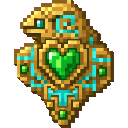
Overview
The Guardian Pet Totem is a reusable protective item that saves your tamed pets from death. Unlike the standard Totem of Undying which only works once, this totem permanently bonds to your pet and automatically recharges after each use, keeping your beloved companions safe indefinitely.
What It Adds
- Guardian Pet Totem — A rare-quality item found in the Tools & Utilities creative tab that provides reusable death protection for tamed animals
How To Use
Linking the Totem
Hold the Guardian Pet Totem and right-click on any tamed pet that belongs to you. The totem must be used on:
- A tamed animal (not wild)
- A pet that you own (not another player's pet)
- A pet that isn't already protected
Once linked, your pet's name turns green to show the protection is active. The totem is consumed when linked.
When Your Pet Takes Fatal Damage
If a protected pet would die, the Guardian Pet Totem activates automatically:
- Your pet survives with 1 health
- All existing effects are cleared
- Your pet receives powerful buffs for 20 seconds:
- Regeneration II — Rapidly restores health
- Resistance IV — Complete damage immunity
- Absorption II — Extra temporary hearts
- Glowing — Visual indicator that protection triggered
- The totem activation sound plays
Recharging
After the totem saves your pet:
- The pet's name turns gold to indicate the totem is recharging
- The 20-second cooldown begins
- During this time, your pet cannot be saved again (but has Resistance IV anyway)
- Once recharged, the name turns green again and protection is restored
Abilities And Mechanics
| Status | Name Color | Protection State |
|---|---|---|
| Protected | Green | Totem will save pet from fatal damage |
| Recharging | Gold | Cooldown active (20 seconds), pet has temporary immunity |
| Not linked | Normal | No protection |
Important notes:
- Protection is permanent once linked — it never expires or needs to be reapplied
- The totem recharges automatically with no player intervention required
- Only works on tameable animals (wolves, cats, parrots, etc.)
- You can only protect pets you personally own
How to install
This Java mod can be used on Windows and Mac PCs with the CreativeMode Launcher or any Minecraft launcher of your choice.

1. Download and install the new CreativeMode Launcher

2. Click to play on the top of the screen.
3. That's it — launches instantly. No complicated setup required.
Want to use on a different launcher? Download mod and manually install.
Players also liked

Ships With Personality


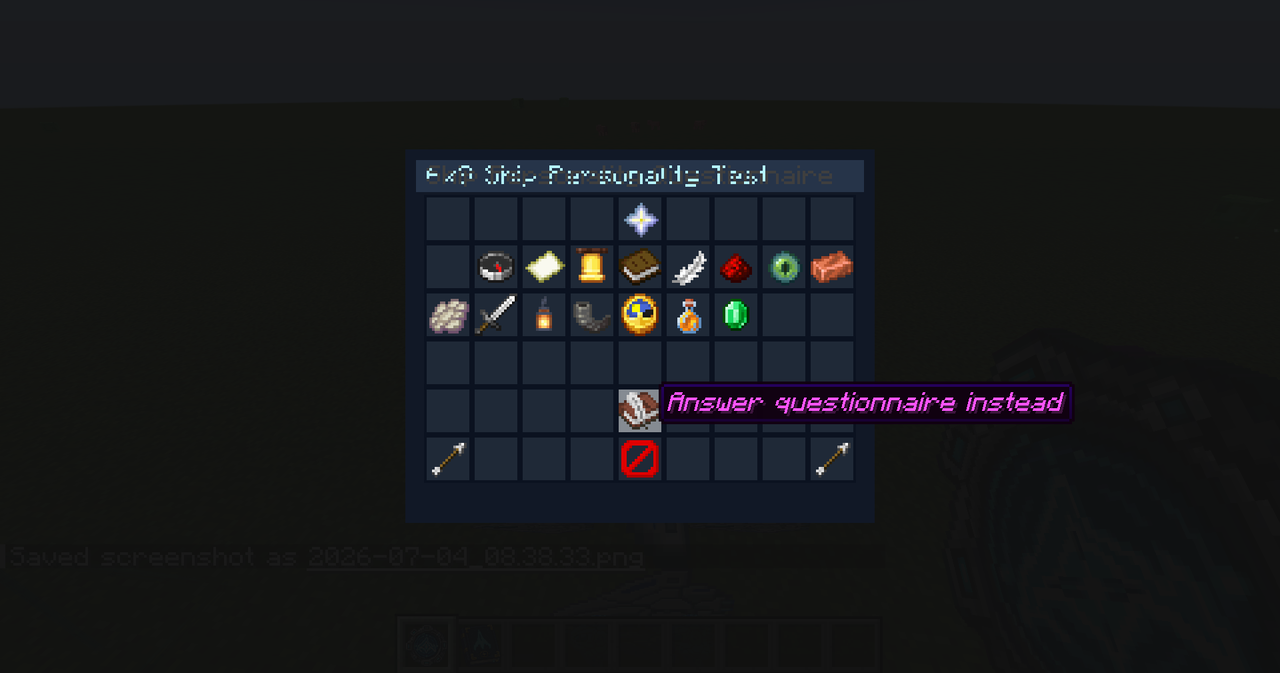
Ships With Personality lets you spawn, customize, and pilot fully modular no‑gravity ships in true 3D thruster flight: right‑click the Personality Ship Core to spawn a base frame, and use the Ship Editor Wand to open a seven‑tab editor for looks, templates, teleport/freeze/reset…
Purple-gold tools and Armor


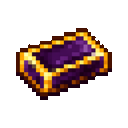
Adds a Purple-Gold endgame progression centered on a rare Purple-Gold ingot and a full set of Purple-Gold tools, sword, and armor with distinctive visuals and powerful stats. Use the Purple-Gold pickaxe to chain-mine connected matching ore veins by mining a tagged ore block (ore…
Flying Thunder Drop Biplane


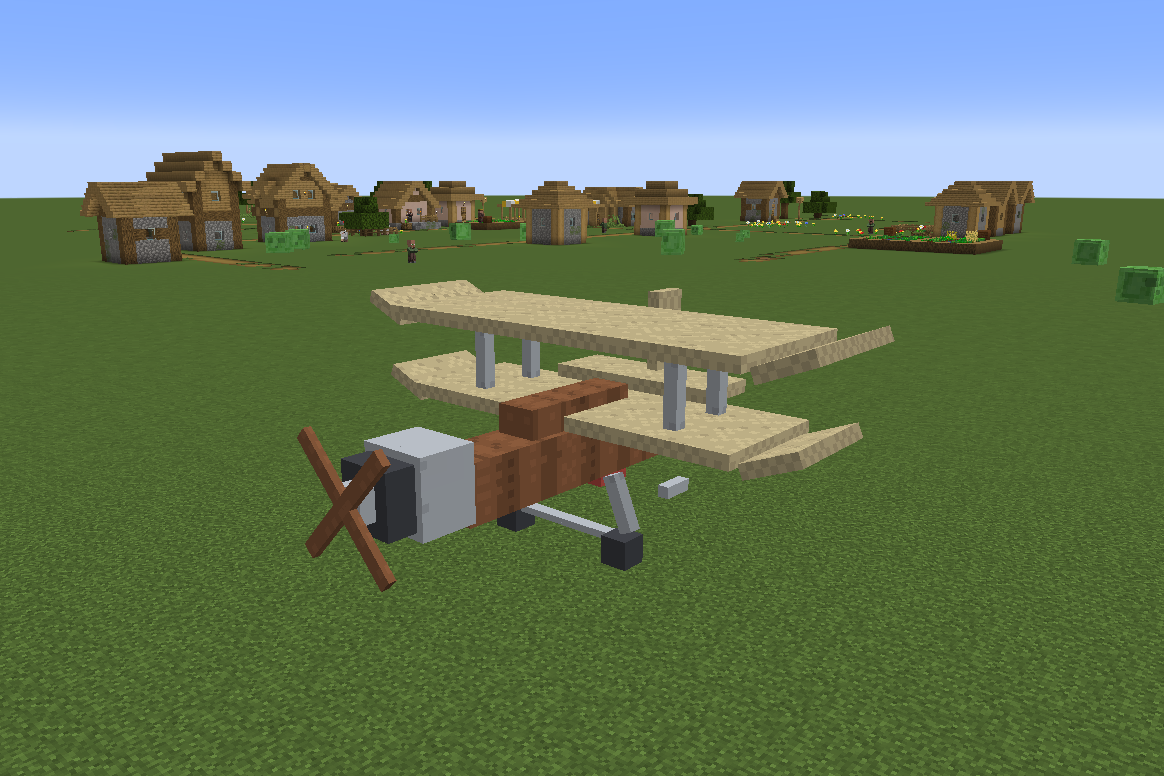
The Thunder Drop Biplane is a rideable aircraft that you can mount by right-clicking the placed structure, which automatically switches your view to third-person and puts you in the cockpit. Use W/A/S/D to steer, Space to ascend, and Shift to descend; press Ctrl to safely exit an…

This mod is licensed under the CreativeMode Mods License.