

Description
Ships With Personality lets you spawn, customize, and pilot fully modular no‑gravity ships in true 3D thruster flight: right‑click the Personality Ship Core to spawn a base frame, and use the Ship Editor Wand to open a seven‑tab editor for looks, templates, teleport/freeze/reset and live‑preview frame selection. Flight uses W/S forward & back, A/D yaw, Space ascend, Shift descend with hover stabilization and auto‑level; ships use a unified ability system (passive, defensive, active, offensive) driven by a segmented action‑bar energy pool that regenerates 1 point every 3 seconds, weapons fire with left‑click and aim/defense with right‑click, and weapons track your look with a 128‑block sight range. New features: ships consume 1 energy per 5 blocks traveled; you can build 4x4 thin Ship Charge Pad platforms that instantly refill ship energy on landing; and while piloting your hotbar slot is locked to prevent other items being overwritten or deleted by the temporary Ship Weapon Link.
Mod Wiki
Ships With Personality
Quickstart
- Get your starter kit — the first time you join a world, a PersonalityShip Core and a Ship Manual are placed directly in your inventory. Open the manual to read the built-in multi-page guide covering setup, controls, energy, and charge pads.
- Spawn your ship — hold the PersonalityShip Core and right-click it. A base ship frame assembles around you and you are immediately seated as the pilot.
- Fly — use W/S to move forward/back, A/D to yaw left/right, Space to ascend, and Shift to descend. The ship hovers and auto-levels when you release movement keys.
- Dismount — press your Sneak key (default Shift) briefly without a movement input, or use whatever dismount binding your game uses. Because Shift doubles as descend, the mod prevents accidental dismounts while in flight.
- Read the Ship Manual for deeper details, or right-click the Ship Editor Wand while piloting to open the full seven-tab editor.
Overview
Ships With Personality is a full 3D flight mod that lets you spawn, customize, and pilot modular no-gravity ships. Every ship is built from a chosen frame plus any number of modules that change its stats and grant abilities. A segmented energy pool shown on the action bar powers weapons and abilities; managing that energy is central to how ships feel and fight. Ships consume energy as they travel and can be refueled by landing on a Ship Charge Pad.
What It Adds
Items
| Item | Purpose |
|---|---|
| PersonalityShip Core | Right-click to spawn and board your ship |
| Ship Manual | Multi-page in-game guide (setup, controls, energy, charge pads) |
| Ship Editor Wand | Opens the seven-tab ship editor while piloting |
| Ship Weapon Link | Temporary item placed in your locked hotbar slot while piloting; handles weapon input |
| Personality Tuner | Adjusts ship personality settings |
Ship Frames
Eight standard frames define a ship's base stats (speed, hull, maneuverability, energy capacity):
| Frame | Style |
|---|---|
| Scout | Fast, light hull |
| Striker | Balanced offense |
| Tank | Slow, heavy armor |
| Explorer | Long range, larger energy pool |
| Stealth | Moderate speed, partial stealth |
| Freighter | Slow, high cargo and hull |
| Drone | Agile utility frame |
| Warp | Specialized for warp-speed travel |
Additional extended frames (Sparrow Skimmer, Bulwark Hauler, Wasp Interceptor, Nebula Glideframe, and others) are also available and selectable through the Ship Editor Wand's frame-preview tab.
Modules
Modules slot into your ship to grant passive, defensive, active, or offensive abilities. Available modules include:
Propulsion: Speed Thruster, Micro Thrusters, Heavy Thruster, Vector Jets, Maneuver Fins, Wing Extensions
Defense: Reinforced Hull, Shield Emitter, Stabilizer, Coolant System, Warp Stabilizer
Utility: Long-Range Scanner, Adaptive Sensors, Cargo Pod, Aux Battery, Energy Recycler, Atmo Filter, Gravity Anchor, Magnetic Clamp, Solar Wings
Combat: Auto Turret, Targeting Computer, Ion Disruptor, Nanite Swarm, Resonator, Flux Core, Crystal Array, Cloaking
Support: Auto Repair Drone, Biogel
Cosmetics
Cosmetic attachments change how your ship looks without affecting stats. Options include Aurora Ribbon Lights, Beacon Light Pod, Crystal Nose Spike, Crystal Spine Array, Engine Glow Shroud, Feathered Hull Trim, Featherlight Winglets, Halo Antenna Ring, Hex Lantern Pods, Meteor Scars Plating, Nebula Vapor Emitters, Quantum Ribbon Trail, Runic Glow Panels, Side Plating Hex Alloy, Solar Crest Crown, Solar Feather Panels, Startrail Spark Nodes, Tri-Fin Stabilizer, Twin Blade Fins, and Underbelly Fins.
Ship Charge Pad
A flat 4×4 thin platform block. Place several together to create a landing pad. When your ship touches the pad surface, its energy is instantly refilled.
How To Use
Piloting Controls
| Input | Action |
|---|---|
| W | Thrust forward |
| S | Thrust backward |
| A | Yaw left |
| D | Yaw right |
| Space | Ascend |
| Shift (held) | Descend |
| Left-click | Fire weapon |
| Right-click | Aim / defensive ability |
The ship hovers in place and auto-levels when no movement keys are pressed. Weapons track your look direction up to 128 blocks.
Energy System
Your ship's energy appears as a segmented bar on the action bar. Energy drains at a rate of 1 point per 5 blocks traveled. It regenerates passively at 1 point every 3 seconds. Abilities and weapons draw from the same pool. If energy runs out, weapons and active abilities become unavailable until it recovers. Landing on a Ship Charge Pad instantly refills the entire pool.
Hotbar Lock
While you are piloting, the hotbar slot containing the Ship Weapon Link is locked. This prevents other items from being overwritten or deleted by the temporary weapon item. The slot unlocks automatically when you dismount.
The Ship Editor Wand
Right-click the Ship Editor Wand while seated in your ship to open a seven-tab interface:
- Appearance — cosmetic attachments and visual options
- Modules — install or swap functional modules
- Templates — save or load ship configurations
- Teleport — teleport the ship to a target location
- Freeze — lock the ship in place
- Reset — restore the ship to its default state
- Frame Preview — live-preview different frame shapes before committing
Ability Categories
Modules grant abilities in four categories:
- Passive — always-on stat bonuses or effects (e.g., Reinforced Hull grants extra armor, Energy Recycler improves regen)
- Defensive — triggered with right-click (e.g., Shield Emitter raises a temporary barrier)
- Active — triggered abilities with energy costs (e.g., Cloaking Module activates stealth)
- Offensive — fired with left-click (e.g., Auto Turret, Ion Disruptor projectiles)
Crafting And Obtaining
All ship components are found in the Personality Ship Components tab in your inventory (located under the Tools group). The PersonalityShip Core and Ship Manual are also granted automatically the first time you join a world.
Ship Manual
Craft the Ship Manual to get a readable in-game reference at any time:


Progression And Strategy
Start with a Scout or Striker frame if you want responsive flight right away. Tank and Freighter frames are better once you understand energy management and need survivability or storage.
Prioritize an Aux Battery or Energy Recycler module early. The energy pool is shared between movement drain, weapons, and abilities. Without energy, your ship is unarmed and slow to recover.
Build a Ship Charge Pad base. A 4×4 pad at your home location means you can land between expeditions for an instant full recharge rather than waiting on passive regeneration.
Use the Editor Wand's Frame Preview tab before committing to a frame — each frame has meaningfully different base stats for speed, hull points, maneuverability, and energy capacity. Preview them live before locking in your build.
Combine complementary modules. A Targeting Computer extends weapon range and accuracy while a Coolant System reduces ability heat buildup — pairing offensive and utility modules lets you fight longer without burning through your energy pool.
How to install
This Java mod can be used on Windows and Mac PCs with the CreativeMode Launcher or any Minecraft launcher of your choice.

1. Download and install the new CreativeMode Launcher
2. Click to play on the top of the screen.
3. That's it — launches instantly. No complicated setup required.
Want to use on a different launcher? Download mod and manually install.
Players also liked
Tunable Tnt Launcher


The Tunable TNT Launcher is a ranged weapon that fires flying TNT rockets on right-click—consuming durability, applying a 1‑second cooldown, leaving a smoke trail and playing a launch sound—and the projectile explodes after its configurable fuse. Hold Y while the launcher is in h…
Skeleton Summoner


The Skeleton Summoner is a mystical artifact that lets you command a squad of four fully armored skeleton archers. Right-click to summon them wearing Netherite helmets, Iron chestplates, Diamond leggings and Iron boots, each wielding a bow enchanted with Power V and Flame I—they…
Lavaforge Blaster

The Lavaforge Blaster is a powerful weapon that fires scorching projectiles capable of turning the world into molten chaos. Right-click to shoot a fast-moving bolt that instantly converts any block it strikes into a lava source, and deals heavy magic damage to any mob it hits whi…
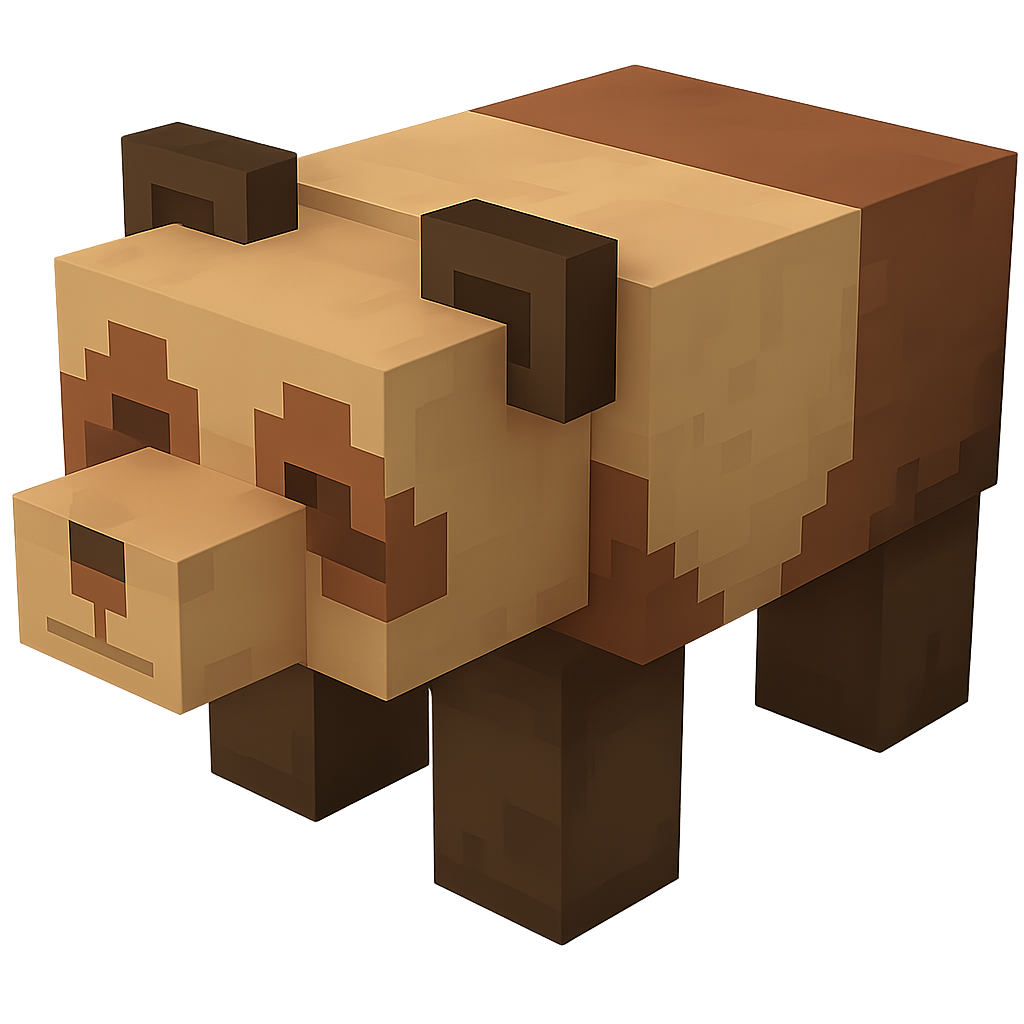
Bandana Wolf


Encounter the Bandana Wolf, a giant wolf wearing a glowing rune-etched bandana that prowls the forests with chilling howls and devastating melee strikes. Combine salmon, cod, and the legendary Eternal Bandana to summon the Grizzly Boss, a colossal bear whose thunderous charges an…
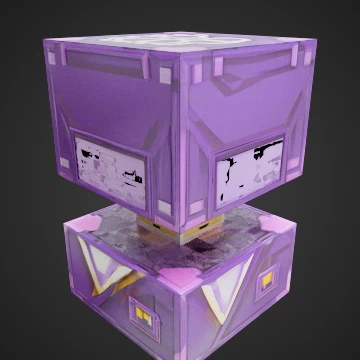
Handy Manager


The Handy Manager is a peaceful, helpful mob that appears as a slightly larger version of a Shulker and serves as your personal assistant in the Minecraft world. This friendly creature will occasionally take photos of nearby players with realistic camera flash effects and clickin…
This mod is licensed under the CreativeMode Mods License.