

Description
Build gravity-defying rail loops and inversions, sending minecarts and riders upside down around the track.
Mod Wiki
Gravity Loop Rails
Quickstart
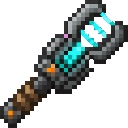
- Craft a Gravity Wrench:


- Place a vanilla rail, powered rail, detector rail, or activator rail.
- Use the Gravity Wrench on the rail:
- Normal use creates a loop-mode Gravity Loop Rail.
- Sneaking while using creates an inversion-mode Gravity Loop Rail.
- Put a minecart near the Gravity Loop Rail and ride it. The rail pulls the cart into a compact vertical loop, carrying the cart and its riders upside down around the ride.
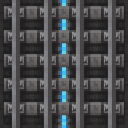
- You can also craft and place Gravity Loop Rails directly:

- Use the Gravity Wrench on an existing Gravity Loop Rail to switch it between loop and inversion mode. Each wrench use consumes durability.
Overview
Gravity Loop Rails create compact, gravity-defying minecart rides. A nearby minecart is guided around a vertical circular path centered on the rail, allowing minecarts and passengers to travel through loops and upside-down sections without needing a conventional track layout.
The mod adds:
- Gravity Loop Rail blocks for creating rides
- Gravity Wrench for converting rails and changing rail modes
- Two ride profiles: loop and inversion
- Upside-down minecart visuals near Gravity Loop Rails
What It Adds
Gravity Loop Rail
A Gravity Loop Rail is the anchor for a vertical minecart loop. When a minecart comes within roughly four blocks of one, the ride begins automatically.
Gravity Loop Rails:
- Guide minecarts around a vertical loop
- Work with occupied and unoccupied minecarts
- Can be placed directly from the item
- Can be created by converting existing vanilla rails
- Drop themselves when broken, provided the block survives the explosion
A newly placed Gravity Loop Rail starts in loop mode.
Gravity Wrench
The Gravity Wrench is used to configure rails.
| Target | Normal use | Sneaking use |
|---|---|---|
| Vanilla rail | Converts it to loop mode | Converts it to inversion mode |
| Gravity Loop Rail | Switches to the other mode | Also switches to the other mode |
The wrench has 256 durability. Every successful rail conversion or mode switch uses one durability.
How To Use
Starting a Ride
Place a Gravity Loop Rail where you want the center of a ride. Bring or launch a minecart within about four blocks of it. The cart is then positioned on a vertical circular path and continuously moved around the loop.
The rail does not require a powered-rail line to activate. Minecart movement is controlled automatically while the cart remains associated with the Gravity Loop Rail.
Choosing a Direction
When a minecart first enters a ride, its horizontal movement determines the initial direction:
- A cart moving in the positive X direction begins in one direction.
- A cart moving in the negative X direction begins in the opposite direction.
- A stationary cart begins in the positive-X direction.
Use a short approach track or launch platform if you want to control which way the ride starts.
Riding Upside Down
Enter the minecart normally before it reaches the Gravity Loop Rail. As the cart travels around the loop, the cart and its rider are carried through the vertical sections and upside-down portions of the ride.
Minecarts near Gravity Loop Rails are displayed with the mod’s upside-down orientation, so the ride is visibly inverted as well as physically controlled.
Leaving the Ride
Move the minecart away from the Gravity Loop Rail and beyond its operating area. The gravity ride ends when the cart is no longer near its associated rail.
Crafting And Obtaining
Gravity Loop Rail
Crafting produces eight Gravity Loop Rails.
Gravity Wrench
Crafting produces one Gravity Wrench.
Creative Mode
Both items are available in the Redstone item group:
- Gravity Loop Rail
- Gravity Wrench
Abilities And Mechanics
Loop Mode
Loop mode is the standard Gravity Loop Rail setting. It guides a nearby minecart around a vertical loop while following the cart’s direction of travel.
Use loop mode for:
- Roller-coaster-style rides
- Vertical launch loops
- Repeated minecart stunts
- Passenger rides with a conventional looping orientation
Inversion Mode
Inversion mode changes the cart’s orientation during the ride, emphasizing the upside-down effect as the cart follows the loop.
To configure it:
- Place or convert a rail.
- Use the Gravity Wrench on the Gravity Loop Rail until the action-bar message reports “Gravity rail armed: inversion.”
Use the wrench again to return it to loop mode. The action-bar message reports “Gravity rail armed: vertical loop” when loop mode is selected.
Operating Range
A minecart is detected when a Gravity Loop Rail is within approximately four blocks of the cart. The nearest Gravity Loop Rail is used when multiple rails are nearby.
Keep neighboring Gravity Loop Rails separated if you want each cart to follow a specific ride anchor.
Rail Conversion
The Gravity Wrench can convert vanilla rail-family blocks into Gravity Loop Rails. The converted rail keeps its existing rail shape where applicable, while gaining the gravity-loop behavior.
After conversion, the block becomes a Gravity Loop Rail and can be switched between the two gravity modes with the wrench.
Progression And Strategy
- Start with one Gravity Loop Rail and a minecart to test the ride’s operating range.
- Build a short approach track so the cart enters the ride with the direction you want.
- Use normal wrench use for a standard loop and sneak-use for an inversion setup.
- Place rails with enough space around them for the minecart’s vertical movement.
- Keep separate rides several blocks apart to avoid a cart selecting the wrong nearby anchor.
- Use a minecart with a passenger for a simple test, then experiment with longer approaches and multiple ride anchors.
How to install
This Java mod can be used on Windows and Mac PCs with the CreativeMode Launcher or any Minecraft launcher of your choice.

1. Download and install the new CreativeMode Launcher

2. Click to play on the top of the screen.
3. That's it — launches instantly. No complicated setup required.
Want to use on a different launcher? Download mod and manually install.
Players also liked
![The Legendary Players [beta] – image 1](/_next/image?url=https%3A%2F%2Foapejwmubzw4jsgy.public.blob.vercel-storage.com%2Fgallery-images%2Fff1740c6-8d11-4341-bb59-7033ed1c0a9c%2F2026-10-06_14.49.34-r5bJwDL43X4LLEAOoLwGOiODY5HbYt.png&w=1280&q=75)
The Legendary Players [beta]


NOTE: THIS IS NOT FINISHED, EXPECT BUGS Summon Minecraft legends such as technoblade and dream to battle as a hostile squad—or wield The Destroyer to make them your allies. also i wonder what does the scientist cloak do
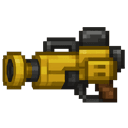
Incinerator Laser Drill


Item Description: Make a yellow laser cannon that takes 3 seconds to charge a shot and drills through any blocks for 1000 block in a 5 block diameter circle. When charging a shot the player should not be able to move. The sprite should be a large cyberpunk cannon. The cannon shou…
Expanding Pillar


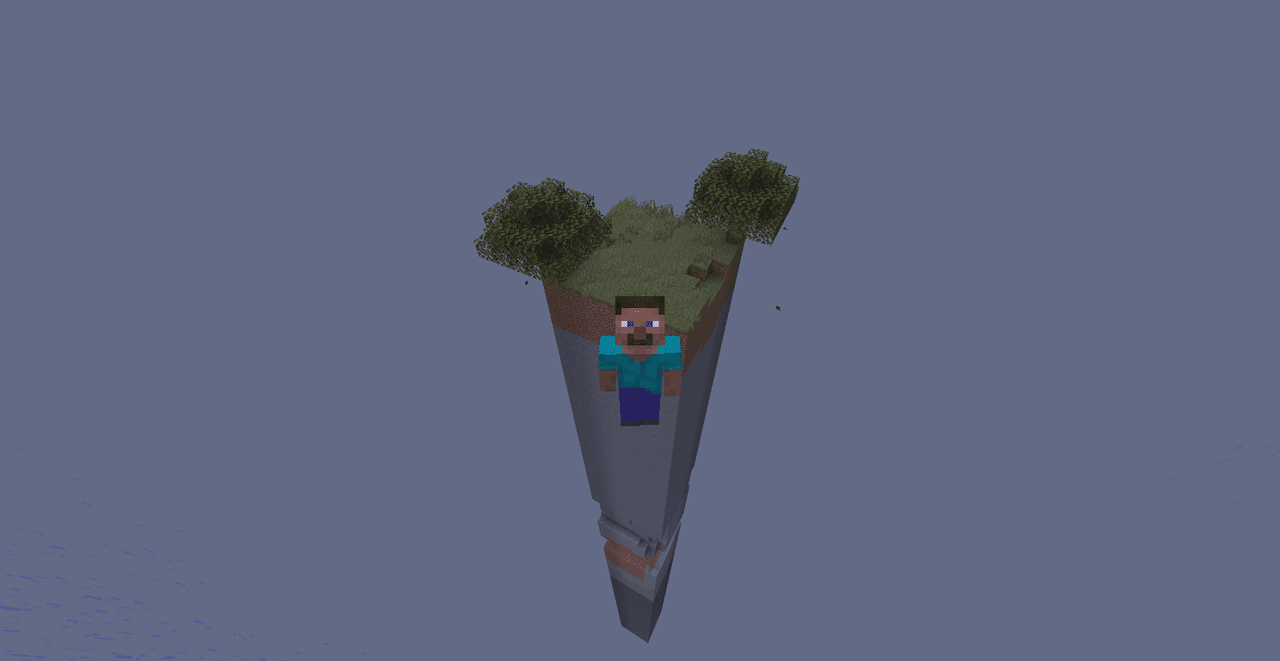
Survive on a lone pillar that grows each day, revealing new biomes and supply waystations. As the pillar expands, it can reveal trees, structures, caves, ores, etc. The pillar expands every 1 Minecraft day, so surviving gets easier as time goes on.
Lucky Block Mayhem

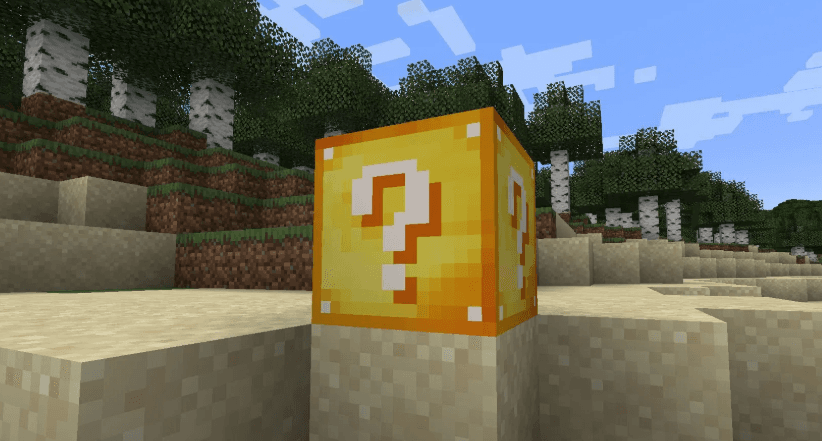
Break Lucky Blocks and eat Lucky Apples for wild rewards, dangerous surprises, and rare treasures.

This mod is licensed under the CreativeMode Mods License.