
Description
A colossal skull mountain rises from the earth, hiding secrets in its hollow eyes.
Mod Wiki
Golgotha
Quickstart
- Enter Creative mode and open the Creative inventory.
- Find the Golgotha Wand in the Equipment category and place it in your hotbar.
- Travel to a large, open area with enough room for a massive structure.
- Aim at the ground or a nearby block and use the wand. The wand fires a projectile that places Golgotha where it lands.
- Wait while the skull mountain assembles block by block, then explore its hollow eyes and interior.
You can also obtain the wand with:
/give @s com_golgotha_iq3tgvc3:structure_wand
The wand has a short cooldown of about two seconds between shots.
Overview
Golgotha is a colossal skull-shaped mountain that rises dramatically from the ground. Its hollow eye sockets conceal areas to investigate, making it a striking landmark and an exploration site for custom worlds, adventure maps, and Creative builds.
The structure is placed as a complete landmark rather than generated naturally across the world. Choose the placement area carefully, since Golgotha occupies a very large footprint and reaches high into the sky.
What It Adds
- Golgotha Wand — A Creative-use tool that fires the placement projectile.
- Golgotha skull mountain — A huge dark skull structure with hollow eyes and hidden spaces.
- Custom Golgotha building blocks — Dark blocks used throughout the structure.
How To Use
Placing Golgotha
Equip the Golgotha Wand and use it while aiming at the location where you want the structure to appear. The wand’s projectile travels forward with a slight arc and triggers placement when it collides with the ground, a block, or another valid target.
For the best results:
- Stand well away from existing buildings.
- Use a broad, mostly empty area.
- Aim at a ground-level block near the intended center of the landmark.
- Leave plenty of vertical clearance.
- Wait for the block-by-block construction to finish before exploring.
The projectile does not deal normal damage, though its impact can knock entities back.
Exploring
Once the mountain is complete, approach the skull from different angles to find entrances, recesses, and the hollow eye areas. The eye sockets are the most obvious places to begin searching, but inspect the surrounding structure and interior carefully.
Bring building blocks, torches, or other lighting and navigation supplies if you plan to explore the darker sections. Mark routes as you go so you can find your way back out.
Crafting And Obtaining
Golgotha has no crafting recipes. Obtain the Golgotha Wand from the Creative inventory under Equipment, or use its command identifier:
/give @s com_golgotha_iq3tgvc3:structure_wand
In Creative mode, the wand can fire its placement shot without requiring you to prepare separate ammunition.
The custom Golgotha blocks are part of the placed landmark and are not required to build the structure manually.
Abilities And Mechanics
- The wand fires immediately without a charge-up period.
- Shots have a small amount of gravity, so compensate slightly when aiming at distant locations.
- A two-second cooldown prevents continuous placement.
- The structure is assembled block by block after the projectile hits.
- Golgotha blocks can be mined and are vulnerable to explosions.
- The structure is intended to be explored and used as a dramatic world landmark.
Progression And Strategy
Golgotha has no item-based progression or crafting chain. Your main progression is exploration:
- Place the mountain in a safe, open location.
- Circle the exterior to understand its shape.
- Search the hollow eyes first.
- Explore deeper recesses and interior spaces.
- Use the landmark as a base, challenge area, dungeon entrance, or centerpiece for a larger build.
For adventure-map creators, place Golgotha where its scale is visible from a distance. For personal worlds, consider building paths, bridges, lighting, or a settlement around its base to turn the skull mountain into a central destination.
How to install
Download the mod and follow the step-by-step installation guide.
Players also liked
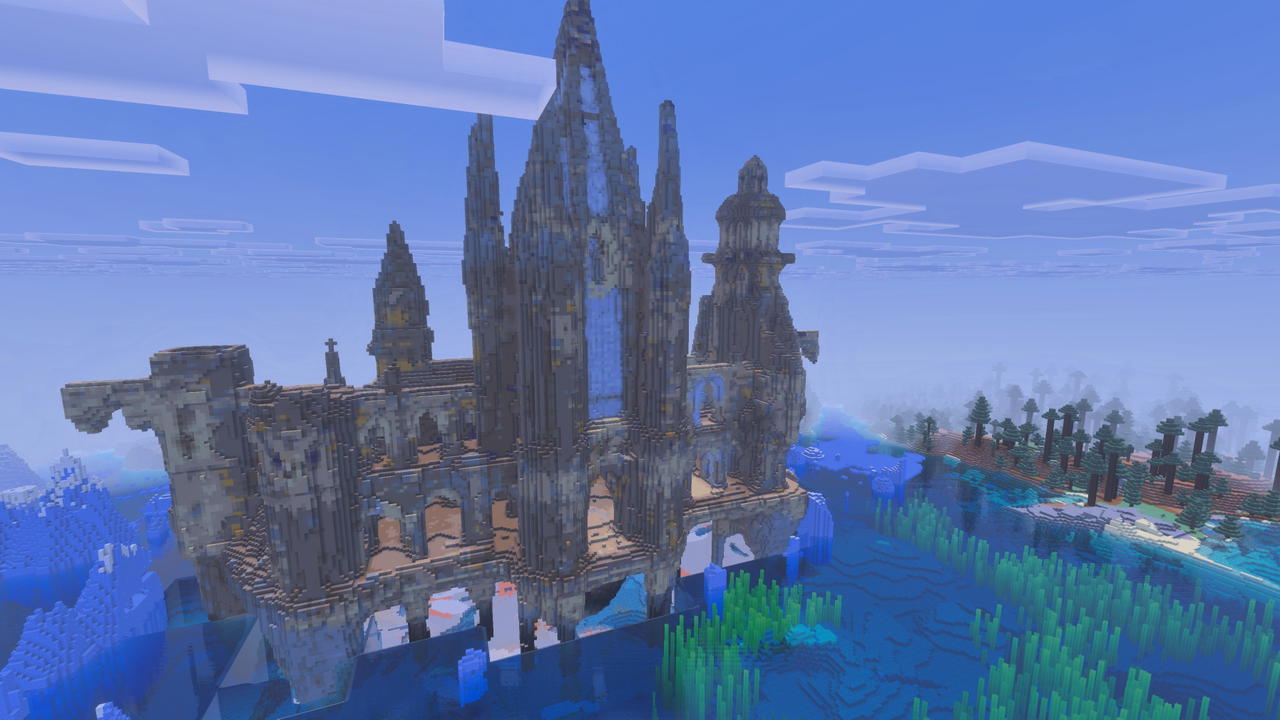
Castle Of The Crystal


This beautiful massive castle is a unique fixer upper that could be your dream home/base. Ready to be polished up and move in.
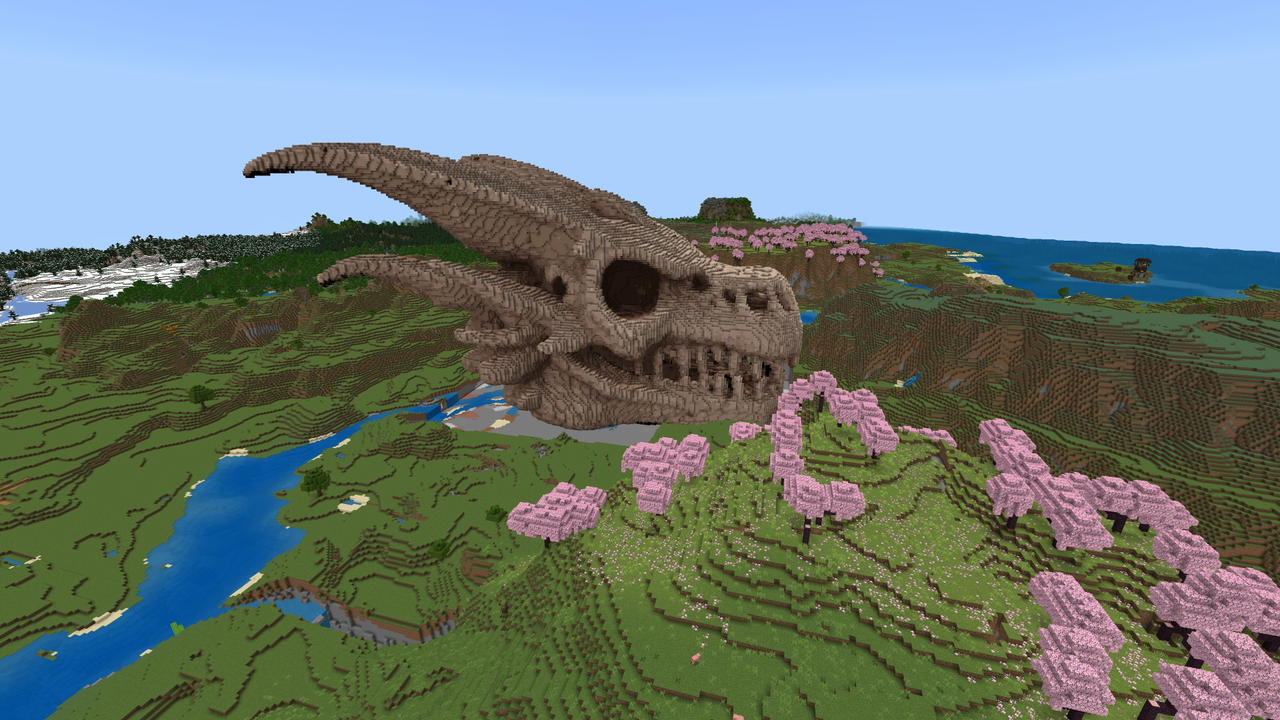
It Once Lived
Unearth a colossal fossilized dragon skull to be the back drop for your world's horizon.
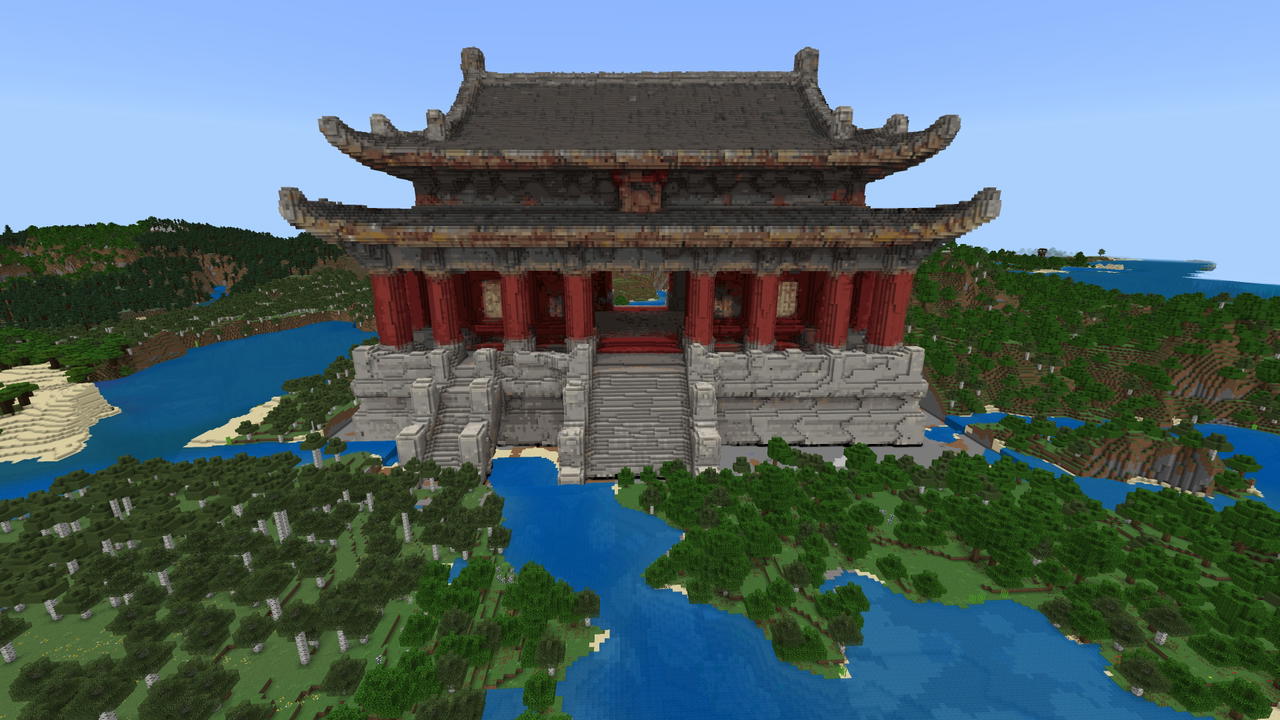
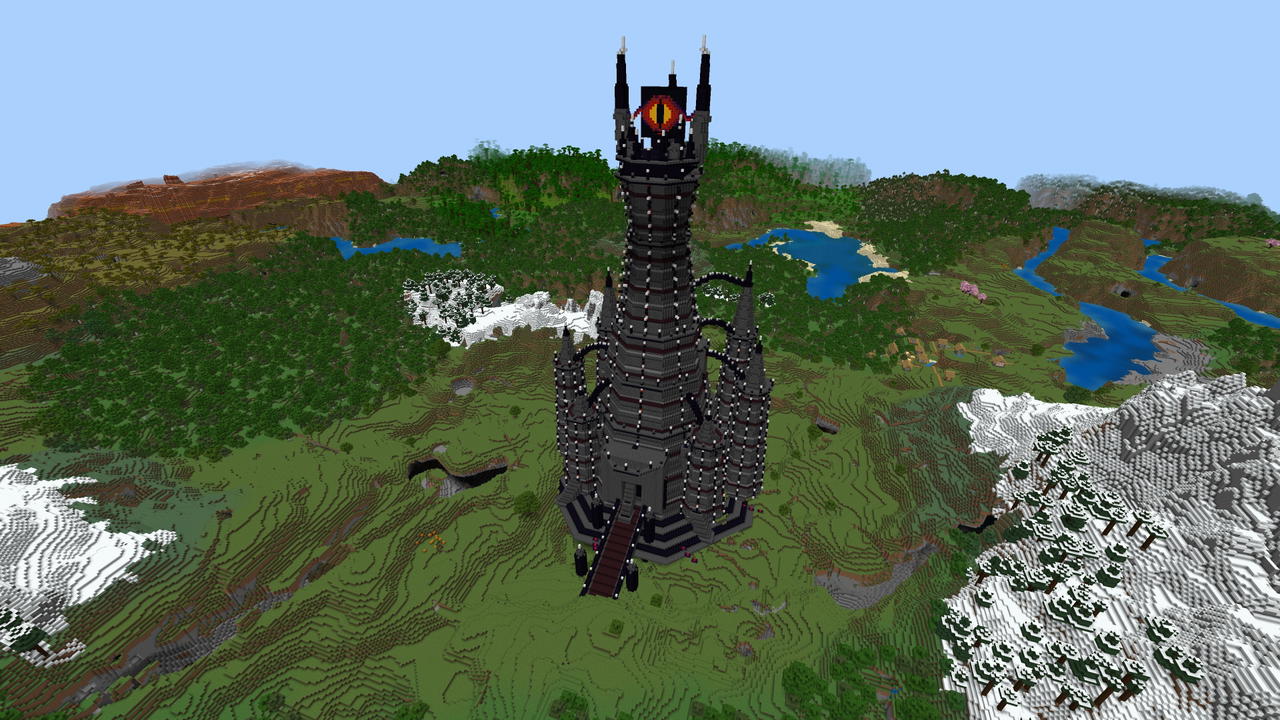
Barad Dur
The colossal fortress of Barad-dur, With Saurons ever watchful eye peering from the top.
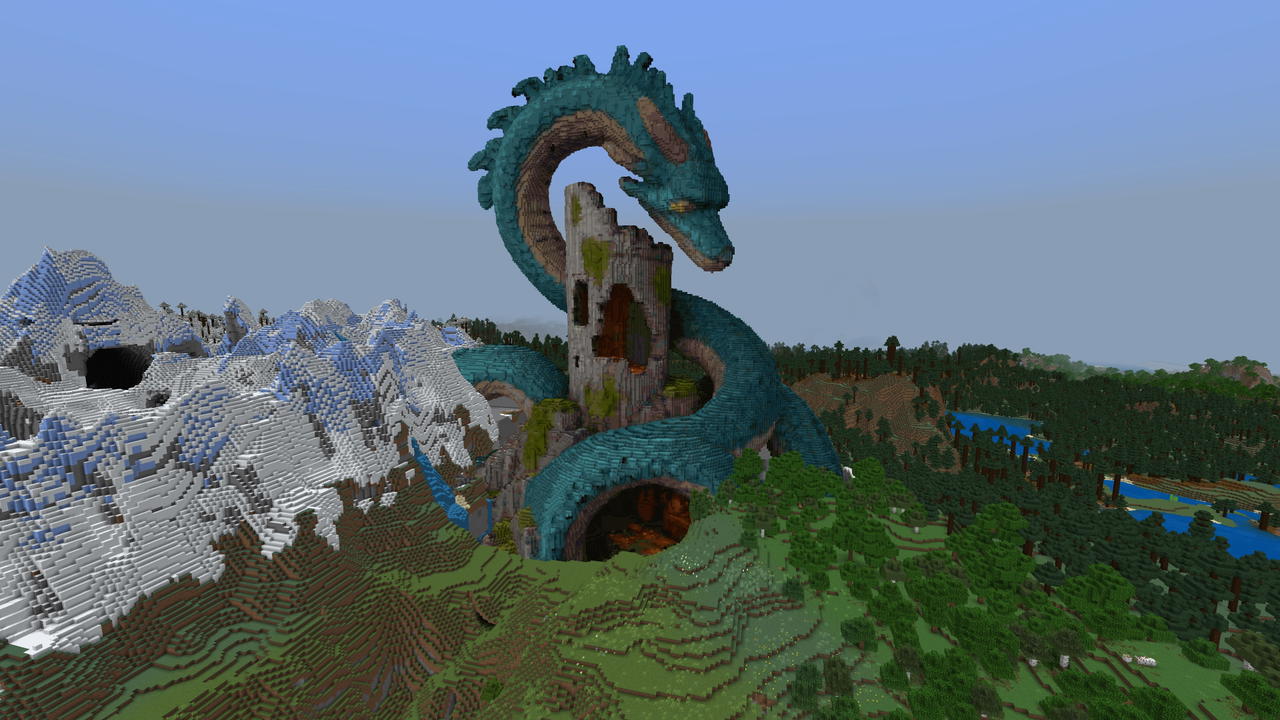
The Leviathan
Uncover a ruined tower, hidden treasure, and a sleeping sea serpent guarding a rocky island. This is a very tall structure and should be placed at least at Y -10 or below or the top will be cut off.
This mod is licensed under the CreativeMode Mods License.