
Description
This beautiful massive castle is a unique fixer upper that could be your dream home/base. Ready to be polished up and move in.
Mod Wiki
Castle Of The Crystal
Quickstart
- Open your Creative inventory and find the Castle Of The Crystal Wand.
- Stand where you want the castle to appear, aim, and use the wand to fire it.
- Where the wand's projectile lands, the full castle structure will build itself in, block by block, rising up from that point.
- Give the structure a few moments to finish placing — it's a massive, multi-part build and will assemble in sections.
- Step back and explore: fly or walk through the towers, bridges, courtyards, and the central crystal chamber once it's complete.
Overview
Castle Of The Crystal adds one enormous pre-built structure to your world: a gothic-fantasy fortress inspired by the Castle of the Crystal from The Dark Crystal. It's meant to be dropped into a Creative world as a finished set piece — a place to explore, screenshot, film, or build a story/adventure map around.
The castle features:
- Towering, jagged spires and asymmetrical buttresses
- An enormous central crystal chamber that rises above the rest of the structure
- Terraces, connecting bridges, and winding staircases
- Multiple courtyards and galleries
- Carved statues, gargoyles, and narrow arched windows
- Weathered, organic-looking stone textures throughout
- Cliffside foundations for a dramatic, vertical silhouette
There are no new mobs, tools, or survival mechanics to learn — this mod is purely about placing and experiencing the structure itself.
What It Adds
- Castle Of The Crystal Wand — a special item used to trigger the placement of the castle.
- A large, multi-level castle structure — built from dozens of stone-textured blocks in weathered purple-grey tones, forming spires, chambers, bridges, and courtyards spanning a wide area both horizontally and vertically.
- Custom stone-toned blocks — a family of full-block variants used to give the castle its distinctive mottled, organic stonework look. These blocks are part of the structure and are not intended as general building materials, though they can be broken and picked up like normal blocks if desired.
How To Use
- Equip the wand and use it (right-click / use action) to fire a projectile.
- Wherever the projectile lands, the castle begins loading into the world automatically, piece by piece, extending upward and outward from that point.
- Because the castle is extremely large, make sure you have plenty of open space around and above your target location before firing — the structure spans a wide footprint and many vertical levels.
- The wand has a short cooldown between uses, so if you want to place another copy elsewhere, simply wait a moment and fire again.
- Once the castle has finished loading, you can walk, climb, or fly through its towers, staircases, bridges, and the central crystal chamber freely — it behaves like any other set of Minecraft blocks and can be explored, filmed, decorated around, or partially deconstructed.
Crafting And Obtaining
There is no crafting recipe for the wand — it's a Creative-mode tool. Retrieve it directly from the Creative inventory under the equipment category to begin placing the castle.
Abilities And Mechanics
- Structure Wand: Firing the wand launches a small projectile. On impact, it triggers the automatic placement of the entire castle structure at that location, loading it into the world in sequential sections from the ground up.
- Cooldown: After firing, the wand needs a short recharge time before it can be used again, preventing accidental rapid-fire placement.
- Block-by-block loading: The castle is placed gradually in chunks/sections rather than instantly, so give it a short time to fully materialize after firing the wand.
Progression And Strategy
Since this mod is a structure-placement tool rather than a survival system, there's no progression ladder to climb — the "content" is the castle itself. A few tips for getting the most out of it:
- Scout your location first. The castle is tall and wide, so pick flat or open terrain, or an area you don't mind reshaping, before firing the wand.
- Use it as a base or backdrop. The finished castle works well as an adventure map hub, roleplay set, or cinematic filming location thanks to its dramatic silhouette and varied interior spaces (courtyards, galleries, the crystal chamber).
- Combine with world editing. Since the structure loads block by block, you can pair it with terrain edits (cliffs, lakes, forests) to blend it naturally into a Dark Crystal–style landscape.
- Explore vertically. Don't just walk the courtyards — the central crystal chamber and spires are designed to be appreciated from multiple heights, so climb the staircases and bridges to see the castle's full scale.
How to install
Download the mod and follow the step-by-step installation guide.
Players also liked
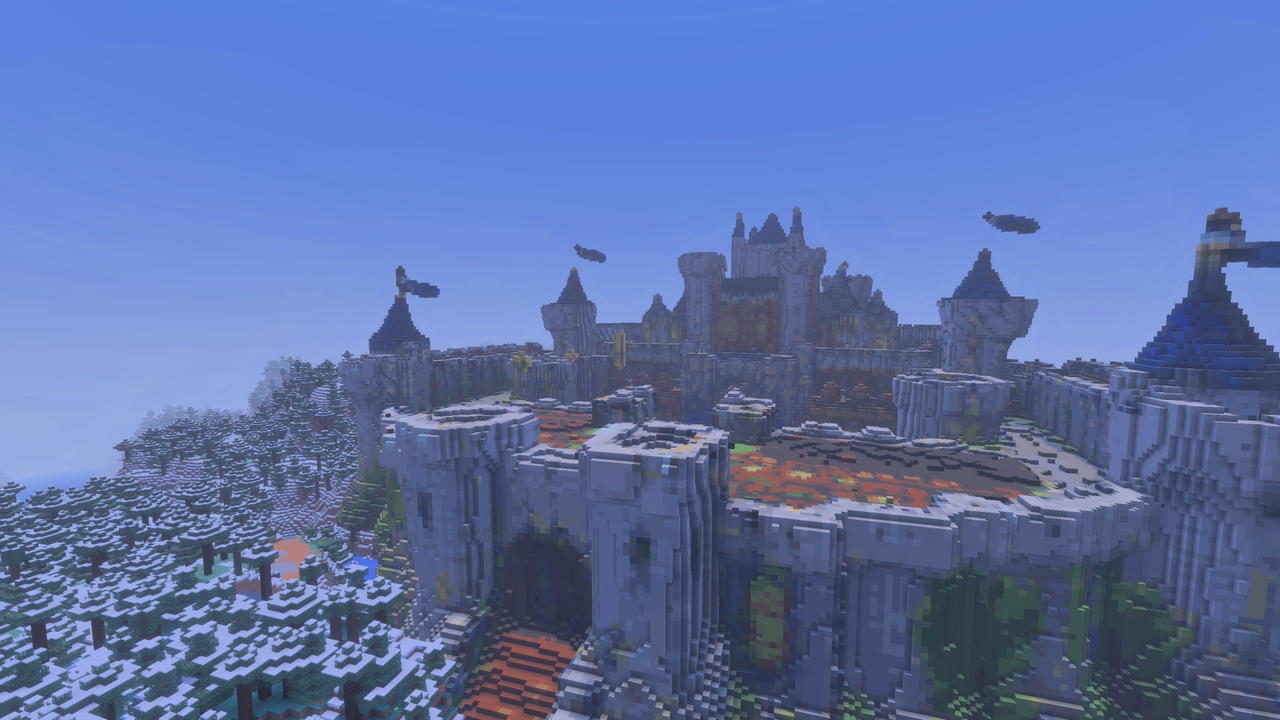
Camelot Keep


Welcome to Camelot! This is a massive sprawling castle that it ready to have the rough edges chipped off and make a killer base out of... or a great role play site.
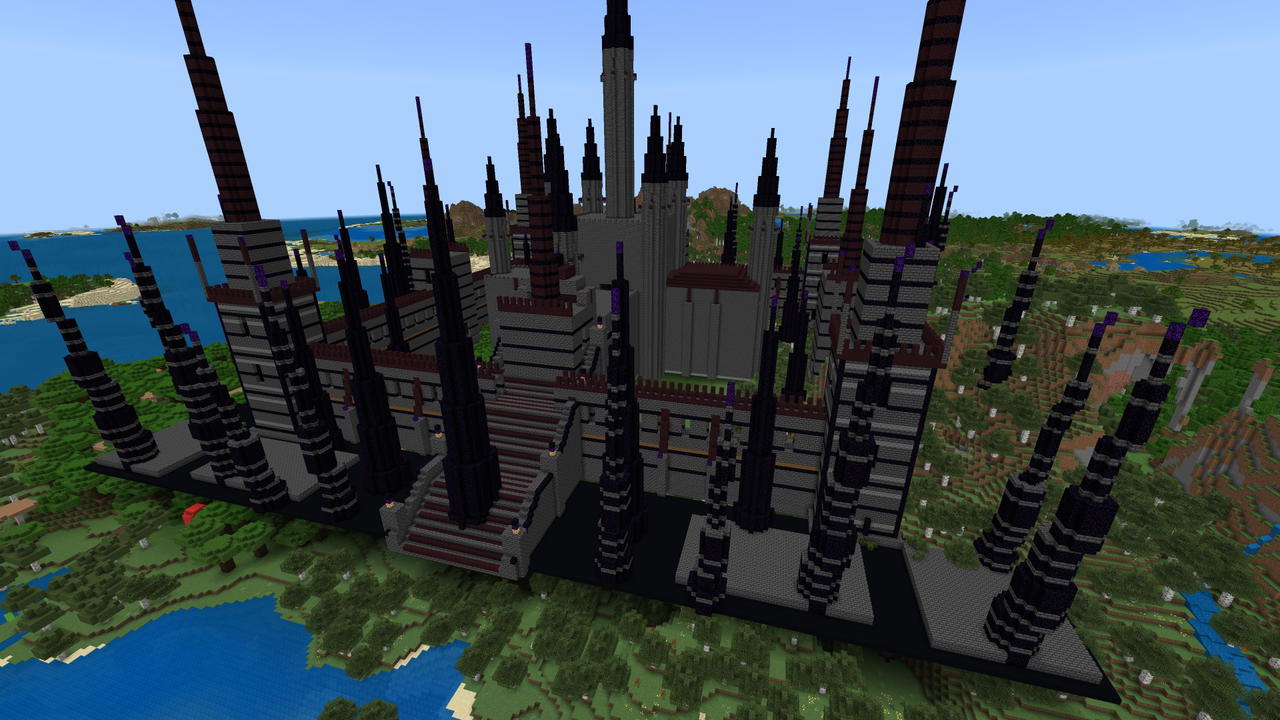
Dreadspire Citadel
Have your own sprawling dark castle. Rooms upon rooms to decorate and use as you please.... HUGE rooms! Tall spires with broken stairs just waiting to be fixed! Vast ramparts with 8 guard towers! and plenty of tall pointed spires to place your enemies on top and watch them langui…
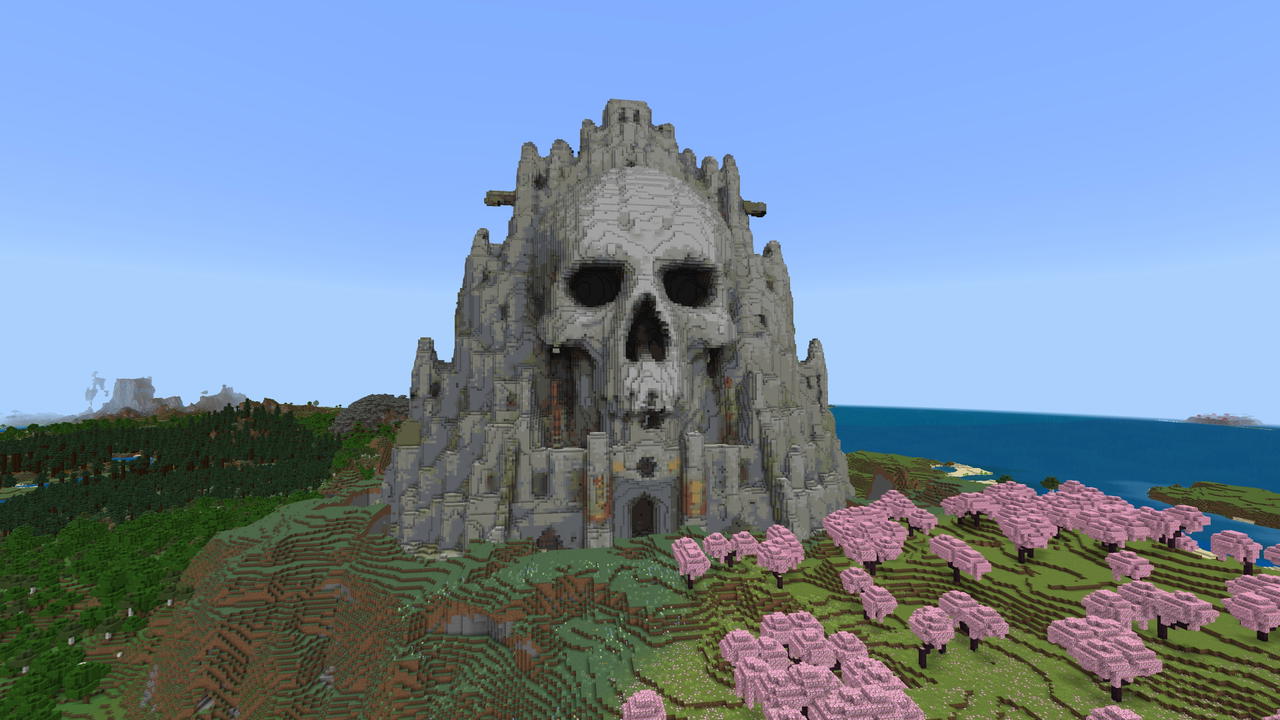
Golgotha
A colossal skull mountain rises from the earth, hiding secrets in its hollow eyes.
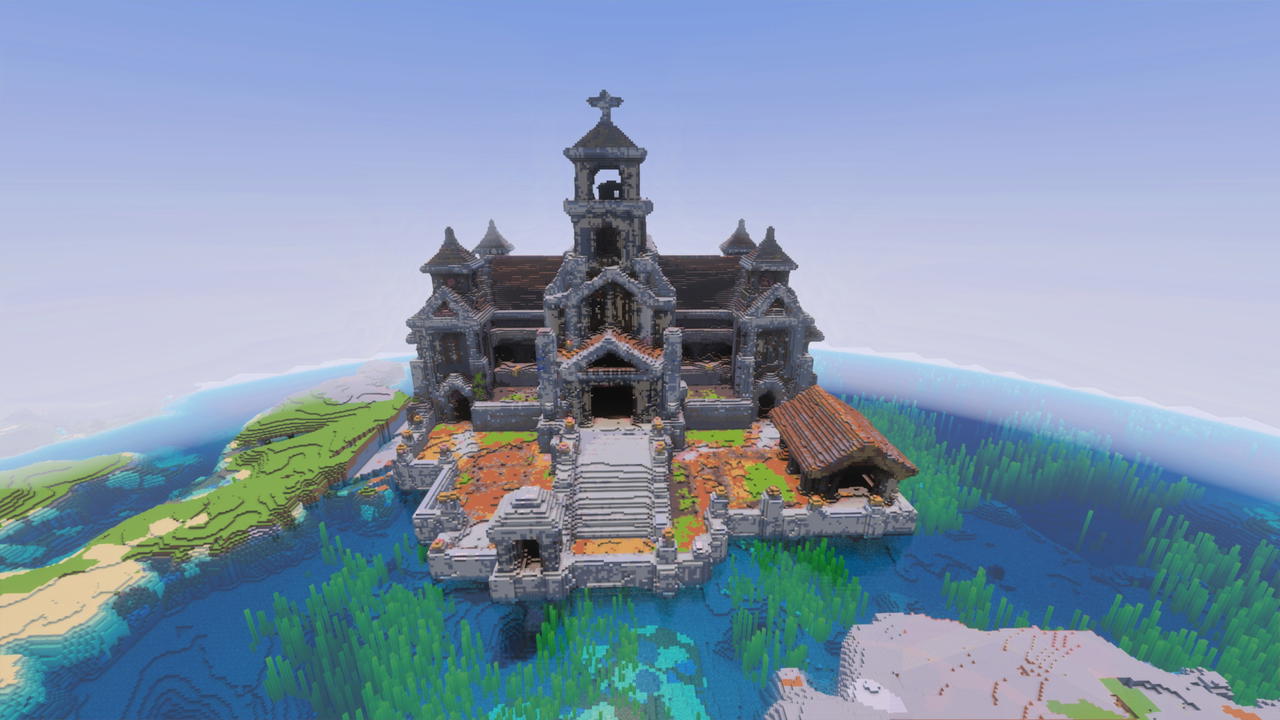
The Grand Village Temple
Explore a grand cleric temple filled with brewing secrets, sacred halls, gardens, and hidden chambers (and made up of weird blocks, sorry I cannot change that).
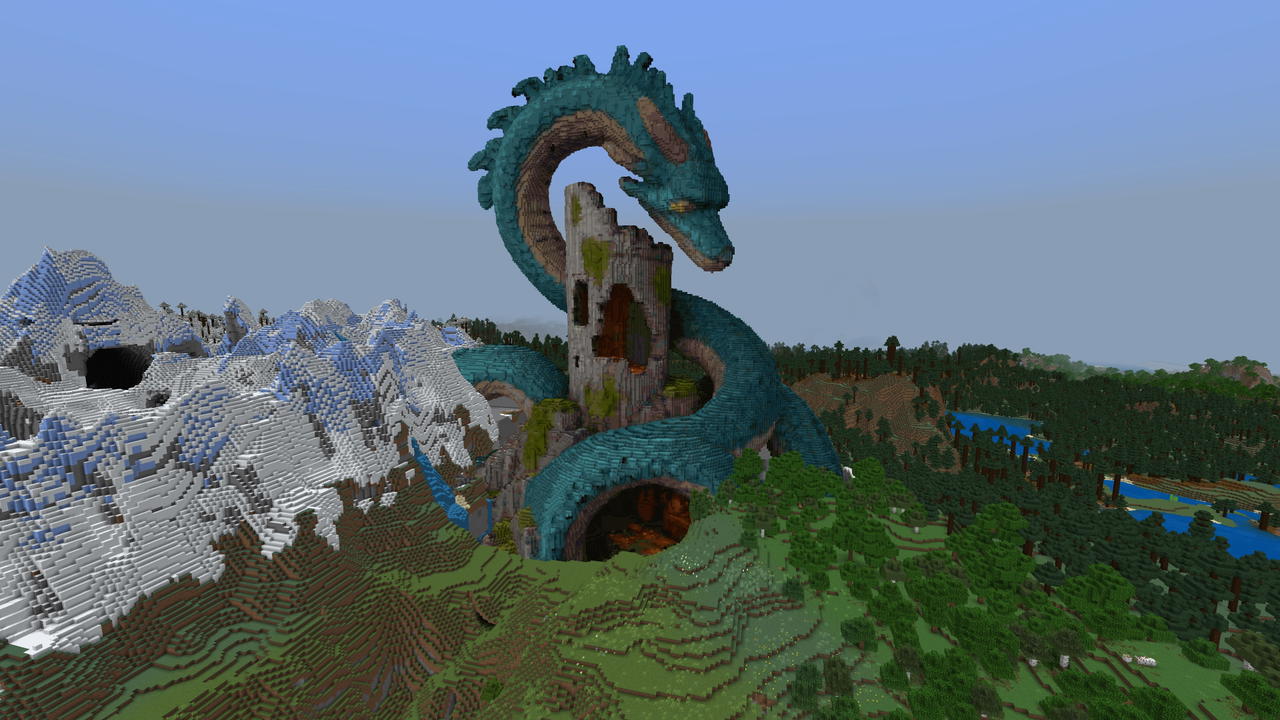
The Leviathan
Uncover a ruined tower, hidden treasure, and a sleeping sea serpent guarding a rocky island. This is a very tall structure and should be placed at least at Y -10 or below or the top will be cut off.
This mod is licensed under the CreativeMode Mods License.