
Description
Arm the doom block and watch it roll fire across the land leaving an area of 150 blocks around itself poisoned with radiation for an entire day. I made this with idea it would be good to use on a public server if you had to deal with any griefers. Level their houses and leave the area irradiated.
Mod Wiki
Event Horizon
Quickstart
- Craft the Event Horizon block using the recipe below.
- Place it on solid ground wherever you want it.
- Use (interact with) the block to arm it — you'll hear a click and see flames flickering above it.
- Back away! After a short fuse, it detonates in a massive dome-shaped blast that levels the area and leaves behind a temporary radiation zone.


Overview
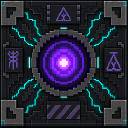
Event Horizon is a single, devastating block for players who want to reshape the landscape (or clear out anything standing on it) in one dramatic moment. Place it, arm it, and run — it rolls fire and destruction across the land in an above-ground blast that carves out a dome of terrain and threatens anything nearby.
What It Adds
- Event Horizon Block – a heavy, gold-and-explosive-crafted block that can be placed like any other block and later armed to explode.
- A dramatic detonation sequence featuring a growing dome of destruction, secondary rolling explosions, and a lingering radiation zone.
How To Use
- Placing: Treat the Event Horizon block like a normal building block — place it on the ground where you want the eventual blast to originate.
- Arming: Interact with (use) the placed block to arm it. Once armed, it cannot be re-armed or disarmed — it's committed to going off.
- Warning signs: While armed, the block emits flame particles and clicking sounds, giving you a brief window to retreat before it detonates.
- Detonation: After the fuse runs out, the block explodes with a huge blast effect and sound, then:
- Carves out an above-ground dome of terrain around the blast center, leaving anything below the block's level untouched.
- Sends out several rolling secondary explosions across the surface in the surrounding area, adding visual and damage effects without destroying more terrain.
- Damages or kills nearby entities depending on how close they are — anything very close is destroyed outright, while creatures farther out take scaled damage that fades with distance.
- Leaves behind a temporary radiation zone in the blast area after the dust settles.
- Mining it (before arming): If you break the block before arming it, it drops itself so you can move or reuse it elsewhere.
Crafting And Obtaining
The Event Horizon block is crafted at a crafting table using gold blocks surrounding a block of TNT:
This is a costly recipe by design — the Event Horizon block is meant to be a rare, high-impact tool rather than something you spam.
Abilities And Mechanics
- Delayed arming: The block doesn't do anything until you interact with it — this lets you place it safely and choose your moment.
- One-time use: Once armed, the countdown cannot be stopped, and once detonated, the block is destroyed along with a large area around it.
- Above-ground focus: The dome of destruction only affects terrain and entities at or above the block's placed height — nothing beneath the block is harmed, making it safer to use on the surface without carving into the world below.
- Radiation aftermath: After the explosion, the crater area becomes a hazardous radiation zone for a period of time — avoid lingering in the blast site immediately after detonation.
- Area denial: The combination of terrain removal, secondary blasts, and lingering radiation makes this block useful for clearing large builds, mob farms, or terrain features in one dramatic event.
Progression And Strategy
- Because of its expensive crafting cost, treat each Event Horizon block as a significant investment — plan your target area before arming it.
- Use the warning period (flames and clicking sounds) to clear the area of allies, animals, or valuables you don't want destroyed.
- Since the radiation zone lingers after detonation, wait before returning to collect drops or survey the aftermath.
- Great for terraforming, clearing out unwanted structures, or creating dramatic set-pieces in adventure maps or minigames.
How to install
Download the mod and follow the step-by-step installation guide.
Players also liked

Shadow Drum Gun


The Shadow Arrow Sprayer is a rapid-fire, tommy-gun–style ranged weapon that fires instant hitscan laser beams with a beam-like particle trail and the usual firing sound; hold right-click/use to sustain fire (release to stop). It requires at least one arrow anywhere in your inven…
Moat Maker

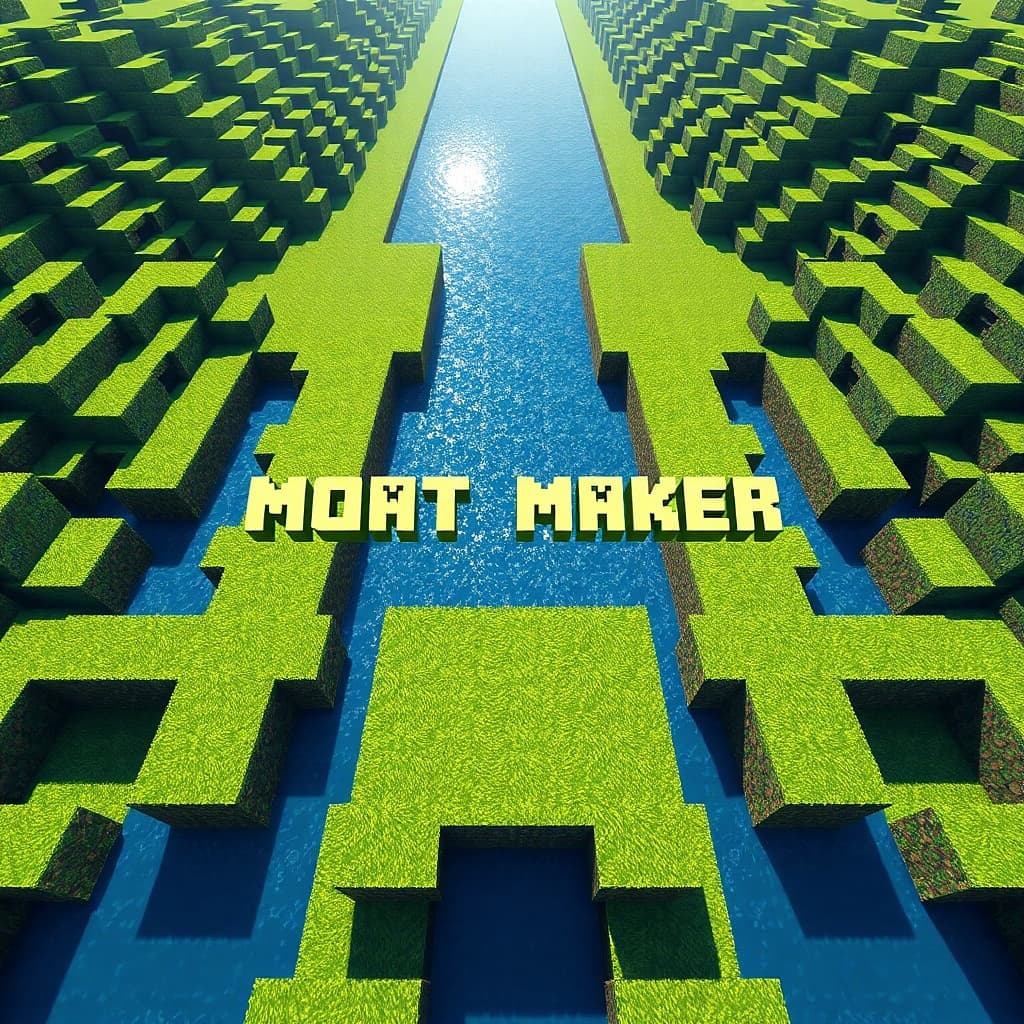
Carve perfect moats with flat or V-cut bottoms and customizable lip and floor blocks. Make moats filled with water or lava, and with the floor options of soul sand and magma blocks, you can use them for defense too! Just place block A, then place block B, click use on block B, s…
Honeyguard Swarm Plate

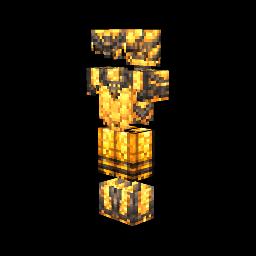
Honeyguard Swarm Plate is a honeyed chestplate that slightly slows the wearer and, when worn as part of the full Honeyguard armor set, grants gradual regeneration. When you take damage the plate spawns a swarm of honeyguard bees nearby that now lock onto and chase the specific at…

Master Control
MASTER CONTROL (or Sark as I like to call it) Need to easily set up a detector that is so much more than an observer block? This is your mod! Master Control is a placeable configuration block you left-click to open a button-based UI that configures detection mode (Redstone Power,…
Automatic Walking Bridge
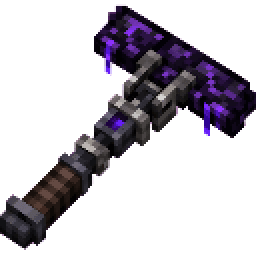
Never fall again... When equipped in your hand this tool automatically builds a five-block-long crying obsidian walkway in front of you whenever you step off a ledge. It follows the direction you’re facing, never breaks normal blocks, you cannot fall off of it, and stops when it…
This mod is licensed under the CreativeMode Mods License.