
Description
Massive Death Star recreation with 20 separate floors inside.
Mod Wiki
Death Star
Quickstart
- In Creative mode, open the Equipment tab and take the Death Star Wand. You can also obtain it with
/give @s com_death_star_z7vriydz:structure_wand. - Move to a clear outdoor area with plenty of room above and around you.
- Aim at the ground or a nearby solid block and use the wand. It fires a small projectile; when the projectile hits, a large Death Star-related structure begins assembling.
- For the complete spherical station, use the command-only method described in How To Use.
The wand does not need ammunition in Creative mode. In Survival mode, give yourself the wand projectile with /give @s com_death_star_z7vriydz:wand_projectile_item, then keep it in your inventory or offhand.
Overview
Death Star adds a massive space-station structure to Bedrock Edition. Its main design is a perfectly spherical station with a large concave dish built into the upper hemisphere.
Structures are placed by firing the Death Star Wand at a location. Because the builds are very large, choose an open area and allow time for the blocks to finish assembling.
What It Adds
- Death Star Wand — A ranged placement tool found in the Creative Equipment tab.
- Wand projectile — The projectile used by the wand in Survival mode.
- Death Star station — A huge spherical space station with a prominent upper dish.
- Companion structure — A second large structure is placed when a wand projectile lands.
How To Use
Placing a structure with the wand
Equip the Death Star Wand, aim at a solid block or the ground, and press the use button. The wand fires immediately without charging.
When the projectile hits:
- A placement particle effect appears.
- The projectile disappears.
- A large structure starts loading block by block.
- The impact point acts as the placement reference, so aim at ground level when possible.
The wand has a short two-second cooldown between shots. Its projectile causes no damage, although it can knock entities back.
Placing the complete station with commands
The full spherical station can be triggered by summoning and tagging a wand projectile. Stand in a clear area, then run these commands in order:
/summon com_death_star_z7vriydz:wand_projectile_entity ~ ~2 ~/tag @e[type=com_death_star_z7vriydz:wand_projectile_entity,r=4,c=1] add death_star_legacy_compatibility
The summoned projectile falls and activates when it hits the ground, placing the complete Death Star station along with the companion structure. Cheats or command access are required.
Crafting And Obtaining
There are no crafting recipes for the Death Star Wand or its projectile.
- In Creative mode, find the Death Star Wand in the Equipment tab.
- Use
/give @s com_death_star_z7vriydz:structure_wandto obtain the wand. - In Survival mode, obtain ammunition with
/give @s com_death_star_z7vriydz:wand_projectile_item.
The wand automatically searches your inventory for ammunition and can use ammunition from the offhand.
Abilities And Mechanics
- The wand fires instantly; there is no draw or charge time.
- Projectiles travel forward with slight gravity, so distant shots may drop.
- A projectile activates its placement effect only when it collides with a block or entity.
- The placement process is block by block rather than an instant visual swap.
- The wand is a placement tool, not a mining tool, and cannot be used to destroy blocks in Creative mode.
- The structures occupy a very large area. Existing terrain and builds near the impact point may interfere with the result.
Progression And Strategy
Death Star has no conventional crafting or upgrade progression. The main challenge is choosing a suitable construction site.
- Clear a wide area before firing.
- Aim at level ground so the station has room to rise above the terrain.
- Keep valuable builds well outside the station's footprint.
- Use Creative mode for quick demonstrations and Survival mode if you want to manage projectile ammunition.
- For the best view of the spherical shell and upper dish, place the station in an open landscape or above a large platform.
How to install
Download the mod and follow the step-by-step installation guide.
Players also liked
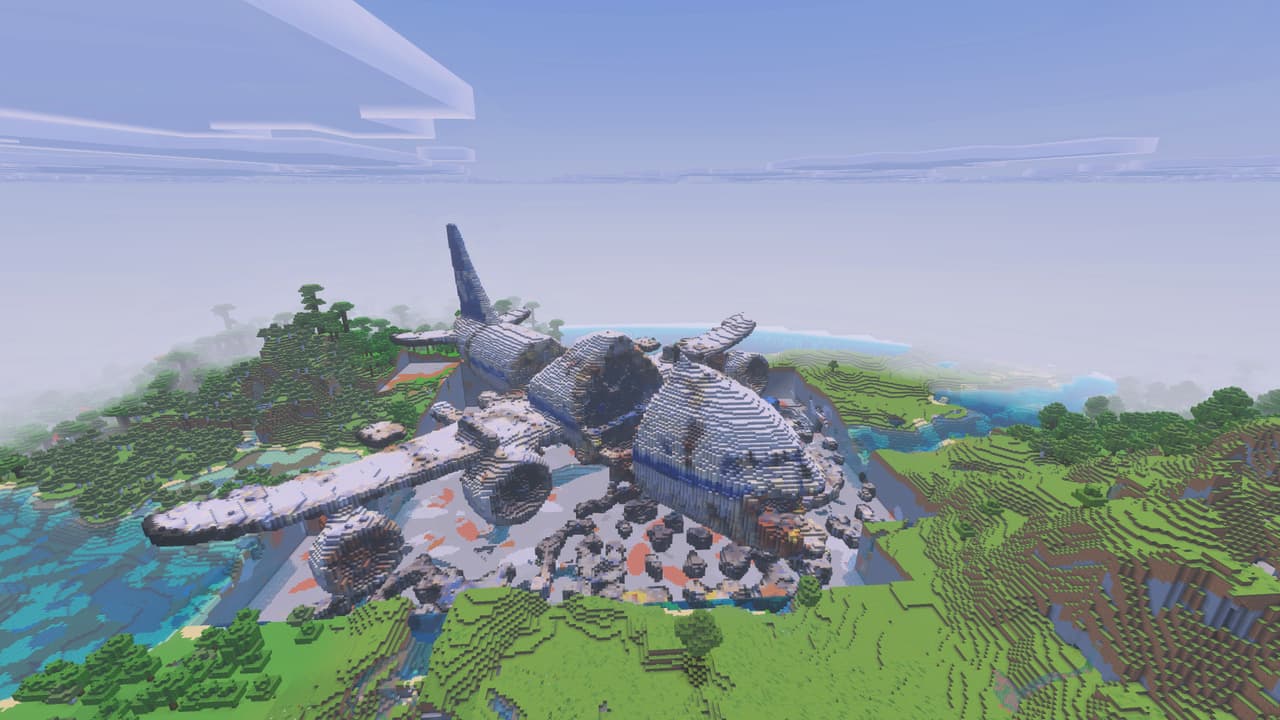
The Crash


Explore a massive airplane wreck and uncover the secrets buried beneath The Crash.
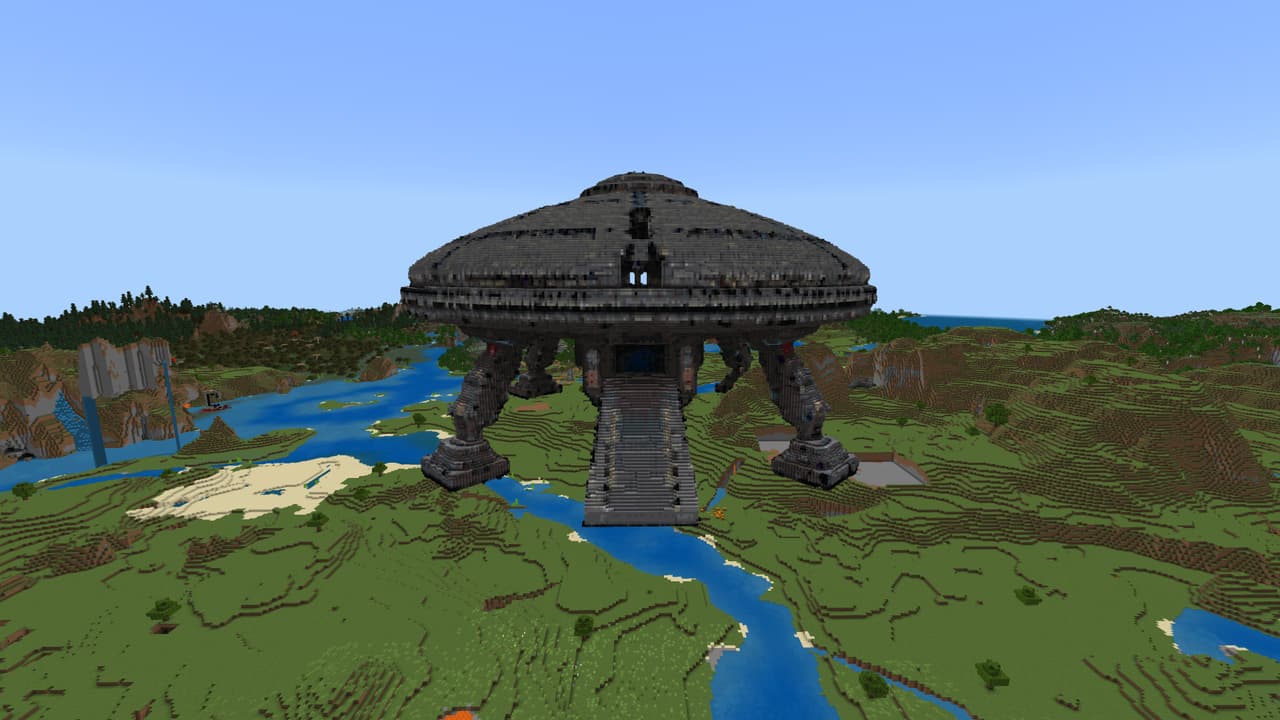
UFO
Ever wanted to live in a UFO? Well, this one is so big that you can build a city inside! Lots to do with this massive structure!!! Also I have created a block pack to help you in decorating your new Flying Saucer home... https://creativemode.net/mod/sci-fi-block-expansion-pack-df…
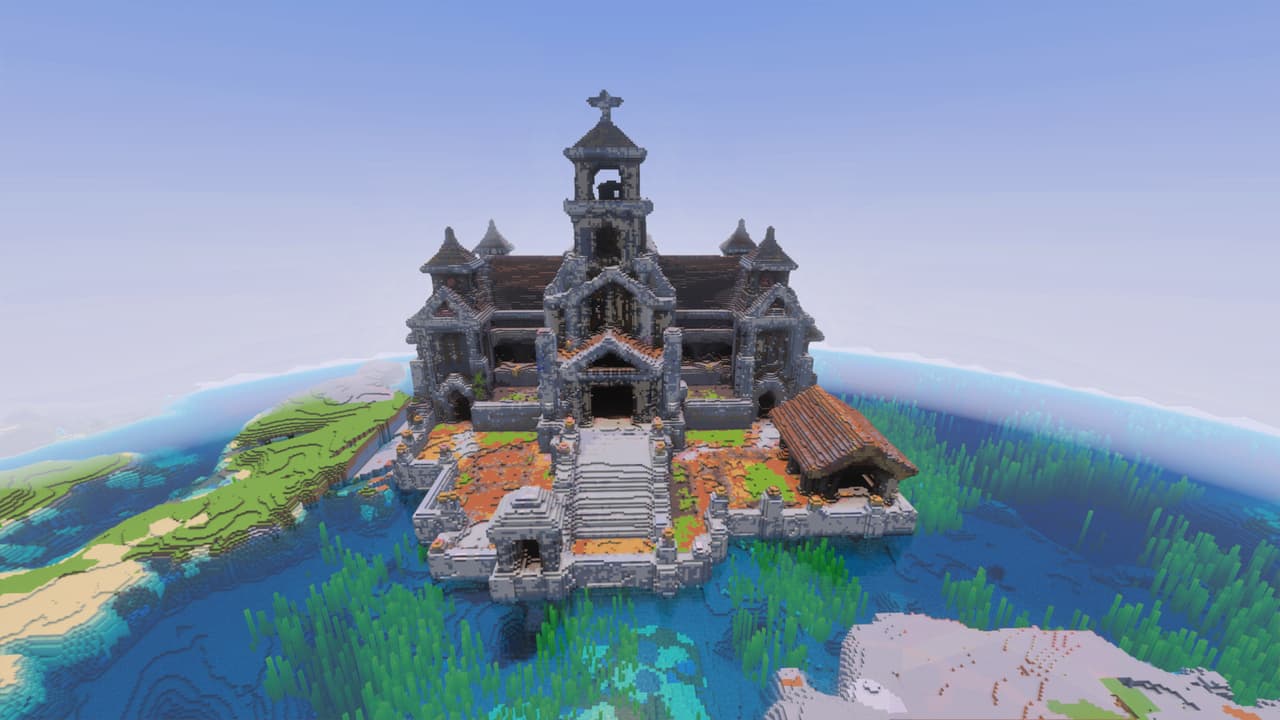
The Grand Village Temple
Explore a grand cleric temple filled with brewing secrets, sacred halls, gardens, and hidden chambers (and made up of weird blocks, sorry I cannot change that).
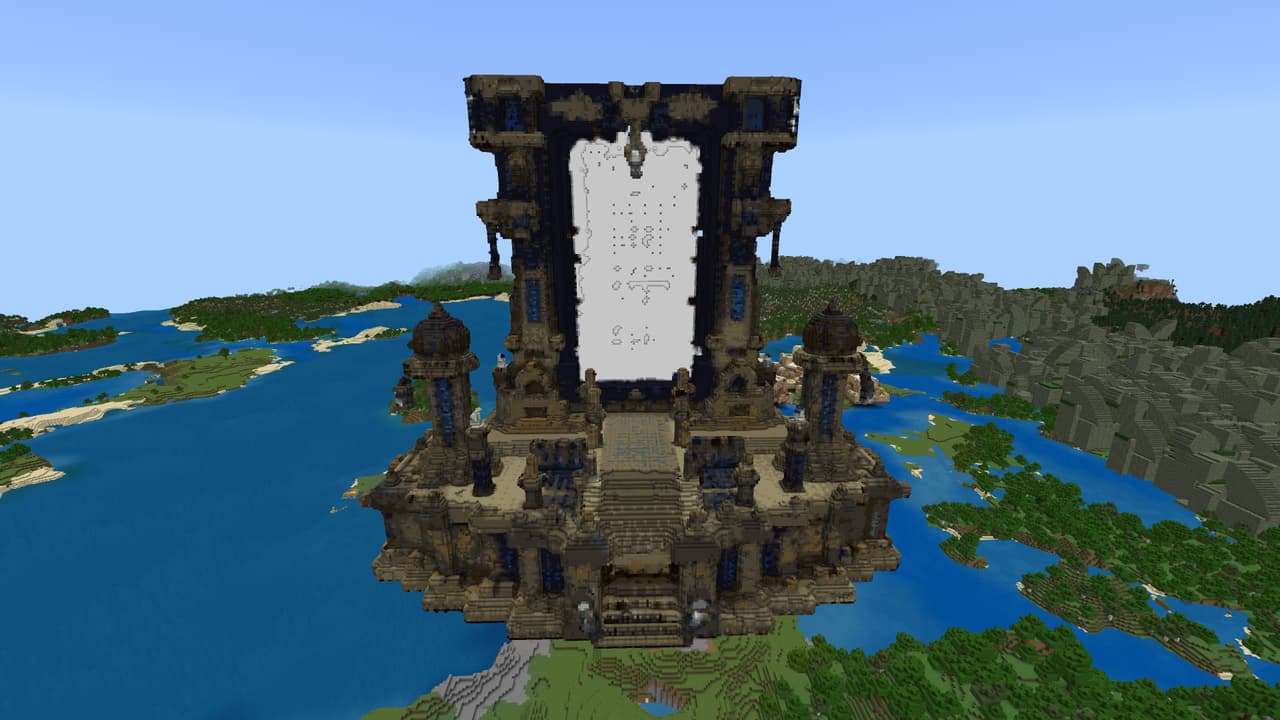
The Portal Nether
Unearth a colossal ruined Nether portal and uncover its forgotten depths.
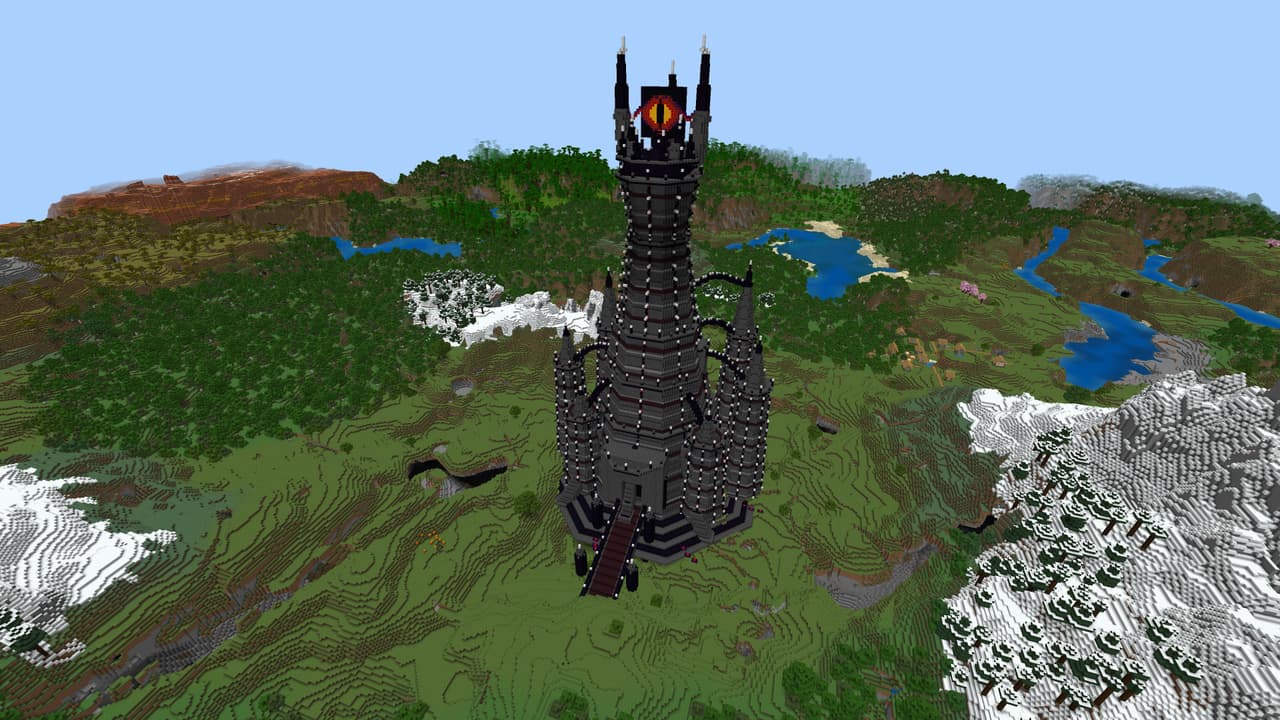
Barad Dur
The colossal fortress of Barad-dur, With Saurons ever watchful eye peering from the top.
This mod is licensed under the CreativeMode Mods License.