

Description
Switch between Creative and Survival with a single stick.
Mod Wiki
Creative Switch Stick
Quickstart
- Obtain the Creative Switch Stick from the Creative inventory, or craft one using the recipe below.
- Place it in your hand.
- Use the stick to open the HACKER STICK MENU.
- Choose Creative Mode or Survival Mode.
- Try God Mode for strong damage protection, or use the other tools in the menu.
The stick also has special hit and mining controls:
- Hitting an entity with the stick switches you to Survival Mode.
- Mining a block while holding the stick switches you to Survival Mode.
- Use the stick without hitting an entity or mining a block to open its menu.
Overview
Creative Switch Stick is a handheld utility item for quickly changing your game mode and accessing several powerful player tools. Its menu lets you switch between Creative and Survival, toggle God Mode, apply high-level enchantments, and run commands as yourself.
The stick is single-use equipment with a maximum stack size of 1 and 36 durability.
What It Adds
- Creative Switch Stick item
- Creative Mode and Survival Mode buttons
- Toggleable God Mode
- Enchantment menu with levels from 1 to 255
- Command Console for running commands as yourself
- Automatic switch to Survival Mode when mining or attacking
How To Use
Open the menu
Hold the Creative Switch Stick and use it. On touchscreen, tap the use button while holding the stick. The HACKER STICK MENU opens with these options:
| Option | Effect |
|---|---|
| God Mode | Turns God Mode on or off |
| Creative Mode | Changes your game mode to Creative |
| Survival Mode | Changes your game mode to Survival |
| Enchant Item | Applies a selected enchantment to your held item |
| Command Console | Opens a field for entering a command |
After choosing Creative Mode, Survival Mode, or God Mode, the menu returns so you can select another option.
Switch game modes
Select Creative Mode or Survival Mode from the menu. The change applies immediately to the player using the stick.
You can also switch to Survival Mode by:
- Attacking an entity with the stick
- Mining a block with the stick
These actions are useful when you want to use the stick as a quick Creative-to-Survival control without opening the menu.
Use the Command Console
Choose Command Console, enter a command, and confirm it. You may enter the command with or without the leading /.
The command runs as the player using the stick. The command still needs valid syntax and sufficient permissions. For example:
gamemode survival
Use the enchantment menu
Choose Enchant Item, select an enchantment, and enter a level from 1 to 255. The enchantment is applied to the item currently held in your hand.
Hold a compatible tool, weapon, or other item before applying an enchantment. Item-specific enchantments may fail when used on an incompatible item.
Crafting And Obtaining
The Creative Switch Stick can be obtained from the Creative inventory under equipment, or crafted at a crafting table.
Its recipe uses one Nether Star, one Ender Eye, and one Stick:


For command-based obtaining, use the item identifier:
/give @s com_creative_switch_stick_picjez23:my_sword
Abilities And Mechanics
God Mode
God Mode provides powerful protection while enabled. It grants:
- Very high damage resistance
- Fire resistance
- Water breathing
The protection is maintained automatically while God Mode is on, including after respawning. Select the God Mode button again to turn it off.
Enchantments
The enchantment menu accepts levels from 1 to 255. Level 255 is the highest level accepted by the stick's menu. The selected enchantment is applied to your currently held item if that item supports it.
Durability
The Creative Switch Stick has 36 durability and does not stack. Mining and attacking with it can wear it down, so use the menu when you only need to change modes or access its other functions.
Progression And Strategy
Craft the stick when you have access to a Nether Star and an Ender Eye. Use it as a flexible utility item rather than a regular weapon:
- Open the menu to move between Creative and Survival safely.
- Turn on God Mode before testing dangerous builds or environments.
- Use the enchantment menu on a compatible held item.
- Keep the stick in your inventory when you need quick access to its tools.
- Avoid mining or attacking with it when you intend to open the menu, since those actions switch you to Survival Mode.
How to install
Download the mod and follow the step-by-step installation guide.
Players also liked
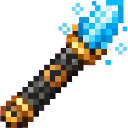
Castle Builder Staff


Build grand houses and mighty castles with the Castle Builder Staff, bringing powerful construction commands straight to your hotbar.

Azure Infinity Gauntlet

Wield the Azure Infinity Gauntlet and unleash devastating power across vast distances.
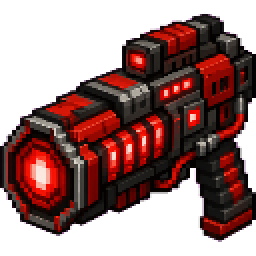
Power Miner


A handheld cannon/drill that carves huge tunnels in seconds, leaving behind the broken blocks for you to collect.
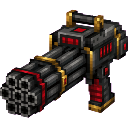
Triple Barrel Minigun

A handheld Triple Barrel Minigun appears in your hotbar with nine spinning barrels that visibly spin up and, when you right-click and hold, fire tagged vanilla arrows every tick with no cooldown—each arrow deals 4 damage and flies like a normal arrow. Release right-click (or swit…
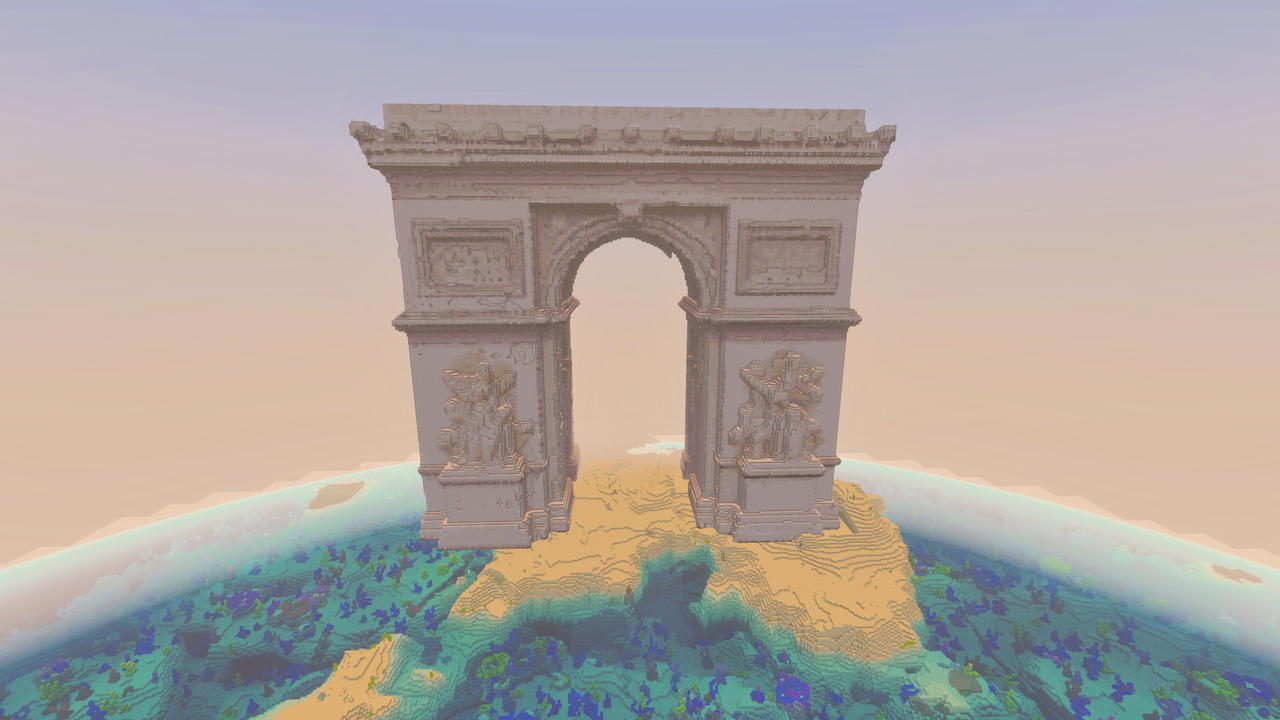
Arc De Triomphe
Bring Parisian grandeur to your world with a massive Arc de Triomphe replica.
This mod is licensed under the CreativeMode Mods License.