

Description
Choose colors, dip your brush, and paint your own canvas in Minecraft.
Mod Wiki
Color Canvas
Quickstart
In Survival, craft a Color Canvas at a crafting table:


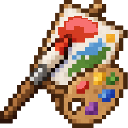
Place wool blocks to make a canvas, equip the Color Canvas, then use it on a wool block to paint that block. Use the item normally to cycle its selected color: it starts on white, and the first use selects orange.
Overview
Color Canvas is a brush-like item for recoloring wool blocks. It paints one targeted wool block at a time, so you can build pictures and patterns block by block.
How To Use
- Select a color: Use the Color Canvas normally to cycle through the palette.
- Paint: Aim at a wool block and use the item on it. The wool changes to the selected color.
- Build: Place wool in a design first, then repaint individual blocks to add color.
The palette cycles in this order: white, orange, magenta, light blue, yellow, lime, pink, gray, light gray, cyan, purple, blue, brown, green, red, and black. Using it again after black returns to white. Blocks that aren’t wool are not painted.
Crafting And Obtaining
Craft the Color Canvas with the recipe above. In Creative mode, find it in the Items category.
How to install
Download the mod and follow the step-by-step installation guide.
Players also liked
Shape Box


Mark your center point, choose your material, choose the geometric shape, choose the size in blocks, and submit. A 15 sec delay allows you time to move away and then Shape Box delivers exactly what you asked for! Sphere, Dome, Cube, Horizontal and Vertical: Cylinders and Squares…



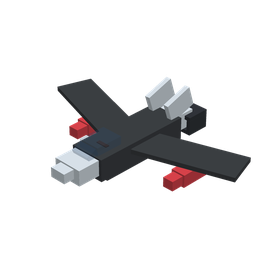
Wacky Planes

Fly insanely glitchy planes with wacky models and hitboxes. Most of the abilities are glitched out to fit with the weird style of this weird mod. The planes also include special actions that do absolutely nothing!
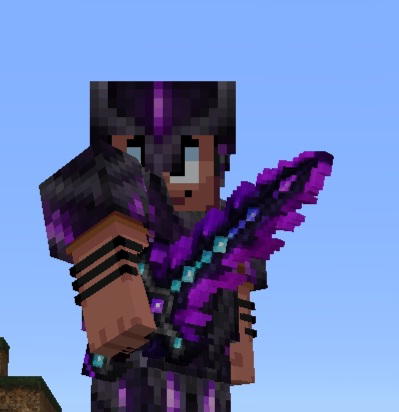
Obsidian Dragonblade

Wield a dragon-forged blade of obsidian, diamond, netherite, and Dragon's Breath.
This mod is licensed under the CreativeMode Mods License.