
Description
Transform into any mob you kill—use the one-time Change Me Back stick to return to yourself.
Mod Wiki
Change Me Back
Quickstart
- Kill any mob in survival or creative mode.
- You instantly transform into that mob, taking on its appearance and abilities.
- To return to your normal self, use a Change Me Back stick — it works once, then it's consumed.
- Repeat as often as you like: kill something new, become it, then revert whenever you're ready.
Overview
Change Me Back lets you become the monsters and animals of Minecraft. Every time you land the killing blow on a mob, you take its place, transforming into that creature. Want your normal body back? A special one-time-use stick will restore you to yourself.
What It Adds
- Mob transformation on kill: Killing a mob turns you into that same type of mob.
- Change Me Back stick: A consumable item that reverts you back to your normal player form.
How To Use
- Play as normal and defeat mobs — no special action is needed to trigger a transformation, it happens automatically whenever you get the kill.
- While transformed, you take on the look and traits of the mob you became.
- When you're ready to go back to being yourself, use the Change Me Back stick. It only works one time, so keep a spare if you plan on transforming again.
- You can transform, revert, and transform again as many times as you have sticks available.
Crafting And Obtaining
There is currently no crafting recipe available for the Change Me Back stick — obtain it through creative mode inventory, commands, or other in-game means provided by your world/server setup.
Abilities And Mechanics
- Transformations are tied directly to getting the kill on a mob — the mob type you defeat is the mob type you become.
- Transformed players may gain the movement style, appearance, and general behavior associated with that mob.
- The Change Me Back stick is single-use: using it consumes the item and returns you to your normal player state.
Progression And Strategy
- Hunt a variety of mobs to experience different transformations — from passive animals to dangerous monsters.
- Keep Change Me Back sticks on hand before engaging in combat, since you may not want to stay transformed indefinitely.
- Consider transforming strategically before tough fights or exploration if a mob's form offers useful traits, then revert once you're done.
How to install
This Java mod can be used on Windows and Mac PCs with the CreativeMode Launcher or any Minecraft launcher of your choice.

1. Download and install the new CreativeMode Launcher
2. Click to play on the top of the screen.
3. That's it — launches instantly. No complicated setup required.
Want to use on a different launcher? Download mod and manually install.
Players also liked
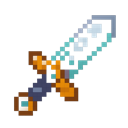
Allybound Blade


The Allybound Blade is a magical netherite sword that converts hostile mobs into peaceful allies when you strike them. Simply attack any hostile creature like zombies, skeletons, or creepers with the blade, and they will instantly become friendly, stop attacking you, and be heale…
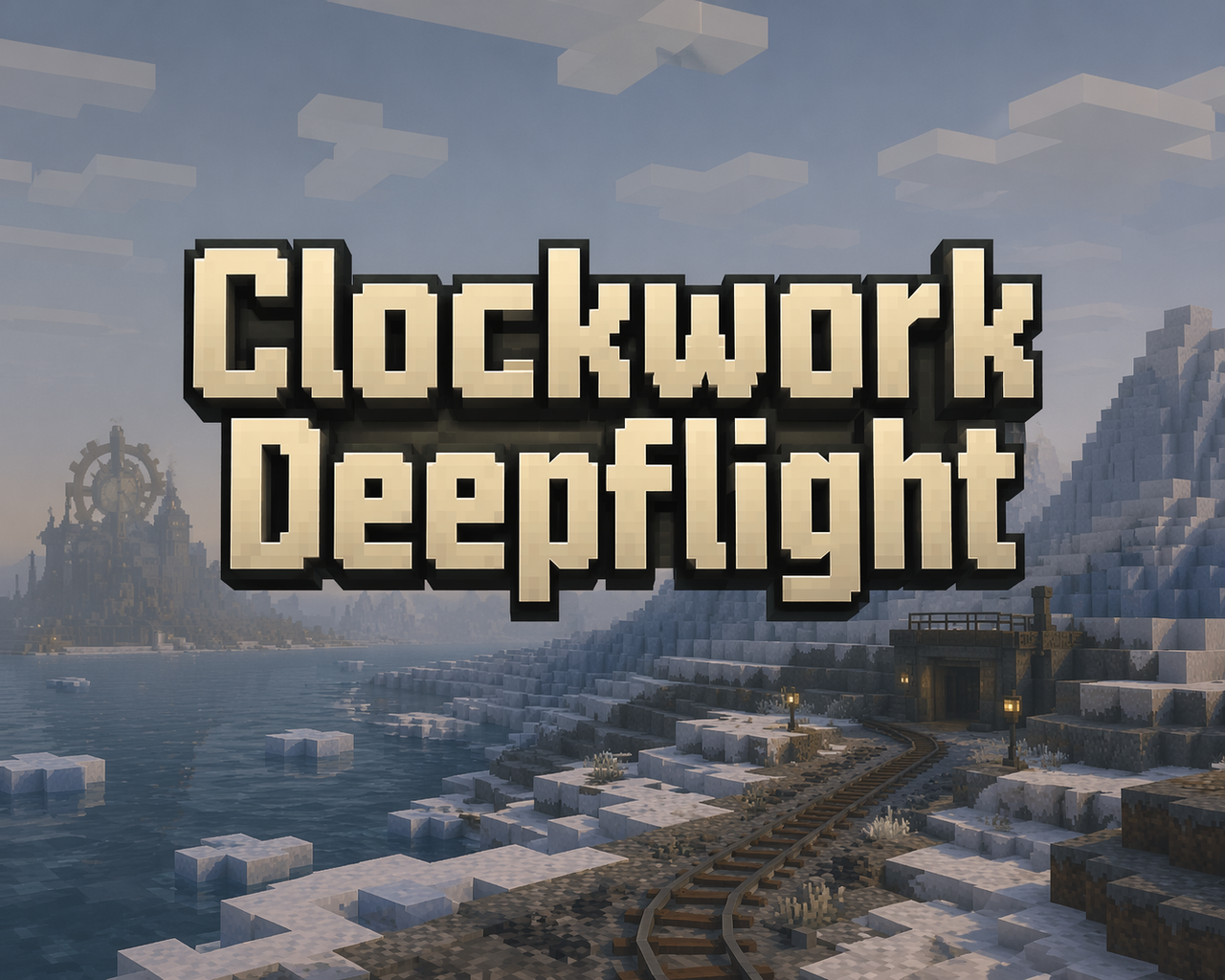
Clockwork Deepflight


Pilot a visible steampunk submarine, install flight jets, and befriend a mechanic allay.
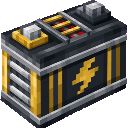
Railrunner Battery


Speed up your minecart rides — press spacebar to instantly stop until you steer again. Regular Rails goes faster. Powered Rails they go even faster.
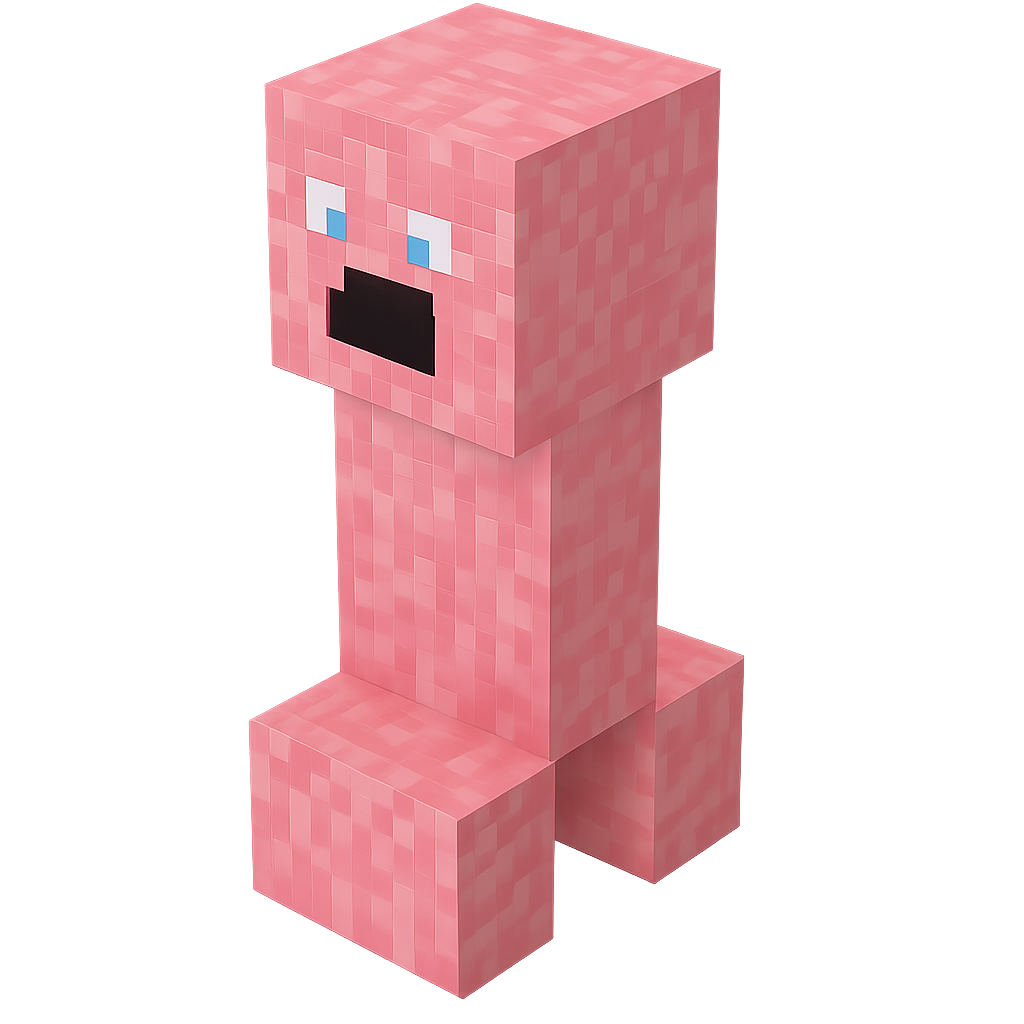
Kirby Creeper Helper

Add a cute, pink creeper companion inspired by Kirby that follows you wherever you go, glowing softly to show its loyalty. It heals you with gentle regeneration and rushes in to defend you by weakening and fighting hostile mobs. Unlike regular creepers, it never explodes and stay…
Arrow Diamond Blade


The Arrow Diamond Blade is a mighty diamond sword that also fires high-speed arrows whenever you right-click, complete with satisfying bow sounds. Left-click slashes like a normal sword, while right-click unleashes a ranged attack, consuming a bit of the blade’s durability per sh…
This mod is licensed under the CreativeMode Mods License.