

Description
Blueprint Builders adds a craftable Blueprint Tablet (iron, redstone, compass) and a crew of Builder Bot robots that will construct whatever you design. Use the tablet to open a simple form menu, scan a 7x7x5 area around you into a saved blueprint, inspect or clear block details, and then start construction. When a job runs the builder bots spawn and visibly move around the site placing blocks over time with an action-bar progress HUD and completion feedback; blueprints and active jobs persist across reloads and can be dismissed from the tablet.
Mod Wiki
Blueprint Builders
Quickstart
- Craft a Blueprint Tablet at a crafting table (see recipe below).
- Build something you want to copy — then stand near it and use (right-click / tap) the tablet to open the menu.
- Choose Scan Blueprint Around Me to capture a 7×7×5 area centred on you.
- Face the empty spot where you want the build recreated, then open the tablet again and choose Build Saved Blueprint Ahead.
- Three Builder Bots will spawn and immediately get to work. Watch the action bar for live progress.


Overview
Blueprint Builders lets you capture a snapshot of any small structure and have a robotic construction crew rebuild it anywhere in your world. A single handheld item — the Blueprint Tablet — handles everything: scanning, reviewing, building, and dismissing. Blueprints and active jobs survive world reloads, so you can log off mid-construction and come back to find the bots still at work.
What It Adds
| Thing | Description |
|---|---|
| Blueprint Tablet | Craftable handheld tool; opens the Blueprint Builders menu on use. Stacks to 1. |
| Builder Bot | Small hovering robot entity that physically moves around the construction site placing blocks. Spawns in a crew of 3 per job. |
| Builder Bot Spawn Egg | Available in creative mode to spawn individual Builder Bots. |
How To Use
The Blueprint Tablet Menu
Using the tablet opens a form with five options:
| Option | What it does |
|---|---|
| Scan Blueprint Around Me | Captures all non-air blocks in a 7×7×5 volume centred on your position and saves it as your blueprint. Any previously saved blueprint is replaced. |
| Build Saved Blueprint Ahead | Spawns a crew of 3 Builder Bots and begins reconstructing your saved blueprint in the area directly ahead of you. |
| Blueprint Details | Shows the blueprint name, dimensions, total block count, and a list of the most-used block types. |
| Dismiss Active Crew | Instantly despawns the current Builder Bots and cancels the active construction job. |
| Clear Saved Blueprint | Deletes your saved blueprint so you can scan a new one. |
The menu also shows a live status line — either how many blocks the active crew has placed so far, how many blocks are in your saved blueprint, or a prompt to scan if nothing is saved yet.
Builder Bots
Once a build job starts, three Builder Bots named Builder Bot 1 / 2 / 3 appear near the build site and begin hovering around it, placing blocks over time. They are floating entities that ignore gravity and can path through the air. Your action bar displays a real-time counter:
Builder Crew X/Y blocks (Z%)
When construction finishes you hear a level-up chime and receive a completion message. If you need to stop early, use Dismiss Active Crew from the tablet menu.
You can also interact with any Builder Bot directly to inspect it.
Crafting And Obtaining
Craft the Blueprint Tablet at a standard crafting table:
The Blueprint Tablet cannot be stacked; carry one in your inventory or hotbar. Builder Bots are spawned automatically by the tablet during construction; you do not need to craft or place them yourself. A Builder Bot Spawn Egg is available in creative inventory if you want to spawn one independently.
Abilities And Mechanics
- Scan area: 7 blocks wide × 7 blocks deep × 5 blocks tall, centred on the player at scan time.
- Crew size: 3 Builder Bots per active job.
- Build speed: 4 blocks placed per game tick.
- Persistence: Both your saved blueprint and any active build session are stored in world data and survive reloads.
- Session limit: Up to 24 active build sessions can run across all players simultaneously.
- Bot durability: Each bot has 20 health. They are immune to damage from their owner but can take lava damage. They hover (no gravity) and will not drown.
Progression And Strategy
- Scan smartly. The 7×7×5 scan is centred on you, not on the build. Step to the middle of your structure before scanning to capture as much of it as possible.
- Pick a clear build site. Bots place blocks relative to where you're standing when you choose "Build Saved Blueprint Ahead." Make sure the target area is flat and clear so the bots can place every block without obstruction.
- Reuse blueprints. Your blueprint stays saved until you scan again or manually clear it, so you can stamp the same design across your world as many times as you like.
- Check Details before building. The Blueprint Details screen lists the most-used block types, which is handy for making sure you have enough materials in the world for the bots to use.
- Dismiss cleanly. If you need to relocate a build, dismiss the crew first — the tablet will confirm when the cleanup is complete before you start a new job.
How to install
Download the mod and follow the step-by-step installation guide.
Players also liked
The World Editor


The World Editor is an in-game wrench that opens a menu for operators to change world settings—like adjusting the world border, adding or removing special items, managing the banned-items list, and configuring punishments; only players with the built-in op tag can receive and use…
Home Builder addon


Adds a set of craftable Home Builder blocks for ten themed houses (Oak Cottage, Stone Tower, Desert Villa, Spruce Cabin, Modern Glass Home, Birch Bungalow, Jungle Treehouse, Mangrove Hut, Cherry Garden Home, and Deepslate Bunker) that you can craft in survival or grab from Creati…
Villages Alive The Miner

VILLAGES ALIVE - A mod series that brings you helpful villagers to make your build easier. Finally a villager that is useful! Meet Pickaxe Pete, the miner with one sole purpose... dig, dig, dig! As long as you are within the chunk he is, he will be mining and bringing you the mat…
Auto builder
Builder's Toolbox is an in-game toolbox that opens a build menu to automatically create preset structures for you, and it runs entirely inside Minecraft using the toolbox UI. Open the toolbox, pick a structure preset — Secret Base, Trap, Town, Castle, Island, or City + Castle — c…
Villages Alive Storage House
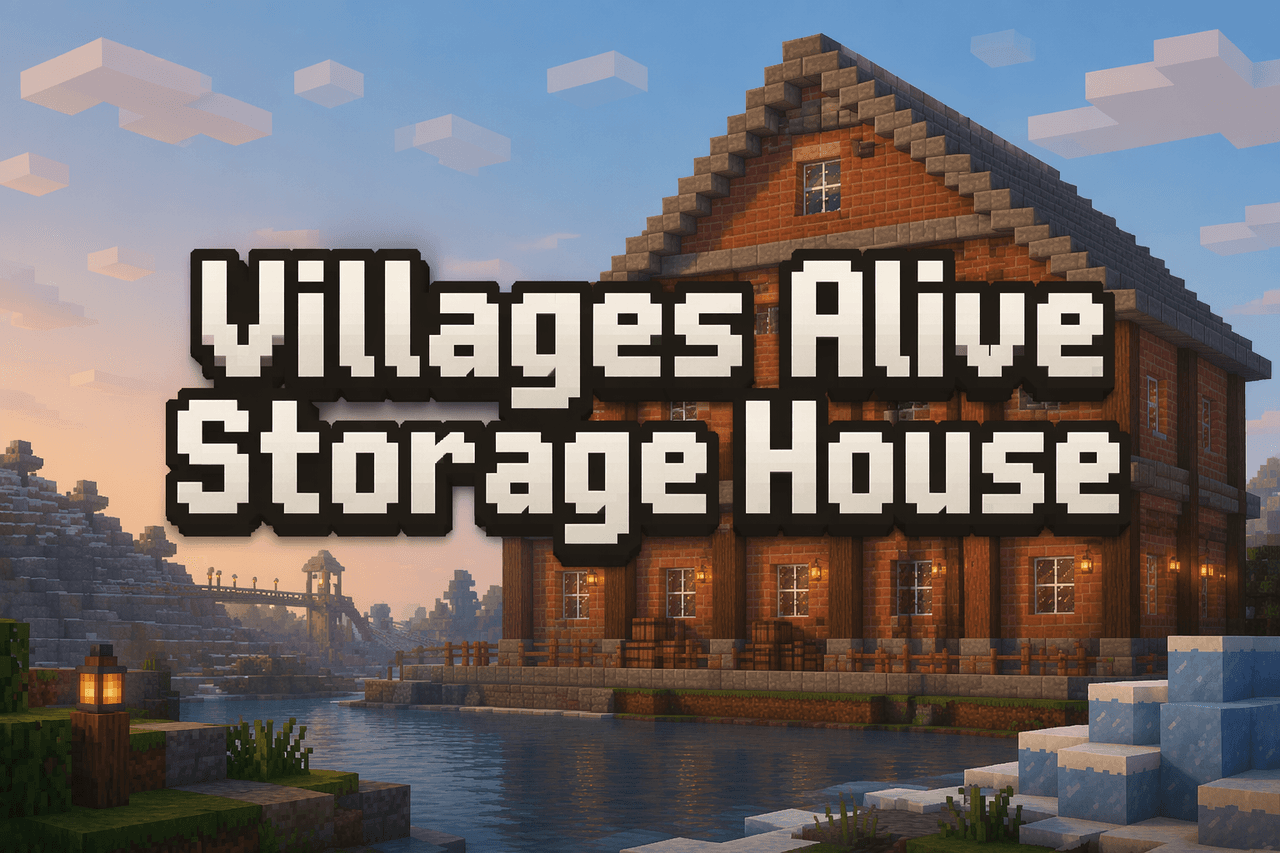
VILLAGES ALIVE - A mod series that brings you helpful villagers to make your build easier. Finally, Courier Carl is here to make pickups from the other workers in the Villages Alive series! Place the block to instantly spawn a 40×20 stone‑brick Storage House ten blocks in front o…
This mod is licensed under the CreativeMode Mods License.