Description
This Java mod can be used on Windows and Mac PCs with the CreativeMode Launcher or any Minecraft launcher of your choice.

1. Download and install the new CreativeMode Launcher

2. Click to play on the top of the screen.
3. That's it — launches instantly. No complicated setup required.
Want to use on a different launcher? Download mod and manually install.



The Command Lock Talisman is a powerful binding item that permanently restricts your ability to use cheat commands and change game modes once activated. Simply right-click the talisman to bind yourself—the item will be consumed and you'll hear an ominous sound as the lock takes e…

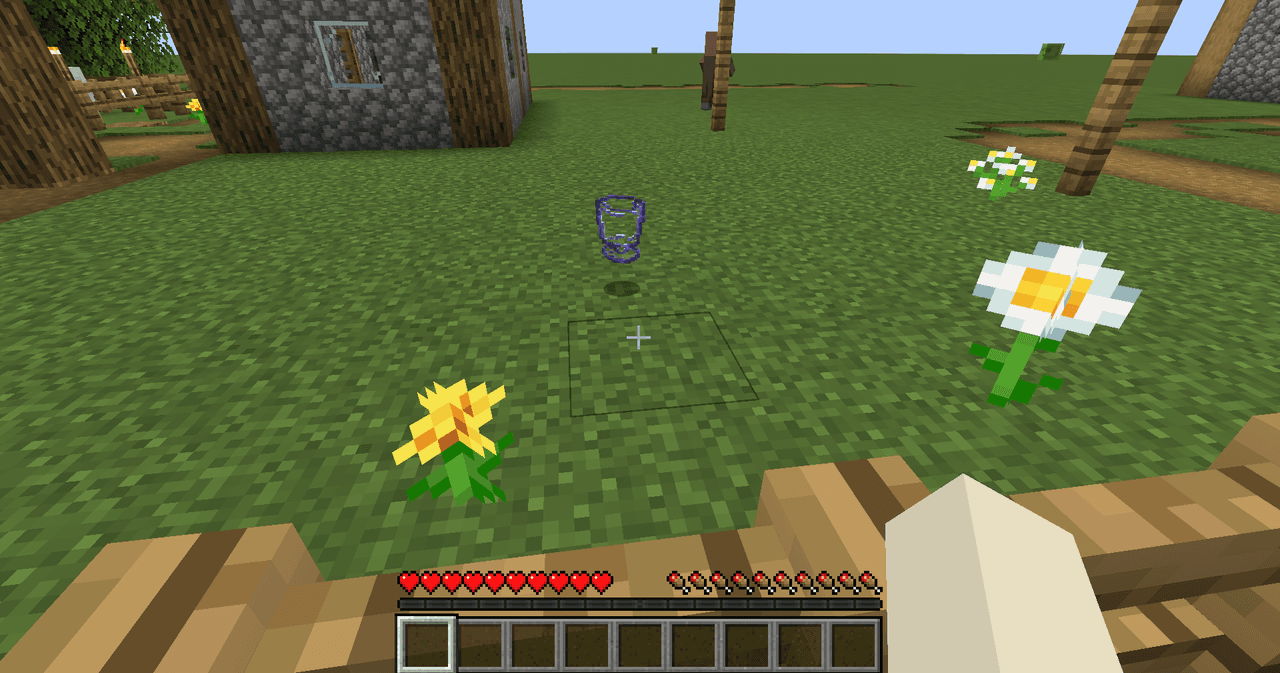


Refillable Glass is a reusable drinking vessel that works like a mini-bucket: it can pick up and place source fluids (water, lava, and modded fluids) and also serve as a drinkable container for water, honey, and milk. Right-click a still source to fill, right-click an adult cow,…
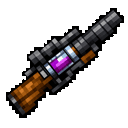


The Potion Launcher is a magical item that lets you throw unlimited splash potions without needing any materials. Right-click to open a selection menu where you can choose from 10 different potion effects including Healing, Harming, Poison, Slowness, Weakness, Fire Resistance, Re…
This mod is licensed under the CreativeMode Mods License.