
Description
About You Panel is a lightweight client-side HUD that opens a stylish right-side info panel when you type !aboutme in chat (the message is intercepted so it won’t appear to others) and closes with !aboutme c. The panel shows your username, current gamemode, live FPS, XYZ coordinates, multiplayer ping, the current in-game time as HH:mm plus the in-game day number, and the in-game weather, all updating in real time with a polished gradient background, glow borders, row highlights and a close hint. It works in both singleplayer and multiplayer with no setup required.
Mod Wiki
About You Panel
Quickstart
- Install the mod (client-side only — no server installation needed).
- Join any world or server.
- Open chat and type
!aboutme, then press Enter. - A stylish info panel appears on the right side of your screen, updating in real time.
- To close the panel, type
!aboutme cin chat.
Neither command appears in chat for other players — both are intercepted silently.
Overview
About You Panel is a lightweight client-side HUD mod. It adds a single, always-available info panel that displays a snapshot of your current in-game status. There is nothing to craft, configure, or install on a server — just open chat, type a command, and the panel appears.
What It Adds
A single HUD overlay panel that docks to the right side of your screen. It features:
- A gradient background with animated glow borders
- Row highlights for easy reading
- A close hint displayed at the bottom of the panel
How To Use
| Chat Input | Effect |
|---|---|
!aboutme | Opens the About You Panel |
!aboutme c | Closes the About You Panel |
Both inputs are intercepted before being sent — no one else in chat will see them. A subtle status message confirms when the panel opens.
Once open, the panel updates live every render frame. You do not need to reopen it to refresh the data.
Abilities And Mechanics
Panel Contents
The panel displays the following information about your current session, all refreshing in real time:
| Field | What It Shows |
|---|---|
| Username | Your current Minecraft username |
| Gamemode | Your active gamemode (Survival, Creative, Adventure, Spectator) |
| FPS | Your current live frames per second |
| XYZ Coordinates | Your current position in the world |
| Ping | Your latency to the server (shows 0 in singleplayer) |
| Time | Current in-game time formatted as HH:mm, plus the in-game day number |
| Weather | Current in-game weather (Clear, Rain, or Thunder) |
Visual Design
The panel uses a polished gradient background with animated cyan-to-violet glow borders that pulse gently over time. Each data row has a coloured accent bar and a highlight background to keep information readable at a glance. The panel title "ABOUT YOU PANEL" is centred at the top.
Progression And Strategy
About You Panel requires no progression — it is available immediately from the moment you load into any world. It is equally useful in singleplayer (for tracking coordinates, time, and FPS) and on multiplayer servers (where the ping field becomes particularly handy). Keep it open during exploration to monitor your position and the time of day without opening the debug screen.
How to install
This Java mod can be used on Windows and Mac PCs with the CreativeMode Launcher or any Minecraft launcher of your choice.

1. Download and install the new CreativeMode Launcher

2. Click to play on the top of the screen.
3. That's it — launches instantly. No complicated setup required.
Want to use on a different launcher? Download mod and manually install.
Players also liked
Chestbound Conveyors


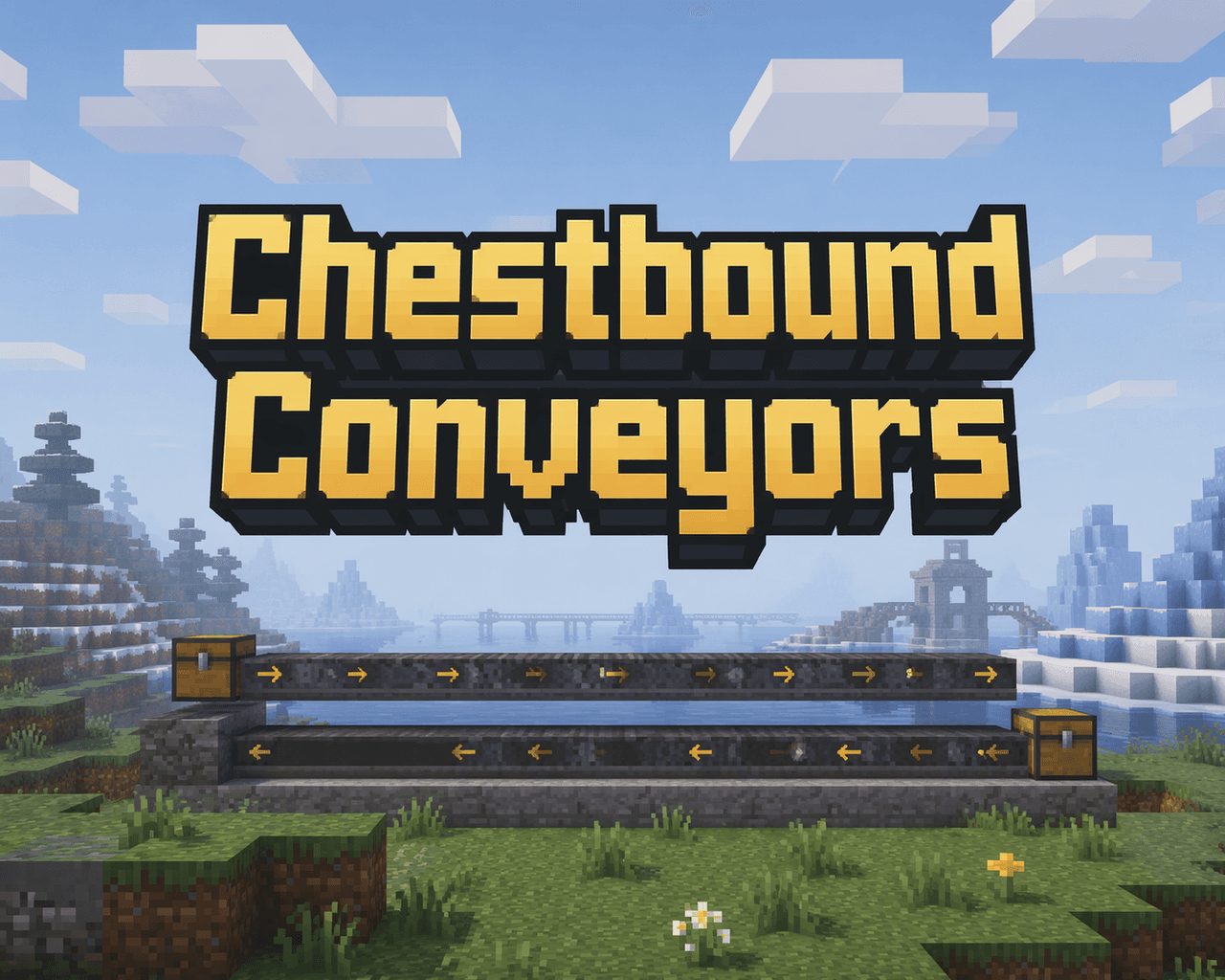
Chestbound Conveyors adds two simple conveyor belt blocks that carry dropped items across the ground: the Left-to-Right Conveyor moves items east, while the Right-to-Left Conveyor moves items west — place a conveyor, drop items onto it, and they'll slide along the belt into any c…

Broken Pixel Watcher


The Broken Pixel Watcher is a tall, distorted humanoid with a hollow black eye, ghostly afterimages, cold breath, wet footprints, and a flickering, glitching presence that lingers at the edge of your sight and vanishes when stared at. It spawns naturally in Survival, stalks and w…
Hollow Eyed Stalker


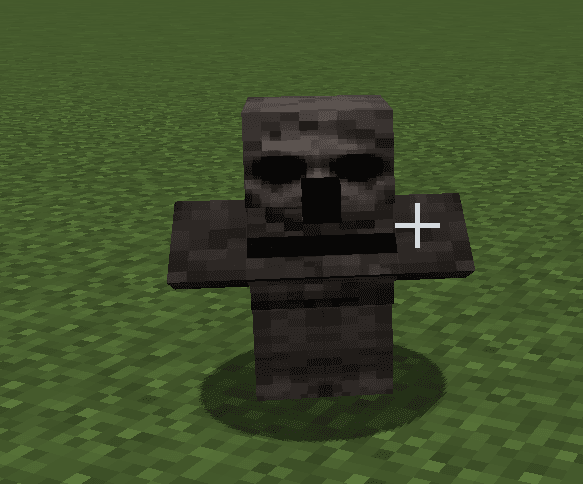
The Hollow Eyed Stalker is a terrifying creature that resembles a corrupted villager with haunting, demonic blacked-out eyes. This unsettling mob crawls low to the ground, emerges from beneath the earth when it spawns, and silently follows players from the shadows—but it freezes…

Wendigo Stalker


The Wendigo Stalker is a terrifying creature that resembles a tall, twisted version of an Enderman with the rotting head of a deer, sharp claws, and hooved feet. This menacing beast stalks players from the shadows, emitting bone-chilling growls and screams in a deep, demonic voic…

Unstable Watcher


The Bloody Eye Watcher is a terrifying tall, skinny black creature that resembles an Enderman but with one disturbing bloody eye. This menacing mob only appears at night in the overworld and has a unique behavior - it becomes invisible and harmless when you look directly at it, b…
This mod is licensed under the CreativeMode Mods License.