

Description
Place Wither Mist Bombs and unleash a 100-block wither cloud without breaking blocks
Mod Wiki
Wither Mist Bomb
Quickstart
- Craft a Wither Mist Bomb and a Wither Mist Detonator using the recipes below.
- Place the Wither Mist Bomb on the ground like a normal block. It stays inert until triggered.
- Equip the Wither Mist Detonator and use it (right-click / trigger action) while within range of your bomb.
- Stand back and watch the withering mist spread — anyone caught inside takes the Wither effect for about a minute.
Overview
Wither Mist Bomb adds a placeable trap block that releases a lingering cloud of withering mist when remotely detonated. Unlike TNT, it never damages or destroys terrain — it's a purely status-effect based hazard, useful for PvP arenas, traps, or minigames where you want area denial without blowing up the map.
What It Adds
- Wither Mist Bomb — a placeable block that arms itself the moment you set it down.
- Wither Mist Detonator — a handheld item used to remotely trigger your own placed bombs.
How To Use
- Placing the bomb: Place the Wither Mist Bomb block anywhere. It immediately becomes primed but does nothing until detonated. It can also be mined and broken like a normal block before it goes off, which removes it safely.
- Detonating: Use the Wither Mist Detonator while near a bomb you placed. It will detonate every one of your primed bombs within roughly 12 blocks. If nothing is found in range, you'll get a message and no effect happens.
- Ownership: The detonator only triggers bombs placed by you — it won't set off bombs placed by other players.
- Effect radius: When triggered, a bomb fills an area roughly 100 blocks around it with mist. Any player caught in that radius is afflicted with the Wither status effect while inside the cloud, and an on-screen countdown shows how many seconds of mist remain.
- Duration: The mist lingers for about 60 seconds before dissipating.
- No block damage: Detonation produces sound and particle effects but does not break, burn, or otherwise alter any terrain — it's safe to use indoors or near builds.
- Cooldown: The detonator has a short cooldown between uses, so you can't spam-trigger it instantly.
Crafting And Obtaining
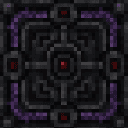
Wither Mist Bomb


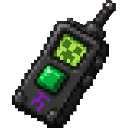
Wither Mist Detonator


Abilities And Mechanics
- Placed bombs are remembered even after leaving and returning to the world, so you can set traps ahead of time.
- Only the player who placed a bomb can detonate it with their own detonator.
- Multiple bombs owned by the same player within detonator range all trigger together in one use.
- The mist cloud repeatedly checks for players inside its radius for the full duration, continuously reapplying the Wither effect and updating the remaining-time display.
Progression And Strategy
- Use Wither Mist Bombs as safe area-denial traps in PvP maps, obstacle courses, or minigames since they never damage the environment.
- Place several bombs around a chokepoint or arena, then trigger them all at once from a safe distance using the detonator.
- Because the detonator only affects your own bombs, multiple players can lay traps in the same area without interfering with each other's setups.
- Watch your positioning after detonating — the 100-block radius is large, so make sure you're clear of the blast zone before triggering.
How to install
Download the mod and follow the step-by-step installation guide.
Players also liked
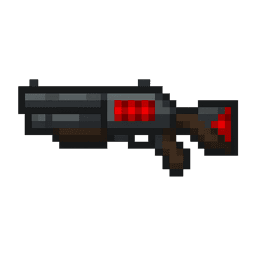
Redstone Scattergun


The Redstone Scattergun is a crimson-etched shotgun that summons fearsome wardens instead of firing projectiles. Right-click to unleash a cone of three wardens charging forward, or hold right-click to rapidly summon a warden every second for up to two seconds. Each summoned warde…
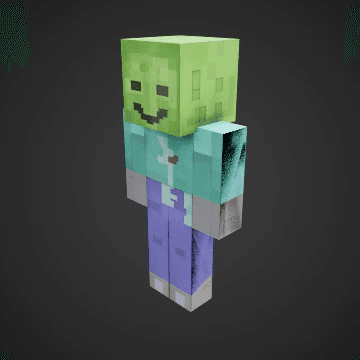
Smiling Night Zombie


The Smiling Night Zombie is a disturbing variant of the common undead. Unlike typical zombies with their vacant stares and groaning expressions, this creature bears an unsettling, permanent grin stretched across its decaying face. Its arms hang naturally at its sides rather than…
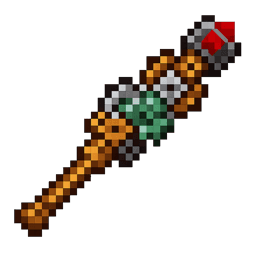
Personal Security Automator


Personal Security Automator: Place a Redstone Block. Stand on the Redstone block and use the wand on it. The Redstone block is now your personal sensor activating when you are within 6 blocks of it. When you are not in it's area of influence it becomes an obsidian block. Great f…
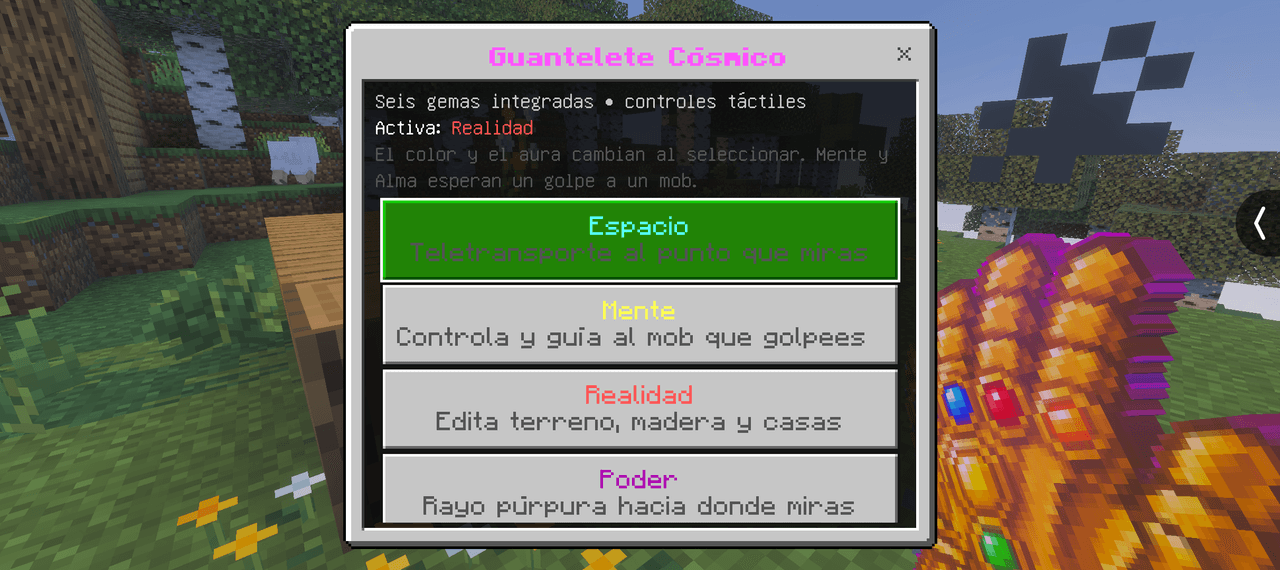
Guantelete del infinito


Utiliza las gemas del infinito y elimina a la mitad de la población(está en desarrollo y se seguirá actualizando)
Villages Alive Knights Tower
VILLAGES ALIVE - A mod series that brings you helpful villagers to make your build easier. Finally The Knight of Ni, The Knight of Shrubbery, and the Knight of Fleshwound (and their clones) are here to protect your village! Now the good stuff... Five seconds after construction a…
This mod is licensed under the CreativeMode Mods License.