
Description
🛒 Vending Machine 2.0 – Your World, Your Marketplace! Turn your Minecraft world into a trading empire! 🤑 Craft custom vending machines, set your own prices, and offer up to six rewards in exchange for items. From survival essentials to valuable treasures, every machine is an opportunity to make a deal! 🔑 Configure your trades. Collect your payments. Build your empire. Perfect for multiplayer servers, player shops, shopping malls, and custom adventure maps. Your marketplace awaits—what will you sell?
Mod Wiki
Vending machine 2.0
Quickstart
- Craft a placeable vending machine with and a Vendor Key with .
- Place the machine where there is room for a 2×2 footprint and two blocks of height. It faces the direction you are looking.
- With the Vendor Key anywhere in your inventory, interact with any part of the machine and choose Set input and outputs. Enter an input item ID and up to six rewards.
- To buy, move the Vendor Key out of your inventory, interact with the machine, choose a reward, and have at least one of the configured input items in your inventory.
Overview
The machine trades one item from a player’s inventory for one configured reward. Its owner uses a Vendor Key to manage the trade; other players use the machine to choose a reward.
What It Adds
- Vending machine: A placeable, two-block-high structure with a two-by-two footprint.
- Vendor Key: Lets its holder configure a machine and collect its stored input.
How To Use
Interact with the machine while carrying a Vendor Key to open its management menu. Choose Set input and outputs to enter the input item ID and reward entries. Each reward entry uses an item ID followed optionally by an amount, such as minecraft:bread 8. Leave unused reward fields blank.
Without a Vendor Key in your inventory, interacting with a configured machine opens the reward choices. Select one to trade one input item for that reward. The output is delivered to your inventory; if there is not enough room, the trade does not go through.
The machine records traded inputs as stored input. A key holder can select Collect input to move stored items into their inventory. Collection can be partial if inventory space is limited. Collect the stored input before changing the machine’s input item.
Crafting And Obtaining
Craft both items at a crafting table:
- Placeable vending machine:
- Vendor Key:
Abilities And Mechanics
- Each machine accepts one input item per trade and can offer up to six distinct reward items.
- A reward amount is optional; if omitted, it defaults to one. Amounts can be set from 1 to 2,304.
- Configured rewards are issued directly to the buyer; the machine does not need to be stocked with them.
- The Vendor Key is not consumed. Anyone carrying one in their inventory gets the management menu rather than the buyer menu.
How to install
Download the mod and follow the step-by-step installation guide.
Players also liked
Netherite Smelt Drill


Mine nine blocks at once and smelt ores instantly with a powerful Netherite drill.
HERRSCHER'S ARMORY


Craft Mythic Cards to upgrade your rifle, unleash ten-heart shots, and unlock powerful effects.
CuiCui SMP Maker - Final Released


Bedrock multiplayer toolkit that gives your server a whole suite of features through an in-game journal. Players can claim and protect land, set homes, travel between destinations, manage friends, use private storage and a claim bank, trade in shops and a player market, and earn…
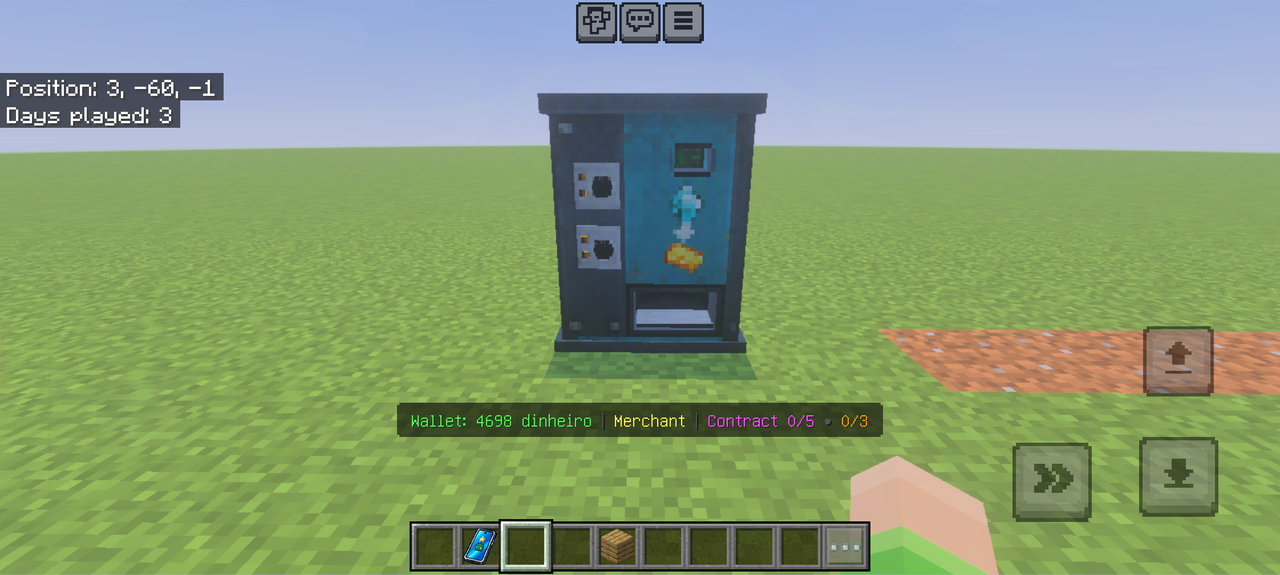
Vending machine

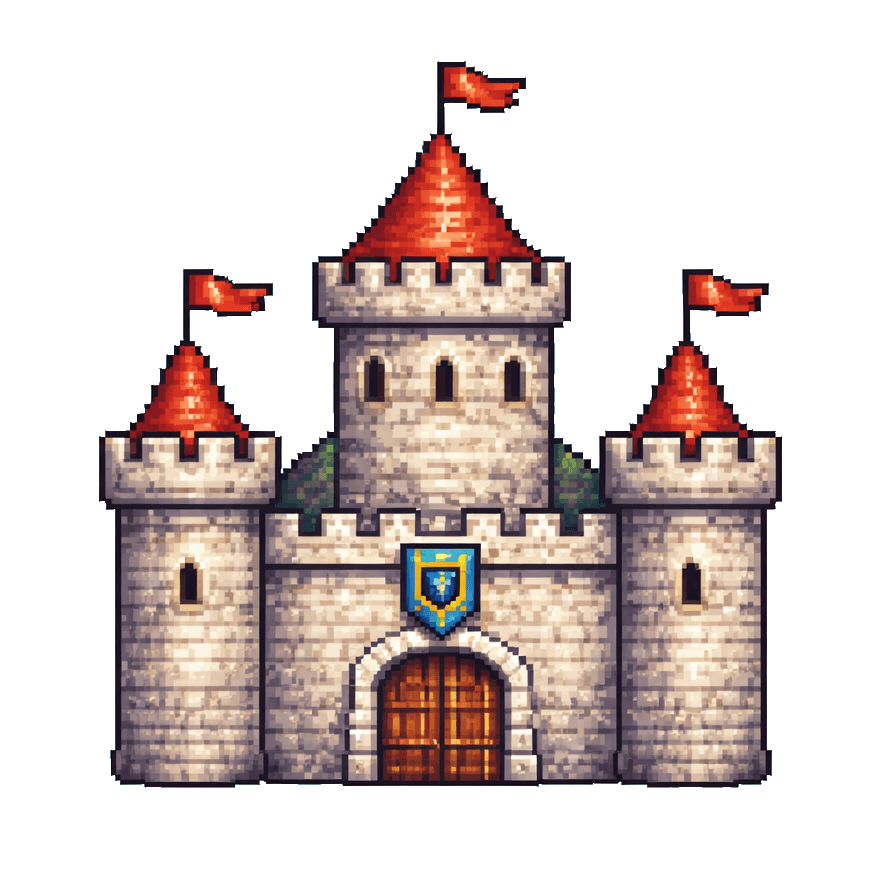
Turn your spare goods into treasures with a vending machine you stock yourself.
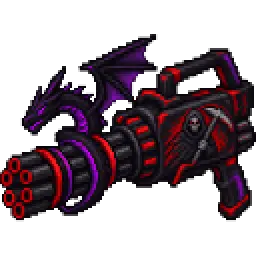
Dragon Reaper Minigun

Wield a dragon-wreathed minigun with poison rounds, summoned allies, and devastating shots.
This mod is licensed under the CreativeMode Mods License.