

Description
Mine rubies, craft three handle types, and forge a full set of ruby tools.
Mod Wiki
Project Abundancy: Ruby
Quickstart
- Find Rough Ruby Ore underground and mine it with a pickaxe (an iron pickaxe or better is required).
- Build the processing chain: Stone Dissolution Table → Stone Polisher → Ruby Cutting Station, then a Handle Crafting Bench.
- Feed your ore through each station in order to turn it into a usable Cut Ruby.
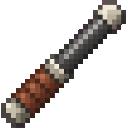
- Craft a handle (wood, stone, or iron) at the Handle Crafting Bench.
- Combine Cut Rubies with a handle to craft swords, pickaxes, axes, shovels, and hoes.
- Craft a full set of ruby armor for protection.
Overview
Project Abundancy: Ruby adds a brand-new gem and a full processing chain around it. Rather than simply smelting ore, you refine Rough Ruby Ore through several dedicated crafting stations to produce gem-quality rubies, then combine them with one of three handle materials to forge a complete set of tools and weapons, plus a matching armor set.
What It Adds
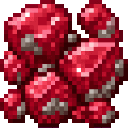
- Rough Ruby Ore — an ore block found underground, mined with a pickaxe.
- Processing items — Rough Ruby Pieces, Stone Dust, Gem-Quality Ruby, Silicon Dioxide Dust, and Cut Ruby, produced as you refine ore.
- Handles — Carved Wood Handle, Carved Stone Handle, and Cast Iron Handle, used to assemble tools and weapons.
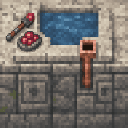
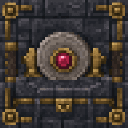
- Processing stations — Stone Dissolution Table, Stone Polisher, Ruby Cutting Station, and Handle Crafting Bench.
- Tools and weapons — swords, pickaxes, axes, shovels, and hoes, each craftable with a wood, stone, or iron handle.
- Armor — Ruby Helmet, Chestplate, Leggings, and Boots.
How To Use
Mining and Refining
Rough Ruby Ore requires a pickaxe to break and drops the Rough Ruby Ore item. To turn it into a usable gem, right-click (use) the ore item on each processing station in sequence:
- Stone Dissolution Table – use Rough Ruby Ore on it to receive Stone Dust and Rough Ruby Pieces.
- Stone Polisher – use Rough Ruby Pieces on it to receive Silicon Dioxide Dust and a Gem-Quality Ruby.
- Ruby Cutting Station – use a Gem-Quality Ruby on it to receive more Silicon Dioxide Dust and a finished Cut Ruby.
Each station simply consumes the correct input item when you use it while holding that item — no crafting grid is needed for these steps.
The Handle Crafting Bench
This bench works differently from ordinary crafting. It has three modes: Wood, Stone, and Iron.
- Sneak-use the bench with an empty hand to cycle between modes. A message will confirm which mode is active.
- Once in the desired mode, use the matching material on the bench:
- Wood mode – use any log to get a Carved Wood Handle.
- Stone mode – use cobblestone or stone to get a Carved Stone Handle.
- Iron mode – use an iron ingot while holding fuel in your offhand (coal, charcoal, a blaze rod, logs, or a stick) to get a Cast Iron Handle. Fuel is consumed alongside the ingot.
Assembling Tools
With Cut Rubies and a handle in hand, craft any tool or weapon in a standard crafting grid using the recipes below.
Crafting And Obtaining
Stations







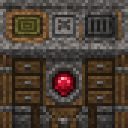
Tools and Weapons — Wood Handle
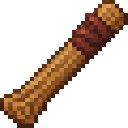
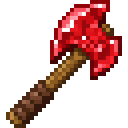




Tools and Weapons — Stone Handle
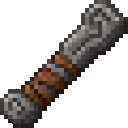
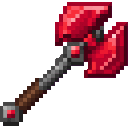




Tools and Weapons — Iron Handle


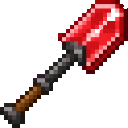

Note: only one Iron-Handled hoe recipe is listed among the shortcodes above; check for its exact pattern.
Abilities And Mechanics
- Tool tiers by handle: The same Cut Ruby heads are used across all handle types, but the handle material changes the tool's effective tier and durability. Wood handles produce the weakest ruby tools, stone handles are a step up, and iron handles produce the strongest and longest-lasting ruby tools — all of which outperform vanilla iron equipment.
- Mining requirement: Rough Ruby Ore itself requires an iron-tier pickaxe or better to mine, so make sure you have proper tools before searching for it.
- Processing stations are single-use exchanges: each station takes one specific item and instantly returns a product plus a byproduct — there's no waiting, smelting, or fuel required except at the Handle Crafting Bench's iron mode.
- Byproducts matter: Stone Dust and Silicon Dioxide Dust are generated throughout refining; keep an eye out for possible uses as you experiment.
Progression And Strategy
- Start by mining a modest stockpile of Rough Ruby Ore.
- Build all four processing stations early — they're inexpensive and reusable.
- Refine your ore fully into Cut Rubies before committing to a handle tier, since higher tiers (especially iron) require extra materials and fuel.
- Equip a full set of ruby armor for survivability while you continue expanding your ruby toolkit.
- Ruby tools and weapons outclass iron equivalents, making them a strong mid-to-late game upgrade path once you've automated the refining chain.
How to install
This Java mod can be used on Windows and Mac PCs with the CreativeMode Launcher or any Minecraft launcher of your choice.

1. Download and install the new CreativeMode Launcher

2. Click to play on the top of the screen.

3. That's it — launches instantly. No complicated setup required.
Want to use on a different launcher? Download mod and manually install.
Players also liked
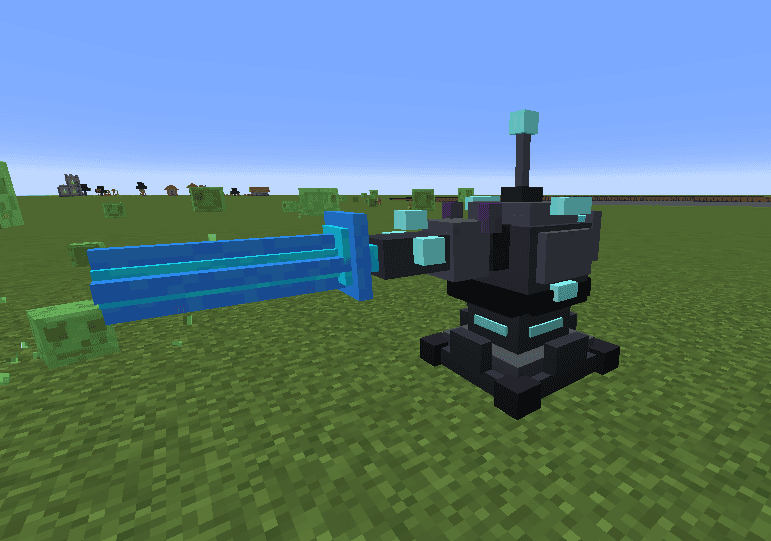
Azure Oblivion Turret


The Turret Block is a powerful automated defense structure that scans for hostile mobs within a 150-block radius and obliterates them with a devastating blue laser beam. When a target is detected, the turret charges for 3 seconds with a spiraling blue particle effect and an escal…



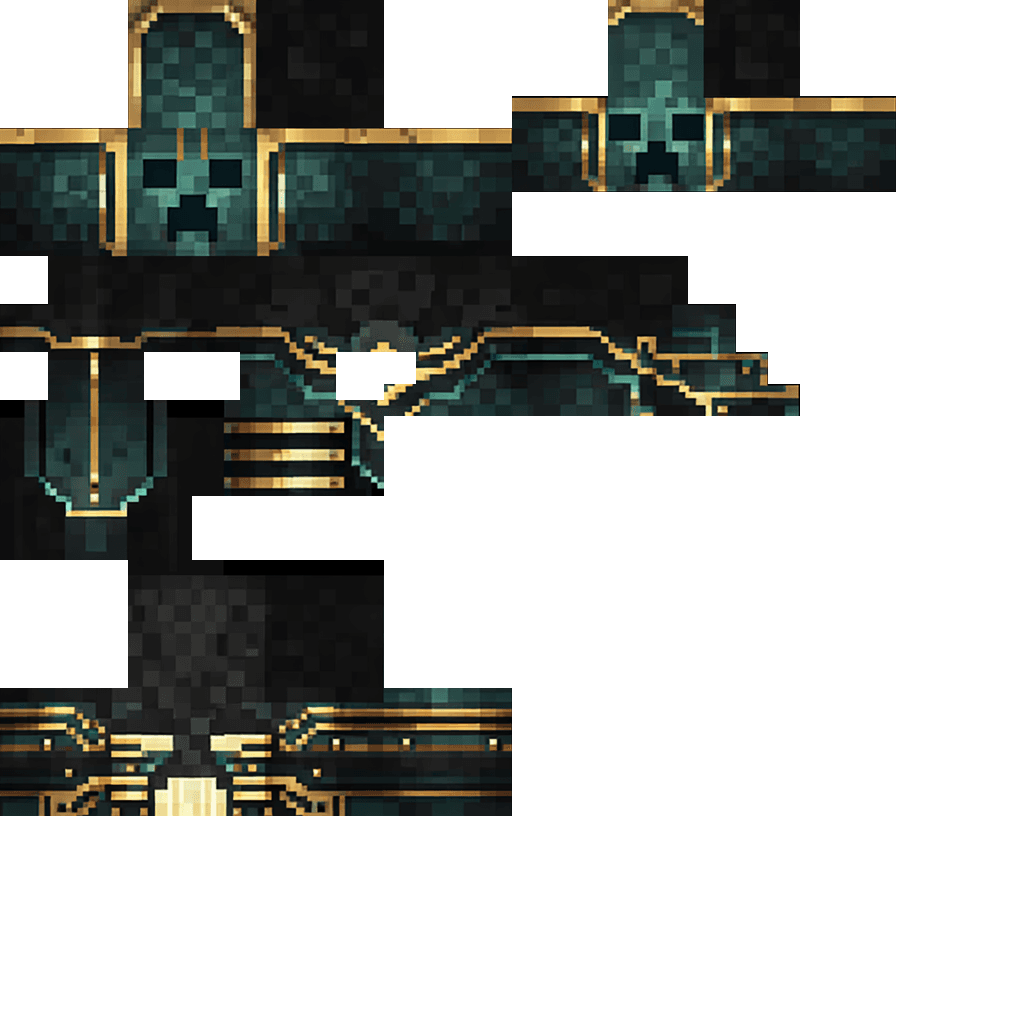
Deco Creeper Wither

Adds the Deco Creeper Wither — a fearsome hybrid of creeper and wither you summon by building a wither-shaped formation of four soul sand or soul soil blocks topped with three creeper heads (the structure is consumed). It begins combat after a short invulnerability startup and us…





This mod is licensed under the CreativeMode Mods License.