

Description
Place rainbow checkpoints and teleport back anytime.
Mod Wiki
Rainbow Waypoint
Quickstart
- Craft a Rainbow Waypoint at a crafting table:



- Place it where you want a checkpoint.
- Use the placed Rainbow Waypoint to teleport back to it.
- While sneaking, use the waypoint to give it a custom name instead of teleporting.
In Creative mode, you can also find it in the Equipment category. To obtain one with a command, use:
/give @s com_rainbow_waypoint_ofx4pp6t:my_block 1
Overview
Rainbow Waypoints are placeable teleport checkpoints. Each waypoint remembers its dimension and position, allowing you to return to it by interacting with the block.
Newly placed waypoints are named Rainbow Waypoint. Waypoint names are saved with their locations and can be customized in-game.
How To Use
Place a waypoint
Hold a Rainbow Waypoint and place it like a block. The waypoint records its location as soon as it is placed.
In non-Creative gameplay, placing a waypoint gives you another Rainbow Waypoint item, so you can keep the item available for reuse.
Teleport to a waypoint
Interact with a placed Rainbow Waypoint without sneaking. You are teleported to the center of the waypoint, one block above it.
Teleportation can take you to a waypoint in another dimension. A message confirms the name of the destination after a successful teleport.
Rename a waypoint
Sneak while interacting with a placed waypoint. A naming form opens instead of teleporting you.
Enter a name and confirm it to rename the waypoint. Names can be up to 64 characters long. Empty names are not accepted.
Remove a waypoint
Break the placed waypoint normally. It drops a Rainbow Waypoint item, and its saved checkpoint location is removed.
Crafting And Obtaining
Craft Rainbow Waypoints at a crafting table using the full-color dye pattern and a banner:
You can also obtain one from the Creative inventory under Equipment or use its command ID:
/give @s com_rainbow_waypoint_ofx4pp6t:my_block 1
Abilities And Mechanics
- Persistent location: Each placed waypoint stores its dimension and coordinates.
- Custom names: Waypoints start with the name Rainbow Waypoint and can be renamed while sneaking.
- Direct teleportation: Interacting with a waypoint teleports you to that specific waypoint.
- Bright marker: A placed Rainbow Waypoint emits maximum block light, making it easy to spot in dark areas.
- Quick to relocate: The block breaks quickly and drops an item when removed.
- Independent checkpoints: Each placed block has its own saved name and location.
Progression And Strategy
- Place waypoints at your base, mine entrances, villages, Nether portals, or other important destinations.
- Rename them immediately so you can recognize each destination.
- Use bright waypoint blocks to mark routes through caves and dangerous areas.
- Keep a waypoint item available when exploring so you can establish a return point wherever you travel.
- Sneak before interacting whenever you want to rename a waypoint rather than teleporting.
How to install
Download the mod and follow the step-by-step installation guide.
Players also liked
Webwalker Ascension


Survive the Webbed Wilds, awaken spider powers, and master a skill tree to become the ultimate webwalker.
Inferno Circleblade


Wield a flaming sword and unleash devastating circles of fire upon your enemies.
Wildwood Maze Maker

Choose a size and type a theme to generate builds like mazes, castles, ships, and villages.
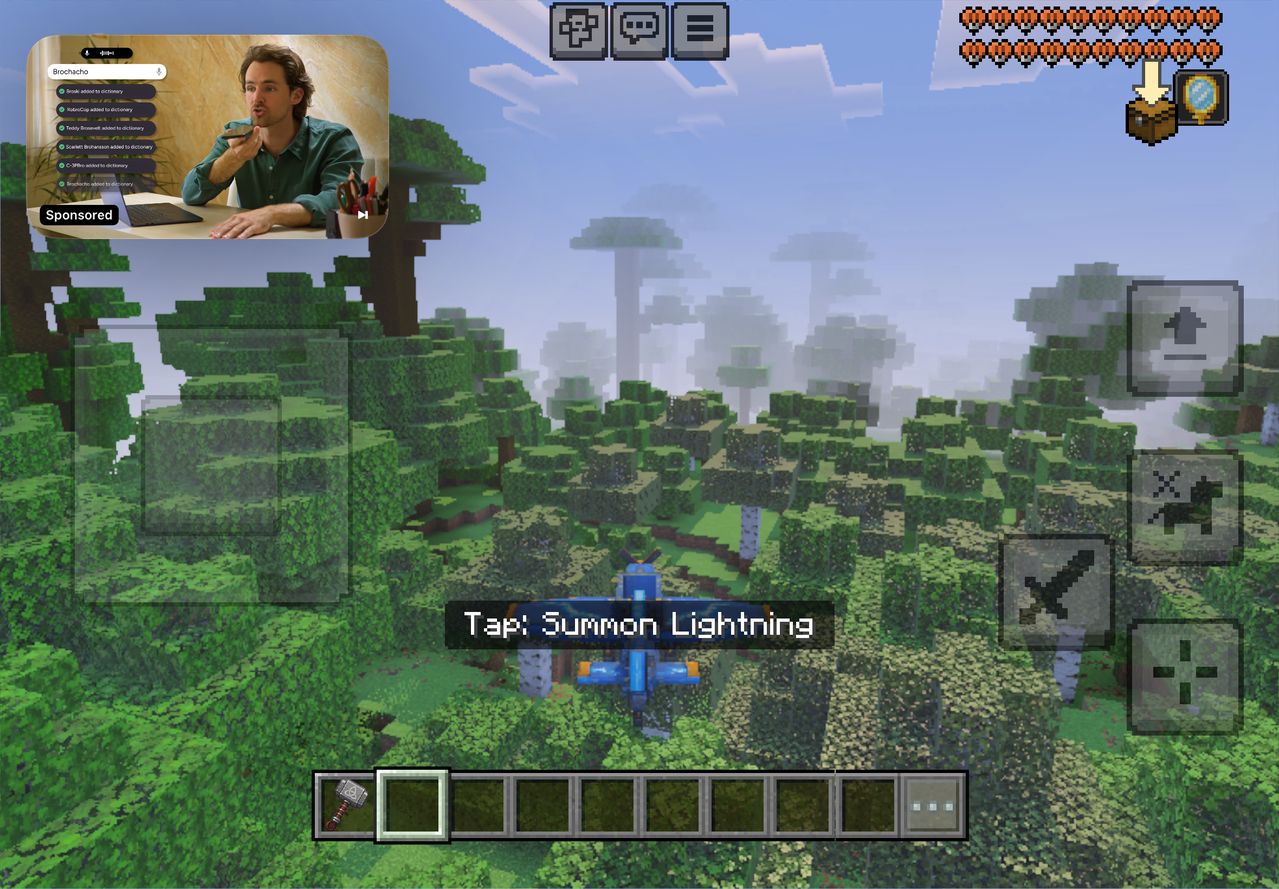
Thunderwing Sky Rider

Race through the skies aboard a lightning-summoning plane built for speed.
Propeller Gunship

Take to the skies in a gunship, fire bullets, and drop devastating bombs.
This mod is licensed under the CreativeMode Mods License.