

Description
Spawn and pilot a helicopter, steering with your gaze and controlling your speed.
Mod Wiki
Oakwing Glider
Quickstart
- Craft a Helicopter using . The recipe unlocks when you enter a world.
- In a clear area, use the item in the air to spawn the craft about four blocks in front of you. Or use it on a block to spawn it just beyond the face you clicked.
- Right-click the Helicopter to climb aboard. Look where you want to fly; press W to build speed and S to slow down.
- Press your Sprint key to exit (the riding HUD labels this CTRL). The Helicopter stays where you leave it.
Overview
Oakwing Glider gives you a pilotable Helicopter. Your view controls its direction, while the riding HUD shows speed, heading, and altitude. The craft keeps moving while piloted, so it cannot hover in place.
What It Adds
- Helicopter item: A single-use-in-Survival spawner for the craft.
- Pilotable Helicopter: A one-passenger vehicle steered by looking.
- Flight HUD: Displays speed, heading, altitude, and basic controls while riding.
How To Use
Use the Helicopter item in the air to spawn the craft ahead of you, or use it on a block to place it beyond the clicked face. Leave room around the spawn point.
Right-click the craft to mount it. While riding:
| Input | Effect |
|---|---|
| Look around | Steer, including up or down |
| W | Increase cruise speed |
| S | Reduce cruise speed |
| Sprint (shown as CTRL) | Exit the craft |
Speed changes persist when you release W or S. S slows the craft but does not bring it to a complete stop. Dismounting leaves it parked and available to mount again.
Crafting And Obtaining
The Helicopter recipe uses three oak planks and three iron ingots in a crafting table:
In Survival, spawning a craft consumes the Helicopter item. In Creative, it is not consumed. If the Helicopter is destroyed by damage, it drops a Helicopter item.
Abilities And Mechanics
- The craft follows your look direction, so looking up or down changes its flight path.
- Its forward speed can be adjusted within a limited range; it always retains some forward movement while piloted.
- The HUD reports SPD (speed), HDG (heading), and ALT (altitude).
Progression And Strategy
There is no separate progression system. Start in an open area, build speed with W, and steer with small adjustments to your view. Reduce speed with S before approaching a landing spot, then use Sprint to leave the craft parked.
How to install
This Java mod can be used on Windows and Mac PCs with the CreativeMode Launcher or any Minecraft launcher of your choice.

1. Download and install the new CreativeMode Launcher

2. Click to play on the top of the screen.
3. That's it — launches instantly. No complicated setup required.
Want to use on a different launcher? Download mod and manually install.
Players also liked

Infinity Stone Gauntlet


The Infinity Stone Gauntlet lets you channel seven stones — Space (teleportation and anchors), Soul (soul‑harvesting and Soulworld banishment), Reality (large‑area edits plus a Projectile Bubble Field that converts hostile projectiles into harmless bubbles), Power (destructive mo…


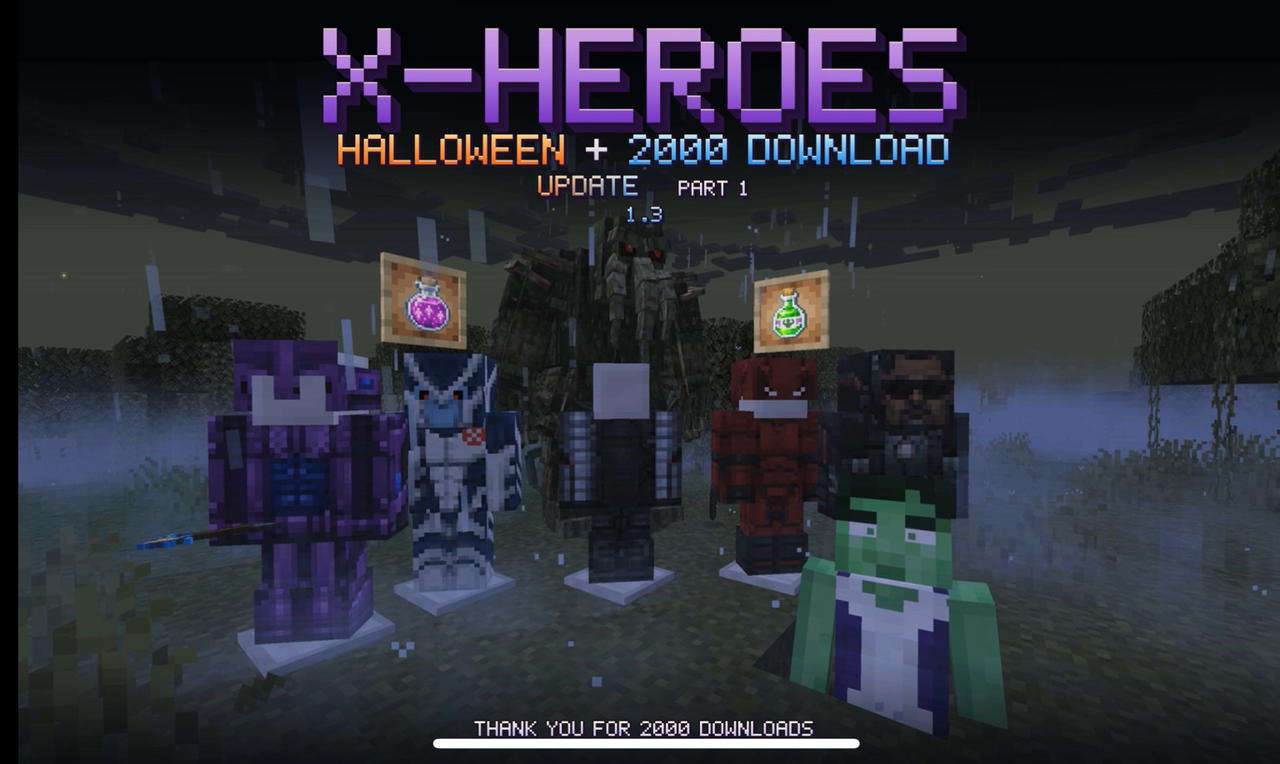
X Heroes Halloween + 2000 Downloads Update — Part I 1.3


# X-Heroes — Become the Hero! **Your world. Your powers. Your story.** Welcome to X-Heroes, a massive superhero mod for Minecraft Java Edition 1.20.1! Become your favorite comic-book characters, craft powerful suits, unlock mutations, discover advanced technology, explore new…

Black Armor Tech

High-tech black armor with lasers, night vision, steady aim, and menus in your language
This mod is licensed under the CreativeMode Mods License.