


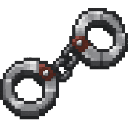
Description
Cuff players and mobs, then take them wherever you go.
Mod Wiki
Ironbound Cuffs
Quickstart
- Craft one pair of Ironbound Cuffs at a crafting table using iron ingots and a chain.
- Hold the cuffs in your main hand.
- Hit a player or mob to cuff them.
- Move around while keeping the cuffs equipped. The cuffed target is held behind you and follows your movement.
- Hit the same target again with the cuffs equipped to release them.
You can also obtain the item in Creative mode from the Equipment category. For commands, use:
/give @s com_ironbound_cuffs_z7nly2np:my_sword 1
Overview
Ironbound Cuffs let you restrain players and mobs and bring them along as you travel. A cuffed target is slowed and repeatedly moved to a position just behind the player holding the cuffs.
The cuffs are single-stack items and must remain in the holder’s main hand to actively guide a target.
What It Adds
- Ironbound Cuffs — a player- and mob-restraint item.
- Toggleable cuffing: hit an uncuffed target to restrain it, then hit the same target again to release it.
- Forced following while the cuffs are equipped.
- Tool removal from restrained targets’ hands.
How To Use
Cuffing a Target
Hold the cuffs in your main hand and hit a player or mob. The target becomes cuffed immediately.
While cuffed:
- The target is heavily slowed.
- The target is positioned approximately 1.35 blocks behind the cuff holder, based on the direction the holder is looking.
- The target follows the holder while both are in the same dimension.
- Any tool or weapon in the target’s main hand or off-hand is removed.
Tools and weapons include swords, pickaxes, shovels, axes, hoes, tridents, and items recognized by Minecraft as tools or weapons.
Releasing a Target
With the cuffs still in your main hand, hit the cuffed target again. This toggles the cuffs off and clears the slowing effect.
Holding or Removing the Cuffs
The target only follows the holder while the holder has the cuffs equipped in the main hand. If the cuffs are removed or moved to another slot, the target is no longer repositioned behind the holder, although the cuff remains active until the target is hit again with the cuffs equipped.
Crafting And Obtaining
Craft Ironbound Cuffs at a crafting table:
The recipe unlocks when you obtain an iron ingot or a chain. In Creative mode, look in the Equipment category.
Abilities And Mechanics
- Cuffs affect both players and mobs.
- You cannot cuff yourself.
- Each target can be toggled independently by hitting it with the cuffs.
- Restrained targets are kept from normal movement by a strong Slowness effect and repeated repositioning.
- A target’s held tools and weapons are removed while it is cuffed.
- If a restrained target becomes invalid, such as after it is removed from the world, the restraint ends automatically.
Progression And Strategy
Craft the cuffs early when you need to control a dangerous mob, escort a player, or move a target through an area. Keep them in your main hand while traveling so the target stays close behind you.
Before cuffing a player or mob, be aware that tools and weapons in both hand slots are removed while the restraint is active.
How to install
Download the mod and follow the step-by-step installation guide.
Players also liked

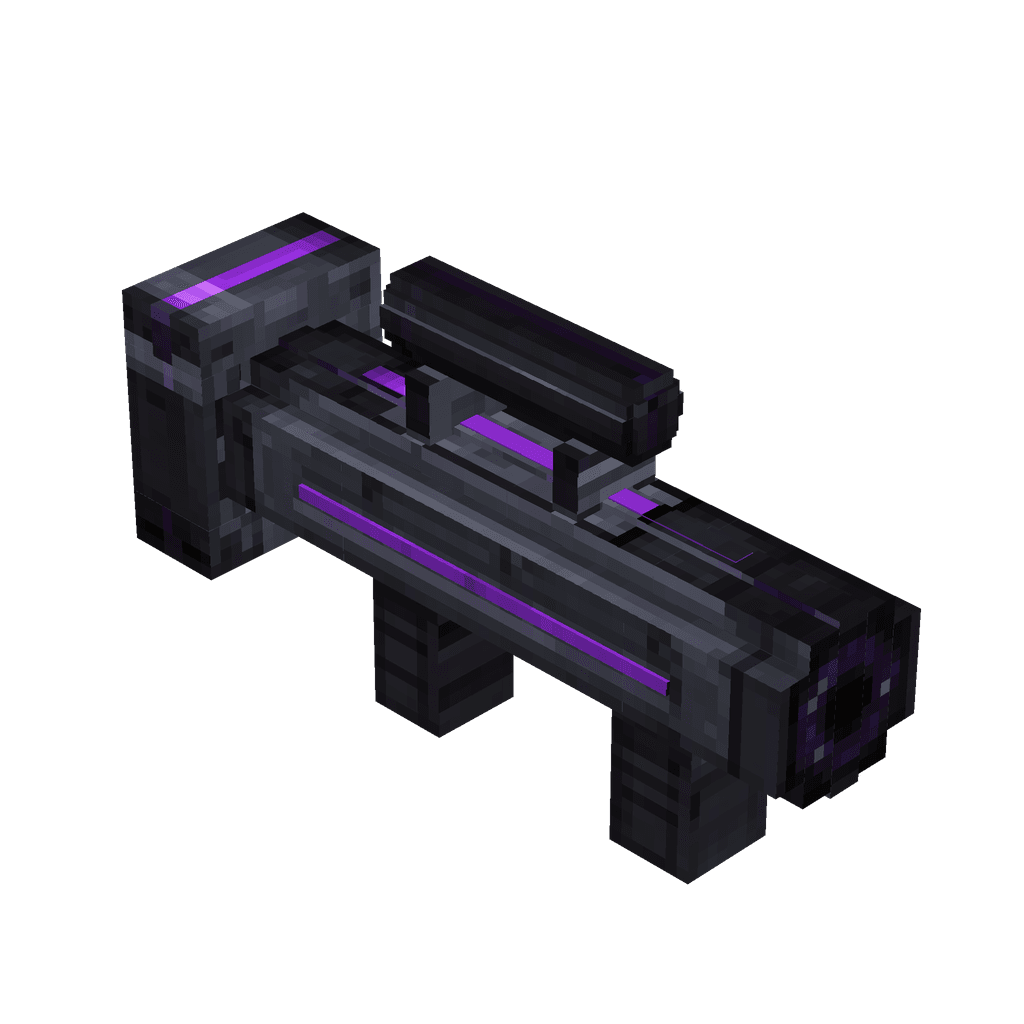
Voidburst Launcher


Blast your way through Minecraft with void-powered black holes that explode on impact.

Command Block Staff
 anon
Wield command power and unleash your favorite commands instantly from your hotbar.

This mod is licensed under the CreativeMode Mods License.