
Description
Build and explore a massive block-by-block replica of Earth. Make sure to place this as close to Y - 0 as possible or the top will clip at the world build height limit.
Mod Wiki
Earth 2
Quickstart
- Open the Creative inventory and search for Earth 2 Wand in the Equipment category.
- Choose a large, open area in a test world. The Earth replica is massive and is placed around the location where the wand projectile lands.
- Hold the wand and use it while aiming at the ground or another nearby surface.
- Wait while the structure builds block by block, then explore the completed replica.
- The wand has a short cooldown between uses, so wait briefly before firing again.
The wand does not require crafting materials in Creative mode.
Overview
Earth 2 lets you build and explore a massive, block-by-block replica of Earth. The main feature is the Earth 2 Wand, which launches a projectile that triggers construction when it hits a surface.
Because the replica covers a large area, place it somewhere with plenty of room and avoid using it over builds you want to keep.
What It Adds
- Earth 2 Wand — a Creative equipment item used to place the replica.
- Earth 2 Wand Projectile — the projectile launched by the wand.
- Custom Earth blocks — colored full blocks used to create the block-by-block replica.
- Large Earth structure — assembled from many sections around the projectile’s impact point.
How To Use
Placing Earth
Hold the Earth 2 Wand and use it while aiming at the location where you want the structure to be placed. The wand fires a projectile with a slight arc. When it hits, construction begins around the impact location.
The structure is loaded block by block, so the replica may take time to finish appearing. Keep the area loaded while it builds.
Exploring
After construction is complete, fly or walk around the replica to view its large-scale layout. Creative mode is recommended for exploring the full structure efficiently, especially when moving across its wide footprint and different heights.
Using the Wand Again
The wand has a short cooldown after each use. Once the cooldown ends, you can fire it at another location to create another replica. Each placement requires enough open space for the complete structure.
Crafting And Obtaining
There are no crafting recipes for the Earth 2 content.
In Creative mode, obtain the Earth 2 Wand from the Equipment category or search for it by name in the inventory. The wand is the intended way to trigger the structure placement.
Abilities And Mechanics
- The wand launches its projectile immediately when used; it does not need to be charged.
- The projectile travels toward the targeted area and can collide with a surface.
- A successful impact starts the Earth structure placement.
- The projectile causes no impact damage.
- Construction uses custom colored blocks with solid collision and selection boxes.
- The custom Earth blocks can be mined, although they take time to break.
- The structure is placed in many sections, so construction is not instantaneous.
- The wand has a brief two-second cooldown between uses.
Progression And Strategy
Earth 2 has no item-based progression or crafting chain. The experience is centered on choosing a location, placing the replica, and exploring or building around it.
For the best experience:
- Use a new or disposable Creative world when testing the wand.
- Select a broad, open area before firing.
- Stay nearby until block-by-block construction finishes.
- Use multiple placements at separate locations if you want to create several Earth displays.
- Use Creative flight to inspect the replica from above and navigate its full scale.
How to install
Download the mod and follow the step-by-step installation guide.
Players also liked
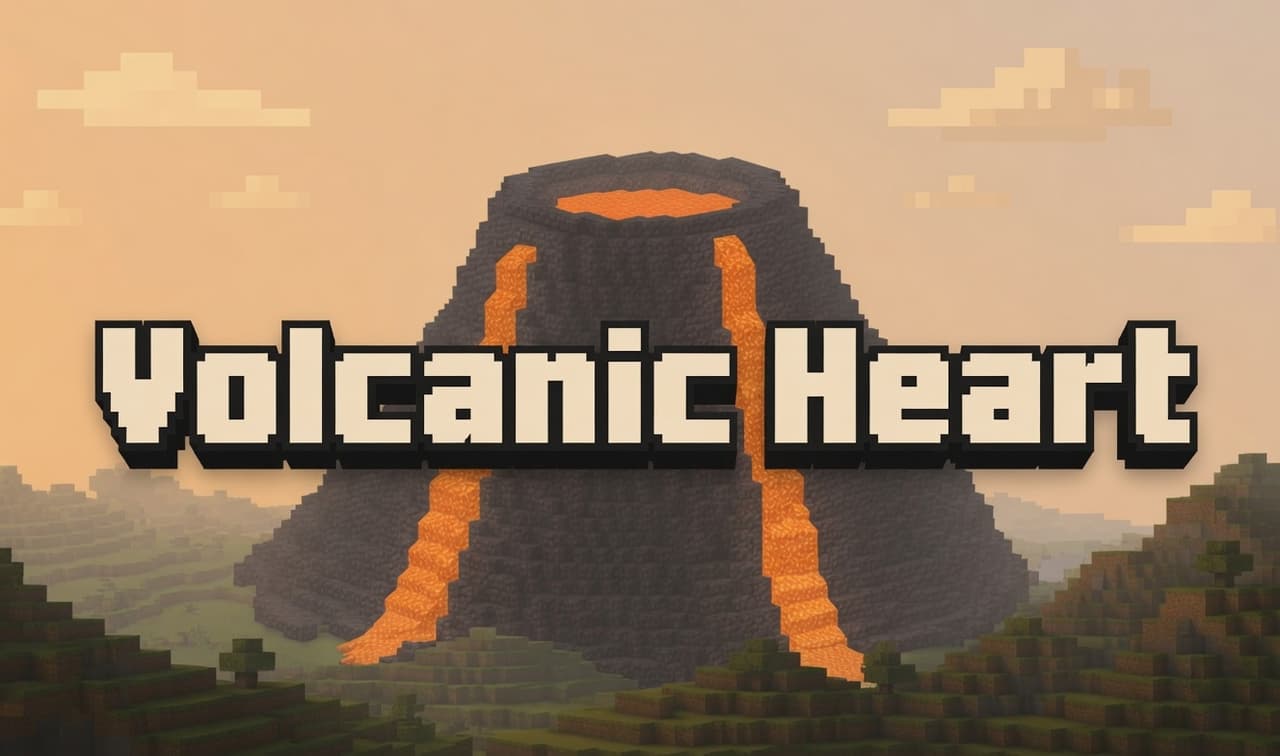
Volcanic Heart


Volcanic Heart is a volcano in a box! Place your own or discover one while roaming the world (still not sure about the natural generation as I have been unable to locate one, but who knows it might surprise you!". Place the block and wait 7 seconds for it to generate... or you co…
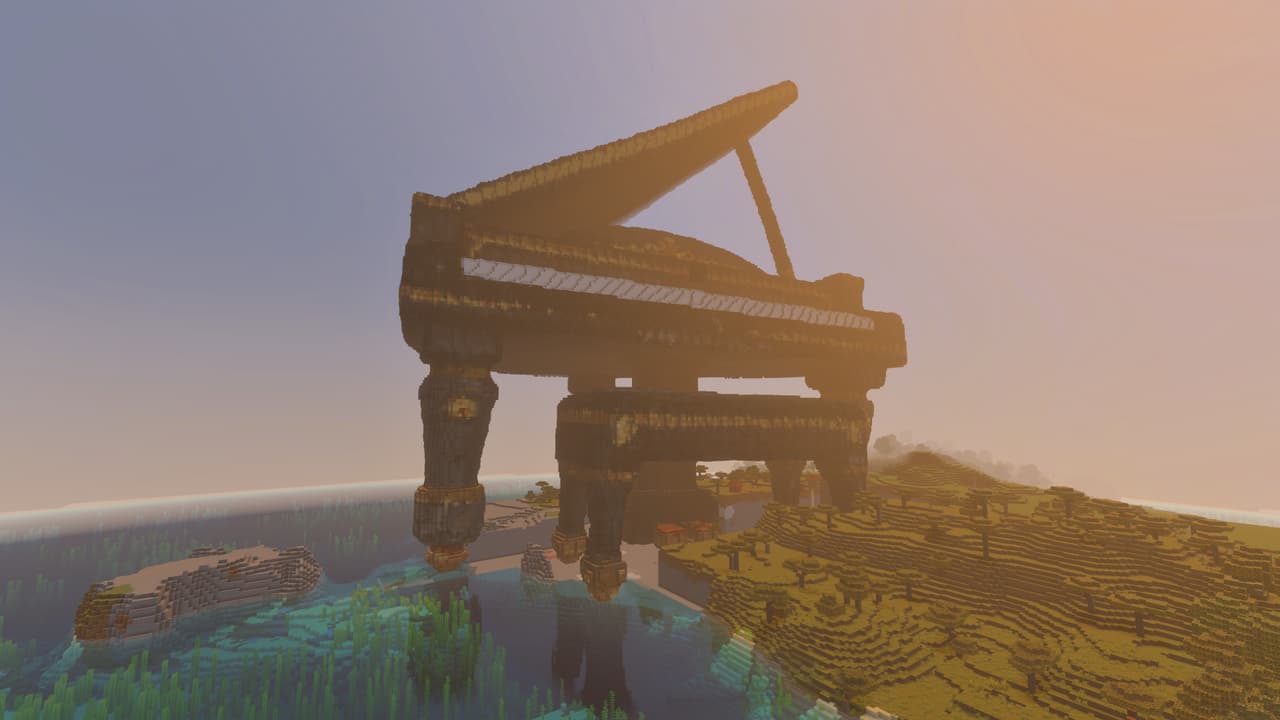
The Musical Number
Explore a colossal baby grand piano brought to life as a monumental Minecraft landmark that you can build in.
Tower Of Babel
Enormous ziggurat-style Tower of Babel modeled in sandstone and going from ground level to Y-300. Takes about 45 seconds to generate due to it's size.
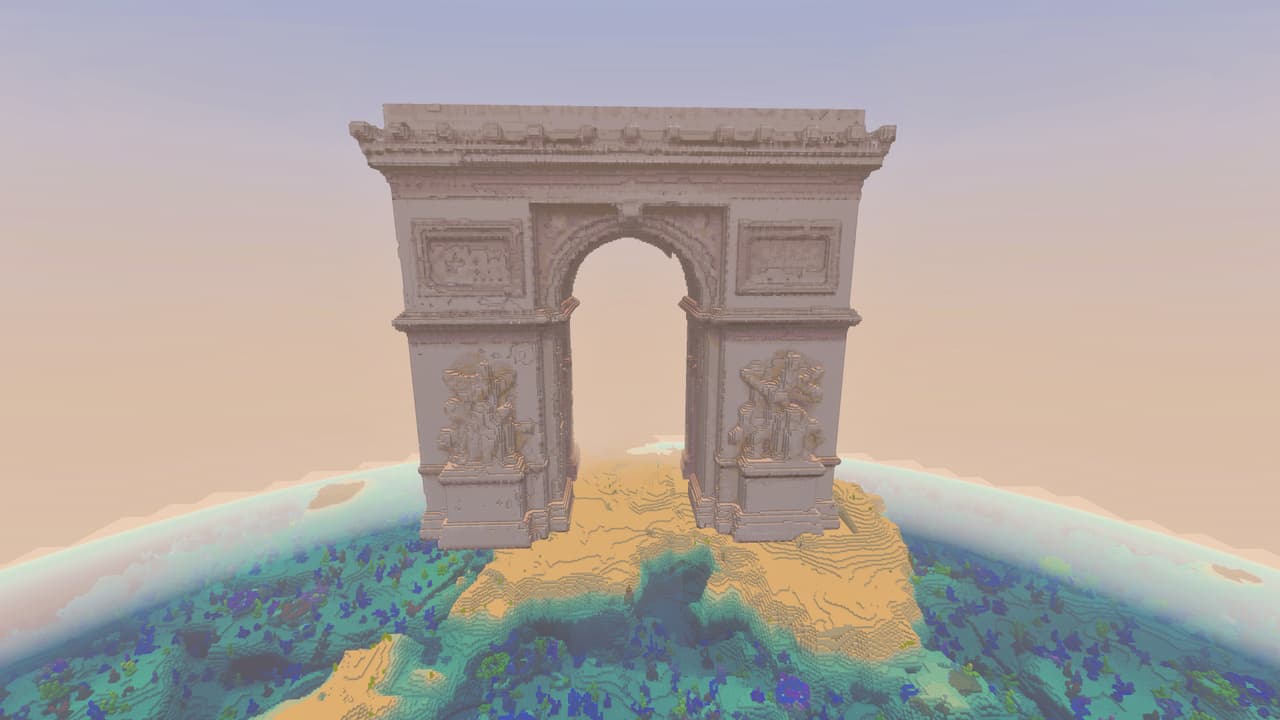
Arc De Triomphe
Bring Parisian grandeur to your world with a massive Arc de Triomphe replica.
The Pale
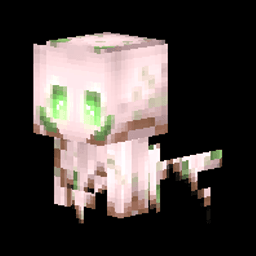
Okay so picture this: someone hot-glued a glow-in-the-dark garden gnome to a Roomba, dressed it in a pink-gray onesie, gave it the eyes of a possessed Build-A-Bear, and just... released it into the woods. That's The Pale. It's the creepy decorative owl your aunt puts on her porch…
This mod is licensed under the CreativeMode Mods License.